检测到浏览器语言为中文,点此切换到中文页面 →
Send Files to TV in 3 Simple Steps
1
Install the App
Download and open the 1001 TVs app on all devices.
2
Connect Devices
Make sure both devices are on the same Wi-Fi network. On the TV, open Files. On your phone, tap Send Files. Available devices will be detected automatically.
3
Send Files
Select the target device and send files for fast, direct transfer.
Simple. Secure. File Transfer.
No Limits on Formats
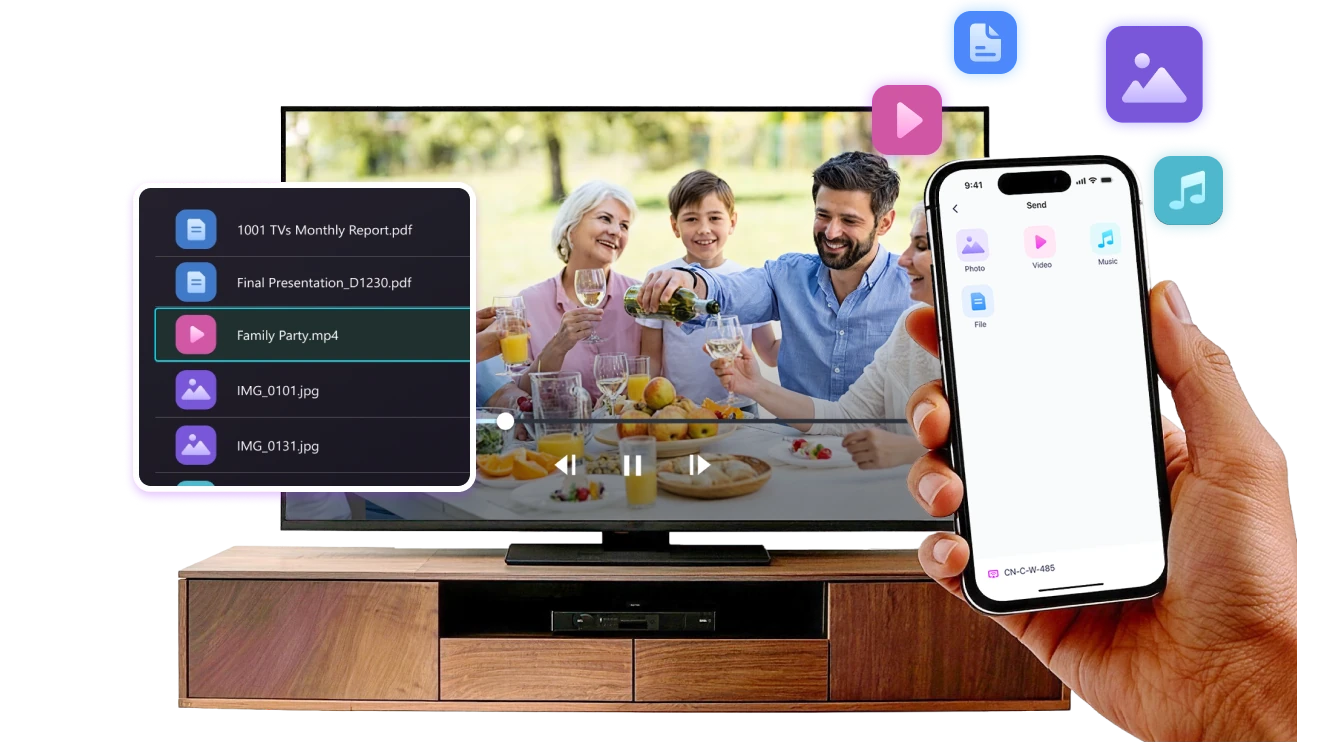
Send photos, videos, and audio files directly from your phone to your TV.
Supports common formats like JPG, PNG, MP4, MKV, AVI, and MP3 — no conversion required.

No USB cables needed. No extra steps.

Just select your files and send them to the TV with ease.
no-limits-on-formats
Local Transfer. No Data Usage.
All transfers happen over your local network — no cloud uploads and no data usage.

Once files are sent, they play directly on the TV.

Phone calls, screen locks, or switching apps won’t interrupt playback, so you can watch with confidence.
local-transfer-no-data-usage
Use Cases
Photo & Video Sharing
Presentations & Demos
Learning & Teaching
Show What You Captured — Bigger and Clearer
Photos and videos look better on a TV than on a small phone screen. A larger display makes details clearer and moments easier to enjoy together.

Send photos and videos directly from your phone to the TV for smooth playback and a more comfortable viewing experience. Share family moments, trips, or special occasions without passing phones around or dealing with cables.

With 1001 TVs, everyday photos and videos naturally become something everyone in the room can enjoy on the big screen.
photo-video-sharing
Present with Confidence — Clear and Distraction-Free
Presentations are easier to follow when everyone can see the content clearly.
A larger screen helps keep attention focused and makes key points stand out.

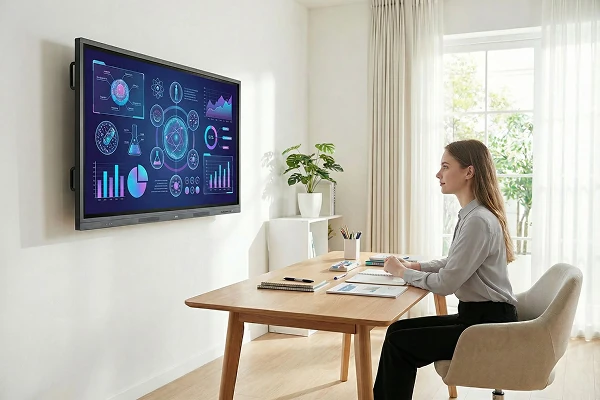
Share slides, visuals, or demos directly from your device to the TV for a smooth and uninterrupted presentation. No cables on the table, no crowding around a laptop.

With 1001 TVs, presenting on a big screen feels simple and professional in any space.
presentations-demos
Make Learning More Visual — and More Engaging
Learning becomes more effective when ideas are easy to see and follow. A bigger screen helps students stay focused and understand concepts more clearly.

Display lessons, exercises, or demonstrations on a TV to create a shared learning experience. Everyone can follow along at the same pace, without distractions.

With 1001 TVs, learning naturally becomes more interactive on the big screen.
learning-teaching
Download
FAQs
1001 TVs supports sending files from compatible iPhones and Android phones to TVs that can run the 1001 TVs app. Install the latest app version on both devices and connect them to the same local network.
You can send common photo, video, and audio files, including JPG, PNG, MP4, MKV, AVI, and MP3. Successful playback depends on whether the TV or its media player supports the file's container, video codec, and audio codec..
Yes. 1001 TVs transfers files directly over the local network and supports large photos and videos without a fixed transfer-size limit. Transfer time depends on file size, Wi-Fi speed, network traffic, device performance, and available TV storage.
Received files are available from the file-receiving area in the 1001 TVs app and are saved to storage accessible to the app. The exact folder and available file-management options depend on the TV platform and its storage permissions.
1001 TVs offers a limited-time free trial for Send Files to TV. After the trial, weekly, monthly, yearly, and lifetime plans are available; paid membership is only needed on the sending device, while the receiving TV does not need a separate subscription. Local prices are shown in the app, and recurring subscriptions can be managed or canceled through the store or account used for purchase.
No. Files are transferred directly over the local network without being uploaded to cloud storage, and 1001 TVs is designed to preserve the original file without media compression.
Please contact us at 1001tvs@nero.com.