检测到浏览器语言为中文,.点此切换到中文页面->
How to Send Files to TV from Your PC & Mac?
Easily send files from your PC or Mac to a smart TV using 1001 TVs — in 3 simple steps.
1
アプリをインストール
すべてのデバイスで1001 TVsアプリをダウンロードし、開きます。
2
接続
Connect your PC or Mac and TV to the same Wi-Fi network. Available devices will be detected automatically.
3
ファイルを送信
Select your TV and send files instantly for fast, local transfer.
Stable. Local. Large File Transfer.
LARGE FILES & ANY FORMAT
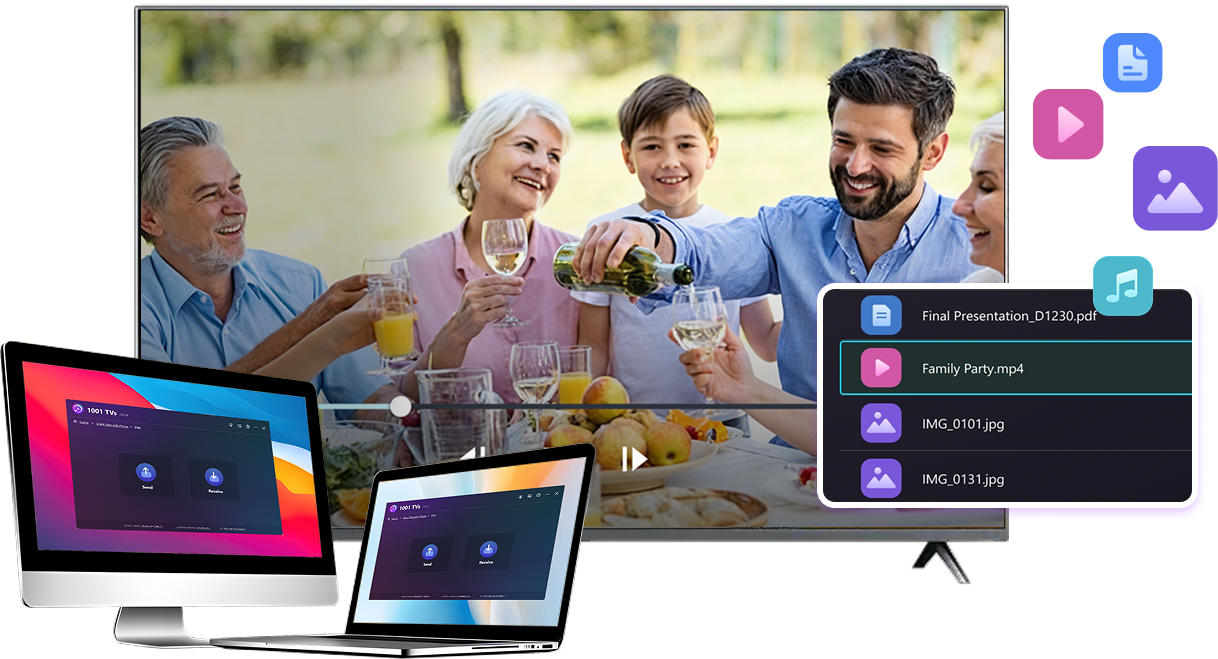
Transfer large files from your PC or Mac to your TV, including full-length videos and 4K movies.


Supports major file types such as MKV, MP4, AVI, and MP3, as well as documents and other desktop files.

No USB drives. No HDMI cables.
Select files on your computer and send them to the TV wirelessly.
large-files-any-format
LOCAL TRANSFER. RELIABLE PLAYBACK.
すべての転送はローカルネットワーク上で行われます。クラウドへのアップロードも、データ通信量の消費もありません。

Transfer files in the background while you keep working.

Designed for stable, long-running transfers —even with large files.
local-transfer-reliable-playback
利用シーン
Home Theater & Movies
Family Photos & Videos
プレゼンとデモ
Enjoy Your Movies — Bigger and Smoother
Movies stored on your PC or Mac look best on a TV. A larger screen brings out more detail and makes long movies far more comfortable to watch.

Stream large movie files, including full-length and 4K videos, directly from your computer to your TV for smooth, local playback—no USB drives, no HDMI cables, and no interruptions.

With 1001 TVs, your personal movie library turns into a true home-theater experience on the big screen.
home-theater-movies
Relive Family Memories on the Big TV Screen
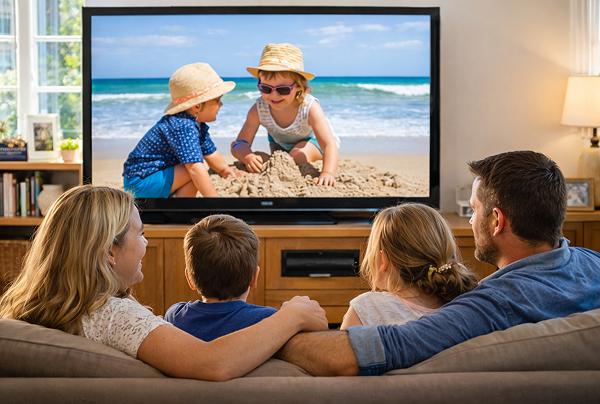
Your best photos and videos often live on your computer. Stop squinting at a laptop screen or risking your privacy with cloud uploads.

Send family photos and videos straight from your PC or Mac to the TV. No internet, no sign-ups, and no waiting — files go directly to your TV, locally.

With 1001 TVs, your memories stay safely on the local, while the joy of sharing them fills the room.
family-photos-videos
Present Like a Pro — Wireless and Reliable
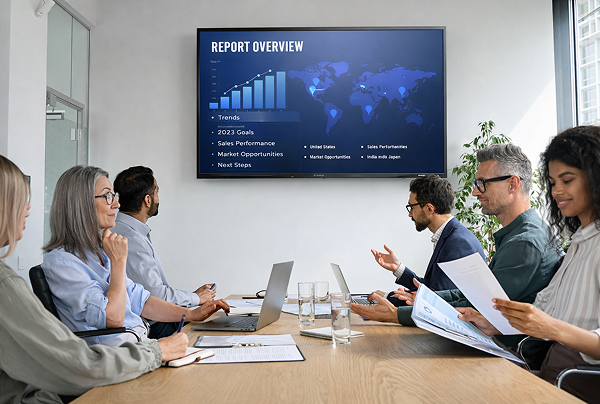
Your presentation lives on your PC. Showing it on a TV shouldn’t depend on cables, adapters, or last-minute fixes.

Send slides, demo videos, and other files from your computer to the TV wirelessly. The connection stays stable, so your presentation runs without interruptions.

No setup delays. No unexpected glitches.
You focus on your content — the TV simply shows it.
プレゼンテーション・デモ
ダウンロード
よくある質問
試してもいいですか?
1001 TVsは、スクリーンミラーリング、ファイル転送、アルバムなどのプレミアム機能をフルで無制限に利用できる期間限定の無料トライアルを提供しています。.
サービスを継続するには、トライアルが終了したら、サブスクリプションにアップグレードしてください。.
1001 TVsアプリのインストール方法を教えてください。
以下のアプリストアで「1001 TVs」と検索すると見つかります:
- Apple App Store(iPhone、iPad、Mac、Apple TV向け)
- マイクロソフトストア(Windows版)
- Google Play(アンドロイド携帯、タブレット、テレビ用)
サブスクリプションを解約するにはどうすればいいですか?
iOS でサブスクリプションを解約する
-  「設定」を開き → 画面上部に表示されている自分の名前をタップ → サブスクリプション → 選択 → 「サブスクリプションをキャンセル」
Google Play でサブスクリプションを解約する
- Google Play ストアを開く → 右上のプロフィールアイコンをタップ → 支払いと購読 → サブスクリプション → サブスクリプションを選択 → サブスクリプションをキャンセル → キャンセルを確認
連絡方法は?
1001tvs@nero.com までご連絡ください。.