检测到浏览器语言为中文,.点此切换到中文页面
Mirror Your Screen in Just 3 Steps
1
アプリをインストール
Download and open the 1001 TVs app on all devices.
2
デバイスを接続
Ensure all devices are on the same Wi-Fi network. Available mirroring targets will auto-populate.
3
ミラーリング開始
ミラーリング先のデバイスを選び、接続リクエストを承認すると、スムーズな HD ストリーミングを楽しめます。
簡単・信頼性抜群・強力なスクリーンミラーリング
cross-platform-compatibility
クロスプラットフォーム対応
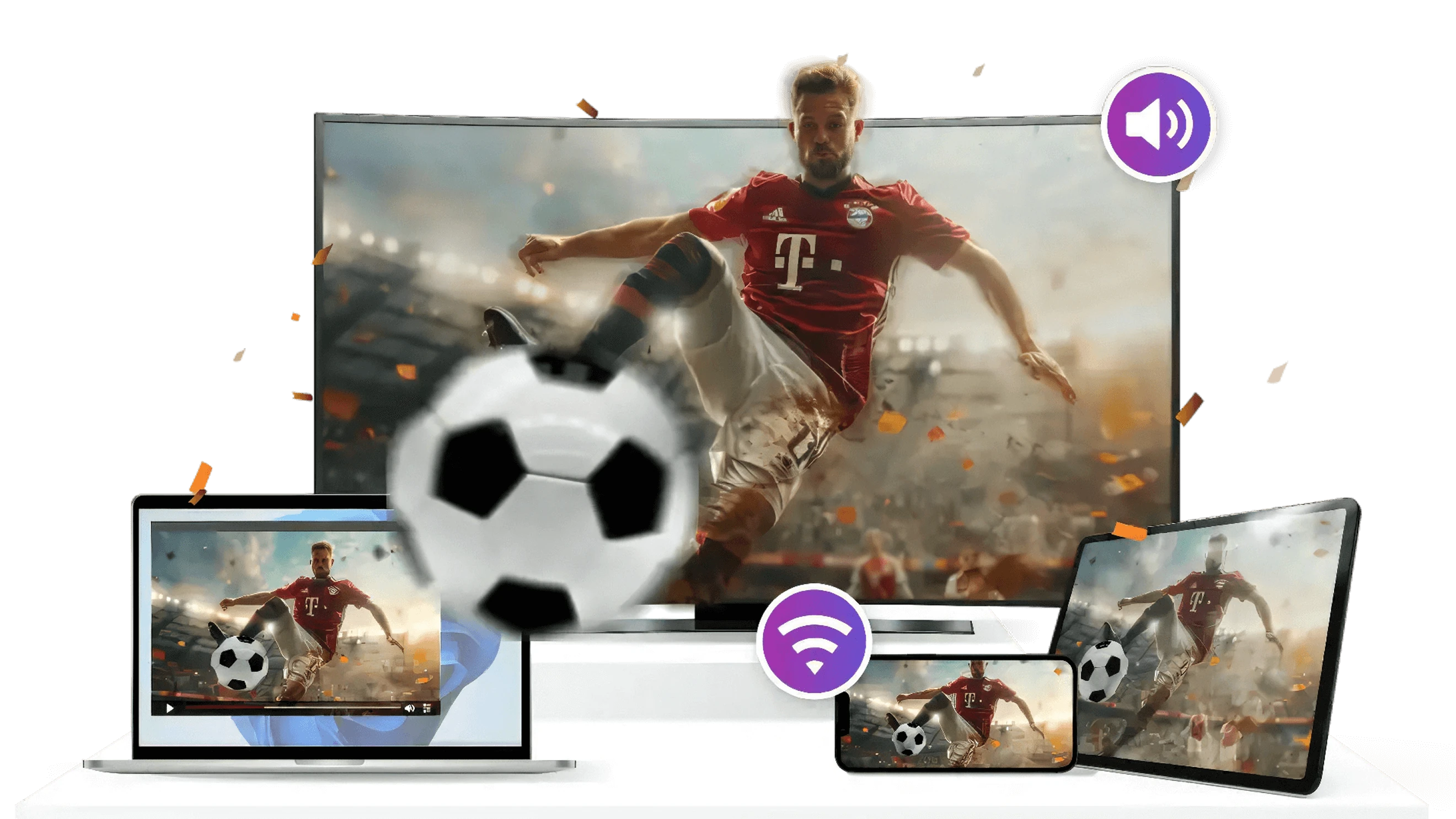
checked幅広いデバイス対応:Windows、macOS、iOS、Androidに対応
checkedSmart TV Ready: Works seamlessly with Apple TV, mainstream Android TVs, Amazon Fire TV, Roku, and smart TVs from brands like Xiaomi, Huawei, TCL, Sony, and more.
checkedプロジェクター対応:プロジェクターへの無線ストリーミングもサポートし、多様なデバイスでの画面共有を実現。
4K quality screen mirroring
4K Quality
checked安定した接続:低遅延で途切れないミラーリング、よりスムーズで信頼性の高い体験。
checked柔軟な表示モード:ネットワーク環境や解像度に応じてスムーズモードをオン/オフ切替できます。
audio-casting-support
オーディオキャスト対応
checkedオーディオ&ビデオ同期:画面と音声をシームレスにミラーリングして、完全な没入体験を実現。
checked クリアな音質:高品質な音声出力で、映像と音が見事に融合した没入体験をお楽しみください。
利用シーン
教育
仕事
エンターテインメント
ライブストリーミング
ゲーム
スクリーンミラーリングによるインタラクティブ学習
教師は、スマートボードやテレビ、その他の大型スクリーンにコンテンツをワイヤレスで投影でき、プレゼンテーション、問題解決ステップ、実験の説明が簡単に行えます。これにより生徒の集中力と参加意欲が高まり、インタラクションも向上します。

1001 TVsはマルチスクリーン投影にも対応しており、授業、学内イベント、クイズ大会など、さまざまなシーンで学びを楽しくインタラクティブにします。
education
もっとスマートに働き、より良くコラボレーションしよう
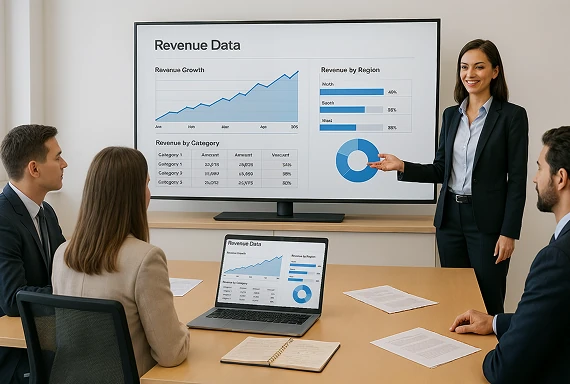
1001 TVsは、ワイヤレスファイル共有、プレゼンテーションキャスト、マルチスクリーンコラボレーションをサポートし、リモート会議、ブレインストーミング、現場プレゼンテーションの効率を向上させます。

クライアント訪問、即席ミーティング、短いケーブルや非対応ポートなどの問題にも柔軟に対応し、常にスムーズなコミュニケーションを実現します。
work
あなたの最高のエンターテインメントパートナー
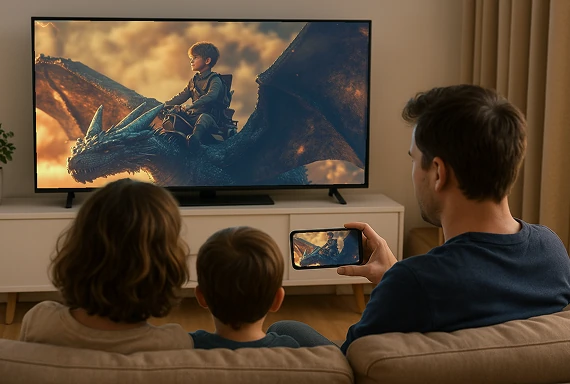
ローカル動画、映画ストリーミング、フィットネスクラス、写真アルバムの投影、ライブeスポーツ観戦まで、1001 TVsならコンテンツをワイヤレスでテレビやプロジェクターなどの大画面に映し出し、臨場感あふれる体験が楽しめます。

家族や友人と一緒に、映画鑑賞やフィットネス、NFL、FIFAワールドカップ、UEFA、オリンピック、スーパーボウル、NBAなどのスポーツ観戦も、1001 TVsでより楽しく、柔軟に、社交的に!
entertainment
簡単にライブ配信、リアルタイムで交流
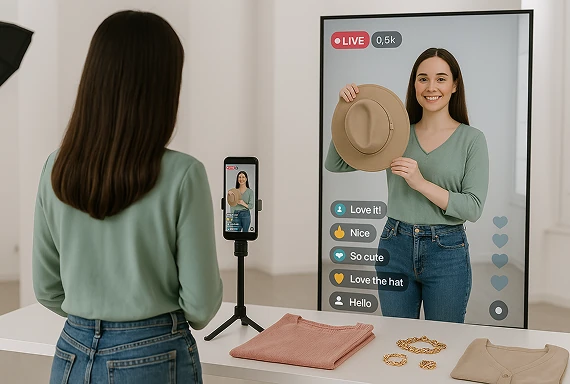
1001 TVsを使えば、ライブ配信を複数画面に手軽にキャストしながら、リアルタイムでコメント対応やチャット参加ができ、会話を途切れさせることなくスムーズに続けられます。配信映像も各デバイスでシームレスに再生されます。

縦画面ミラーリングに対応しているため、フィットネス配信、商品プロモーション、イベント配信など、よりクリアで鮮やかなコンテンツと優れた視聴体験を楽しめます。
live-streaming
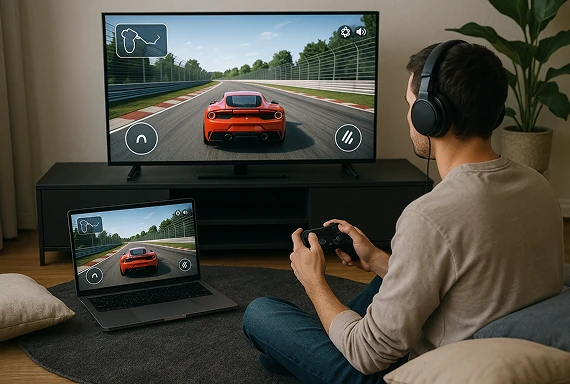
マルチスクリーンゲームで楽しさ倍増
マルチスクリーンミラーリングで、ゲームの臨場感がさらにアップ。モバイルゲームを簡単に大画面に映して没入感のあるプレイを楽しもう。

一人でも友達とでも、より広い視野と操作性でダイナミックなゲーム体験を。
gaming
ダウンロード
よくあるご質問
スクリーンミラーリングに対応しているデバイスやプラットフォームはどれですか?
Devices: Phone, tablet, PC, Mac, TV
プラットフォーム
 iOS(iPhone/iPad)
 Android
 macOS
 Windows
 スマートテレビのプラットフォーム:Google Android TV、Apple tvOS、HarmonyOS、MIUI TV、Amazon Fire OS
Does 1001 TVs mirror both video and audio?
1001 TVs supports screen and audio sharing on compatible device combinations, giving you picture and sound for presentations, videos, lessons, and entertainment. Audio availability can vary by operating system, source app, and protected content.
What image quality and latency can I expect?
1001 TVs is designed for smooth 4K mirroring with synchronized audio. Actual quality and latency depend on the sending and receiving devices, Wi-Fi strength, network traffic, resolution settings, and source content. The smooth-display option can help match performance to network conditions.
Do I need a cable, adapter, or extra casting device?
No. 1001 TVs mirrors your screen wirelessly over the local network, so you do not need an HDMI cable, adapter, Chromecast, or other casting hardware. Install 1001 TVs on the required sending and receiving devices, connect them to the same Wi-Fi network, and start mirroring.
Can I mirror to more than one screen?
1001 TVs supports selected multi-screen workflows. You can mirror multiple devices to one PC or Mac, or mirror one PC or Mac to multiple compatible receiving devices at the same time.
How does the 1001 TVs screen mirroring subscription work?
1001 TVs offers a limited-time free trial with full, unlimited access to screen mirroring. After the trial, weekly, monthly, yearly, and lifetime plans are available; paid membership is only needed on the sender side. Prices vary by platform and region and are shown in the app. Recurring subscriptions can be managed or canceled through the store or account used for purchase.
1001 TVsは個人データを保存していますか?また、プライバシー上のリスクはありますか?
いいえ。すべての画面データはお客様のローカルネットワーク内に留まり、インターネットへアップロードされることはありません。.
サポートに連絡したり、助けを求めたりするにはどうすればよいですか?
下記までご連絡ください。 1001tvs@nero.com.