检测到浏览器语言为中文,点此切换到中文页面
Hoe verstuur je bestanden naar je tv vanaf je pc en Mac?
1
Installeer de app
Download en open de 1001 TVs app op alle apparaten.
2
Verbind apparaten
Connect your PC or Mac and TV to the same Wi-Fi network. Available devices will be detected automatically.
3
Bestanden verzenden
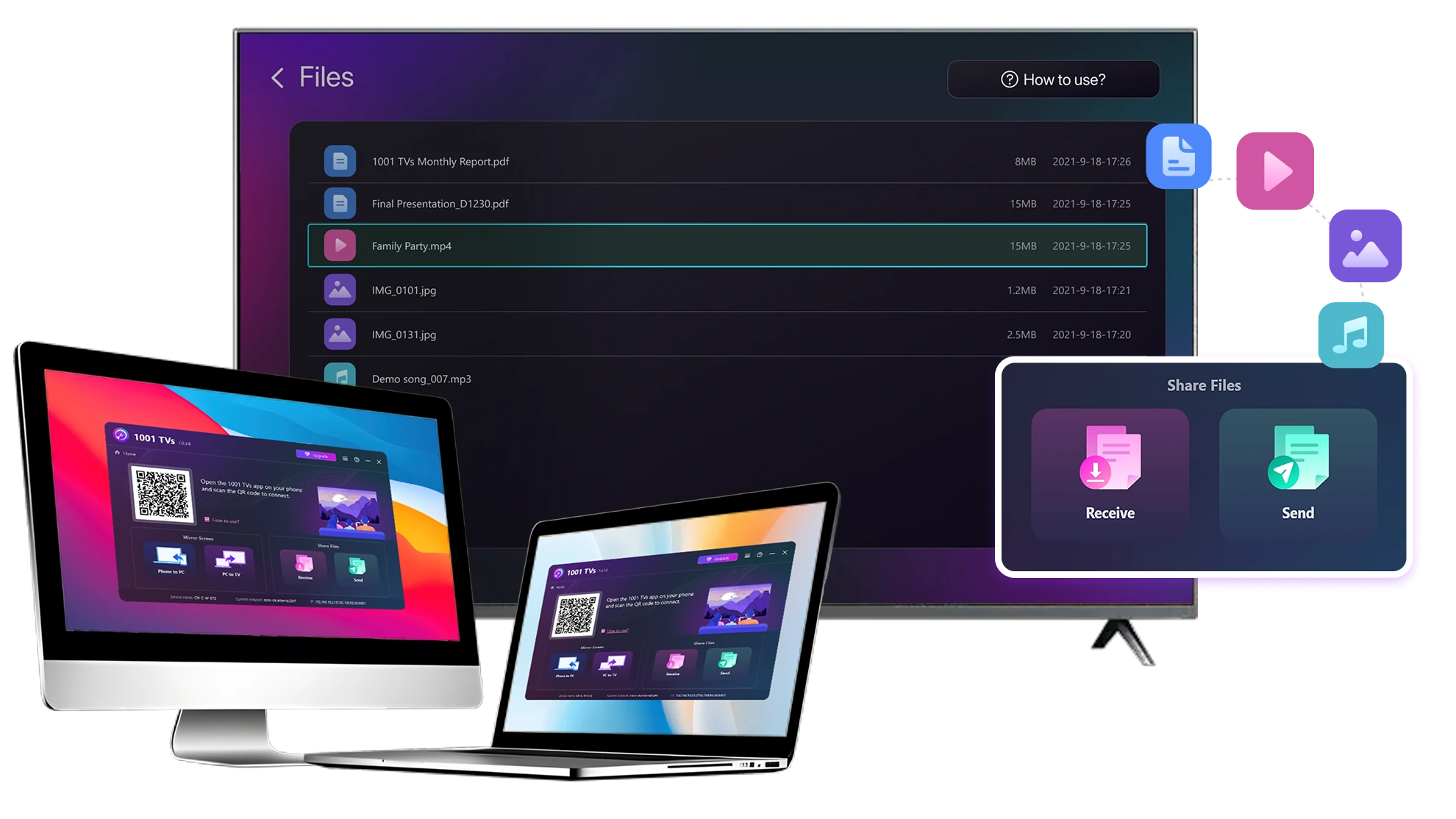
Selecteer je TV en verstuur bestanden onmiddellijk voor een snelle, lokale overdracht.
Stabiel. Lokaal. Grote bestandsoverdracht.
Large Files & Any Format
Transfer large files from your PC or Mac to your TV, including full-length videos and 4K movies.

Supports major file types such as MKV, MP4, AVI, and MP3, as well as documents and other desktop files.

Geen USB-sticks. Geen HDMI-kabels.
Selecteer bestanden op je computer en stuur ze draadloos naar de tv.
large-files-any-format
Local Transfer. Reliable Playback.
Alle overdrachten gebeuren via je lokale netwerk - geen cloud uploads en geen dataverbruik.

Bestanden op de achtergrond overzetten terwijl je doorwerkt.

Ontworpen voor stabiele, langlopende overdrachten, zelfs met grote bestanden.
local-transfer-reliable-playback
Toepassingen
Home Theater & Films
Familiefoto's en -video's
Presentaties en demo's
Geniet van je films - Groter en vloeiender
Films op je pc of Mac zien er het beste uit op een tv. Een groter scherm laat meer detail zien en maakt lange films veel comfortabeler om naar te kijken.

Stream grote filmbestanden, inclusief video's over de hele lengte en 4K-video's, rechtstreeks van je computer naar je tv voor vloeiend lokaal afspelen. TV voor vloeiende, lokale weergave - geen USB-sticks, geen HDMI-kabels en geen onderbrekingen.

With 1001 TVs, your personal movie library turns into a true home-theater experience on the big screen.
home-theater-movies
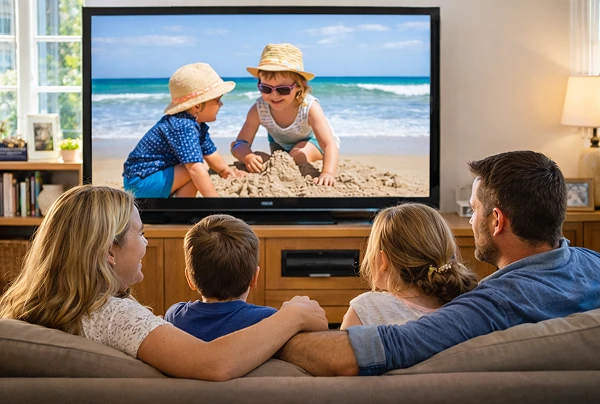
Herbeleef familieherinneringen op het grote tv-scherm
Je beste foto's en video's staan vaak op je computer. Stop met loensen naar een laptopscherm of uw privacy te riskeren met cloud-uploads.

Stuur familiefoto's en -video's rechtstreeks van je pc of Mac naar de tv. Geen internet, geen aanmeldingen en geen wachttijden - bestanden gaan direct naar je tv, lokaal.

With 1001 TVs, your memories stay safely on the local, while the joy of sharing them fills the room.
family-photos-videos
Presenteren als een professional - Draadloos en betrouwbaar
Your presentation lives on your PC. Showing it on a TV shouldn’t depend on cables, adapters, or last-minute fixes.

Stuur dia's, demonstratievideo's en andere bestanden draadloos van je computer naar de tv. De verbinding blijft stabiel, zodat je presentatie zonder onderbrekingen verloopt.

Geen vertragingen bij het instellen. Geen onverwachte haperingen.
Jij concentreert je op je inhoud - de tv laat het gewoon zien.
presentations-demos
Downloaden
Veelgestelde vragen
Which computers and TVs support file transfer?
1001 TVs supports sending files from compatible Windows PCs and Macs to TVs that can run the 1001 TVs app. Install the latest app version on the computer and TV, then connect them to the same local network.
Which file types can I transfer from a computer?
You can transfer a wide range of files — videos (MKV, MP4, AVI), audio (MP3), images (JPG, PNG), documents, and other common desktop files. A successful transfer does not guarantee that the TV can open every format; playback or viewing depends on the TV's apps and codec support.
Can I send large videos or 4K movie files?
Yes. 1001 TVs supports large files, full-length videos, and 4K movie files without a fixed transfer-size limit. Transfer time depends on file size and local-network speed, while playback depends on the TV's supported video and audio codecs.
Where can I find the transferred file on my TV?
Transferred files are available from the file-receiving area in the 1001 TVs app and are saved to storage accessible to the app. The exact folder and available file-management options depend on the TV platform and its storage permissions.
How does the 1001 TVs Send Files to TV subscription work?
1001 TVs offers a limited-time free trial for Send Files to TV. After the trial, weekly, monthly, yearly, and lifetime plans are available; paid membership is only needed on the sending device, while the receiving TV does not need a separate subscription. Local prices are shown in the app, and recurring subscriptions can be managed or canceled through the store or account used for purchase.
Are files uploaded to cloud storage?
No. Files are sent directly from the computer to the TV over the local network and are not uploaded to cloud storage by 1001 TVs.
Hoe kan ik contact opnemen met de klantenservice of hulp krijgen?
Neem contact met ons op 1001tvs@nero.com.