检测到浏览器语言为中文,.点此切换到中文页面
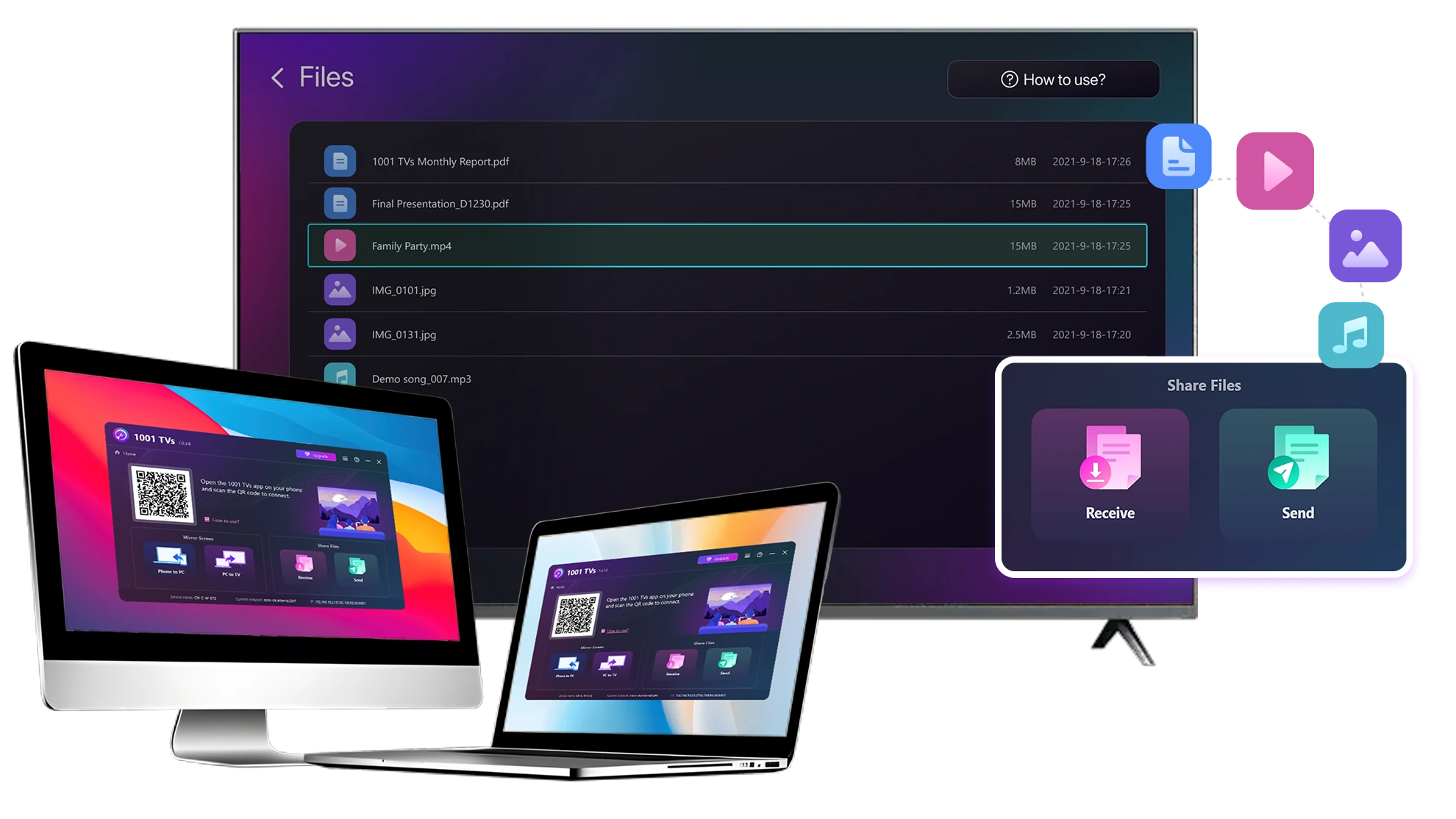
PCやMacからテレビにファイルを送るには?
1
アプリをインストール
すべてのデバイスで1001 TVsアプリをダウンロードし、開きます。
2
デバイスを接続
Connect your PC or Mac and TV to the same Wi-Fi network. Available devices will be detected automatically.
3
ファイルを送信
テレビを選択し、即座にファイルを送信して、高速でローカルな転送を行います。.
安定。ローカル。大容量ファイル転送。.
Large Files & Any Format
Transfer large files from your PC or Mac to your TV, including full-length videos and 4K movies.

Supports major file types such as MKV, MP4, AVI, and MP3, as well as documents and other desktop files.

USBドライブなし。HDMIケーブルなし。.
パソコンでファイルを選択し、ワイヤレスでテレビに送信。.
large-files-any-format
Local Transfer. Reliable Playback.
すべての転送はローカルネットワーク上で行われます。クラウドへのアップロードも、データ通信量の消費もありません。

作業を続けながらバックグラウンドでファイルを転送。.

大容量ファイルでも安定した長時間転送が可能。.
local-transfer-reliable-playback
利用シーン
ホームシアター&映画
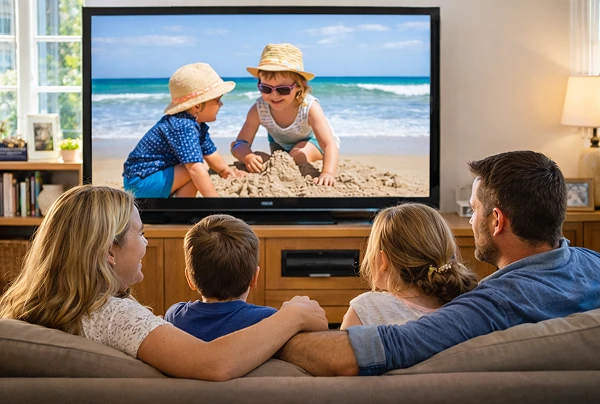
家族の写真とビデオ
プレゼンとデモ
より大きく、よりスムーズに映画を楽しむ
PCやMacに保存した映画は、テレビで見るのが一番きれいに見える。大きな画面はディテールをより鮮明にし 長時間の映画も快適に見ることができる。.

長編動画や4K動画を含む大容量の動画ファイルを、コンピュータからテレビに直接ストリーミング。 USBドライブもHDMIケーブルも不要で、途切れることもありません。.

With 1001 TVs, your personal movie library turns into a true home-theater experience on the big screen.
home-theater-movies
大きなテレビ画面で家族の思い出を再現
あなたの最高の写真やビデオは、たいていパソコンに保存されている。ラップトップの画面に目を細めたり クラウドアップロードでプライバシーを危険にさらすのはやめましょう。.

家族の写真やビデオをPCやMacから直接テレビに送信。インターネットも、サインアップも ファイルを直接テレビに送ることができます。.

With 1001 TVs, your memories stay safely on the local, while the joy of sharing them fills the room.
family-photos-videos
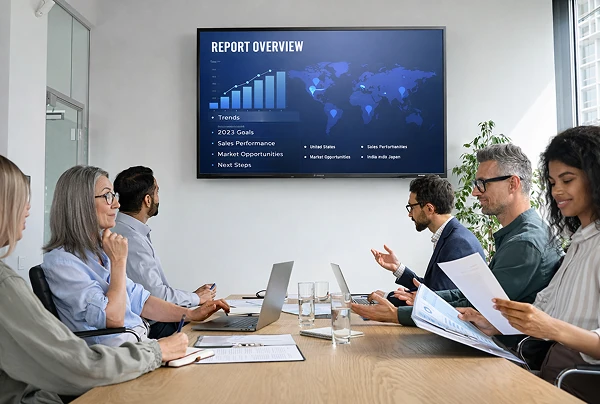
プロ並みのプレゼン - ワイヤレスと信頼性
Your presentation lives on your PC. Showing it on a TV shouldn’t depend on cables, adapters, or last-minute fixes.

スライド、デモビデオ、その他のファイルをコンピュータからテレビにワイヤレスで送信できます。接続は安定しているので 接続が安定しているため、プレゼンテーションが中断されることなく実行できます。.

セットアップの遅れなし。予期せぬ不具合もない。.
あなたはコンテンツに集中し、テレビはそれを映し出すだけだ。.
presentations-demos
ダウンロード
よくあるご質問
Which computers and TVs support file transfer?
1001 TVs supports sending files from compatible Windows PCs and Macs to TVs that can run the 1001 TVs app. Install the latest app version on the computer and TV, then connect them to the same local network.
Which file types can I transfer from a computer?
You can transfer a wide range of files — videos (MKV, MP4, AVI), audio (MP3), images (JPG, PNG), documents, and other common desktop files. A successful transfer does not guarantee that the TV can open every format; playback or viewing depends on the TV's apps and codec support.
Can I send large videos or 4K movie files?
Yes. 1001 TVs supports large files, full-length videos, and 4K movie files without a fixed transfer-size limit. Transfer time depends on file size and local-network speed, while playback depends on the TV's supported video and audio codecs.
Where can I find the transferred file on my TV?
Transferred files are available from the file-receiving area in the 1001 TVs app and are saved to storage accessible to the app. The exact folder and available file-management options depend on the TV platform and its storage permissions.
How does the 1001 TVs Send Files to TV subscription work?
1001 TVs offers a limited-time free trial for Send Files to TV. After the trial, weekly, monthly, yearly, and lifetime plans are available; paid membership is only needed on the sending device, while the receiving TV does not need a separate subscription. Local prices are shown in the app, and recurring subscriptions can be managed or canceled through the store or account used for purchase.
Are files uploaded to cloud storage?
No. Files are sent directly from the computer to the TV over the local network and are not uploaded to cloud storage by 1001 TVs.
サポートに連絡したり、助けを求めたりするにはどうすればよいですか?
下記までご連絡ください。 1001tvs@nero.com.