检测到浏览器语言为中文,点此切换到中文页面 →
كومپيۇتېرىڭىز ۋە Mac دىن تېلېۋىزورغا ھۆججەتلەرنى قانداق ئەۋەتىسىز؟
1
ئەپنى قاچىلاڭ
بارلىق ئۈسكۈنىلەردە 1001 TVs ئەپنى چۈشۈرۈپ ئېچىڭ.
2
ئۈسكۈنىلەرنى ئۇلاڭ
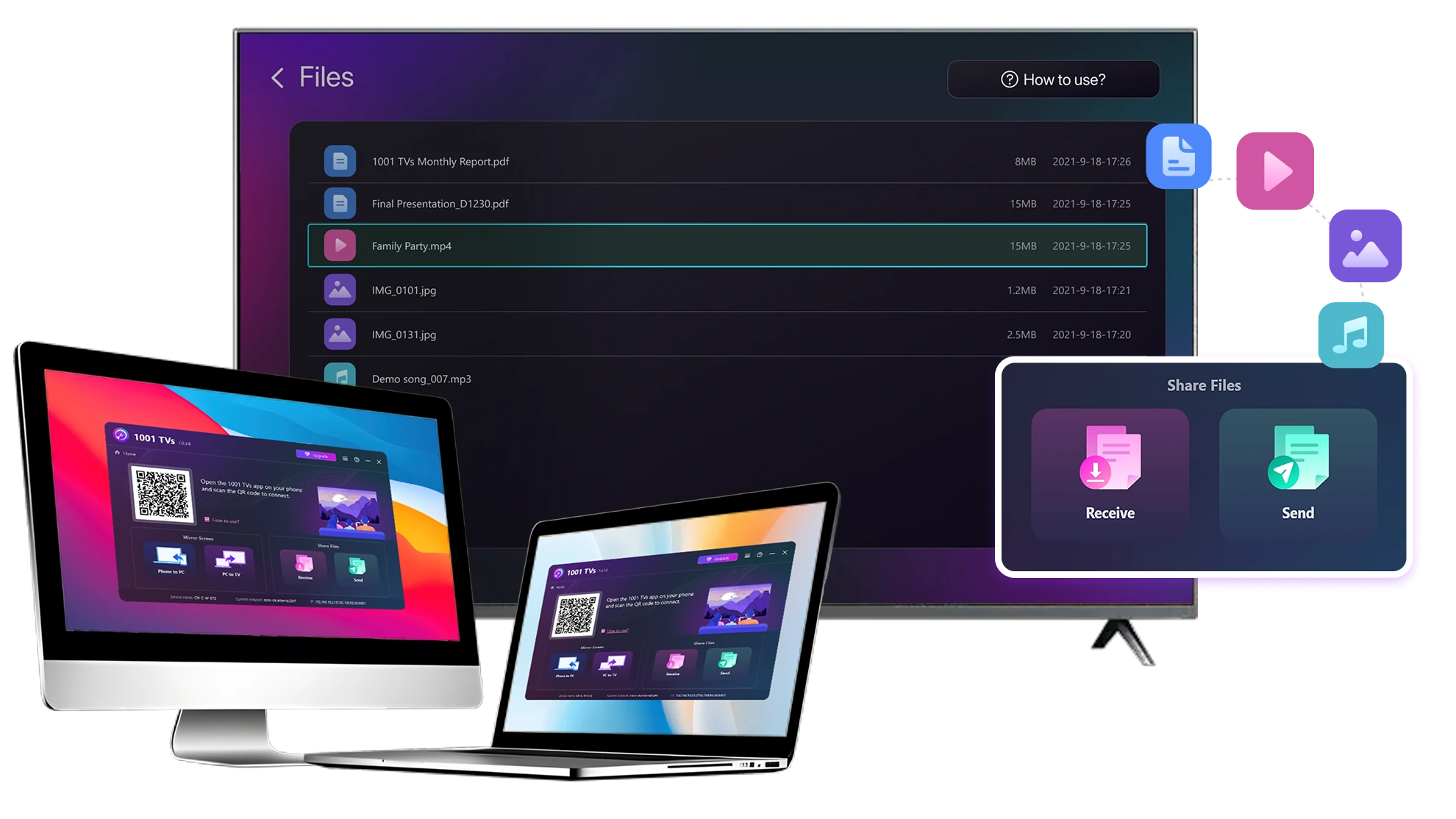
Connect your PC or Mac and TV to the same Wi-Fi network. Available devices will be detected automatically.
3
ھۆججەتلەرنى ئەۋەتىش
تېلېۋىزورىڭىزنى تاللاپ، ھۆججەتلەرنى دەرھال ئەۋەتىڭ، بۇ ئارقىلىق تېز ۋە يەرلىك يۆتكەشكە بولىدۇ.
مۇقىم. يەرلىك. چوڭ ھۆججەت يۆتكەش.
Large Files & Any Format
Transfer large files from your PC or Mac to your TV, including full-length videos and 4K movies.

Supports major file types such as MKV, MP4, AVI, and MP3, as well as documents and other desktop files.

USB قوزغاتقۇچ يوق. HDMI سىمى يوق.
كومپيۇتېرىڭىزدىكى ھۆججەتلەرنى تاللاپ، سىمسىز تېلېۋىزورغا ئەۋەتىڭ.
چوڭ-ھۆججەتلەر-ھەرقانداق-شەكىلدە
Local Transfer. Reliable Playback.
بارلىق يۆتكەشلەر يەرلىك تورىڭىز ئارقىلىق ئېلىپ بېرىلىدۇ — بۇلۇتقا يۈكلەش ۋە سانلىق مەلۇمات ئىشلىتىش يوق.

ئىشلەشنى داۋاملاشتۇرغاندا، ھۆججەتلەرنى ئارقا سەھنىدە يۆتكىڭ.

ھەتتا چوڭ ھۆججەتلەردىمۇ مۇقىم، ئۇزۇن مۇددەتلىك يۆتكەش ئۈچۈن لايىھەلەنگەن.
يەرلىك يۆتكەش ئىشەنچلىك قويۇش
ئىشلىتىش ئەھۋاللىرى
ئۆي كىنوخانىسى ۋە كىنولار
ئائىلە رەسىملىرى ۋە سىنلىرى
تەقدىماتلار ۋە كۆرسىتىشلەر
كىنولىرىڭىزدىن ھۇزۇرلىنىڭ — تېخىمۇ چوڭ ۋە راۋان
كومپيۇتېرىڭىز ياكى Mac كومپيۇتېرىڭىزدا ساقلانغان فىلىملەر تېلېۋىزوردا ئەڭ ياخشى كۆرۈنىدۇ. چوڭراق ئېكران تېخىمۇ كۆپ تەپسىلاتلارنى كۆرسىتىپ بېرىدۇ ھەمدە ئۇزۇن فىلىملەرنى كۆرۈشنى تېخىمۇ راھەت قىلىدۇ.

تولۇق ئۇزۇنلۇقتىكى ۋە 4K سىنلارنى ئۆز ئىچىگە ئالغان چوڭ فىلىم ھۆججەتلىرىنى كومپيۇتېرىڭىزدىن بىۋاسىتە تېلېۋىزورغا قويۇپ، راۋان، يەرلىك قويۇش ئۈچۈن USB قوزغاتقۇچ، HDMI سىمى ۋە ئۈزۈلۈشلەرنىڭ ئالدىنى ئېلىڭ.

With 1001 TVs, your personal movie library turns into a true home-theater experience on the big screen.
ئۆي كىنوخانىسى كىنولىرى
چوڭ تېلېۋىزور ئېكرانىدا ئائىلە ئەسلىمىلىرىنى قايتا جانلاندۇرۇڭ
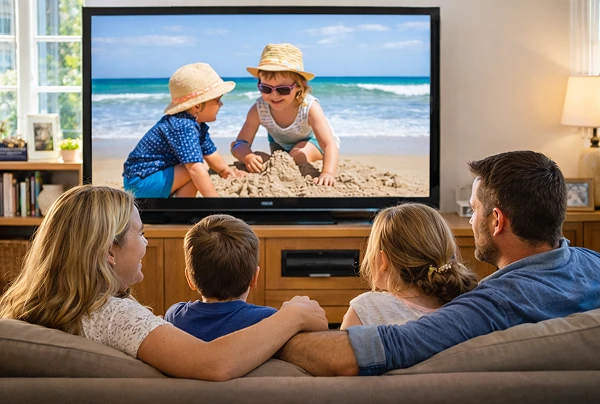
ئەڭ ياخشى سۈرەت ۋە سىنلىرىڭىز كۆپىنچە كومپيۇتېرىڭىزدا ساقلىنىدۇ. نۇتبوك ئېكرانىغا قاراپ كۆزىڭىزنى قىسىپ تۇرۇشنى ياكى بۇلۇتقا يوللاش ئارقىلىق شەخسىي مەخپىيەتلىكىڭىزنى خەتەرگە تەۋەككۈل قىلىشنى توختىتىڭ.

ئائىلە رەسىملىرى ۋە سىنلىرىنى بىۋاسىتە كومپيۇتېرىڭىز ياكى Mac كومپيۇتېرىڭىزدىن تېلېۋىزورغا ئەۋەتىڭ. تورغا چىقىش، تىزىملىتىش ۋە ساقلاشنىڭ ھاجىتى يوق — ھۆججەتلەر بىۋاسىتە يەرلىك تېلېۋىزورىڭىزغا ئەۋەتىلىدۇ.

With 1001 TVs, your memories stay safely on the local, while the joy of sharing them fills the room.
ئائىلە سۈرەتلىرى-ۋىدېئولىرى
كەسپىي خادىملارغا ئوخشاش تەقدىم قىلىڭ — سىمسىز ۋە ئىشەنچلىك
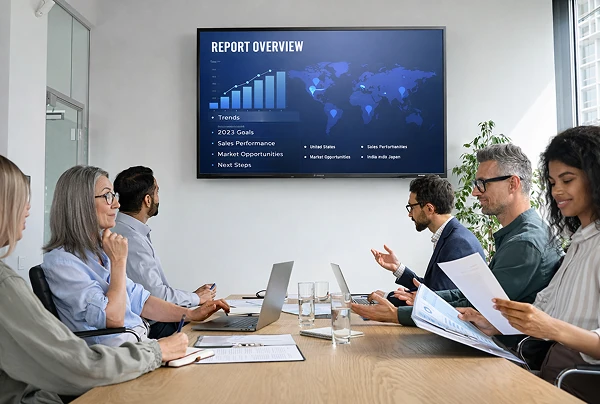
Your presentation lives on your PC. Showing it on a TV shouldn’t depend on cables, adapters, or last-minute fixes.

كومپيۇتېرىڭىزدىكى سىيرىلما رەسىملەر، كۆرسىتىش فىلىملىرى ۋە باشقا ھۆججەتلەرنى سىمسىز ھالدا تېلېۋىزورغا ئەۋەتىڭ. ئۇلىنىش مۇقىم بولۇپ، كۆرسىتىشىڭىز ئۈزۈلمەي ئىشلەيدۇ.

ئورنىتىشتا كېچىكىش يوق. كۈتۈلمىگەن خاتالىقلار يوق.
سىز مەزمۇنىڭىزغا دىققەت قىلىسىز — تېلېۋىزور ئۇنى پەقەت كۆرسىتىدۇ.
تەقدىماتلار-دېمولار
چۈشۈرۈش
سوئال
1001 TVs supports sending files from compatible Windows PCs and Macs to TVs that can run the 1001 TVs app. Install the latest app version on the computer and TV, then connect them to the same local network.
You can transfer a wide range of files — videos (MKV, MP4, AVI), audio (MP3), images (JPG, PNG), documents, and other common desktop files. A successful transfer does not guarantee that the TV can open every format; playback or viewing depends on the TV's apps and codec support.
Yes. 1001 TVs supports large files, full-length videos, and 4K movie files without a fixed transfer-size limit. Transfer time depends on file size and local-network speed, while playback depends on the TV's supported video and audio codecs.
Transferred files are available from the file-receiving area in the 1001 TVs app and are saved to storage accessible to the app. The exact folder and available file-management options depend on the TV platform and its storage permissions.
1001 TVs offers a limited-time free trial for Send Files to TV. After the trial, weekly, monthly, yearly, and lifetime plans are available; paid membership is only needed on the sending device, while the receiving TV does not need a separate subscription. Local prices are shown in the app, and recurring subscriptions can be managed or canceled through the store or account used for purchase.
No. Files are sent directly from the computer to the TV over the local network and are not uploaded to cloud storage by 1001 TVs.
بىز بىلەن ئالاقىلىشىڭ 1001tvs@nero.com.