检测到浏览器语言为中文,点此切换到中文页面
Jak odesílat soubory do televizoru z počítače PC a Mac?
1
Nainstalujte aplikaci
Stáhněte si a otevřete aplikaci 1001 TVs na všech zařízeních.
2
Připojte zařízení
Connect your PC or Mac and TV to the same Wi-Fi network. Available devices will be detected automatically.
3
Odeslat soubory
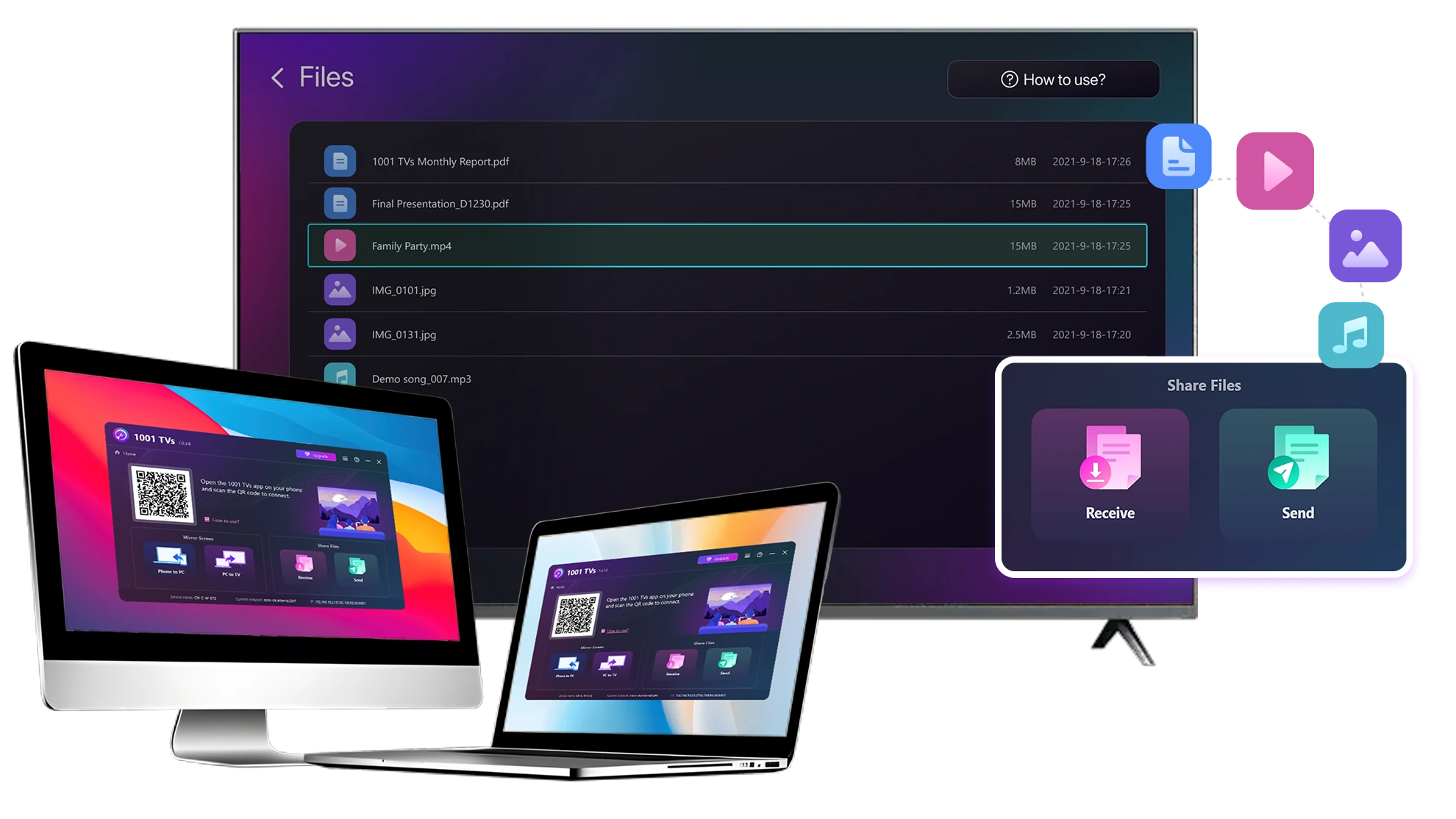
Vyberte televizor a okamžitě odešlete soubory pro rychlý místní přenos.
Stabilní. Místní. Přenos velkých souborů.
Large Files & Any Format
Transfer large files from your PC or Mac to your TV, including full-length videos and 4K movies.

Supports major file types such as MKV, MP4, AVI, and MP3, as well as documents and other desktop files.

Žádné disky USB. Žádné kabely HDMI.
Vyberte soubory v počítači a bezdrátově je odešlete do televizoru.
large-files-any-format
Local Transfer. Reliable Playback.
Všechny přenosy probíhají v místní síti - žádné nahrávání do cloudu a žádná spotřeba dat.

Přenášejte soubory na pozadí a přitom pracujte.

Navrženo pro stabilní, dlouhodobé přenosy - i u velkých souborů.
local-transfer-reliable-playback
Příklady použití
Domácí kino a filmy
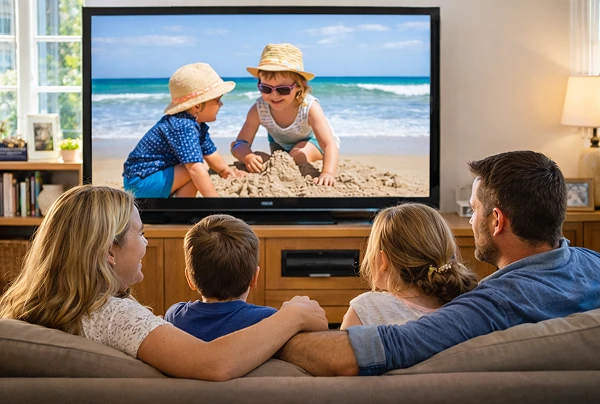
Rodinné fotografie a videa
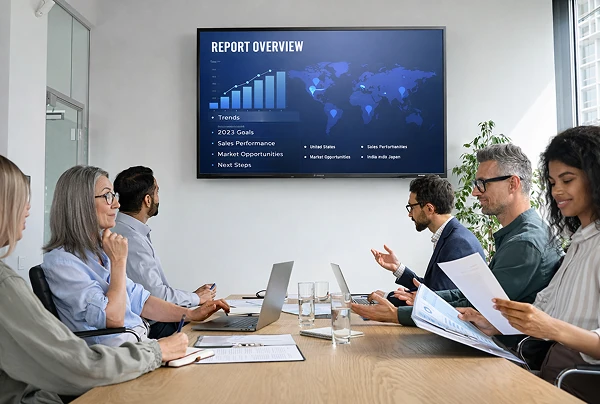
Prezentace a ukázky
Vychutnejte si filmy - větší a plynulejší
Filmy uložené v počítači PC nebo Mac vypadají nejlépe na televizoru. Větší obrazovka zvýrazní více detailů a umožní sledování dlouhých filmů mnohem pohodlnější.

Streamování velkých filmových souborů, včetně celovečerních videí a videí v rozlišení 4K, přímo z počítače do počítače. televizoru pro plynulé lokální přehrávání - žádné disky USB, žádné kabely HDMI a žádná přerušení.

With 1001 TVs, your personal movie library turns into a true home-theater experience on the big screen.
home-theater-movies
Znovu prožijte rodinné vzpomínky na velké televizní obrazovce
Vaše nejlepší fotografie a videa jsou často uloženy v počítači. Přestaňte mžourat na obrazovku notebooku nebo riskovat své soukromí při nahrávání do cloudu.

Odesílejte rodinné fotografie a videa přímo z počítače PC nebo Mac do televizoru. Žádný internet, žádné registrace a žádné čekání - soubory se přenášejí přímo do televizoru, lokálně.

With 1001 TVs, your memories stay safely on the local, while the joy of sharing them fills the room.
family-photos-videos
Prezentujte jako profesionál - bezdrátově a spolehlivě
Your presentation lives on your PC. Showing it on a TV shouldn’t depend on cables, adapters, or last-minute fixes.

Bezdrátově odesílejte prezentace, demonstrační videa a další soubory z počítače do televizoru. Stránka připojení zůstává stabilní, takže prezentace probíhá bez přerušení.

Žádné prodlevy při nastavení. Žádné neočekávané závady.
Soustředíte se na svůj obsah - televizor ho jednoduše zobrazí.
presentations-demos
Stáhnout
Nejčastější dotazy
Which computers and TVs support file transfer?
1001 TVs supports sending files from compatible Windows PCs and Macs to TVs that can run the 1001 TVs app. Install the latest app version on the computer and TV, then connect them to the same local network.
Which file types can I transfer from a computer?
You can transfer a wide range of files — videos (MKV, MP4, AVI), audio (MP3), images (JPG, PNG), documents, and other common desktop files. A successful transfer does not guarantee that the TV can open every format; playback or viewing depends on the TV's apps and codec support.
Can I send large videos or 4K movie files?
Yes. 1001 TVs supports large files, full-length videos, and 4K movie files without a fixed transfer-size limit. Transfer time depends on file size and local-network speed, while playback depends on the TV's supported video and audio codecs.
Where can I find the transferred file on my TV?
Transferred files are available from the file-receiving area in the 1001 TVs app and are saved to storage accessible to the app. The exact folder and available file-management options depend on the TV platform and its storage permissions.
How does the 1001 TVs Send Files to TV subscription work?
1001 TVs offers a limited-time free trial for Send Files to TV. After the trial, weekly, monthly, yearly, and lifetime plans are available; paid membership is only needed on the sending device, while the receiving TV does not need a separate subscription. Local prices are shown in the app, and recurring subscriptions can be managed or canceled through the store or account used for purchase.
Are files uploaded to cloud storage?
No. Files are sent directly from the computer to the TV over the local network and are not uploaded to cloud storage by 1001 TVs.
Jak mohu kontaktovat technickou podporu nebo získat pomoc?
Kontaktujte nás prosím na adrese 1001tvs@nero.com.