检测到浏览器语言为中文,点此切换到中文页面
Hur skickar jag filer till TV från din PC & Mac?
1
Installera appen
Ladda ner och öppna appen 1001 TVs på alla enheter.
2
Anslut enheter
Connect your PC or Mac and TV to the same Wi-Fi network. Available devices will be detected automatically.
3
Skicka filer
Välj din TV och skicka filer direkt för snabb, lokal överföring.
Stabilt. Lokal. Stor filöverföring.
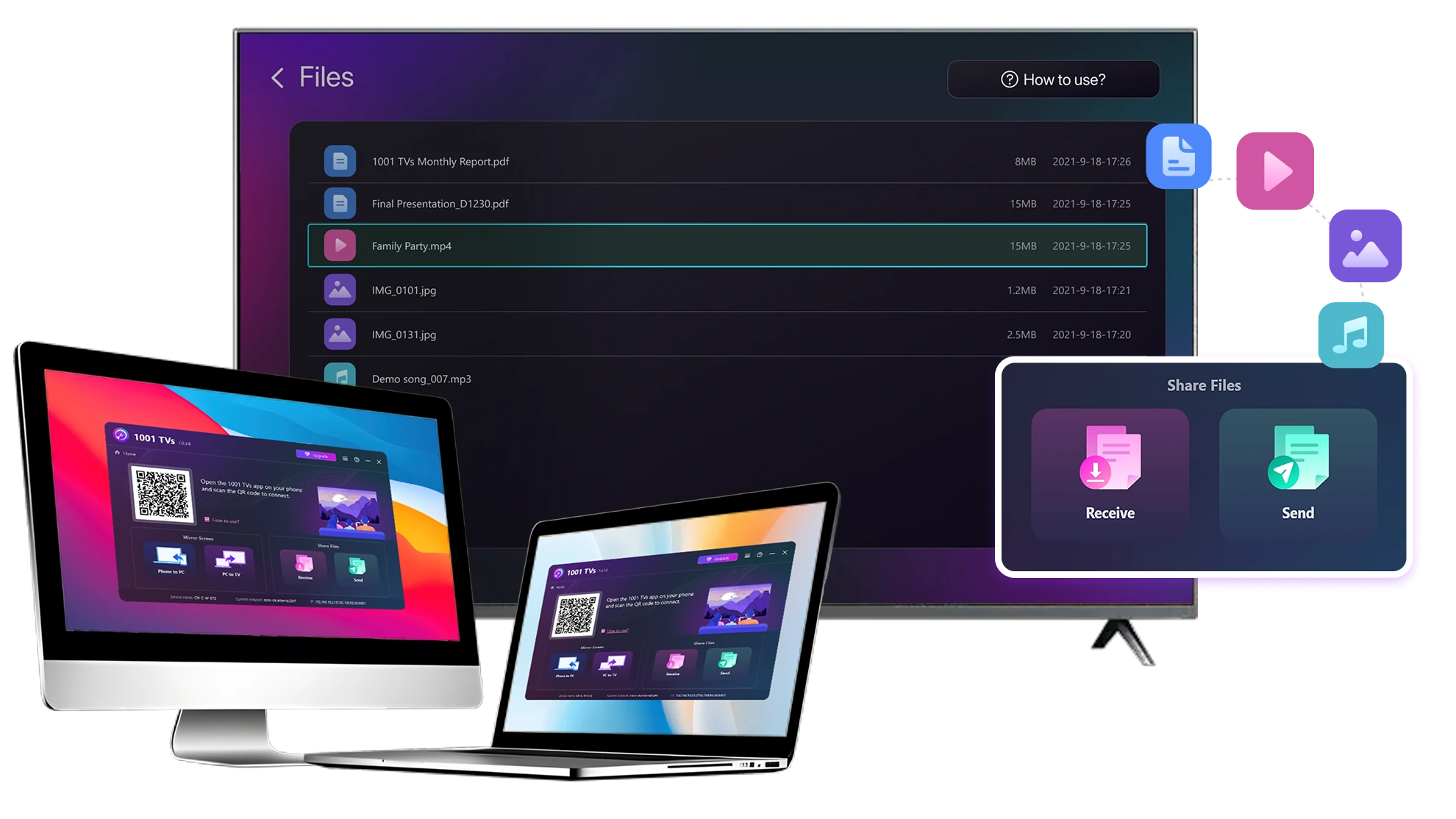
Large Files & Any Format
Transfer large files from your PC or Mac to your TV, including full-length videos and 4K movies.

Supports major file types such as MKV, MP4, AVI, and MP3, as well as documents and other desktop files.

Inga USB-enheter. Inga HDMI-kablar.
Välj filer på din dator och skicka dem trådlöst till TV:n.
large-files-any-format
Local Transfer. Reliable Playback.
Alla överföringar sker via ditt lokala nätverk - inga uppladdningar i molnet och ingen dataanvändning.

Överför filer i bakgrunden medan du fortsätter att arbeta.

Utformad för stabila, långvariga överföringar - även med stora filer.
local-transfer-reliable-playback
Användningsområden
Hemmabio & film
Familjefoton och -videor
Presentationer & demonstrationer
Njut av dina filmer - större och smidigare
Filmer som lagras på din PC eller Mac ser bäst ut på en TV. En större skärm framhäver fler detaljer och gör långa filmer mycket bekvämare att titta på.

Strömma stora filmfiler, inklusive fullängds- och 4K-videor, direkt från din dator till din TV för smidig, lokal uppspelning - inga USB-enheter, inga HDMI-kablar och inga avbrott.

With 1001 TVs, your personal movie library turns into a true home-theater experience on the big screen.
home-theater-movies
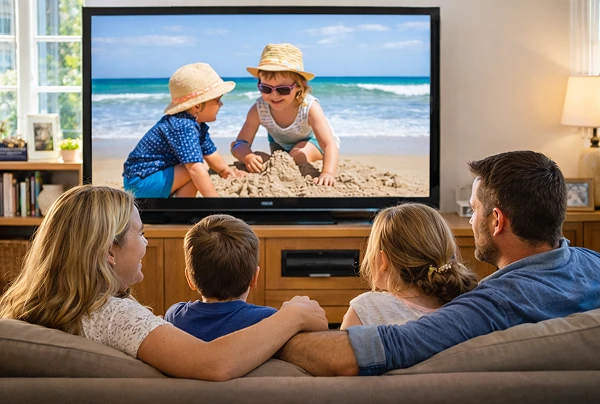
Återupplev familjens minnen på den stora TV-skärmen
Dina bästa foton och videoklipp finns ofta på din dator. Sluta kisa på en laptopskärm eller riskera eller riskera din integritet med molnuppladdningar.

Skicka familjefoton och videor direkt från din PC eller Mac till TV:n. Inget internet, inga registreringar och ingen väntan - filerna går direkt till din TV, lokalt.

With 1001 TVs, your memories stay safely on the local, while the joy of sharing them fills the room.
family-photos-videos
Presentera som ett proffs - trådlöst och pålitligt
Your presentation lives on your PC. Showing it on a TV shouldn’t depend on cables, adapters, or last-minute fixes.

Skicka bilder, demovideor och andra filer från din dator till TV:n trådlöst. Anslutningen anslutningen är stabil så att din presentation kan genomföras utan avbrott.

Inga fördröjningar i installationen. Inga oväntade problem.
Du fokuserar på ditt innehåll - TV:n visar det helt enkelt.
presentations-demos
Ladda ner
Vanliga frågor
Which computers and TVs support file transfer?
1001 TVs supports sending files from compatible Windows PCs and Macs to TVs that can run the 1001 TVs app. Install the latest app version on the computer and TV, then connect them to the same local network.
Which file types can I transfer from a computer?
You can transfer a wide range of files — videos (MKV, MP4, AVI), audio (MP3), images (JPG, PNG), documents, and other common desktop files. A successful transfer does not guarantee that the TV can open every format; playback or viewing depends on the TV's apps and codec support.
Can I send large videos or 4K movie files?
Yes. 1001 TVs supports large files, full-length videos, and 4K movie files without a fixed transfer-size limit. Transfer time depends on file size and local-network speed, while playback depends on the TV's supported video and audio codecs.
Where can I find the transferred file on my TV?
Transferred files are available from the file-receiving area in the 1001 TVs app and are saved to storage accessible to the app. The exact folder and available file-management options depend on the TV platform and its storage permissions.
How does the 1001 TVs Send Files to TV subscription work?
1001 TVs offers a limited-time free trial for Send Files to TV. After the trial, weekly, monthly, yearly, and lifetime plans are available; paid membership is only needed on the sending device, while the receiving TV does not need a separate subscription. Local prices are shown in the app, and recurring subscriptions can be managed or canceled through the store or account used for purchase.
Are files uploaded to cloud storage?
No. Files are sent directly from the computer to the TV over the local network and are not uploaded to cloud storage by 1001 TVs.
Hur kan jag kontakta supporten eller få hjälp?
Vänligen kontakta oss på 1001tvs@nero.com.