检测到浏览器语言为中文点此切换到中文页面
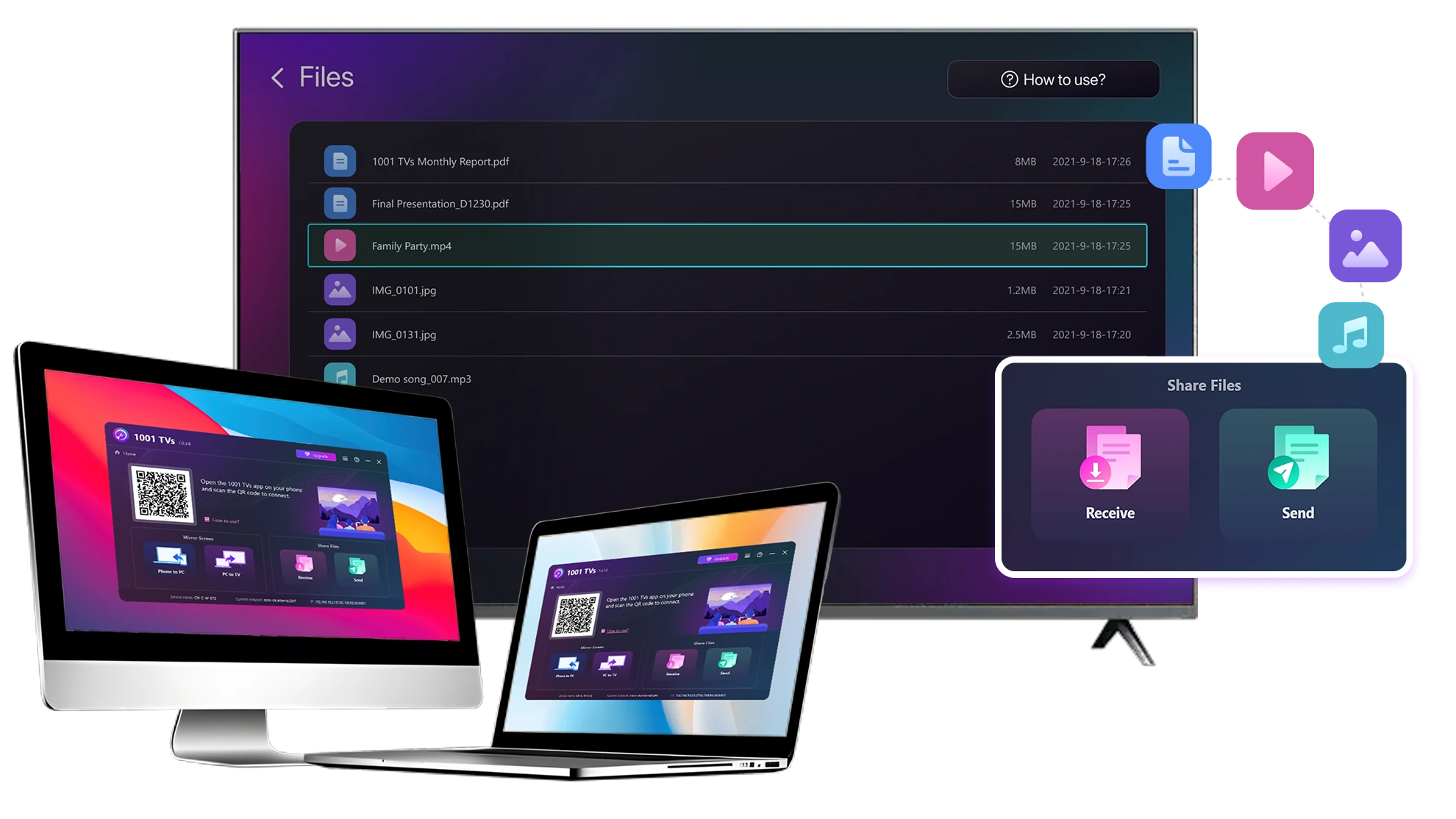
Wie können Sie Dateien von Ihrem PC und Mac an TV senden?
1
App installieren
Laden Sie die 1001 TVs-App herunter und öffnen Sie sie auf allen Geräten.
2
Geräte verbinden
Connect your PC or Mac and TV to the same Wi-Fi network. Available devices will be detected automatically.
3
Dateien senden
Wählen Sie Ihr Fernsehgerät aus und senden Sie die Dateien sofort für eine schnelle, lokale Übertragung.
Beständig. Lokal. Große Dateiübertragung.
Large Files & Any Format
Transfer large files from your PC or Mac to your TV, including full-length videos and 4K movies.

Supports major file types such as MKV, MP4, AVI, and MP3, as well as documents and other desktop files.

Keine USB-Laufwerke. Keine HDMI-Kabel.
Wählen Sie Dateien auf Ihrem Computer aus und senden Sie sie drahtlos an das Fernsehgerät.
large-files-any-format
Local Transfer. Reliable Playback.
Alle Übertragungen erfolgen über Ihr lokales Netzwerk - keine Cloud-Uploads und keine Datennutzung.

Übertragen Sie Dateien im Hintergrund, während Sie weiterarbeiten.

Entwickelt für stabile, lang andauernde Übertragungen - selbst bei großen Dateien.
local-transfer-reliable-playback
Anwendungsfälle
Heimkino & Filme
Familienfotos und -videos
Präsentationen & Demos
Genießen Sie Ihre Filme - größer und flüssiger
Auf Ihrem PC oder Mac gespeicherte Filme sehen auf einem Fernsehgerät am besten aus. Ein größerer Bildschirm bringt mehr Details zur Geltung und macht langen Filmen viel angenehmer zu sehen.

Streamen Sie große Filmdateien, einschließlich Videos in voller Länge und 4K-Videos, direkt von Ihrem Computer auf Ihr für eine reibungslose, lokale Wiedergabe - keine USB-Laufwerke, keine HDMI-Kabel und keine Unterbrechungen.

With 1001 TVs, your personal movie library turns into a true home-theater experience on the big screen.
home-theater-movies
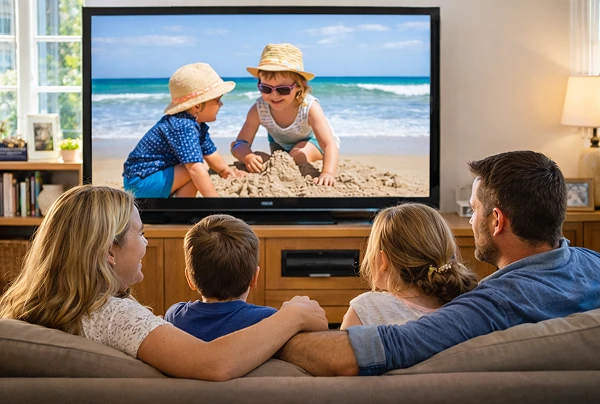
Erleben Sie Familienerinnerungen auf dem großen Fernsehbildschirm
Ihre besten Fotos und Videos befinden sich oft auf Ihrem Computer. Blinzeln Sie nicht länger auf einen Laptop-Bildschirm oder Ihre Privatsphäre mit Cloud-Uploads zu riskieren.

Senden Sie Familienfotos und -videos direkt von Ihrem PC oder Mac an Ihren Fernseher. Kein Internet, keine Anmeldungen und kein Warten - die Dateien werden direkt auf Ihren Fernseher übertragen.

With 1001 TVs, your memories stay safely on the local, while the joy of sharing them fills the room.
family-photos-videos
Präsentieren wie ein Profi - kabellos und verlässlich
Your presentation lives on your PC. Showing it on a TV shouldn’t depend on cables, adapters, or last-minute fixes.

Senden Sie Folien, Demovideos und andere Dateien drahtlos von Ihrem Computer an den Fernseher. Die Verbindung bleibt stabil, sodass Ihre Präsentation ohne Unterbrechungen abläuft.

Keine Verzögerungen bei der Einrichtung. Keine unerwarteten Pannen.
Sie konzentrieren sich auf Ihren Inhalt - der Fernseher zeigt ihn einfach.
presentations-demos
Herunterladen
FAQs
Which computers and TVs support file transfer?
1001 TVs supports sending files from compatible Windows PCs and Macs to TVs that can run the 1001 TVs app. Install the latest app version on the computer and TV, then connect them to the same local network.
Which file types can I transfer from a computer?
You can transfer a wide range of files — videos (MKV, MP4, AVI), audio (MP3), images (JPG, PNG), documents, and other common desktop files. A successful transfer does not guarantee that the TV can open every format; playback or viewing depends on the TV's apps and codec support.
Can I send large videos or 4K movie files?
Yes. 1001 TVs supports large files, full-length videos, and 4K movie files without a fixed transfer-size limit. Transfer time depends on file size and local-network speed, while playback depends on the TV's supported video and audio codecs.
Where can I find the transferred file on my TV?
Transferred files are available from the file-receiving area in the 1001 TVs app and are saved to storage accessible to the app. The exact folder and available file-management options depend on the TV platform and its storage permissions.
How does the 1001 TVs Send Files to TV subscription work?
1001 TVs offers a limited-time free trial for Send Files to TV. After the trial, weekly, monthly, yearly, and lifetime plans are available; paid membership is only needed on the sending device, while the receiving TV does not need a separate subscription. Local prices are shown in the app, and recurring subscriptions can be managed or canceled through the store or account used for purchase.
Are files uploaded to cloud storage?
No. Files are sent directly from the computer to the TV over the local network and are not uploaded to cloud storage by 1001 TVs.
Wie kann ich den Support kontaktieren oder Hilfe erhalten?
Bitte kontaktieren Sie uns unter 1001tvs@nero.com.