检测到浏览器语言为中文,.点此切换到中文页面
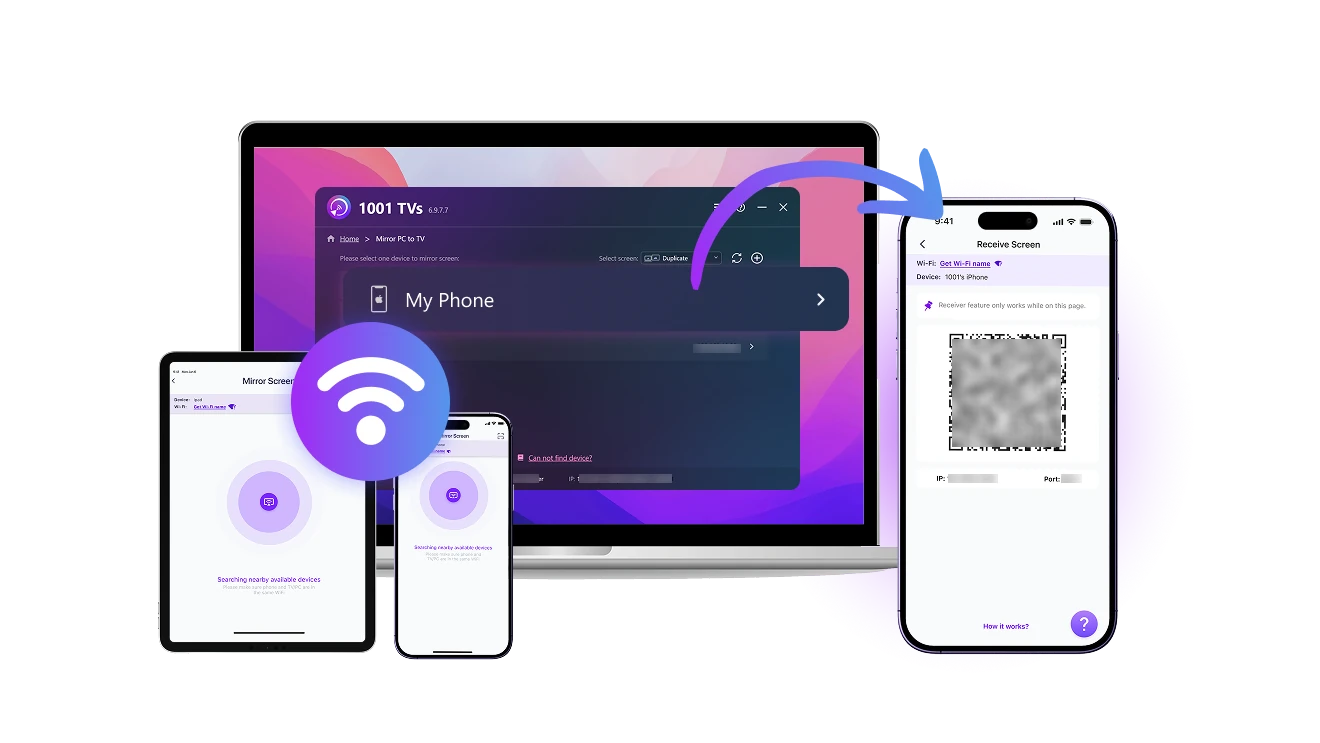
3つの簡単なステップで画面をモバイル端末にミラーリングする方法
1
1001 TVs アプリをインストール
Download and open the app on both the sending and receiving devices.
2
「スクリーンレシーバー」機能を開く
Connect both devices to the same Wi-Fi. On your phone or tablet, open the app and stay on Screen Receiver.
3
ミラーリング開始
On the sending device, go to “Screen Mirroring”. Find your receiver in the list or scan the QR code to connect. Then tap "Start" to cast your screen.
複数デバイス間の画面受信がもっと簡単にできる
receive-from-any-device
あらゆるデバイスから受信可能
checkedWindows、macOS、iOS、Android など、さまざまなデバイスからの画面受信に対応。
checked数回のタップで簡単にワイヤレス接続できます。
use-as-a-second-screen
スマホをセカンドディスプレイにしよう
checkedPCの画面を複製、拡張、または指定ウィンドウモードで受信可能。
checked今あるデバイスで作業領域を拡張、追加の機器は不要です。
no-cables-full-connection
ケーブル不要、自由につながる
checkedWi-Fi を使って柔軟にデバイスを接続。ケーブルは一切不要です。
checkedMac、PC、iOS、Android でスムーズかつ高品質な画面・音声共有をお楽しみください。
利用シーン
生産的な作業
スマートな子育て
楽しいエンタメ体験
スムーズな創作プロセス
どこでももっと生産的に
iPad や Android タブレット、予備の端末を Mac または PC のセカンドスクリーンとして活用できます。ケーブルは不要です。

1001 TVsを使えば、電話からテレビ、PCから電話、大画面でも小型でも、スクリーン・キャスティングが簡単にできる。

どんな画面も柔軟なワークスペースに変身 — 描画、マルチタスク、全画面での集中作業にも最適です。
work
つながることで、そばにいられる
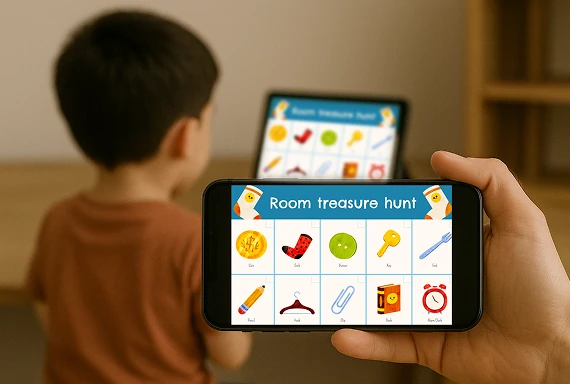
お子様の画面を自分のデバイスに簡単にミラーリング。オンライン授業や宿題、日々の学習にも最適です。

1001 TVs の画面ミラーリングアプリを使えば、子どもの学習状況を把握し、必要なときにタイミングよくサポート。そっと見守りながら、自然に導けます。

どこにいても、安全で集中しやすい学習環境を簡単に整えられます。配線や面倒な設定は不要です。
parenting
画面ミラーリングをもっと自由に
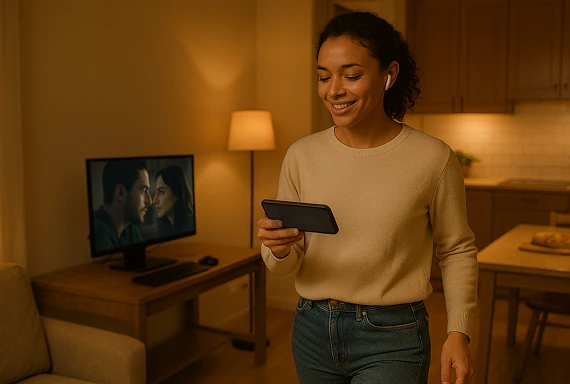
PC の画面をスマホやタブレットに映して、いつでもどこでも自分だけで楽しめます。

1001 TVsのミラーリングアプリを使えば、映画をプライベートに楽しんだり、ワークアウト動画を見ながら運動したり、外出先でもゲームの映像を確認できます。

トレーニング中でも、リラックス中でも、大事な場面を振り返るときでも、必要な画面に自由にキャストできます — ケーブル不要で制限もなし。
entertainment
撮影中のリアルタイム確認
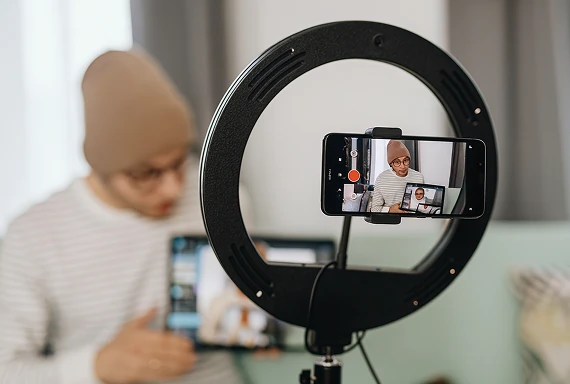
スマホをカメラとして使い、映像をリアルタイムで別の画面に表示。構図・明るさ・ピント調整が手軽にでき、重い機材は不要です。

1001 TVs アプリを使えば、撮影画面をリアルタイムで確認しながら、角度や細かい部分を簡単に調整できます。

ライブ配信でも、ふとした撮影でも、スマホでコンテンツを作る人にぴったりのアプリです。
content-creation
ダウンロード
よくあるご質問
What does Screen Receiver do?
Screen Receiver turns a supported phone or tablet into a receiving display. You can view a screen from another phone, tablet, Windows PC, or Mac for work, personal viewing, monitoring, or a portable second-screen setup.
Which devices can send a screen to my phone or tablet?
Windows, macOS, iOS, and Android devices can send a screen to a compatible phone or tablet. Install the latest version of 1001 TVs on both devices because available features can vary by operating system.
Do both devices need to be on the same Wi-Fi network?
Yes. Connect the sending device and mobile receiver to the same local network, open Screen Receiver on the phone or tablet, then select it from the sender or scan its QR code.
Does Screen Receiver support audio?
Screen Receiver supports screen and audio sharing on compatible device combinations. Audio availability can vary by the sending platform, operating-system version, source app, and protected content.
How does the 1001 TVs Screen Receiver subscription work?
1001 TVs offers a limited-time free trial for Screen Receiver. After the trial, weekly, monthly, yearly, and lifetime plans are available; paid membership is only needed on the device sending the screen, while the receiving phone or tablet does not need a separate subscription. Local prices are shown in the app, and recurring subscriptions can be managed or canceled through the store or account used for purchase.
1001 TVsは個人データを保存していますか?また、プライバシー上のリスクはありますか?
いいえ。すべての画面データはお客様のローカルネットワーク内に留まり、インターネットへアップロードされることはありません。.
サポートに連絡したり、助けを求めたりするにはどうすればよいですか?
下記までご連絡ください。 1001tvs@nero.com.