检测到浏览器语言为中文,点此切换到中文页面
如何從 PC 和 Mac 將檔案傳送至電視?
1
安裝應用程式
在所有设备上下载并打开 1001 TVs 应用程序。
2
連接裝置
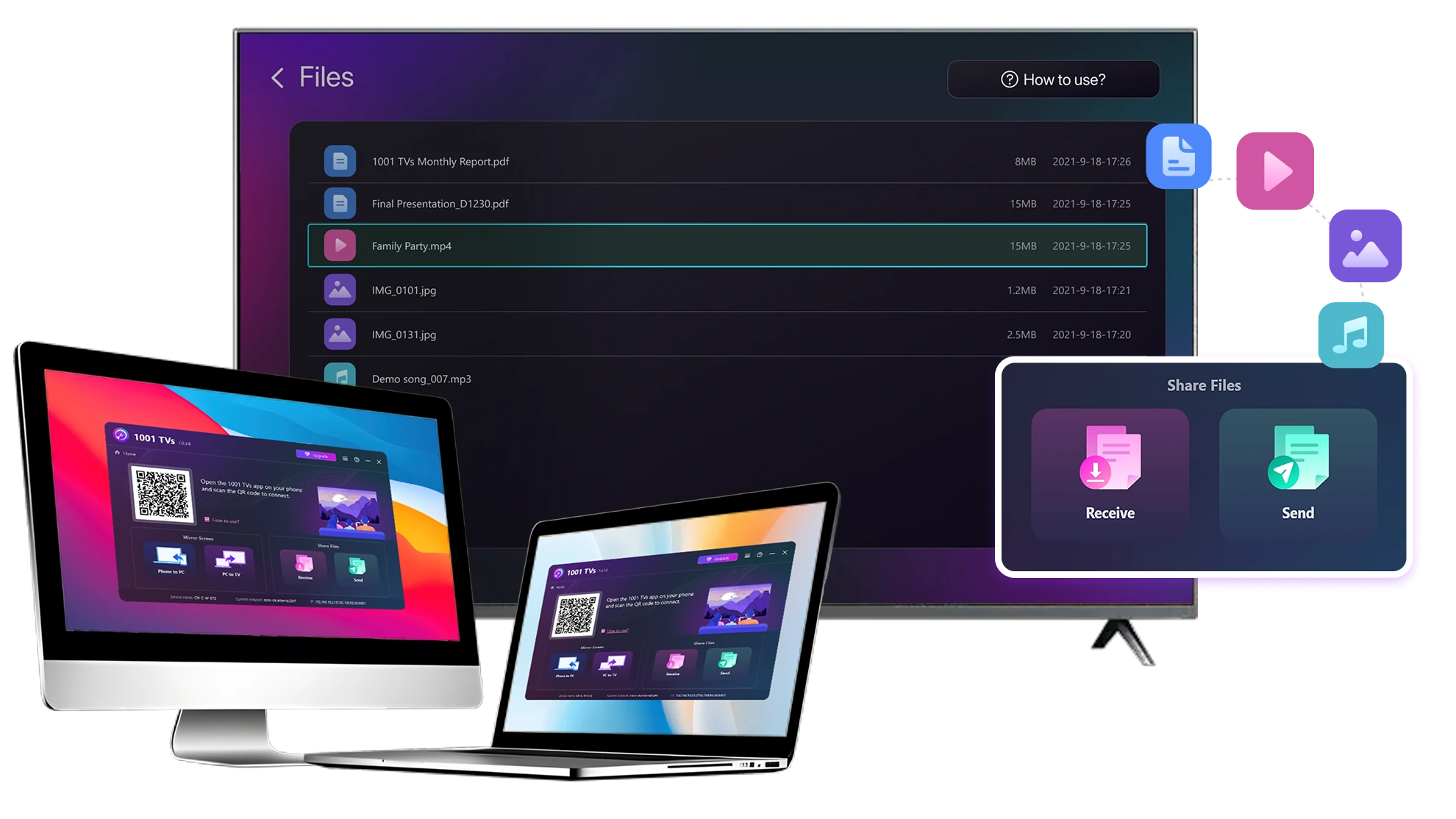
Connect your PC or Mac and TV to the same Wi-Fi network. Available devices will be detected automatically.
3
傳送檔案
選擇您的電視,並立即傳送檔案,進行快速的本機傳輸。.
穩定。本地。大型檔案傳輸。.
Large Files & Any Format
Transfer large files from your PC or Mac to your TV, including full-length videos and 4K movies.

Supports major file types such as MKV, MP4, AVI, and MP3, as well as documents and other desktop files.

沒有 USB 隨身碟。沒有 HDMI 連接線。.
在電腦上選取檔案,並以無線方式傳送至電視。.
large-files-any-format
Local Transfer. Reliable Playback.
所有傳輸皆透過您的區域網路進行 — 不上傳至雲端,完全不消耗手機數據流量。

當您繼續工作時,可在背景中傳輸檔案。.

專為穩定、長時間傳輸而設計 - 即使是大型檔案。.
local-transfer-reliable-playback
應用情境
家庭劇院與電影
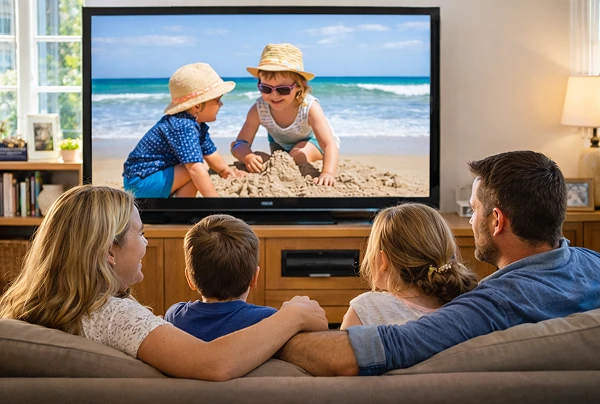
家庭照片與影片
簡報與展示
享受您的電影 - 更大、更順暢
儲存在 PC 或 Mac 上的電影在電視上看起來效果最好。較大的螢幕可呈現更多細節,讓 長影片看起來更舒適。.

直接從電腦串流大型電影檔案,包括長度完整的影片和 4K 影片到您的 電視進行流暢的本機播放 - 不需要 USB 磁碟機、HDMI 連接線,也不會中斷。.

With 1001 TVs, your personal movie library turns into a true home-theater experience on the big screen.
home-theater-movies
在電視大螢幕上重溫家庭回憶
您的最佳照片和視訊通常都儲存在電腦中。別再瞇著眼睛看筆記型電腦螢幕或 雲端上傳的隱私風險。.

直接從 PC 或 Mac 將家庭照片和視訊傳送至電視。無需網路、無需註冊、無需等待 無需等待 - 檔案直接本機傳送至電視。.

With 1001 TVs, your memories stay safely on the local, while the joy of sharing them fills the room.
family-photos-videos
專業簡報 - 無線且可靠
Your presentation lives on your PC. Showing it on a TV shouldn’t depend on cables, adapters, or last-minute fixes.

從電腦無線傳送幻燈片、演示視訊和其他檔案到電視。連線 連線保持穩定,讓您的簡報不中斷地進行。.

沒有設定延遲。無意外故障。.
您只需專注於您的內容 - 電視只需播放即可。.
presentations-demos
下載
常見問題
Which computers and TVs support file transfer?
1001 TVs supports sending files from compatible Windows PCs and Macs to TVs that can run the 1001 TVs app. Install the latest app version on the computer and TV, then connect them to the same local network.
Which file types can I transfer from a computer?
You can transfer a wide range of files — videos (MKV, MP4, AVI), audio (MP3), images (JPG, PNG), documents, and other common desktop files. A successful transfer does not guarantee that the TV can open every format; playback or viewing depends on the TV's apps and codec support.
Can I send large videos or 4K movie files?
Yes. 1001 TVs supports large files, full-length videos, and 4K movie files without a fixed transfer-size limit. Transfer time depends on file size and local-network speed, while playback depends on the TV's supported video and audio codecs.
Where can I find the transferred file on my TV?
Transferred files are available from the file-receiving area in the 1001 TVs app and are saved to storage accessible to the app. The exact folder and available file-management options depend on the TV platform and its storage permissions.
How does the 1001 TVs Send Files to TV subscription work?
1001 TVs offers a limited-time free trial for Send Files to TV. After the trial, weekly, monthly, yearly, and lifetime plans are available; paid membership is only needed on the sending device, while the receiving TV does not need a separate subscription. Local prices are shown in the app, and recurring subscriptions can be managed or canceled through the store or account used for purchase.
Are files uploaded to cloud storage?
No. Files are sent directly from the computer to the TV over the local network and are not uploaded to cloud storage by 1001 TVs.
我該如何聯絡客服或尋求協助?
請聯絡我們 1001tvs@nero.com.