检测R浏࢜器语言为中文,EVENTUALE,EVENTUALE,EVENTUALE,EVENTUALE点此切换到中文页面
Come inviare file alla TV da PC e Mac?
1
Installa l’app
Scaricare e aprire l'applicazione 1001 TVs su tutti i dispositivi.
2
Collegare i dispositivi
Connect your PC or Mac and TV to the same Wi-Fi network. Available devices will be detected automatically.
3
Invia i file
Selezionate il vostro televisore e inviate immediatamente i file per un trasferimento veloce e locale.
Stabile. Locale. Trasferimento di file di grandi dimensioni.
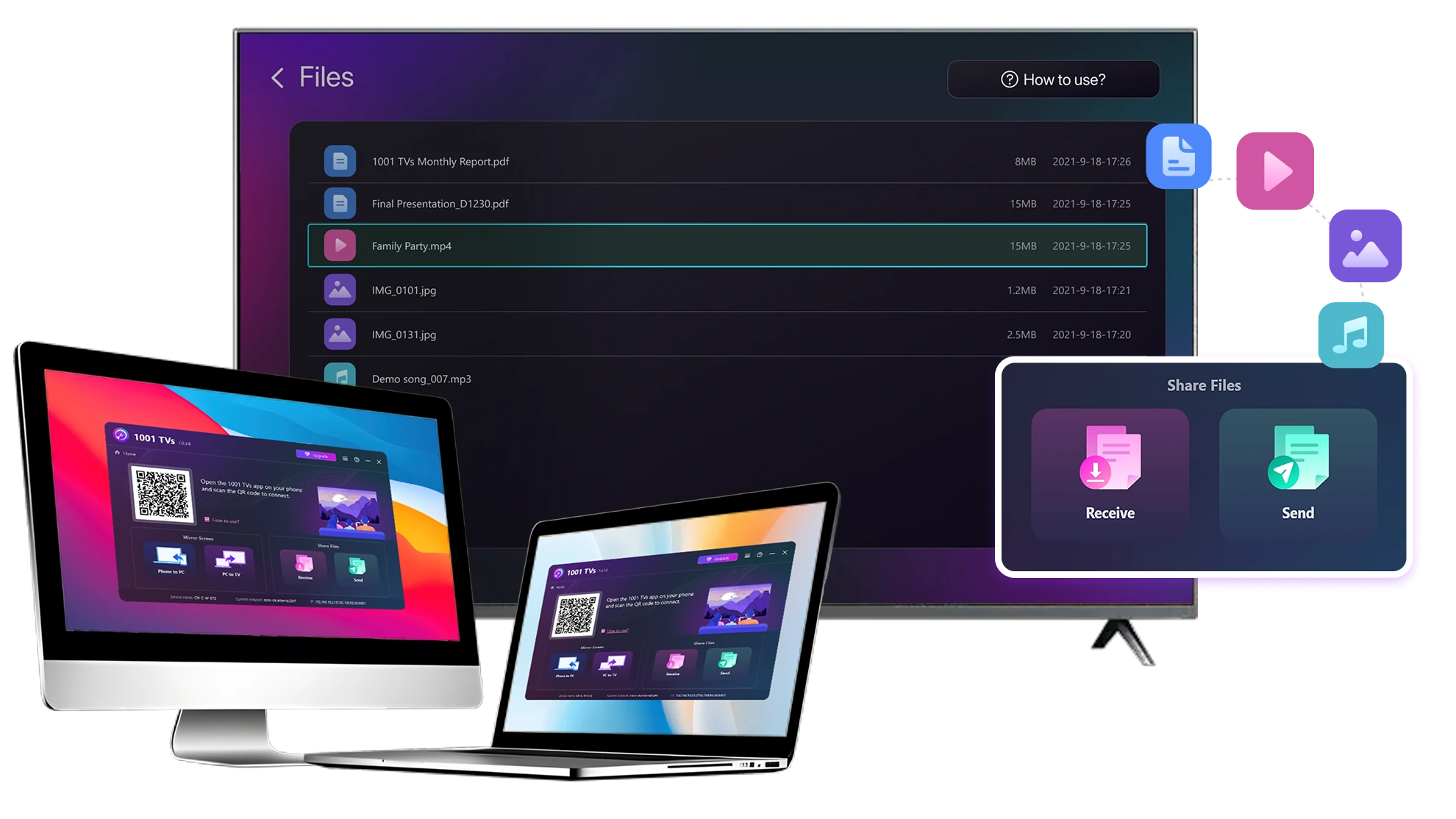
Large Files & Any Format
Transfer large files from your PC or Mac to your TV, including full-length videos and 4K movies.

Supports major file types such as MKV, MP4, AVI, and MP3, as well as documents and other desktop files.

Niente unità USB. Nessun cavo HDMI.
Selezionate i file sul computer e inviateli al televisore in modalità wireless.
large-files-any-format
Local Transfer. Reliable Playback.
Tutti i trasferimenti avvengono sulla rete locale, senza upload su cloud e senza utilizzo di dati.

Trasferite i file in background mentre continuate a lavorare.

Progettato per trasferimenti stabili e di lunga durata, anche con file di grandi dimensioni.
local-transfer-reliable-playback
Casi d'uso
Home Theater e film
Foto e video di famiglia
Presentazioni e dimostrazioni
Godetevi i vostri film - più grandi e più fluidi
I film archiviati sul PC o sul Mac si vedono meglio su un televisore. Uno schermo più grande fa risaltare maggiormente i dettagli e rende filmati lunghi molto più comodi da guardare.

Streaming di file di film di grandi dimensioni, compresi i video completi e in 4K, direttamente dal computer al televisore. TV per una riproduzione fluida e locale, senza unità USB, senza cavi HDMI e senza interruzioni.

With 1001 TVs, your personal movie library turns into a true home-theater experience on the big screen.
home-theater-movies
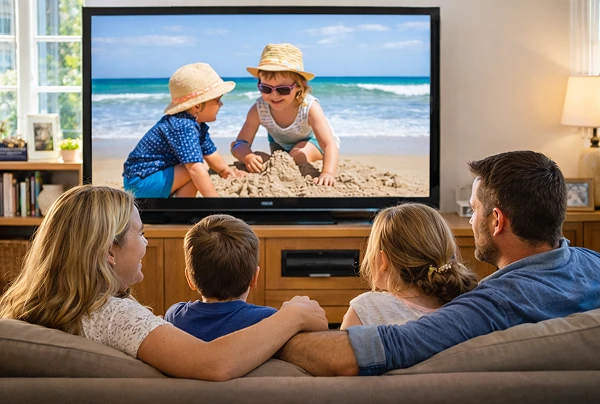
Rivivere i ricordi di famiglia sul grande schermo televisivo
Le vostre foto e i vostri video migliori spesso vivono sul vostro computer. Smettetela di guardare lo schermo di un portatile o di di rischiare la vostra privacy con il caricamento su cloud.

Inviate foto e video di famiglia direttamente dal vostro PC o Mac al televisore. Niente internet, niente iscrizioni e niente attese. nessuna attesa: i file vengono inviati direttamente al televisore, in locale.

With 1001 TVs, your memories stay safely on the local, while the joy of sharing them fills the room.
family-photos-videos
Presentare come un professionista: senza fili e affidabile
Your presentation lives on your PC. Showing it on a TV shouldn’t depend on cables, adapters, or last-minute fixes.

Inviate al televisore in modalità wireless diapositive, video dimostrativi e altri file dal vostro computer. La connessione connessione rimane stabile, in modo che la presentazione si svolga senza interruzioni.

Nessun ritardo nella configurazione. Nessun intoppo inatteso.
L'utente si concentra sui contenuti e il televisore si limita a mostrarli.
presentations-demos
Scarica
Domande frequenti
Which computers and TVs support file transfer?
1001 TVs supports sending files from compatible Windows PCs and Macs to TVs that can run the 1001 TVs app. Install the latest app version on the computer and TV, then connect them to the same local network.
Which file types can I transfer from a computer?
You can transfer a wide range of files — videos (MKV, MP4, AVI), audio (MP3), images (JPG, PNG), documents, and other common desktop files. A successful transfer does not guarantee that the TV can open every format; playback or viewing depends on the TV's apps and codec support.
Can I send large videos or 4K movie files?
Yes. 1001 TVs supports large files, full-length videos, and 4K movie files without a fixed transfer-size limit. Transfer time depends on file size and local-network speed, while playback depends on the TV's supported video and audio codecs.
Where can I find the transferred file on my TV?
Transferred files are available from the file-receiving area in the 1001 TVs app and are saved to storage accessible to the app. The exact folder and available file-management options depend on the TV platform and its storage permissions.
How does the 1001 TVs Send Files to TV subscription work?
1001 TVs offers a limited-time free trial for Send Files to TV. After the trial, weekly, monthly, yearly, and lifetime plans are available; paid membership is only needed on the sending device, while the receiving TV does not need a separate subscription. Local prices are shown in the app, and recurring subscriptions can be managed or canceled through the store or account used for purchase.
Are files uploaded to cloud storage?
No. Files are sent directly from the computer to the TV over the local network and are not uploaded to cloud storage by 1001 TVs.
Come posso contattare l'assistenza o ricevere aiuto?
Contattateci all'indirizzo 1001tvs@nero.com.