检测到浏览器语言为中文,点此切换到中文页面->
How to Send Files to TV from Your PC & Mac?
Easily send files from your PC or Mac to a smart TV using 1001 TVs — in 3 simple steps.
1
安裝應用程式
在所有设备上下载并打开 1001 TVs 应用程序。
2
連接
Connect your PC or Mac and TV to the same Wi-Fi network. Available devices will be detected automatically.
3
傳送檔案
Select your TV and send files instantly for fast, local transfer.
Stable. Local. Large File Transfer.
LARGE FILES & ANY FORMAT
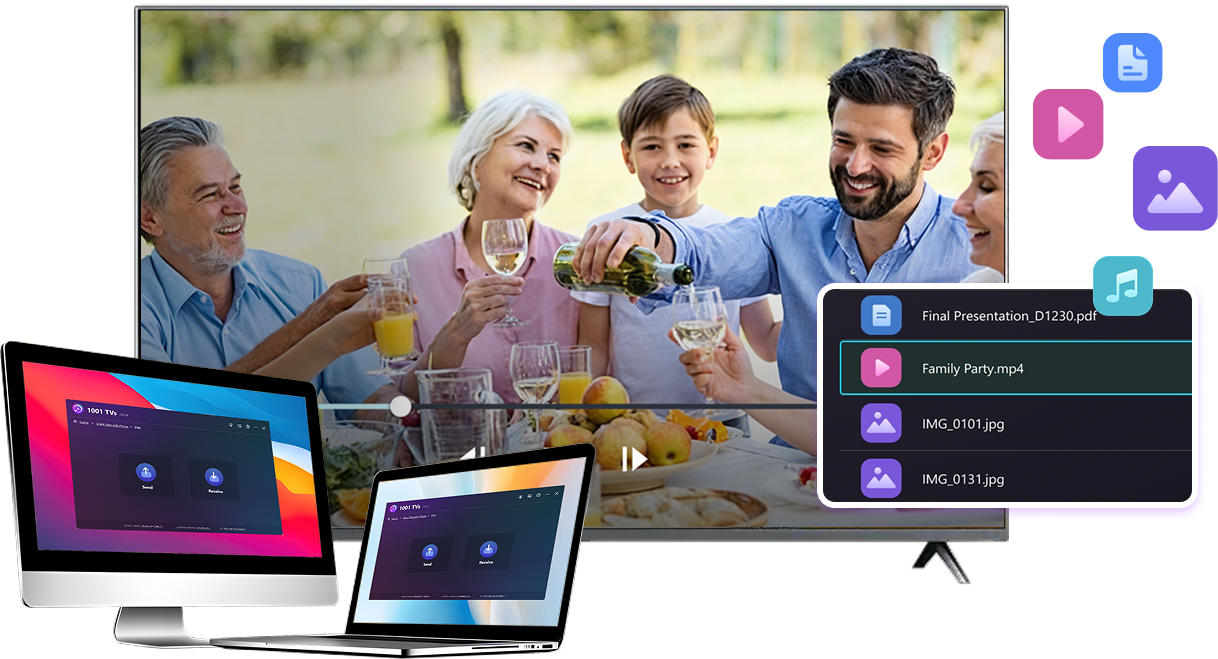
Transfer large files from your PC or Mac to your TV, including full-length videos and 4K movies.


Supports major file types such as MKV, MP4, AVI, and MP3, as well as documents and other desktop files.

No USB drives. No HDMI cables.
Select files on your computer and send them to the TV wirelessly.
large-files-any-format
LOCAL TRANSFER. RELIABLE PLAYBACK.
所有傳輸皆透過您的區域網路進行 — 不上傳至雲端,完全不消耗手機數據流量。

Transfer files in the background while you keep working.

Designed for stable, long-running transfers —even with large files.
local-transfer-reliable-playback
應用情境
Home Theater & Movies
Family Photos & Videos
簡報與展示
Enjoy Your Movies — Bigger and Smoother
Movies stored on your PC or Mac look best on a TV. A larger screen brings out more detail and makes long movies far more comfortable to watch.

Stream large movie files, including full-length and 4K videos, directly from your computer to your TV for smooth, local playback—no USB drives, no HDMI cables, and no interruptions.

With 1001 TVs, your personal movie library turns into a true home-theater experience on the big screen.
home-theater-movies
Relive Family Memories on the Big TV Screen
Your best photos and videos often live on your computer. Stop squinting at a laptop screen or risking your privacy with cloud uploads.

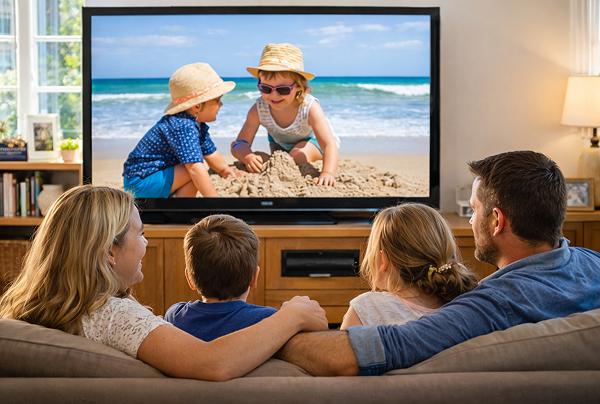
Send family photos and videos straight from your PC or Mac to the TV. No internet, no sign-ups, and no waiting — files go directly to your TV, locally.

With 1001 TVs, your memories stay safely on the local, while the joy of sharing them fills the room.
family-photos-videos
Present Like a Pro — Wireless and Reliable
Your presentation lives on your PC. Showing it on a TV shouldn’t depend on cables, adapters, or last-minute fixes.

Send slides, demo videos, and other files from your computer to the TV wirelessly. The connection stays stable, so your presentation runs without interruptions.

No setup delays. No unexpected glitches.
You focus on your content — the TV simply shows it.
簡報-演示
下載
常見問題
我可以試試看嗎?
1001 TVs 提供限時免費試用,可無限使用螢幕鏡像、檔案傳輸和相簿等高級功能。.
若要繼續享用服務,只要在試用結束後升級為訂閱即可。.
如何安裝 1001 TVs 應用程式?
您可以在下列應用程式商店搜尋「1001 TVs」找到它:
- Apple App Store (適用於 iPhone、iPad、Mac、Apple TV)
- Microsoft 商店 (適用於 Windows)
- Google Play (適用於 Android 手機、平板電腦和電視)
如何取消訂閱?
取消您在 iOS 上的訂閱
-  開啟「設定」→ 點選最上方顯示的您的名稱 → 訂閱項目 → 選擇訂閱 → 取消訂閱
取消您在 Google Play 上的訂閱
- 開啟 Google Play 商店 → 點選右上角的個人圖示 → 付款與訂閱 → 訂閱 → 選擇訂閱項目 → 取消訂閱 → 確認取消
如何聯絡我們?
請透過 1001tvs@nero.com 與我們聯絡。.