检测到浏览器语言为中文,点此切换到中文页面->
三步驟輕鬆分享檔案
1
安裝應用程式
在兩台裝置上下載並開啟 1001 TVs。
2
連接裝置
請確認兩台裝置連接到同一個 Wi-Fi,打開 App 並點選「檔案傳輸」進行掃描與連線。
3
傳送檔案
選擇你要分享的內容 — 無需傳輸線、沒有檔案大小限制,也不必等待。
私密、快速又靈活的檔案分享
高速傳輸
透過 Wi-Fi 高速傳送大型檔案 — 無需傳輸線、不經雲端、零延遲,檔案僅在本地網路內流轉。
快速转移
無障礙分享
跨平台又私密,輕鬆在 Windows/macOS 與 Android/iOS 之間無縫傳檔 — 同一 Wi-Fi 下快速又安全。
零障碍
應用情境
照片備份
影片匯出
文件傳輸
安全又輕鬆的照片備份
釋放手機空間,珍藏回憶無需上雲、不用登入。

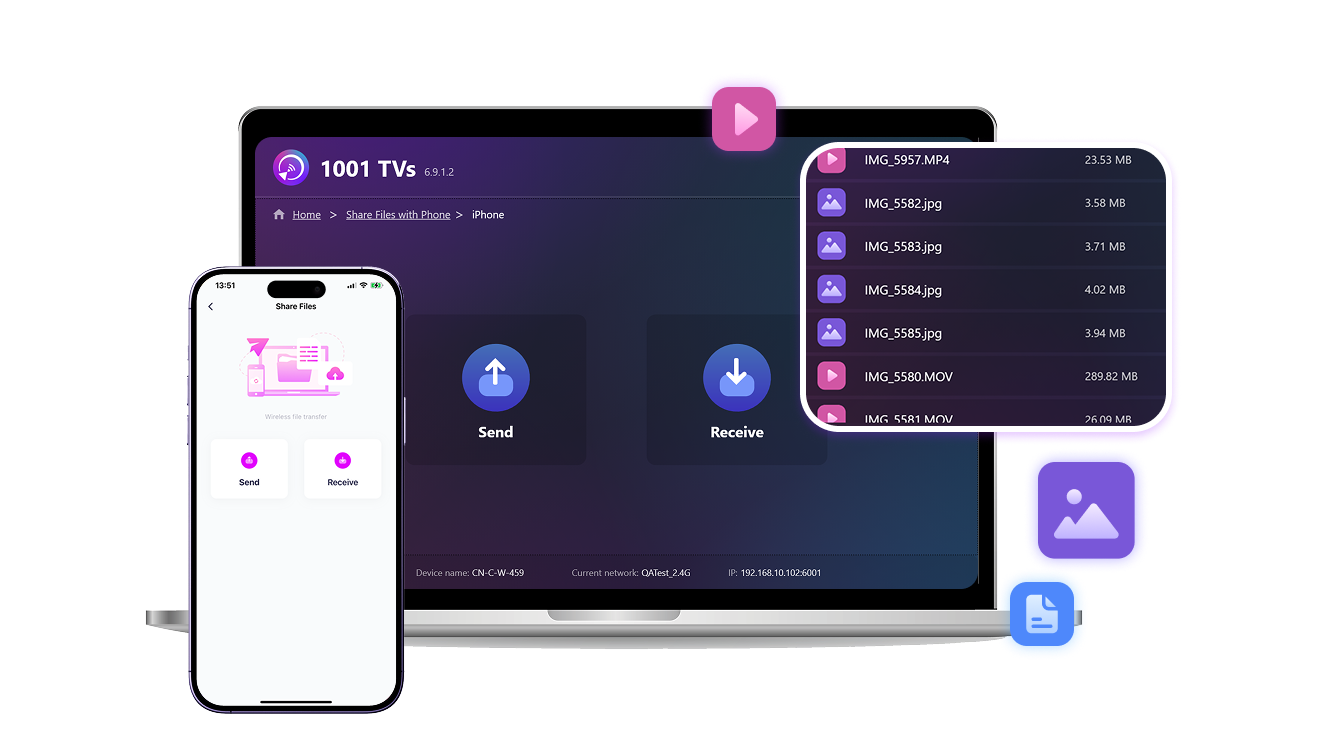
不論是照片、影片、音樂還是其他檔案,1001 TVs 讓你一鍵無線備份整個相簿到 Windows 或 Mac。

不需要網路、不限大小,透過本地 Wi-Fi 快速又私密地傳輸。
照片备份
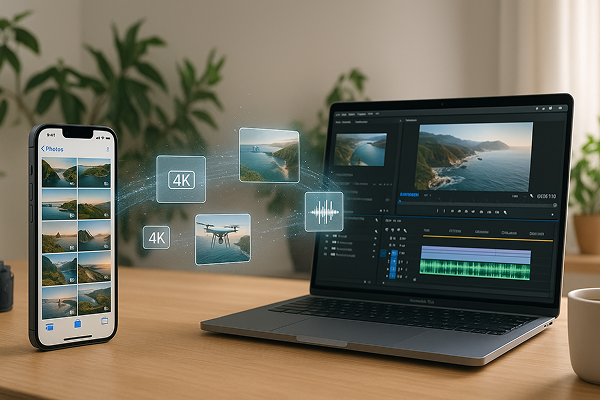
穩定的影片匯出體驗 — 即使是大型 4K 檔案也不成問題
隨著影片畫質越來越高,檔案也變得越來越大,讓你分享、傳輸影像變得更困難。

無論是空拍影片、課堂錄影,還是 4K Vlog,大型檔案常常無法透過 AirDrop 傳送,或用傳輸線慢得讓人抓狂。

1001 TVs 提供更好的解法:手機影片無線傳輸到電腦,無需壓縮、不經雲端。 不需要傳輸線、不怕傳送失敗,透過本地 Wi-Fi 穩定又安全。
视频输出
批次檔案傳輸 — 一次傳完所有檔案
需要傳送整個資料夾的照片、影片或文件嗎?

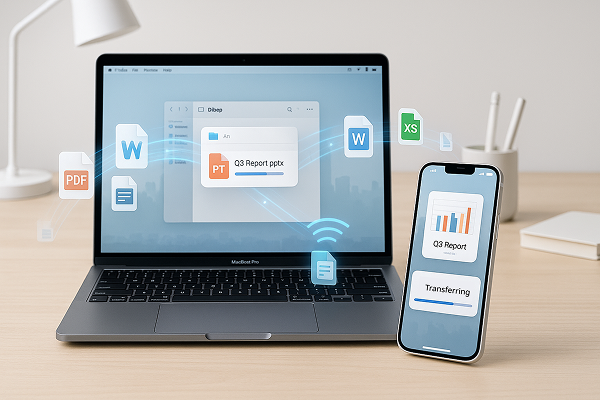
1001 TVs 支援批次檔案傳輸,不限檔案大小與數量。只要接收裝置有足夠空間,就能一次搞定。

無論是圖片、影片、音訊或工作檔案,所有內容都透過本地網路無線傳輸,快速、安全且不失真。
文件传输
下載
常見問題
What is 1001 TVs?
1001 TVs is a superpower tool that connects any device wirelessly — phones, tablets, Macs, PCs, and TVs. Enjoy seamless screen mirroring and unlimited file transfer.
Which devices and platforms are supported for screen mirroring?
Devices: Phone, tablet, PC, Mac, TV
平台:
- iOS (iPhone/iPad)
- Android
- macOS
- Windows
- Smart TV platforms: Google Android TV, Apple tvOS, HarmonyOS, MIUI TV, Amazon Fire OS
How do I mirror my phone or computer screen to a TV?
- Install 1001 TVs app on your phone/PC/Mac and TV.
- Ensure both devices are connected to the same Wi-Fi network.
- Open the app, select the device or scan the QR code to start.
Can I Try 1001 TVs for Free?
1001 TVs 提供限時免費試用,可無限使用螢幕鏡像、檔案傳輸和相簿等高級功能。.
若要繼續享用服務,只需在試用結束後升級為 訂閱。.
如何安裝 1001 TVs 應用程式?
您可以在下列應用程式商店搜尋「1001 TVs」找到它:
- Apple App Store (適用於 iPhone、iPad、Mac、Apple TV)
- Microsoft 商店 (適用於 Windows)
- Google Play (適用於 Android 手機、平板電腦和電視)
What subscription plans and pricing options does 1001 TVs offer?
We offer weekly, monthly, yearly, and lifetime plans. Paid membership is only needed on the sender side after a free trial. See in-app for your local pricing.
如何取消訂閱?
取消您在 iOS 上的訂閱
-  開啟「設定」→ 點選最上方顯示的您的名稱 → 訂閱項目 → 選擇訂閱 → 取消訂閱
取消您在 Google Play 上的訂閱
- 開啟 Google Play 商店 → 點選右上角的個人圖示 → 付款與訂閱 → 訂閱 → 選擇訂閱項目 → 取消訂閱 → 確認取消
Can I mirror multiple devices at the same time?
Yes. You can mirror multiple devices to one PC/Mac (e.g., phones, tablets, PCs, or Macs), or mirror one PC/Mac to multiple devices (TVs, phones, tablets, PCs, Macs, etc.) — all simultaneously.
Does 1001 TVs store personal data or have privacy risks?
No. All screen data stays within your local network — never uploads to internet.
How can I contact support or get help?
請聯絡我們 1001tvs@nero.com.