检测到浏览器语言为中文,点此切换到中文页面->
三步輕鬆串流媒體
1
安裝應用程式
請在手機上下載並打開應用程式。(電視端無需安裝)
2
連接裝置
確保您的手機和電視在同一個 Wi-Fi 網路上。應用程式會自動偵測附近的裝置。
3
開始串流播放
選擇任一張照片、影片或音樂,立即投放到電視上。
無需安裝電視 App,只要輕點一下,即可開始串流
串流至任何裝置
可自動連接至任何裝置,包括智慧型電視、PlayStation、Roku、NAS,甚至較舊的機型,以進行高解析度串流。
以原始畫質播放所有媒體格式
全面相容 MP4、MOV、M4A、MP3、JPG 等格式。以原始畫質投放至電視,無壓縮、無損耗,畫面清晰流暢。
所有媒体格式
應用情境
照片分享
高音質音樂播放
直播節目串流
把相片變成共享時光
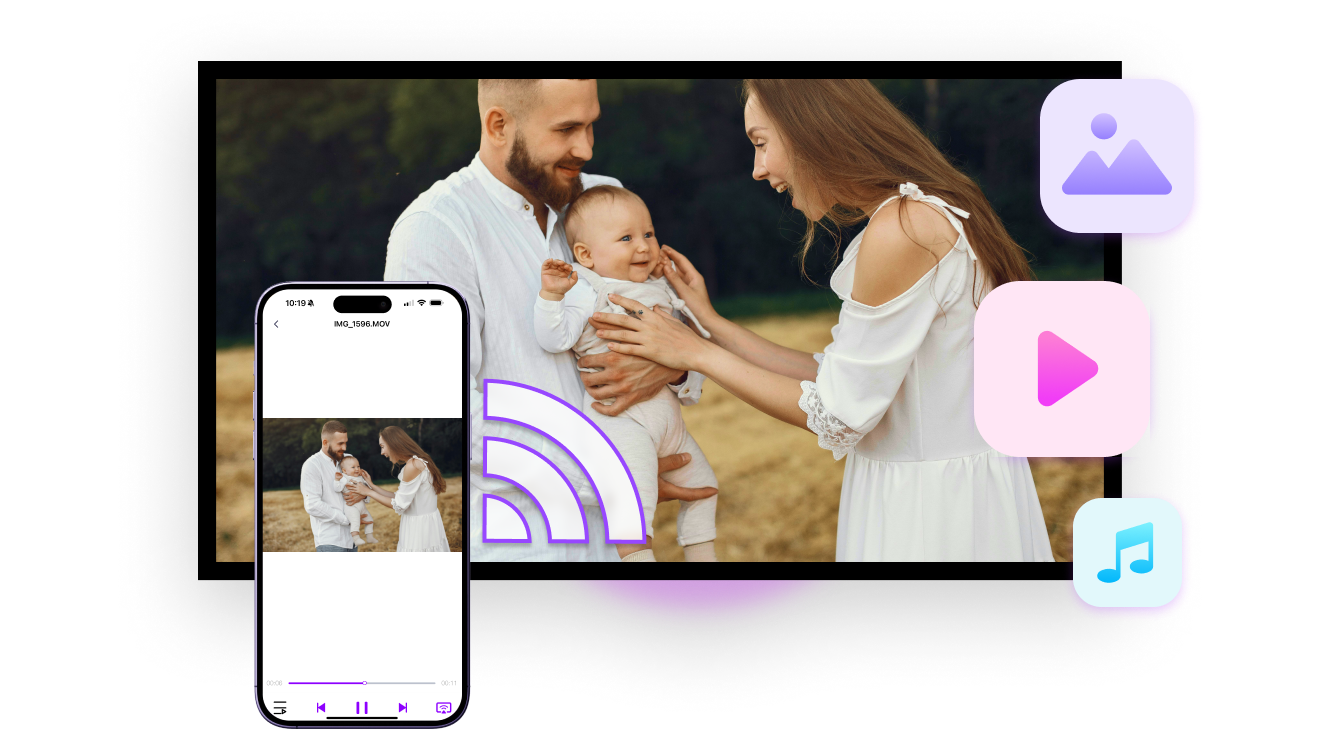
輕鬆在大螢幕上分享旅遊相片、家庭相簿與珍貴回憶,與親朋好友一同回味,更添樂趣。

照片會依相簿智慧整理,方便快速選取。您可隨意挑選,沒有數量限制。

非常適合用於旅行、聚會或溫馨的家庭時光。開始投放後,可自由滑動瀏覽每張照片。
照片共享
震撼全場的音樂體驗
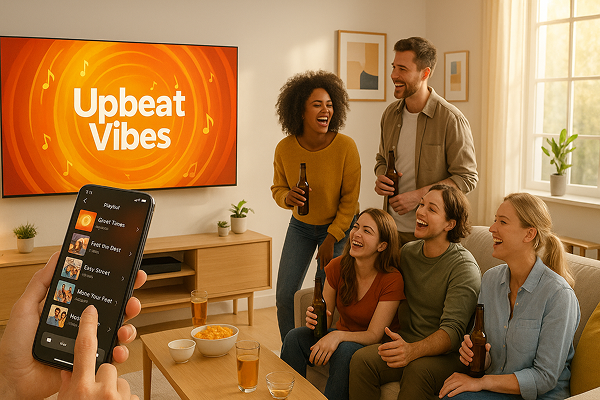
只需幾秒,將您最喜愛的播放清單從手機投放到電視、電腦或高保真喇叭。

享受更震撼的音量、更豐富的細節,以及無損音質,讓音樂的每一層次都栩栩如生。

無論是派對、輕鬆的夜晚,或是認真聆聽時刻,都能輕鬆切換曲目,讓聲音自由綻放。
音乐充满房间
精采片段重播 — 從舞台到體育場
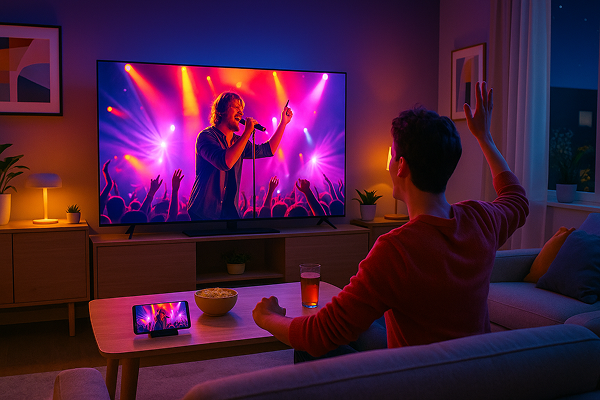
重溫你最喜愛的時刻,無論是演唱會、足球賽、粉絲活動還是遊戲精華,盡在大螢幕上一一呈現。

直接將你的個人錄影從手機投放到電視,無需上傳、無延遲、隱私零擔憂。

無論是音樂之夜、絕殺進球,還是精彩遊戲片段,即時串流,重溫那個激動人心的瞬間。
在家体验音乐会
下載
常見問題
What is 1001 TVs?
1001 TVs is a superpower tool that connects any device wirelessly — phones, tablets, Macs, PCs, and TVs. Enjoy seamless screen mirroring and unlimited file transfer.
Which devices and platforms are supported for screen mirroring?
Devices: Phone, tablet, PC, Mac, TV
平台:
- iOS (iPhone/iPad)
- Android
- macOS
- Windows
- Smart TV platforms: Google Android TV, Apple tvOS, HarmonyOS, MIUI TV, Amazon Fire OS
How do I mirror my phone or computer screen to a TV?
- Install 1001 TVs app on your phone/PC/Mac and TV.
- Ensure both devices are connected to the same Wi-Fi network.
- Open the app, select the device or scan the QR code to start.
Can I Try 1001 TVs for Free?
1001 TVs 提供限時免費試用,可無限使用螢幕鏡像、檔案傳輸和相簿等高級功能。.
若要繼續享用服務,只需在試用結束後升級為 訂閱。.
如何安裝 1001 TVs 應用程式?
您可以在下列應用程式商店搜尋「1001 TVs」找到它:
- Apple App Store (適用於 iPhone、iPad、Mac、Apple TV)
- Microsoft 商店 (適用於 Windows)
- Google Play (適用於 Android 手機、平板電腦和電視)
What subscription plans and pricing options does 1001 TVs offer?
We offer weekly, monthly, yearly, and lifetime plans. Paid membership is only needed on the sender side after a free trial. See in-app for your local pricing.
如何取消訂閱?
取消您在 iOS 上的訂閱
-  開啟「設定」→ 點選最上方顯示的您的名稱 → 訂閱項目 → 選擇訂閱 → 取消訂閱
取消您在 Google Play 上的訂閱
- 開啟 Google Play 商店 → 點選右上角的個人圖示 → 付款與訂閱 → 訂閱 → 選擇訂閱項目 → 取消訂閱 → 確認取消
Can I mirror multiple devices at the same time?
Yes. You can mirror multiple devices to one PC/Mac (e.g., phones, tablets, PCs, or Macs), or mirror one PC/Mac to multiple devices (TVs, phones, tablets, PCs, Macs, etc.) — all simultaneously.
Does 1001 TVs store personal data or have privacy risks?
No. All screen data stays within your local network — never uploads to internet.
How can I contact support or get help?
請聯絡我們 1001tvs@nero.com.