检测到浏览器语言为中文,点此切换到中文页面
Perfecte foto’s in 3 simpele stappen
1
Installeer de app
Download en open de 1001 TVs-app op al je apparaten.
2
Verbind apparaten
Make sure both devices are on the same Wi-Fi. Tap "Camera Mirroring," and 1001 TVs will detect available devices.
3
Synchroniseer je camera
Spiegel je camera naar iPhone, iPad, Android, tv, pc of Mac. Pas hoeken, zoom en instellingen direct aan – klaar om te starten met spiegelen!
Spiegel je camera. Beheers elk beeld.
Live voorbeeld
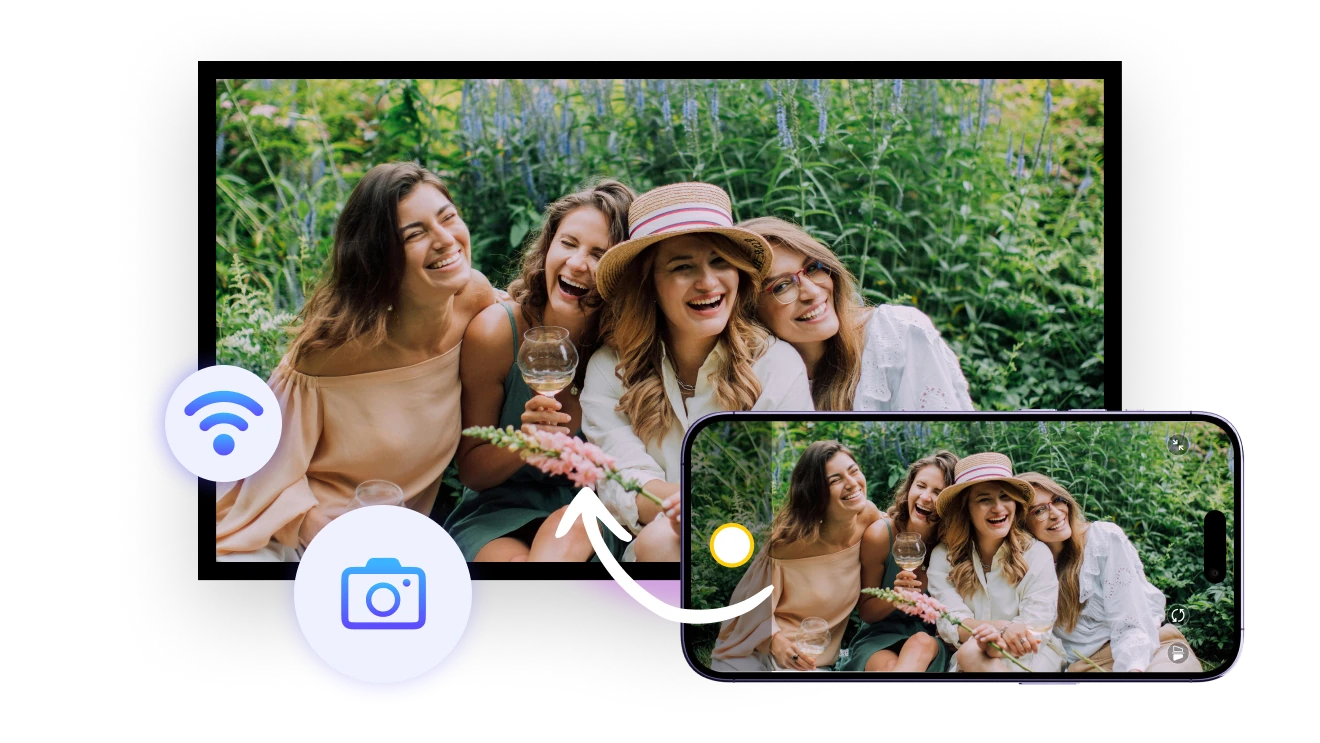
Bekijk je compositie, belichting en hoeken in realtime. Ideaal voor fotografen op afstand of soloreizigers die het perfecte selfie willen maken. Altijd volledige controle, zelfs op afstand.
live-preview
Zoomen & spiegelen
Zoom tot 12x in en spiegel je beeld, afhankelijk van de camerafuncties van je toestel. Meer precisie en flexibiliteit bij elke opname.
sharp-details
Toepassingen
De ideale selfie-assistent
Groepsmomenten zonder moeite
Ondersteuning bij lesgeven in realtime
Nooit meer blind foto’s maken
Bang dat je vriend het perfecte moment mist?
De achtercamera levert scherpere foto's, maar zonder preview is het een gok.
Met 1001 TVs kun je in realtime spiegelen, je hoeken sturen, tijd besparen en altijd het perfecte shot maken – zelfs als je alleen bent!
selfie-assist
Laat je groepsmomenten stralen
Ben je het zat om telkens opnieuw te moeten fotograferen?
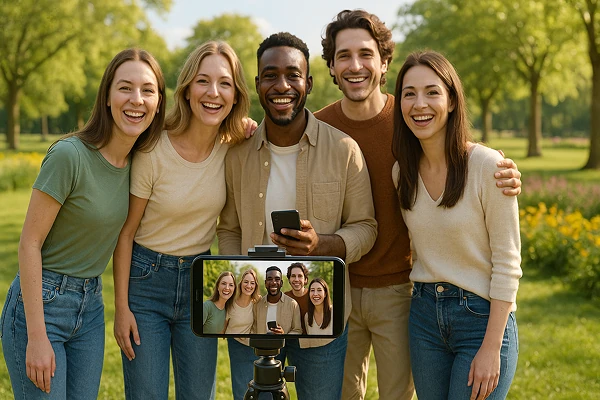
Met de cameramirroring van 1001 TVs zie je ieders gezichtsuitdrukking in realtime en zorg je dat iedereen goed in beeld staat.
Leg de perfecte groepsfoto vast in één keer, elke keer weer!
Bespaar tijd en moeite, en maak elke bijeenkomst nóg leuker!
group-photos
Laat elk detail zien
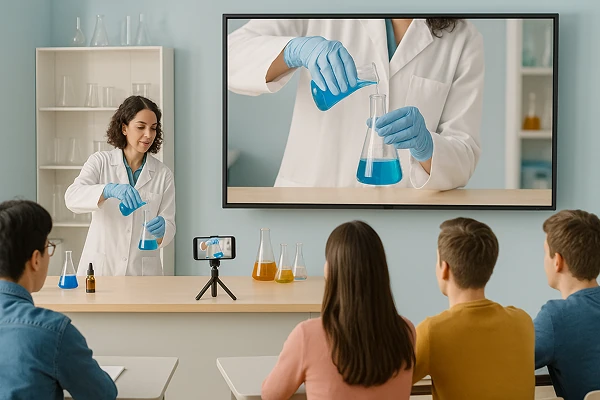
Maak van je telefoon een live visualizer – ideaal voor het tonen van experimenten, schetsen en praktische demonstraties.
Met de cameraspiegeling van 1001 TVs krijgt elke leerling een zitplaats op de eerste rij — waar hij ook zit.
Maak lessen boeiender en trainingen effectiever – de eenvoudigste manier om te delen, tonen en stralen!
teaching
Downloaden
Veelgestelde vragen
What is camera mirroring?
Camera mirroring sends a live view from your phone's camera to another screen. It helps you check framing, lighting, focus, selfies, group photos, demonstrations, and video setups without standing behind the phone.
Which devices can display the camera preview?
The camera preview can be displayed on compatible iPhones, iPads, Android devices, TVs, Windows PCs, and Macs. Install 1001 TVs where required, connect the devices to the same Wi-Fi network, and select the receiver from Camera Mirroring.
Is the camera preview shown in real time?
Yes. Camera Mirroring provides a live preview so you can adjust framing, lighting, and angles from the receiving screen. A small delay may occur depending on Wi-Fi quality, device performance, network traffic, and distance from the router.
Can I zoom or flip the camera image?
Yes. 1001 TVs supports zooming up to 12× and flipping the preview when the phone's camera hardware and operating system allow it. The available zoom range and camera controls can vary by phone model.
How does the 1001 TVs Camera Mirroring subscription work?
1001 TVs offers a limited-time free trial for Camera Mirroring. After the trial, weekly, monthly, yearly, and lifetime plans are available; paid membership is only needed on the sending device. Local prices are shown in the app, and recurring subscriptions can be managed or canceled through the store or account used for purchase.
Is my camera feed uploaded to the cloud?
No. Your live camera feed is transmitted between devices over the local network and is not uploaded to the cloud by 1001 TVs.
Hoe kan ik contact opnemen met de klantenservice of hulp krijgen?
Neem contact met ons op 1001tvs@nero.com.