检测到浏览器语言为中文,检测到检测到浏览器语言为中文。중국어 페이지로 이동->
How to Send Files to TV from Your PC & Mac?
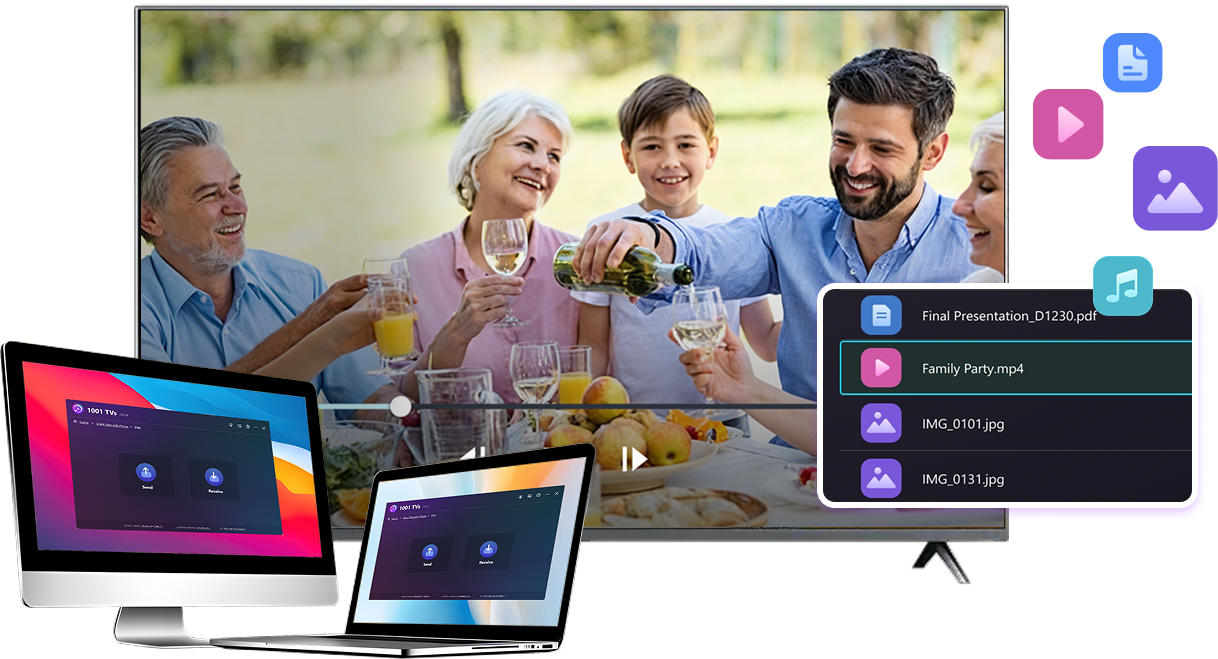
Easily send files from your PC or Mac to a smart TV using 1001 TVs — in 3 simple steps.
1
앱 설치하기
모든 기기에서 1001 TVs 앱을 다운로드하여 엽니다.
2
연결
Connect your PC or Mac and TV to the same Wi-Fi network. Available devices will be detected automatically.
3
파일 전송하기
Select your TV and send files instantly for fast, local transfer.
Stable. Local. Large File Transfer.
LARGE FILES & ANY FORMAT
Transfer large files from your PC or Mac to your TV, including full-length videos and 4K movies.


Supports major file types such as MKV, MP4, AVI, and MP3, as well as documents and other desktop files.

No USB drives. No HDMI cables.
Select files on your computer and send them to the TV wirelessly.
large-files-any-format
LOCAL TRANSFER. RELIABLE PLAYBACK.
모든 전송은 로컬 네트워크를 통해 이루어집니다. 클라우드에 업로드되지 않으며 데이터가 소모되지 않습니다.

Transfer files in the background while you keep working.

Designed for stable, long-running transfers —even with large files.
local-transfer-reliable-playback
활용 사례
Home Theater & Movies
Family Photos & Videos
프레젠테이션 및 데모
Enjoy Your Movies — Bigger and Smoother
Movies stored on your PC or Mac look best on a TV. A larger screen brings out more detail and makes long movies far more comfortable to watch.

Stream large movie files, including full-length and 4K videos, directly from your computer to your TV for smooth, local playback—no USB drives, no HDMI cables, and no interruptions.

With 1001 TVs, your personal movie library turns into a true home-theater experience on the big screen.
home-theater-movies
Relive Family Memories on the Big TV Screen
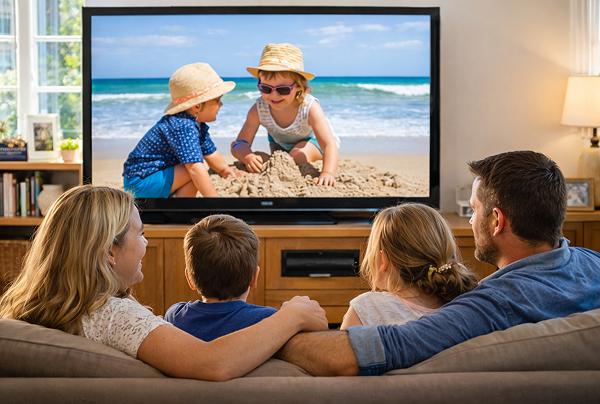
Your best photos and videos often live on your computer. Stop squinting at a laptop screen or risking your privacy with cloud uploads.

Send family photos and videos straight from your PC or Mac to the TV. No internet, no sign-ups, and no waiting — files go directly to your TV, locally.

With 1001 TVs, your memories stay safely on the local, while the joy of sharing them fills the room.
family-photos-videos
Present Like a Pro — Wireless and Reliable
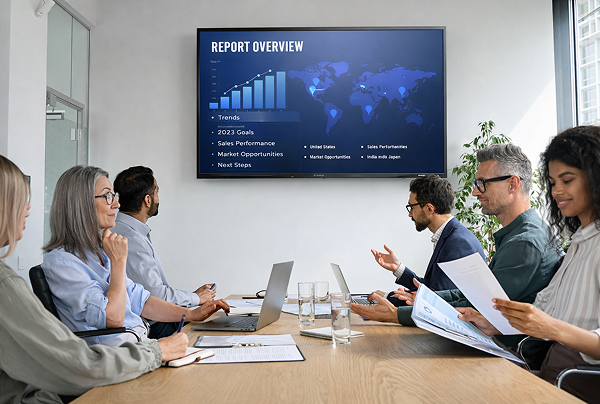
Your presentation lives on your PC. Showing it on a TV shouldn’t depend on cables, adapters, or last-minute fixes.

Send slides, demo videos, and other files from your computer to the TV wirelessly. The connection stays stable, so your presentation runs without interruptions.

No setup delays. No unexpected glitches.
You focus on your content — the TV simply shows it.
프레젠테이션-데모
다운로드
자주 묻는 질문
사용해 볼 수 있나요?
1001 TVs는 화면 미러링, 파일 전송, 앨범과 같은 프리미엄 기능을 무제한으로 이용할 수 있는 기간 한정 무료 평가판을 제공합니다.
평가판이 종료된 후 구독으로 업그레이드하면 서비스를 계속 이용할 수 있습니다.
1001 TVs 앱은 어떻게 설치하나요?
다음 앱 스토어에서 "1001 TVs"를 검색하면 찾을 수 있습니다:
- Apple 앱 스토어(iPhone, iPad, Mac, Apple TV용)
- Microsoft 스토어(Windows용)
- Google Play(Android 휴대폰, 태블릿 및 TV용)
구독을 취소하려면 어떻게 하나요?
iOS에서 구독 취소하기
-  설정을 열고 → 상단에 표시된 본인 이름을 터치 → 구독 → 구독 선택 → 구독 취소
Google Play에서 구독 취소하기
- Google Play 스토어 열기 → 오른쪽 상단의 프로필 아이콘 클릭 → 결제 및 구독 → 구독 → 구독 선택 → 구독 취소 → 취소 확인
어떻게 문의하나요?
1001tvs@nero.com 으로 문의하시기 바랍니다.