检测到浏览器语言为中文,检测到检测到浏览器语言为中文。중국어 페이지로 이동
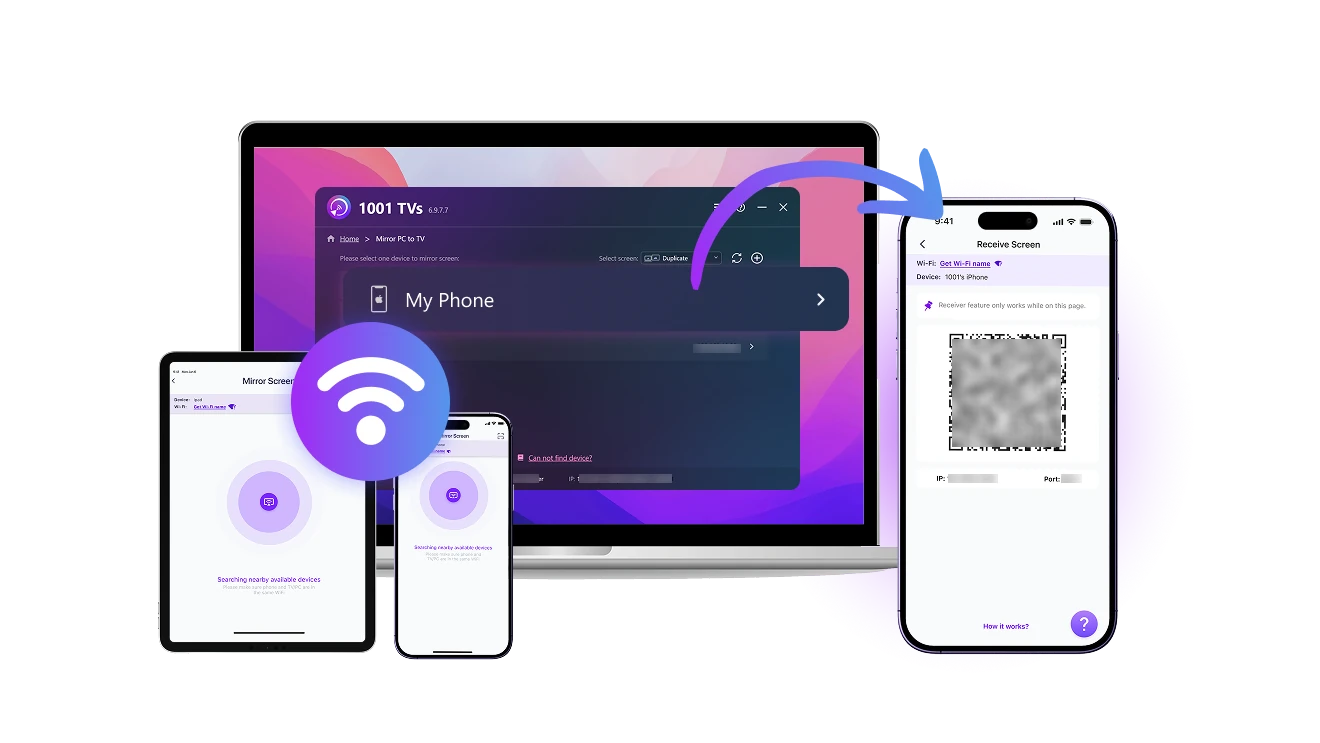
세 단계로 화면을 모바일 기기에 미러링하는 방법입니다
1
1001 TVs 앱 설치
Download and open the app on both the sending and receiving devices.
2
‘화면 수신기’ 기능 열기
Connect both devices to the same Wi-Fi. On your phone or tablet, open the app and stay on Screen Receiver.
3
미러링 시작
On the sending device, go to “Screen Mirroring”. Find your receiver in the list or scan the QR code to connect. Then tap "Start" to cast your screen.
기기 간 화면 전송, 이제 손쉽게
receive-from-any-device
어떤 기기에서든 화면 수신 가능
checkedWindows, macOS, iOS, Android 등 다양한 기기의 화면을 받을 수 있습니다. 간단한 조작으로 무선 연결이 가능합니다.
checked간단한 조작으로 무선 연결이 가능합니다.
use-as-a-second-screen
휴대폰을 세컨드 스크린으로 활용하세요
checkedPC에서 화면을 복제, 확장 또는 특정 창 모드로 전송할 수 있습니다.
checked기존에 가지고 있는 기기만으로 작업 공간을 확장하세요 — 별도 장비 필요 없음.
no-cables-full-connection
자유롭게 연결하세요 — 케이블도, 제약도 없이
checkedWi-Fi를 통해 기기를 유연하게 연결할 수 있습니다. 케이블은 필요하지 않습니다.
checkedMac, PC, iOS 또는 Android에서 부드럽고 고품질의 화면 및 오디오 공유를 즐기세요.
활용 사례
업무 효율 향상
스마트 육아
즐거운 엔터테인먼트
크리에이티브 작업 흐름
언제 어디서나 더 생산적으로
iPad, Android 태블릿 또는 여분의 기기를 Mac이나 PC의 세컨드 스크린으로 사용하세요. 케이블은 필요 없습니다.

1001 TVs를 사용하면 휴대폰에서 TV로, PC에서 휴대폰으로, 큰 화면이든 작은 화면이든 간편하게 스크린 캐스팅을 할 수 있습니다.

어떤 화면이든 유연한 작업 공간으로 전환해보세요 — 드로잉, 멀티태스킹, 전체 화면 작업에 딱 맞습니다.
work
연결을 유지하고, 함께하세요
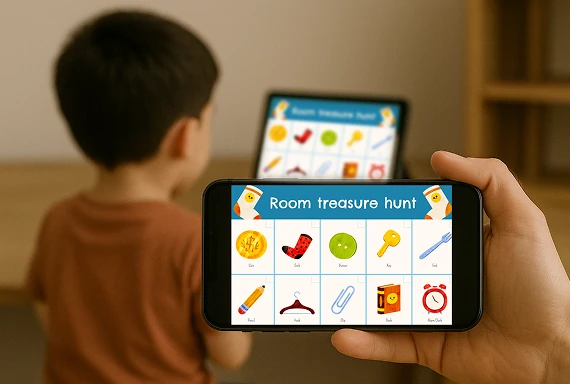
자녀의 화면을 손쉽게 자신의 기기로 미러링할 수 있어 온라인 수업, 숙제, 일상 학습에 적합합니다.

1001 TVs 화면 미러링 앱을 사용하면 자녀의 학습 상황을 손쉽게 파악하고, 필요한 순간에 적절한 도움을 제공하며, 간섭 없이 부드럽게 지도할 수 있습니다.

복잡한 설정이나 케이블 없이도, 어디에서나 안전하고 집중력 있는 학습 환경을 만들어보세요.
parenting
완전한 자유로 화면 미러링
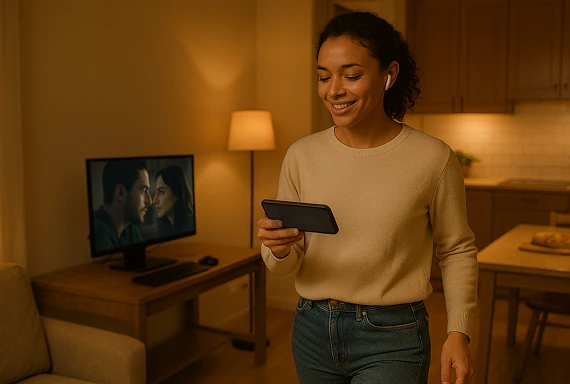
PC의 화면을 스마트폰이나 태블릿으로 미러링하여 언제 어디서나 개인 시청하세요.

1001 TVs 미러링 앱을 사용하면 영화를 혼자 조용히 감상하거나, 운동 튜토리얼을 따라 하고, 게임 장면을 분석할 수도 있습니다.

운동 중이든 휴식 중이든, 중요한 장면을 다시 보든, 원하는 어떤 화면으로도 자유롭게 미러링하세요 — 제한도, 케이블도 없습니다.
entertainment
촬영 중 실시간 미리보기
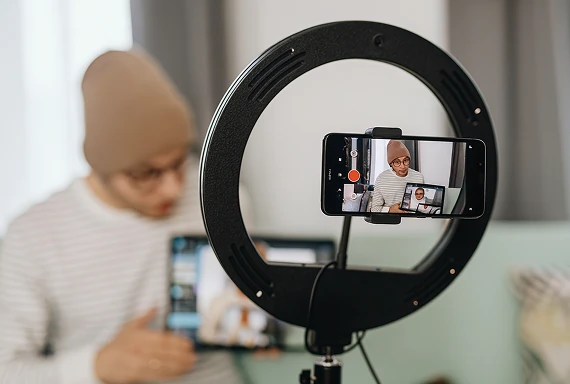
휴대폰을 카메라로 사용하고 화면을 다른 기기로 실시간 전송하세요. 무거운 장비 없이 구도, 조명, 초점을 쉽게 조절할 수 있어요.

1001 TVs 앱으로 촬영 장면을 실시간으로 확인하고, 각도를 바꾸거나 디테일을 쉽게 조정할 수 있어요.

라이브 방송이든 즉석 촬영이든, 스마트폰으로 콘텐츠를 만드는 분들께 꼭 필요한 도구입니다。
content-creation
다운로드
Faq
What does Screen Receiver do?
Screen Receiver turns a supported phone or tablet into a receiving display. You can view a screen from another phone, tablet, Windows PC, or Mac for work, personal viewing, monitoring, or a portable second-screen setup.
Which devices can send a screen to my phone or tablet?
Windows, macOS, iOS, and Android devices can send a screen to a compatible phone or tablet. Install the latest version of 1001 TVs on both devices because available features can vary by operating system.
Do both devices need to be on the same Wi-Fi network?
Yes. Connect the sending device and mobile receiver to the same local network, open Screen Receiver on the phone or tablet, then select it from the sender or scan its QR code.
Does Screen Receiver support audio?
Screen Receiver supports screen and audio sharing on compatible device combinations. Audio availability can vary by the sending platform, operating-system version, source app, and protected content.
How does the 1001 TVs Screen Receiver subscription work?
1001 TVs offers a limited-time free trial for Screen Receiver. After the trial, weekly, monthly, yearly, and lifetime plans are available; paid membership is only needed on the device sending the screen, while the receiving phone or tablet does not need a separate subscription. Local prices are shown in the app, and recurring subscriptions can be managed or canceled through the store or account used for purchase.
1001 TVs는 개인 정보를 저장하나요, 아니면 개인정보 보호에 대한 위험이 있나요?
아닙니다. 모든 화면 데이터는 귀하의 로컬 네트워크 내에서만 처리되며, 인터넷으로 업로드되지 않습니다.
고객 지원팀에 연락하거나 도움을 받으려면 어떻게 해야 하나요?
다음 연락처로 문의하세요. 1001tvs@nero.com.