检测到浏览器语言为中文,.点此切换到中文页面
たった3ステップでファイル共有
1
アプリをインストール
両方の端末に 1001 TVs アプリをダウンロードして起動します。
2
デバイスを接続
Tap "Send Files" on your phone and connect to your PC.
3
ファイルを送信
共有したいファイルを選ぶだけ — ケーブル不要、サイズ制限なし、待ち時間ゼロ!
プライベートかつ高速・柔軟なファイル共有
高速転送
Wi-Fi で大容量ファイルを高速転送 — ケーブル不要、クラウド不要、待ち時間なし。ファイルはローカルネットワーク内で完結。
fast-transfers
共有に壁はなし
Windows/macOS と Android/iOS 間でシームレスかつ安全にファイル共有。同じ Wi-Fi 内でプライベートに完結。
zero-barriers
利用シーン
写真バックアップ
動画エクスポート
ファイル転送
安全でかんたんな写真バックアップ
クラウドもログインも不要。スマホの容量を空けて、大切な思い出をしっかり保存。

1001 TVs を使えば、写真・動画・音楽など、ギャラリー全体をワンタップで Windows や Mac に無線バックアップできます。

インターネット不要、サイズ制限なし。ローカル Wi-Fi で高速かつプライベートに転送。
photos-backup
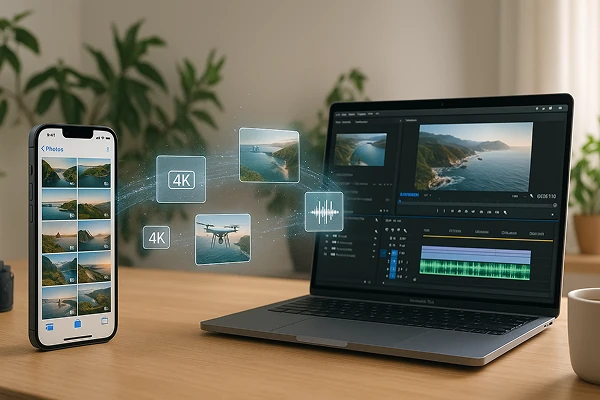
高画質でも安心の動画書き出し — 大容量4Kファイルにも対応
動画の画質が向上するほど、ファイルサイズも大きくなり、映像を移動・転送するのが難しくなります。

ドローン映像、講義の録画、4K の Vlog など、大容量ファイルは AirDrop で失敗したり、ケーブルだと転送に時間がかかります。

1001 TVs ならより快適に!スマホからPCへ、無圧縮で動画をワイヤレス転送。 クラウド不要、ケーブル不要、失敗なし — ローカルWi-Fiで安全かつスムーズにエクスポート。
video-export
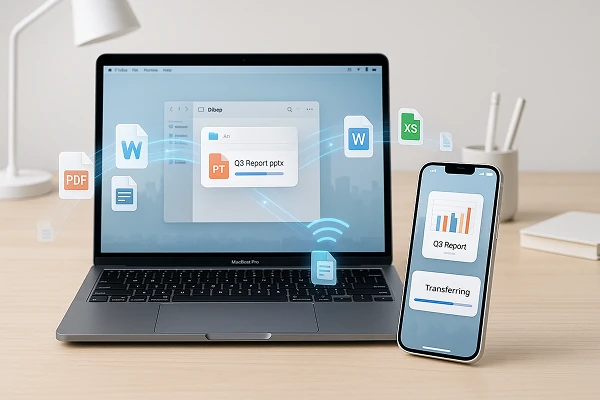
まとめてファイル送信 — 一度にすべてを転送
写真や動画、ドキュメントが詰まったフォルダーを一気に送りたいですか?

1001 TVs なら、サイズ・件数の制限なしで一括転送が可能。受信側に十分な容量さえあればすぐに送れます。

画像、動画、音声、仕事用ファイルなど、すべてのデータはローカルネットワークを通じてワイヤレスで高速かつ安全に、品質を損なうことなく送信されます。
file-transfer
ダウンロード
よくあるご質問
Which devices can transfer files with 1001 TVs?
1001 TVs supports local file transfer across Windows, macOS, iOS, and Android devices. Both devices should use the latest app version; the available send and receive directions can vary by platform.
What kinds of files can I transfer?
You can transfer photos, videos, music, documents, and other common file types between supported devices. This is useful for backing up a phone, exporting large videos, or moving work files without a cable.
Can I transfer large files or multiple files at once?
Yes. 1001 TVs supports large files and batch transfers without a fixed file-size or quantity limit, provided the receiving device has enough available storage. Transfer time depends on the total file size, network conditions, and device performance.
Does file transfer reduce photo or video quality?
No. File Transfer is designed to move the original file without media compression, so photos and videos retain their original quality and resolution.
How does the 1001 TVs File Transfer subscription work?
1001 TVs offers a limited-time free trial for File Transfer. After the trial, weekly, monthly, yearly, and lifetime plans are available; paid membership is only needed on the sending device. Local prices are shown in the app, and recurring subscriptions can be managed or canceled through the store or account used for purchase.
Are my files sent through the cloud?
No. Your files are transferred directly between devices over the local network and are not sent through cloud storage by 1001 TVs.
サポートに連絡したり、助けを求めたりするにはどうすればよいですか?
下記までご連絡ください。 1001tvs@nero.com.