检测到浏览器语言为中文،点此切换到中文页面->
How to Send Files to TV from Your PC & Mac?
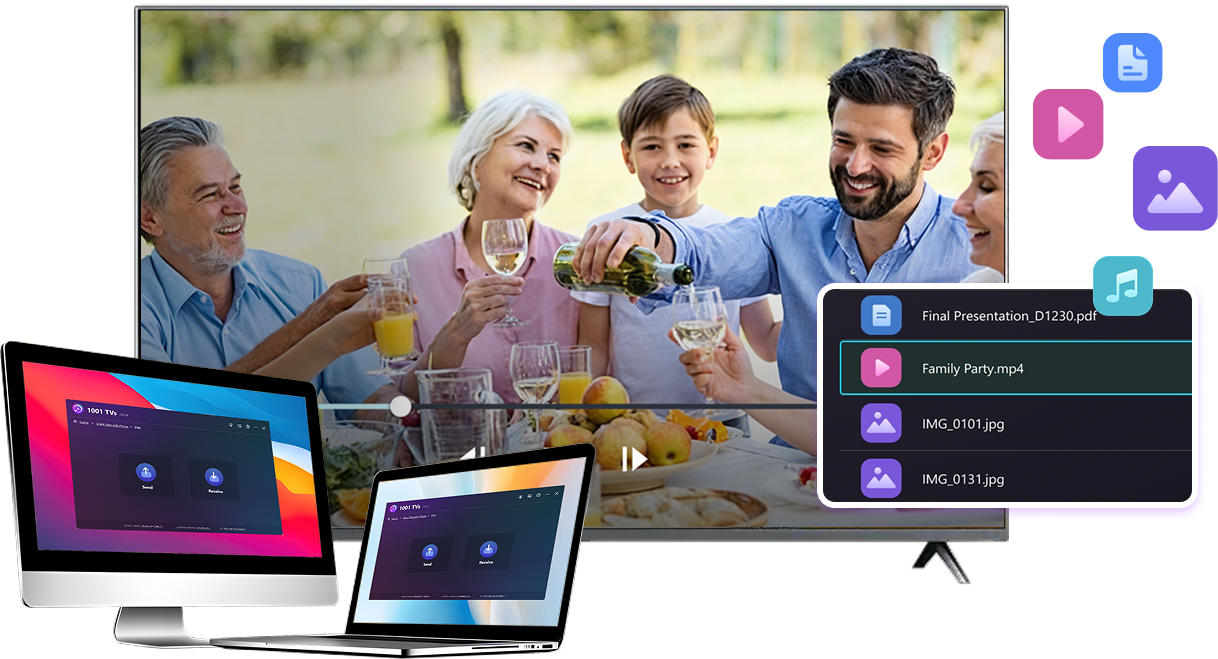
Easily send files from your PC or Mac to a smart TV using 1001 TVs — in 3 simple steps.
1
ایپ انسٹال کریں۔
Download and open the 1001 TVs app on all devices.
2
جڑیں۔
Connect your PC or Mac and TV to the same Wi-Fi network. Available devices will be detected automatically.
3
فائلیں بھیجیں۔
Select your TV and send files instantly for fast, local transfer.
Stable. Local. Large File Transfer.
LARGE FILES & ANY FORMAT
Transfer large files from your PC or Mac to your TV, including full-length videos and 4K movies.


Supports major file types such as MKV, MP4, AVI, and MP3, as well as documents and other desktop files.

No USB drives. No HDMI cables.
Select files on your computer and send them to the TV wirelessly.
large-files-any-format
LOCAL TRANSFER. RELIABLE PLAYBACK.
تمام منتقلیاں آپ کے مقامی نیٹ ورک پر ہوتی ہیں — کوئی کلاؤڈ اپ لوڈ نہیں اور ڈیٹا کا کوئی استعمال نہیں۔.

Transfer files in the background while you keep working.

Designed for stable, long-running transfers —even with large files.
local-transfer-reliable-playback
کیسز استعمال کریں۔
Home Theater & Movies
Family Photos & Videos
پریزنٹیشنز اور ڈیمو
Enjoy Your Movies — Bigger and Smoother
Movies stored on your PC or Mac look best on a TV. A larger screen brings out more detail and makes long movies far more comfortable to watch.

Stream large movie files, including full-length and 4K videos, directly from your computer to your TV for smooth, local playback—no USB drives, no HDMI cables, and no interruptions.

With 1001 TVs, your personal movie library turns into a true home-theater experience on the big screen.
home-theater-movies
Relive Family Memories on the Big TV Screen
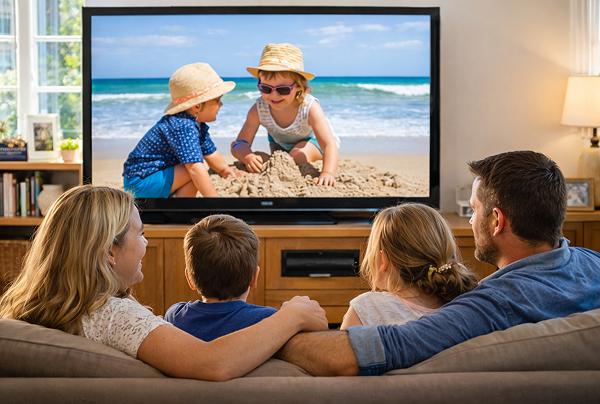
Your best photos and videos often live on your computer. Stop squinting at a laptop screen or risking your privacy with cloud uploads.

Send family photos and videos straight from your PC or Mac to the TV. No internet, no sign-ups, and no waiting — files go directly to your TV, locally.

With 1001 TVs, your memories stay safely on the local, while the joy of sharing them fills the room.
family-photos-videos
Present Like a Pro — Wireless and Reliable
Your presentation lives on your PC. Showing it on a TV shouldn’t depend on cables, adapters, or last-minute fixes.

Send slides, demo videos, and other files from your computer to the TV wirelessly. The connection stays stable, so your presentation runs without interruptions.

No setup delays. No unexpected glitches.
You focus on your content — the TV simply shows it.
پریزنٹیشنز - ڈیمو
ڈاؤن لوڈ کریں۔
اکثر پوچھے گئے سوالات
کیا میں اسے آزما سکتا ہوں؟
1001 TVs ایک محدود وقت کے مفت ٹرائل کی پیشکش کرتا ہے جس میں اسکرین مررنگ، فائل ٹرانسفر، اور البم جیسی پریمیم خصوصیات تک مکمل، لامحدود رسائی ہے۔.
سروس سے لطف اندوز ہوتے رہنے کے لیے، ٹرائل ختم ہونے کے بعد بس سبسکرپشن میں اپ گریڈ کریں۔.
میں 1001 TVs ایپ کیسے انسٹال کروں؟
آپ اسے درج ذیل ایپ اسٹورز میں "1001 TVs" تلاش کرکے تلاش کرسکتے ہیں۔
· ایپل ایپ اسٹور (آئی فون، آئی پیڈ، میک، ایپل ٹی وی کے لیے)
· مائیکروسافٹ اسٹور (ونڈوز کے لیے)
· Google Play (Android فونز، ٹیبلٹس اور TVs کے لیے)
سبسکرپشن کیسے منسوخ کریں؟
اپنے iOS پر سبسکرپشن منسوخ کریں۔
·  سیٹنگز ایپ کھولیں → اپنا نام → سبسکرپشنز → سبسکرپشن → سبسکرپشن منسوخ کریں۔
Google Play پر سبسکرپشن منسوخ کریں۔
· Google Play Store ایپ کھولیں → پروفائل تصویر اوپر دائیں جانب → ادائیگی اور سبسکرپشنز → سبسکرپشنز → سبسکرپشن → منسوخ کریں سبسکرپشن → منسوخی کی تصدیق کریں
ہم سے رابطہ کیسے کریں؟
براہ کرم ہم سے 1001tvs@nero.com پر رابطہ کریں۔.