检测到浏览器语言为中文,点此切换到中文页面->
How to Send Files to TV from Your PC & Mac?
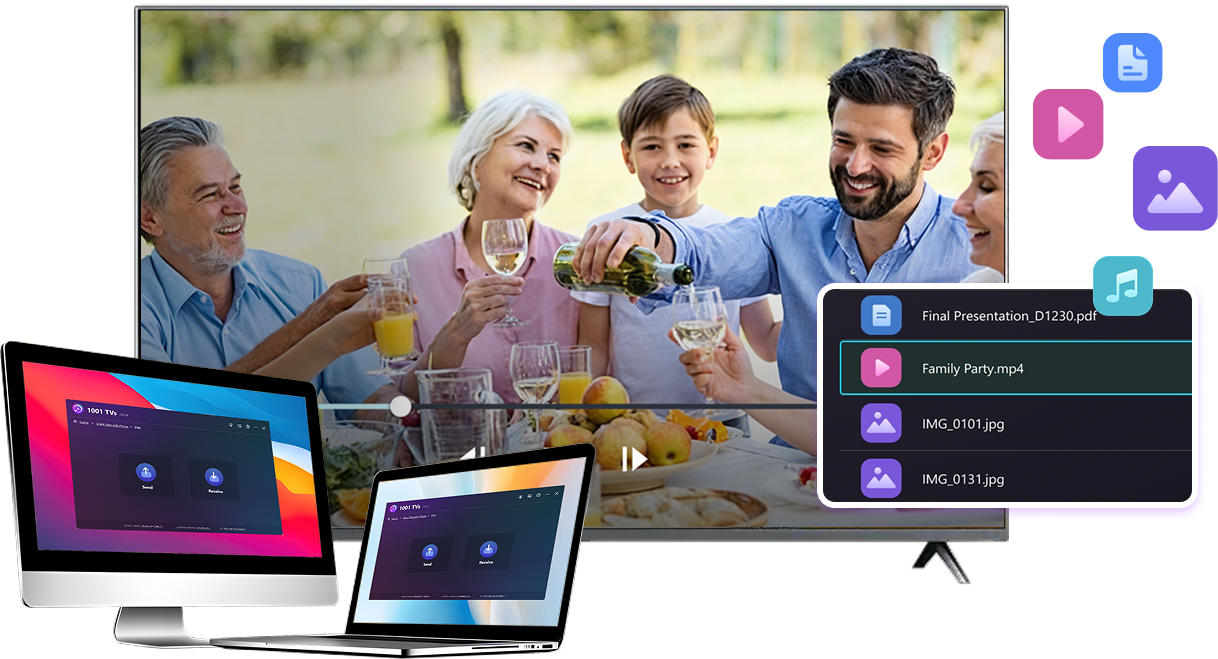
Easily send files from your PC or Mac to a smart TV using 1001 TVs — in 3 simple steps.
1
Uygulamayı Yükle
Tüm cihazlara 1001 TVs uygulamasını indirin ve açın.
2
Bağlan
Connect your PC or Mac and TV to the same Wi-Fi network. Available devices will be detected automatically.
3
Dosya Gönder
Select your TV and send files instantly for fast, local transfer.
Stable. Local. Large File Transfer.
LARGE FILES & ANY FORMAT
Transfer large files from your PC or Mac to your TV, including full-length videos and 4K movies.


Supports major file types such as MKV, MP4, AVI, and MP3, as well as documents and other desktop files.

No USB drives. No HDMI cables.
Select files on your computer and send them to the TV wirelessly.
large-files-any-format
LOCAL TRANSFER. RELIABLE PLAYBACK.
Tüm aktarımlar yerel ağınız üzerinden gerçekleşir - bulut yüklemesi ve veri kullanımı yoktur.

Transfer files in the background while you keep working.

Designed for stable, long-running transfers —even with large files.
local-transfer-reliable-playback
Kullanım Alanları
Home Theater & Movies
Family Photos & Videos
Sunumlar & Demolar
Enjoy Your Movies — Bigger and Smoother
Movies stored on your PC or Mac look best on a TV. A larger screen brings out more detail and makes long movies far more comfortable to watch.

Stream large movie files, including full-length and 4K videos, directly from your computer to your TV for smooth, local playback—no USB drives, no HDMI cables, and no interruptions.

With 1001 TVs, your personal movie library turns into a true home-theater experience on the big screen.
home-theater-movies
Relive Family Memories on the Big TV Screen
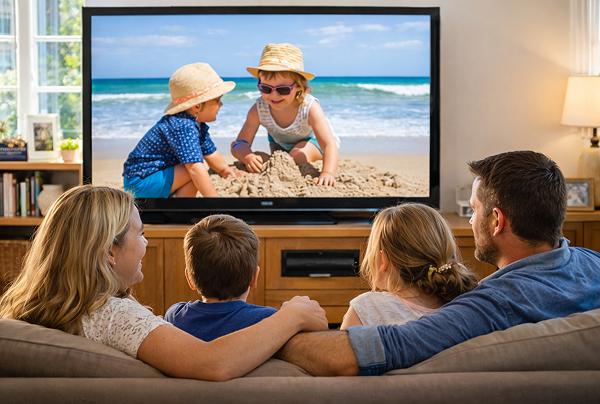
Your best photos and videos often live on your computer. Stop squinting at a laptop screen or risking your privacy with cloud uploads.

Send family photos and videos straight from your PC or Mac to the TV. No internet, no sign-ups, and no waiting — files go directly to your TV, locally.

With 1001 TVs, your memories stay safely on the local, while the joy of sharing them fills the room.
family-photos-videos
Present Like a Pro — Wireless and Reliable
Your presentation lives on your PC. Showing it on a TV shouldn’t depend on cables, adapters, or last-minute fixes.

Send slides, demo videos, and other files from your computer to the TV wirelessly. The connection stays stable, so your presentation runs without interruptions.

No setup delays. No unexpected glitches.
You focus on your content — the TV simply shows it.
sunumlar-demolar
İndir
Sıkça Sorulan Sorular
Deneyebilir miyim?
1001 TVs, ekran yansıtma, dosya aktarımı ve albüm gibi premium özelliklere tam ve sınırsız erişim sağlayan sınırlı süreli ücretsiz bir deneme sunuyor.
Hizmetten yararlanmaya devam etmek için deneme süresi sona erdiğinde aboneliğe yükseltmeniz yeterlidir.
1001 TVs uygulamasını nasıl yüklerim?
Aşağıdaki uygulama mağazalarında "1001 TVs" araması yaparak bulabilirsiniz:
- Apple App Store (iPhone, iPad, Mac, Apple TV için)
- Microsoft Store (Windows için)
- Google Play (Android telefonlar, tabletler ve TV'ler için)
Abonelik nasıl iptal edilir?
iOS cihazınızda aboneliği iptal etme
-  Ayarlar'ı açın → en üstte gösterilen adınıza dokunun → Abonelikler → aboneliği seçin → İptal et
Google Play hesabınızda aboneliği iptal etme
- Google Play Store'u aç → Sağ üst köşedeki profil simgesine tıkla → Ödemeler ve abonelikler → Abonelikler → Aboneliği seç → Aboneliği iptal et → İptali onayla
Bizimle nasıl iletişime geçebilirsiniz?
Lütfen 1001tvs@nero.com adresinden bizimle iletişime geçin.