检测到浏览器语言为中文,点此切换到中文页面->
How to Send Files to TV from Your PC & Mac?
Easily send files from your PC or Mac to a smart TV using 1001 TVs — in 3 simple steps.
1
Εγκαταστήστε την εφαρμογή
Κατεβάστε και ανοίξτε την εφαρμογή 1001 TVs σε όλες τις συσκευές.
2
Συνδέστε το
Connect your PC or Mac and TV to the same Wi-Fi network. Available devices will be detected automatically.
3
Αποστολή αρχείων
Select your TV and send files instantly for fast, local transfer.
Stable. Local. Large File Transfer.
LARGE FILES & ANY FORMAT
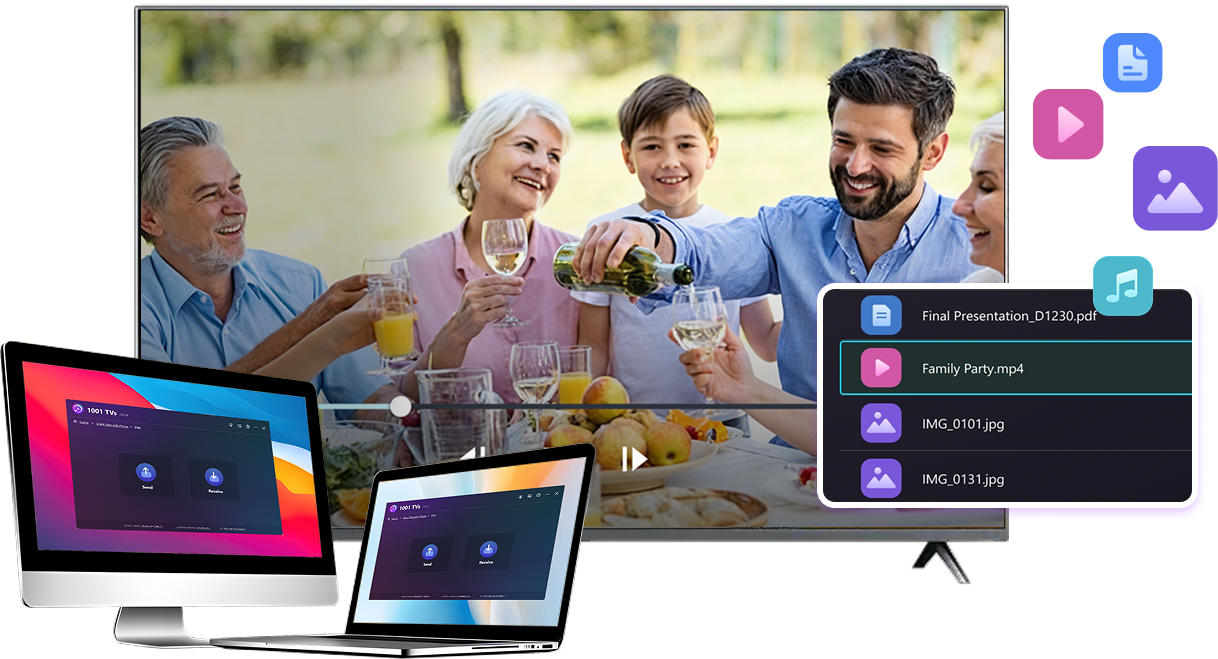
Transfer large files from your PC or Mac to your TV, including full-length videos and 4K movies.


Supports major file types such as MKV, MP4, AVI, and MP3, as well as documents and other desktop files.

No USB drives. No HDMI cables.
Select files on your computer and send them to the TV wirelessly.
large-files-any-format
LOCAL TRANSFER. RELIABLE PLAYBACK.
Όλες οι μεταφορές πραγματοποιούνται μέσω του τοπικού σας δικτύου - δεν υπάρχουν μεταφορτώσεις στο σύννεφο και δεν υπάρχει χρήση δεδομένων.

Transfer files in the background while you keep working.

Designed for stable, long-running transfers —even with large files.
local-transfer-reliable-playback
Περιστάσεις χρήσης
Home Theater & Movies
Family Photos & Videos
Παρουσιάσεις & επιδείξεις
Enjoy Your Movies — Bigger and Smoother
Movies stored on your PC or Mac look best on a TV. A larger screen brings out more detail and makes long movies far more comfortable to watch.

Stream large movie files, including full-length and 4K videos, directly from your computer to your TV for smooth, local playback—no USB drives, no HDMI cables, and no interruptions.

With 1001 TVs, your personal movie library turns into a true home-theater experience on the big screen.
home-theater-movies
Relive Family Memories on the Big TV Screen
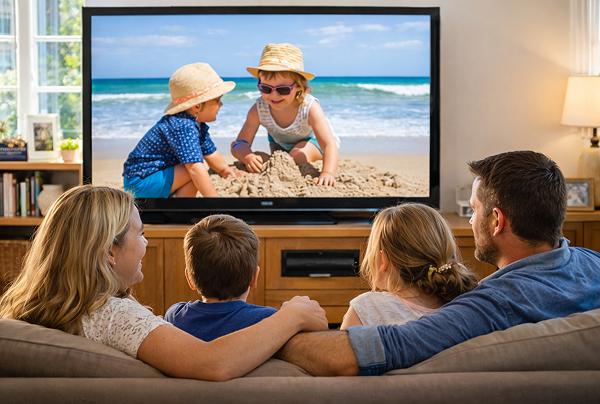
Your best photos and videos often live on your computer. Stop squinting at a laptop screen or risking your privacy with cloud uploads.

Send family photos and videos straight from your PC or Mac to the TV. No internet, no sign-ups, and no waiting — files go directly to your TV, locally.

With 1001 TVs, your memories stay safely on the local, while the joy of sharing them fills the room.
family-photos-videos
Present Like a Pro — Wireless and Reliable
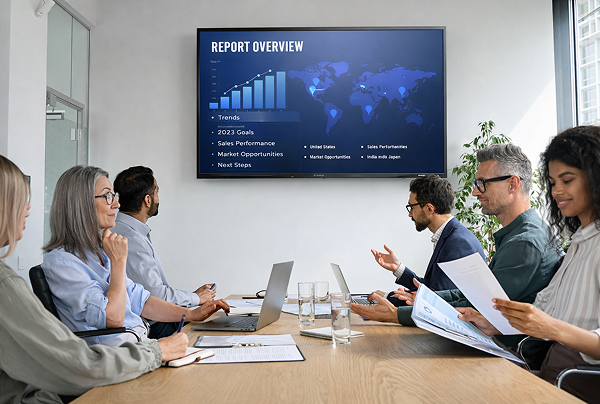
Your presentation lives on your PC. Showing it on a TV shouldn’t depend on cables, adapters, or last-minute fixes.

Send slides, demo videos, and other files from your computer to the TV wirelessly. The connection stays stable, so your presentation runs without interruptions.

No setup delays. No unexpected glitches.
You focus on your content — the TV simply shows it.
παρουσιάσεις-demos
Λήψη
Συχνές ερωτήσεις
Μπορώ να το δοκιμάσω;
Το 1001 TVs προσφέρει μια περιορισμένου χρόνου δωρεάν δοκιμή με πλήρη, απεριόριστη πρόσβαση σε premium λειτουργίες, όπως κατοπτρισμός οθόνης, μεταφορά αρχείων και άλμπουμ.
Για να συνεχίσετε να απολαμβάνετε την υπηρεσία, απλά αναβαθμίστε σε συνδρομή μόλις λήξει η δοκιμαστική περίοδος.
Πώς μπορώ να εγκαταστήσω την εφαρμογή 1001 TVs;
Μπορείτε να το βρείτε αναζητώντας "1001 TVs" στα ακόλουθα καταστήματα εφαρμογών:
- Apple App Store (για iPhone, iPad, Mac, Apple TV)
- Microsoft Store (για Windows)
- Google Play (για τηλέφωνα, tablet και τηλεοράσεις Android)
Πώς μπορώ να ακυρώσω τη συνδρομή μου;
Ακύρωση συνδρομής σε συσκευή iOS
-  Άνοιξε Ρυθμίσεις → πάτησε το όνομά σου που εμφανίζεται στην κορυφή → Συνδρομές → επίλεξε → Ακύρωση
Ακύρωση συνδρομής στον λογαριασμό σας Google Play
- Άνοιξε το Google Play Store → πάτησε το εικονίδιο του προφίλ σου (επάνω δεξιά) → Πληρωμές και συνδρομές → Συνδρομές → επίλεξε τη συνδρομή → Ακύρωση συνδρομής → επιβεβαίωσε την ακύρωση
Πώς να επικοινωνήσετε μαζί μας;
Επικοινωνήστε μαζί μας στο 1001tvs@nero.com.