检测到浏览器语言为中文,点此切换到中文页面
三個簡單步驟,將畫面鏡像到你的行動裝置
1
安裝 1001 TVs 應用程式
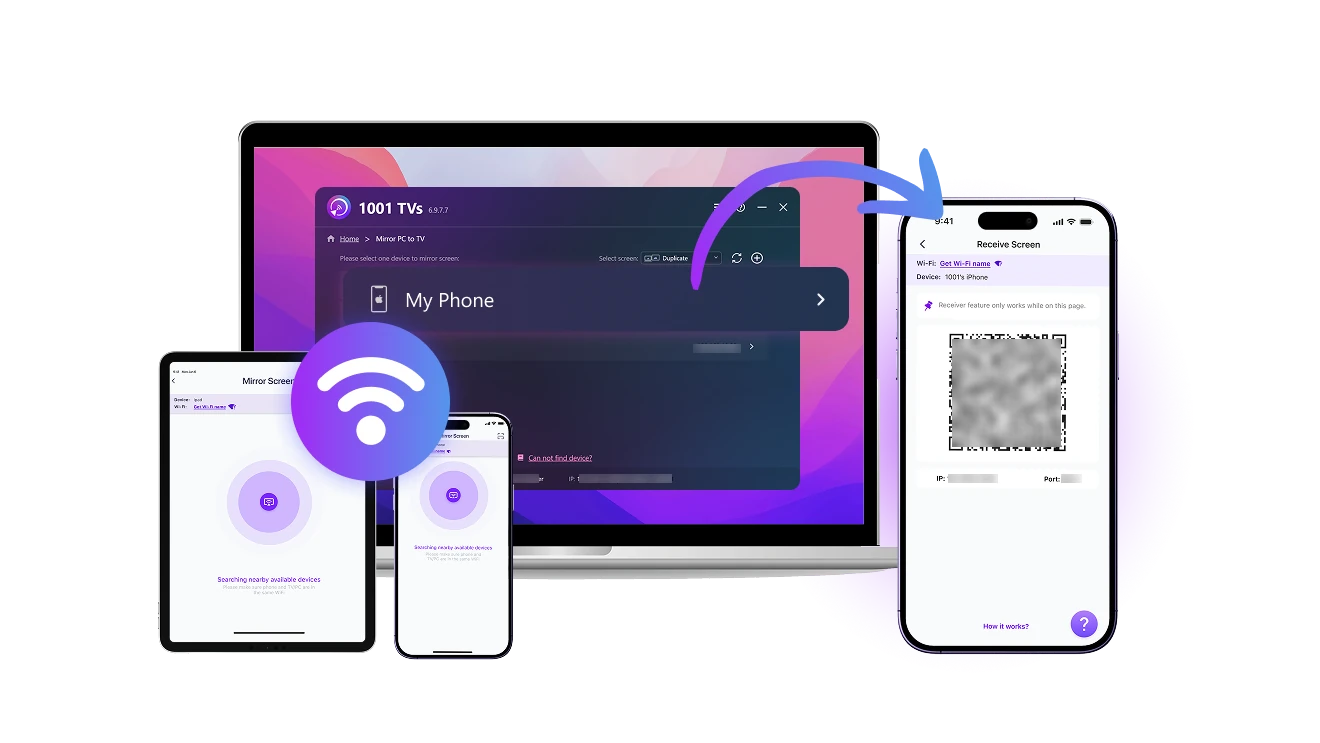
Download and open the app on both the sending and receiving devices.
2
開啟「螢幕接收器」功能
Connect both devices to the same Wi-Fi. On your phone or tablet, open the app and stay on Screen Receiver.
3
開始鏡像
On the sending device, go to “Screen Mirroring”. Find your receiver in the list or scan the QR code to connect. Then tap "Start" to cast your screen.
跨裝置接收畫面,就是這麼簡單
receive-from-any-device
支援多裝置畫面接收
checked可從 Windows、macOS、iOS、Android 等各種裝置接收畫面。
checked只需輕觸幾下,即可輕鬆無線連接。
use-as-a-second-screen
將手機變成第二螢幕
checked可從電腦接收畫面,支援鏡像、延伸或指定視窗模式。
checked善用你已有的設備,擴展工作空間,無需額外硬體。
no-cables-full-connection
自由連接,不受線制
checked透過 Wi-Fi 彈性連接各種裝置,完全不需要連接線。
checked在 Mac、PC、iOS 或 Android 裝置上享受流暢又高品質的畫面與音訊分享。
應用情境
高效辦公
智慧育兒
趣味娛樂
靈活創作
隨時隨地,高效工作
無論你是在家工作、出差途中,還是通勤移動中,都可以將 iPad、Android 平板或備用裝置變成電腦的無線副螢幕,輕鬆擴充工作空間,完全不需連接線。

1001 TVs 支援更多鏡像選項,不僅可以大螢幕投小螢幕,小螢幕投大螢幕也沒問題,靈活滿足各種情境下的連接需求。

多螢幕協作,效率大提升!方便查看資料、處理任務、遠端開會,讓你的辦公體驗全面升級。
work
保持連線,參與每一刻
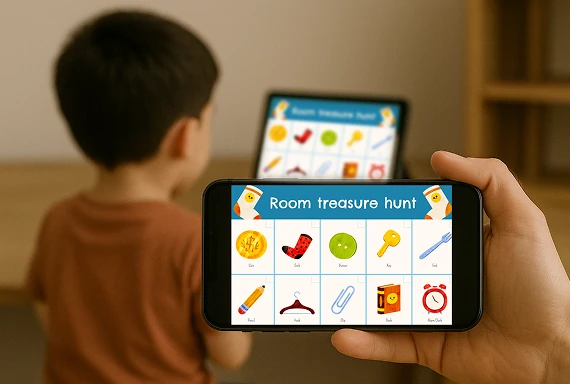
輕鬆將孩子的螢幕畫面同步到你的裝置,無論是線上課程、寫作業,還是日常學習都非常實用。

使用 1001 TVs 螢幕鏡像應用程式,您可以隨時掌握孩子的學習狀況,適時提供協助,在不打擾的情況下溫和引導。

無論身在何處,都能打造一個安全、專注的學習環境,無需連接線或繁瑣設定。
parenting
自由鏡像,隨時觀看
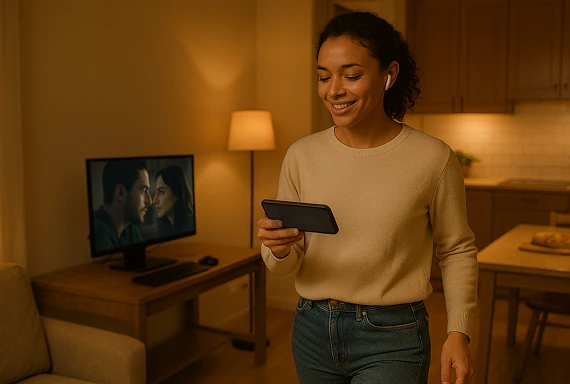
將電腦畫面投射到手機或平板,隨時隨地輕鬆觀看個人內容。

使用 1001 TVs 應用,你可以隨時隨地私密欣賞電影、跟著健身教學動起來,或在外出時分析遊戲畫面。

無論是訓練、放鬆,還是回顧精彩片段,都能將畫面無線傳送到任何螢幕,自由連接、毫無限制。
entertainment
拍攝畫面即時預覽
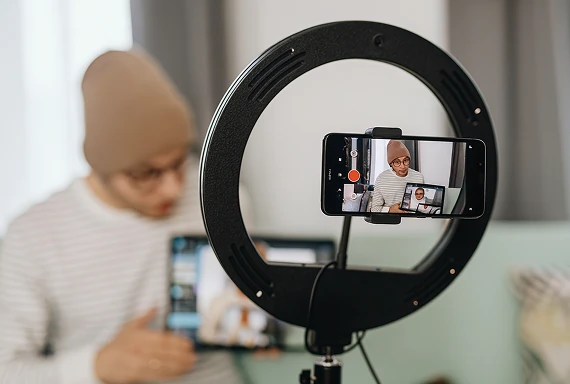
用手機當攝影機,畫面可即時顯示在另一個螢幕上,方便你調整構圖、光線或對焦,無需攜帶笨重設備。

使用 1001 TVs 螢幕鏡像應用程式,讓你即時監看拍攝畫面,輕鬆調整角度與細節。

不論是直播還是隨手創作,都是用手機拍攝內容的人不可或缺的實用工具。
content-creation
下載
常見問題
What does Screen Receiver do?
Screen Receiver turns a supported phone or tablet into a receiving display. You can view a screen from another phone, tablet, Windows PC, or Mac for work, personal viewing, monitoring, or a portable second-screen setup.
Which devices can send a screen to my phone or tablet?
Windows, macOS, iOS, and Android devices can send a screen to a compatible phone or tablet. Install the latest version of 1001 TVs on both devices because available features can vary by operating system.
Do both devices need to be on the same Wi-Fi network?
Yes. Connect the sending device and mobile receiver to the same local network, open Screen Receiver on the phone or tablet, then select it from the sender or scan its QR code.
Does Screen Receiver support audio?
Screen Receiver supports screen and audio sharing on compatible device combinations. Audio availability can vary by the sending platform, operating-system version, source app, and protected content.
How does the 1001 TVs Screen Receiver subscription work?
1001 TVs offers a limited-time free trial for Screen Receiver. After the trial, weekly, monthly, yearly, and lifetime plans are available; paid membership is only needed on the device sending the screen, while the receiving phone or tablet does not need a separate subscription. Local prices are shown in the app, and recurring subscriptions can be managed or canceled through the store or account used for purchase.
1001 TVs 會儲存個人資料嗎?或存在隱私風險嗎?
不。所有螢幕資料均保留在您的本地網路內——絕不會上傳至網際網路。.
我該如何聯絡客服或尋求協助?
請聯絡我們 1001tvs@nero.com.