检测到浏览器语言为中文,检测到检测到浏览器语言为中文。중국어 페이지로 이동
3단계로 간편하게 미디어 스트리밍
1
앱 설치하기
휴대폰에 앱을 다운로드하고 실행하세요. (TV에는 설치할 필요가 없습니다.)
2
기기 연결
휴대폰과 TV가 동일한 Wi-Fi 네트워크에 있는지 확인하세요. 앱이 자동으로 근처에 있는 기기를 감지합니다.
3
스트리밍 시작
사진, 영상 또는 음악 파일을 선택하고 TV로 즉시 전송하세요.
TV 앱 없이도 탭 한 번으로 바로 스트리밍
모든 디바이스로 스트리밍
스마트 TV, PlayStation, Roku, NAS, 심지어 구형 모델을 포함한 모든 기기에 자동으로 연결하여 고해상도 스트리밍을 즐길 수 있습니다.
모든 미디어 형식을 원본 화질로 재생하세요
MP4, MOV, M4A, MP3, JPG 등 다양한 포맷을 완벽하게 지원합니다. 미디어를 원본 화질로 TV에 전송하세요. 압축 없이, 손실 없이, 선명하게 재생됩니다.
all Media Formats
활용 사례
사진 공유
고음질 음악 재생
라이브 쇼 스트리밍
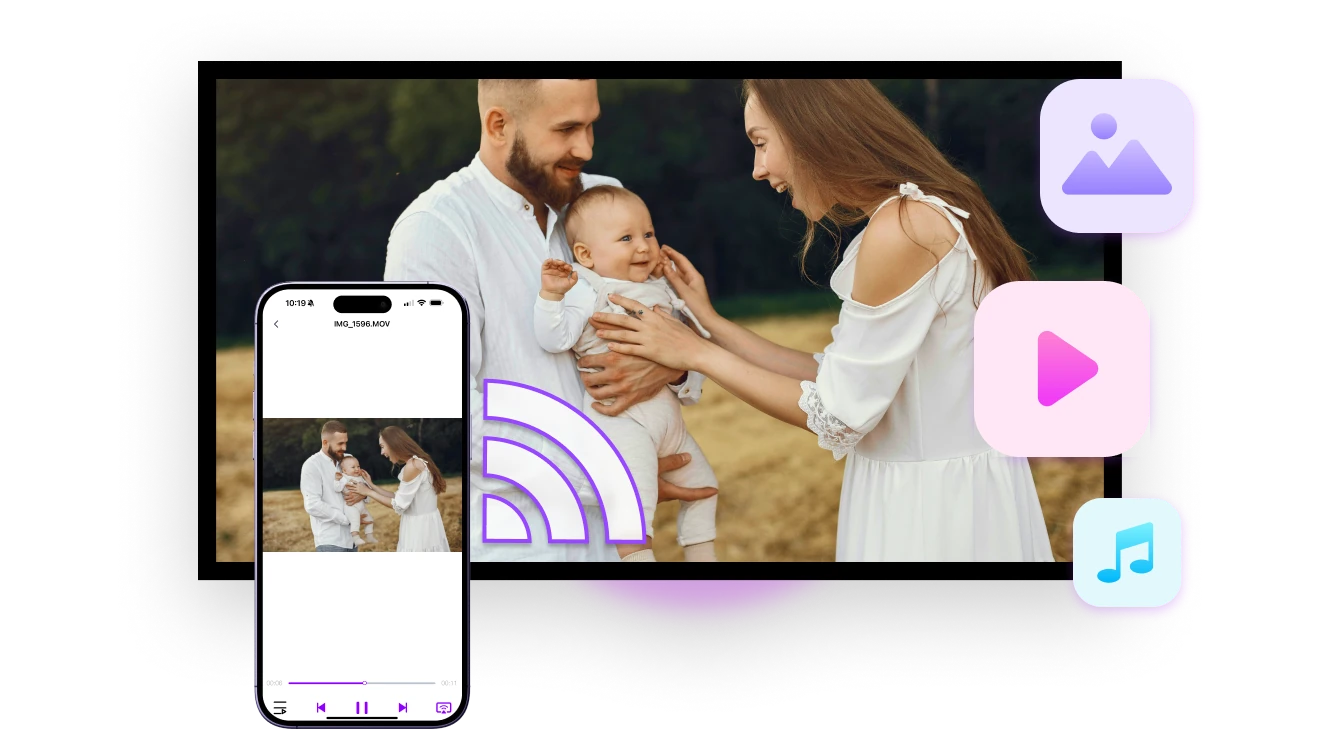
사진을 함께하는 추억으로
여행 사진, 가족 앨범, 소중한 기억을 TV 큰 화면에 쉽게 공유하세요. 함께 즐기면 더 즐겁습니다.

사진이 앨범별로 스마트하게 정리되어 빠르게 선택할 수 있습니다. 원하는 만큼 선택하세요 — 제한이 없습니다.

여행, 모임, 가족과의 아늑한 밤에 딱 맞습니다. 스트리밍이 시작되면 사진을 하나씩 자유롭게 넘길 수 있습니다.
photo-sharing
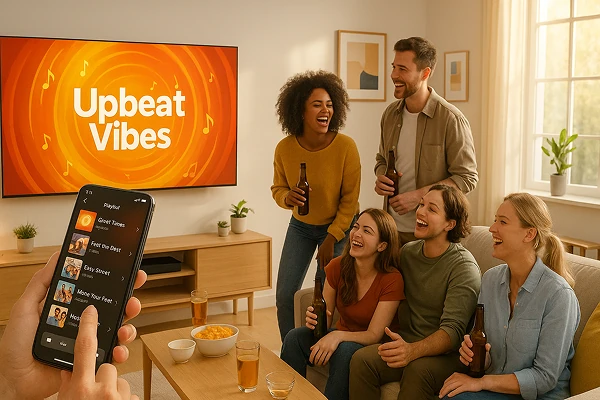
공간을 가득 채우는 음악
선호하는 재생목록을 스마트폰에서 TV, PC 또는 고음질 스피커로 몇 초 만에 전송하세요.

더 강력한 사운드, 풍부한 디테일, 무손실 오디오 품질로 음악의 모든 레이어를 생생하게 즐겨보세요.

파티든, 조용한 밤이든, 진지한 감상 시간이든, 손쉽게 트랙을 전환하고 사운드를 만끽하세요.
music-that-fills-the-room
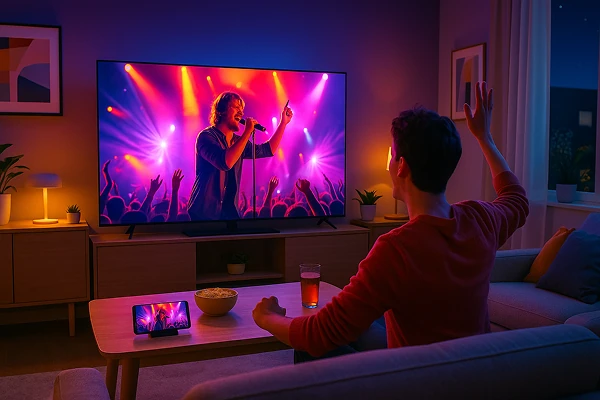
하이라이트 다시보기 — 무대에서 경기장까지
콘서트, 축구 경기, 팬 이벤트, 게임 하이라이트 등 좋아하는 순간들을 대형 화면에서 다시 감상해 보세요.

업로드도 지연도 없이, 프라이버시 걱정 없이 휴대폰에서 TV로 개인 녹화를 간편하게 미러링하세요.

음악의 밤, 극적인 골, 멋진 게임 클립 등 어떤 순간이든 즉시 스트리밍하여 그때의 감동을 다시 느껴보세요.
concert-experience-at-home
다운로드
Faq
What does Streaming do in 1001 TVs?
Streaming sends selected local photos, videos, or music files from your phone to a compatible TV or media device for playback. Unlike full-screen mirroring, it sends the chosen media instead of continuously duplicating everything on the phone screen.
Which devices can receive streamed media?
Compatible smart TVs, PlayStation, Roku, NAS devices, and supported older TV models can receive streamed media. Actual compatibility depends on the receiving device's supported media-sharing protocol, model, operating system, and file-format support.
Which media formats can I stream?
1001 TVs supports MP4, MOV, M4A, MP3, JPG, and other common media formats. Actual playback depends on whether the receiving device supports the file container, video codec, audio codec, resolution, and bitrate.
Can I use my phone while media is playing?
Yes. Because Streaming sends the selected media instead of mirroring the full phone screen, you can generally use the phone independently after playback begins.
Is 1001 TVs Streaming Free?
Yes. 1001 TVs Streaming is completely free to use and does not require a paid subscription.
Is my media uploaded to the cloud when streaming?
No. Your selected media is sent directly to the receiving device over the local network and is not uploaded to the cloud by 1001 TVs.
고객 지원팀에 연락하거나 도움을 받으려면 어떻게 해야 하나요?
다음 연락처로 문의하세요. 1001tvs@nero.com.