




Teach Without the Cable Hassle
Share lessons, videos, and websites wirelessly on compatible classroom displays, without HDMI cables.
Give students a clearer view of every activity, from group projects to hands-on experiments. Share teaching materials and live demonstrations wirelessly with 1001 TVs.
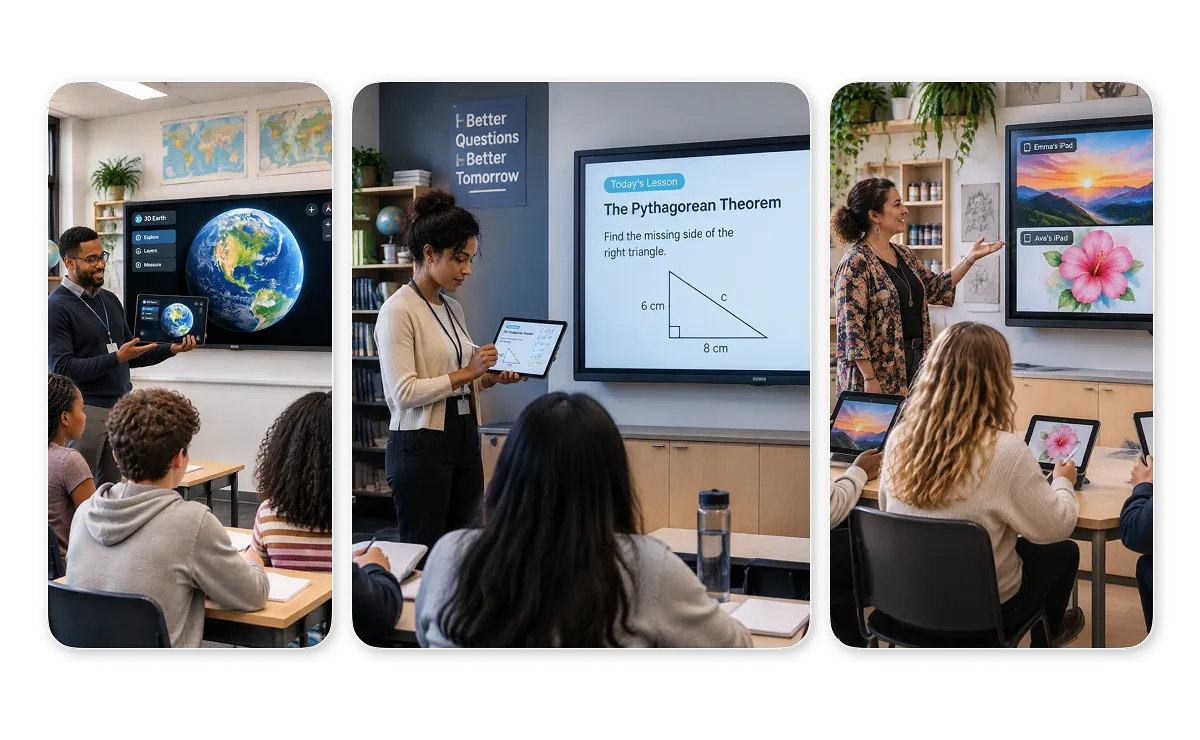



Share lessons, videos, and websites wirelessly on compatible classroom displays, without HDMI cables.
1001 TVs is available on iOS, Android, Windows, and macOS, and works with compatible smart TVs in your classroom.
Connect devices on the same local network in a few steps, so more class time goes to teaching instead of setup.
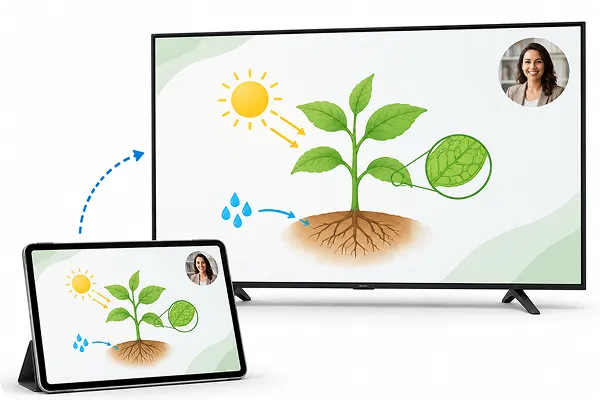
Mirror lesson slides, teaching materials, and educational videos from your computer or mobile device to a larger classroom display. Keep your lesson visible to the whole class, wherever students are sitting.
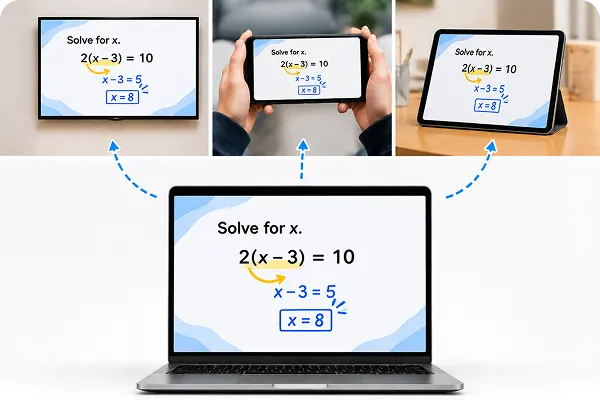
Mirror your computer screen to multiple compatible devices at the same time. Display the same lesson content on TVs, tablets, or computers, so students can follow along from different screens.
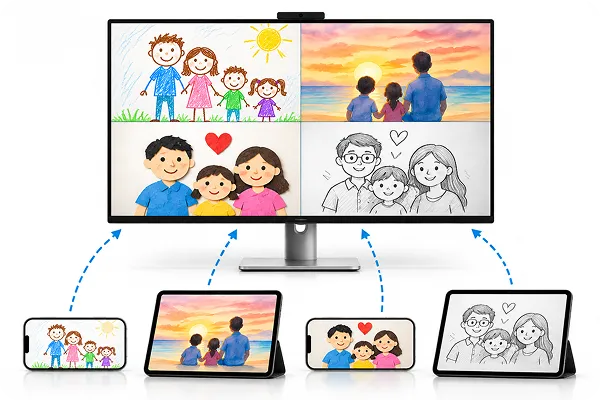
거울 multiple student phones or tablets to a single computer and use Auto Arrange to organize the mirrored windows. Compare assignments, review group projects, and discuss different ideas together.
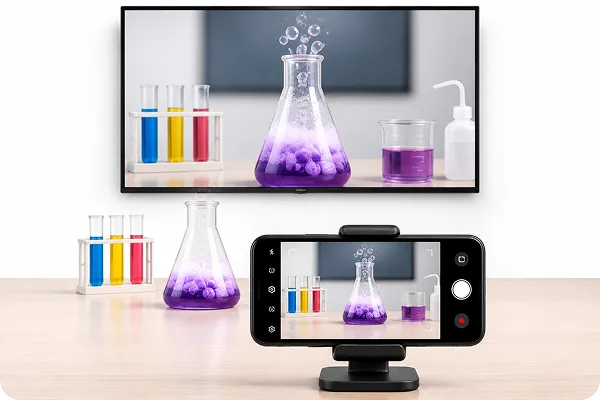
사용 iPhone 카메라 미러링 to display live experiments, artwork, or hands-on activities on a larger screen. Help students see details that might be difficult to follow from their seats.
Share lessons, student work, and live demos on a bigger screen with 1001 TVs.
 Emily Carter
I used to spend too much time arranging students’ screens during group presentations. With Auto Arrange, I can see their work side by side and focus on the discussion instead of moving windows around.
 Daniel
Showing small experiments to a whole class isn’t always easy. I like being able to use my iPhone camera to put the experiment on the classroom screen. Students at the back can finally get a closer look.
 A primary school teacher
I use my laptop for most of my lessons, and being able to share my screen wirelessly is really convenient. I can show slides, videos, or websites without having to connect an HDMI cable every time.
 Michael Reed
We sometimes need to show the same materials on several screens during a training session. Being able to share from one computer makes the setup much simpler, especially when everyone needs to follow the same presentation.
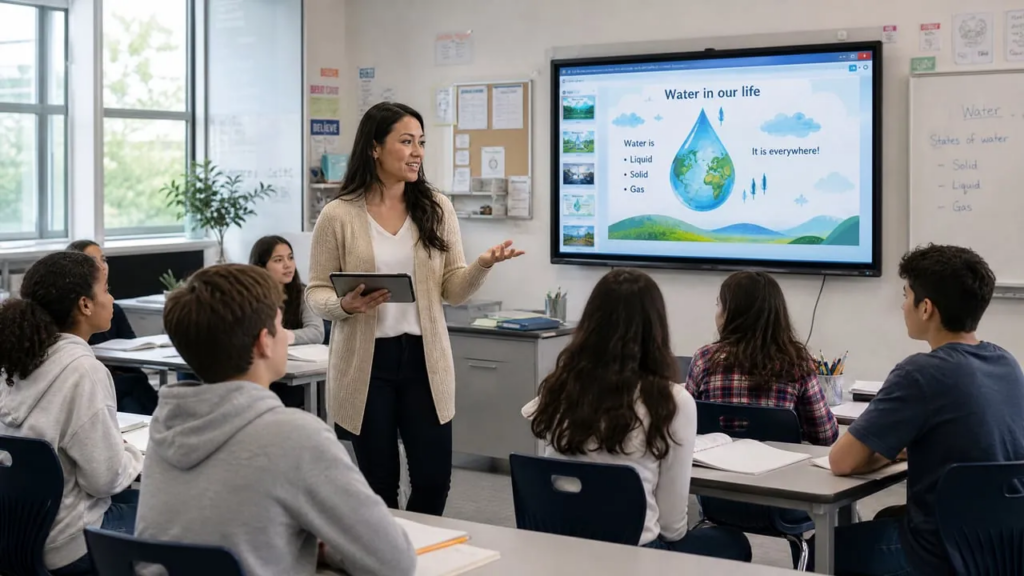
What is Screen Mirroring for Teachers and Why It Matters in 2026 Screen mirroring for teachers is a wireless technology that lets you display content from your smartphone, tablet, or laptop directly onto classroom displays, smart boards, projectors, or student...
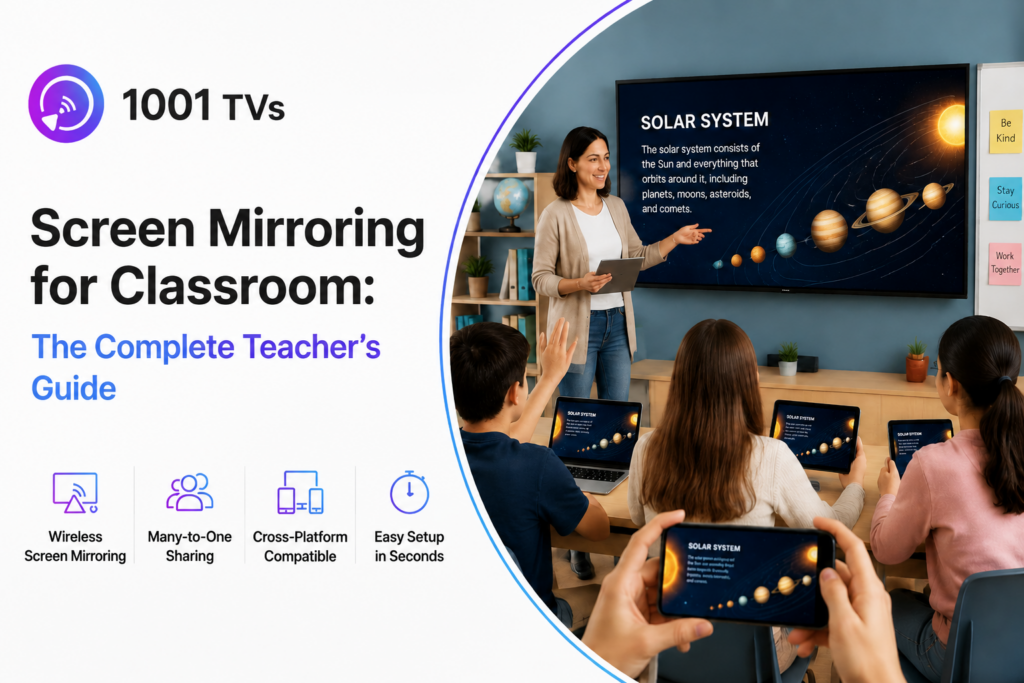
Screen mirroring for classrooms allows teachers and students to wirelessly share content from phones, tablets, and laptops to a larger display, making lessons more interactive and collaborative. Instead of relying on HDMI cables and fixed teaching setups, schools are increasingly...
 1001 TVs
Ready to Share Your Next Lesson on a Bigger Screen?


