检测到浏览器语言为中文,点此切换到中文页面
3 個簡單步驟,快速使用相簿功能
1
安裝應用程式
請在手機和電視上都下載並開啟 1001 TVs。
2
連接裝置
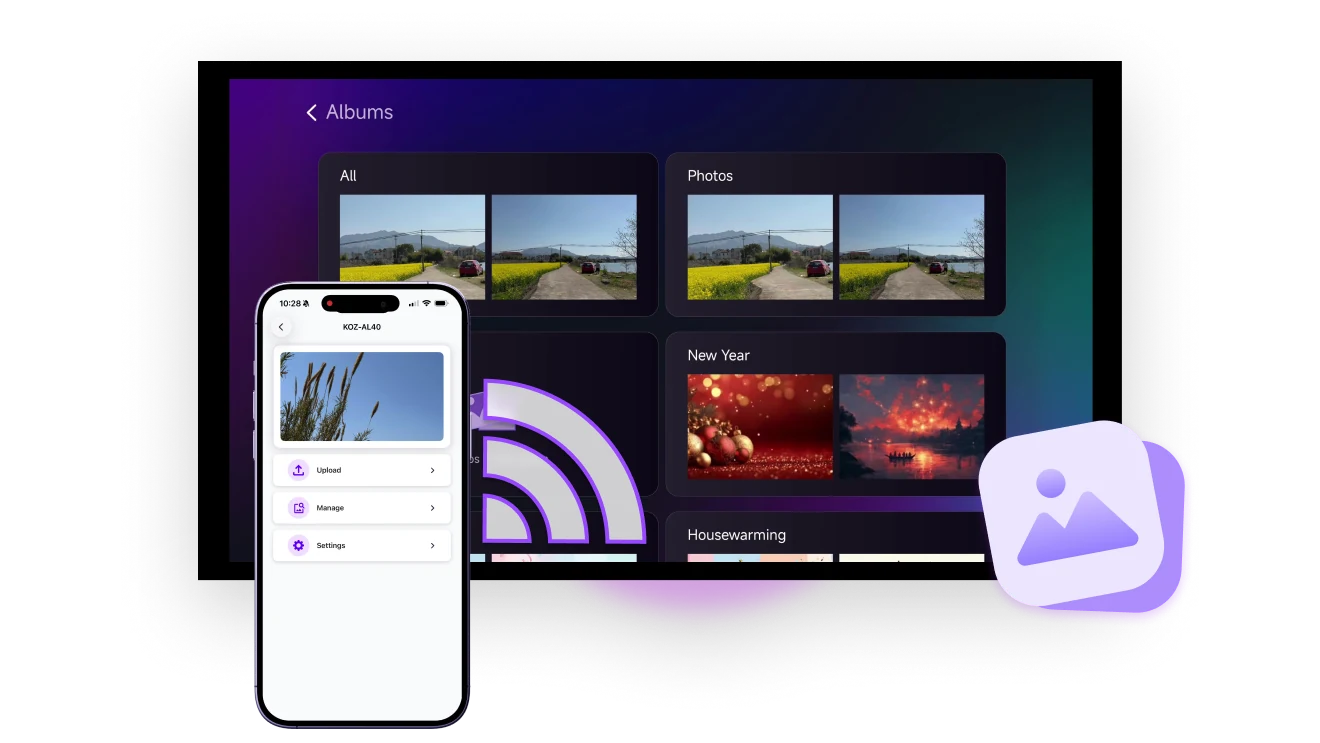
請確認手機和電視連接在同一個 Wi-Fi 網路。然後在手機上點選「相簿」,並選擇你的電視。
3
顯示你的照片
選取照片或影片並點擊傳送。在電視上前往「相簿」,按下「播放」開始觀看。
用大螢幕欣賞照片和影片,體驗更出色
即時瀏覽
無需 USB 或線材,無線將照片投放到大螢幕,畫質不壓縮。可單張瀏覽或播放幻燈片。
instant-viewing
4K DISPLAY
照片與影片以原始畫質充滿整個螢幕,細節清晰可見,回憶完整重現。
4K display
應用情境
幻燈片相簿
回憶與時刻
商業簡報
隨時隨地在電視上播放相簿 — 無需登入
無論是旅遊回憶、產品展示,還是公司更新,只要輕觸一下,就能在任何螢幕上顯示你的相簿。

無需線材,無壓縮畫質,無需註冊。

適用於家庭分享、店內展示、公共資訊顯示與活動精彩片段播放。
share-scenic-memories
你的智慧相框,珍藏每一段回憶
讓電視成為你的專屬展示螢幕,呈現生活中每一個重要時刻。

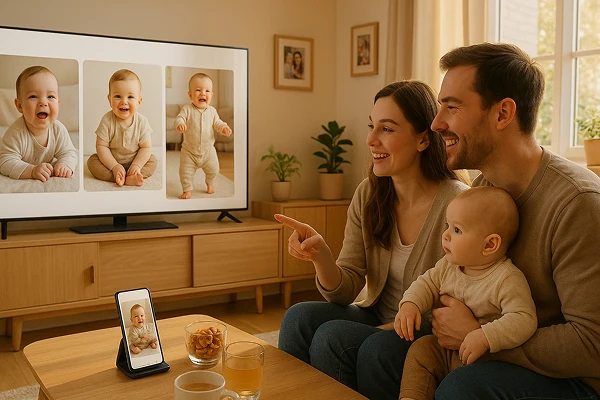
最愛的照片、寶寶相簿、旅行回憶和節慶裝飾,只需一鍵即可播放,無需登入。

從生日、節日到日常點滴,讓電視螢幕呈現你的珍貴回憶。
document-baby-growth
電視變身電子看板,適用商用場景
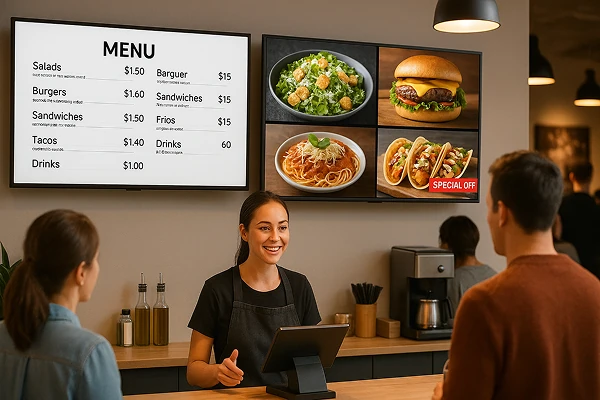
免除印刷麻煩,將任意電視變身為電子菜單或招牌,可隨時透過手機更新。

輕鬆展示菜單、促銷活動、商品照片或影片,特別適合餐廳、咖啡店與零售店使用。

支援橫式與直式顯示,突顯細節、吸引目光、提升銷售。
easy-menu-promo-display
下載
常見問題
What does Albums do in 1001 TVs?
Albums sends selected photos and videos from your phone to a TV and lets you view them individually or as a slideshow. It can be used for family memories, events, product displays, menus, promotions, and digital signage.
Which devices support 1001 TVs Albums?
Albums works between a supported iPhone or Android phone and a TV that can run the 1001 TVs app. Install the latest app version on both devices and connect them to the same local network.
Are photos and videos compressed?
No. Albums displays photos and videos in their original quality without media compression.
Do I need an account or cloud storage?
No. Albums does not require sign-up or cloud storage. Photos and videos are shared through a direct local-network connection rather than uploaded to a cloud album.
How does the 1001 TVs Albums subscription work?
1001 TVs offers a limited-time free trial for Albums. After the trial, weekly, monthly, yearly, and lifetime plans are available; paid membership is only needed on the phone sending the album, while the receiving TV does not need a separate subscription. Local prices are shown in the app, and recurring subscriptions can be managed or canceled through the store or account used for purchase.
我該如何聯絡客服或尋求協助?
請聯絡我們 1001tvs@nero.com.