How to Watch Twitch on TV– 2026 Guide
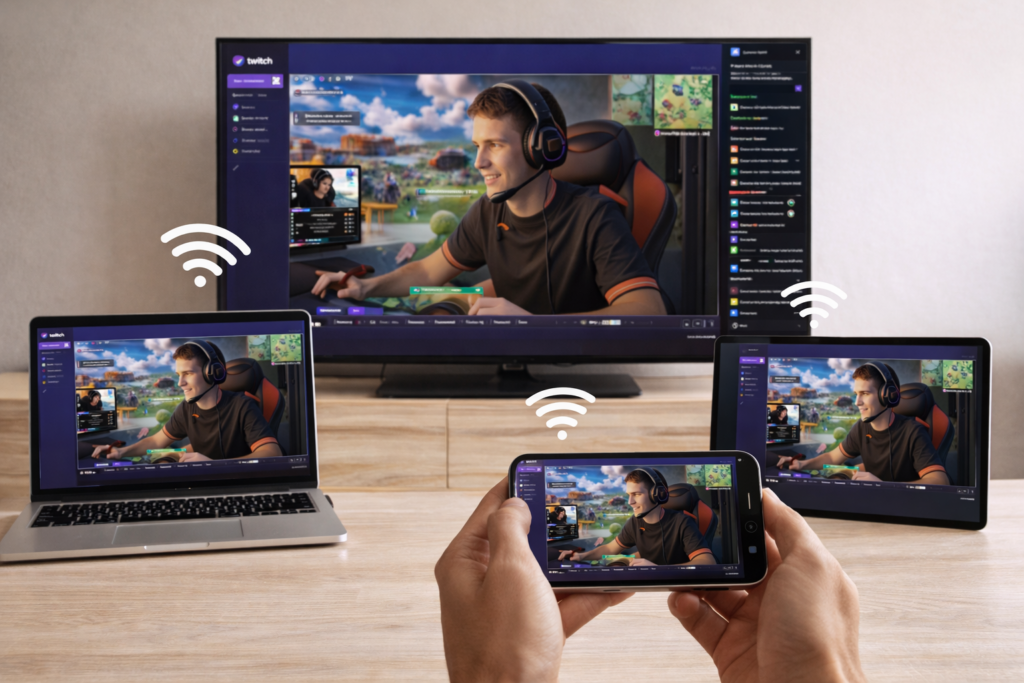
Why Watch Twitch on TV?
Watching Twitch on a bigger screen makes a clear difference:
- Better viewing experience – Larger screen, sharper details
- Perfect for group watching – Enjoy streams with friends
- More comfortable – Relax instead of holding your phone
- Great for esports – See every moment clearly
You can also mirror Twitch to a PC, another phone, or an iPad, making it easy to watch on any screen.
How to Watch Twitch on TV
Want to watch Twitch on your TV instead of a small screen?
Many users are looking for a simple way to watch Twitch on a bigger display, especially with limited support on some devices.
The good news: you can watch Twitch on your TV, PC, or mobile device in just 3 simple steps—no cables needed.
Watch Twitch in 3 Simple Steps
1. Install the App
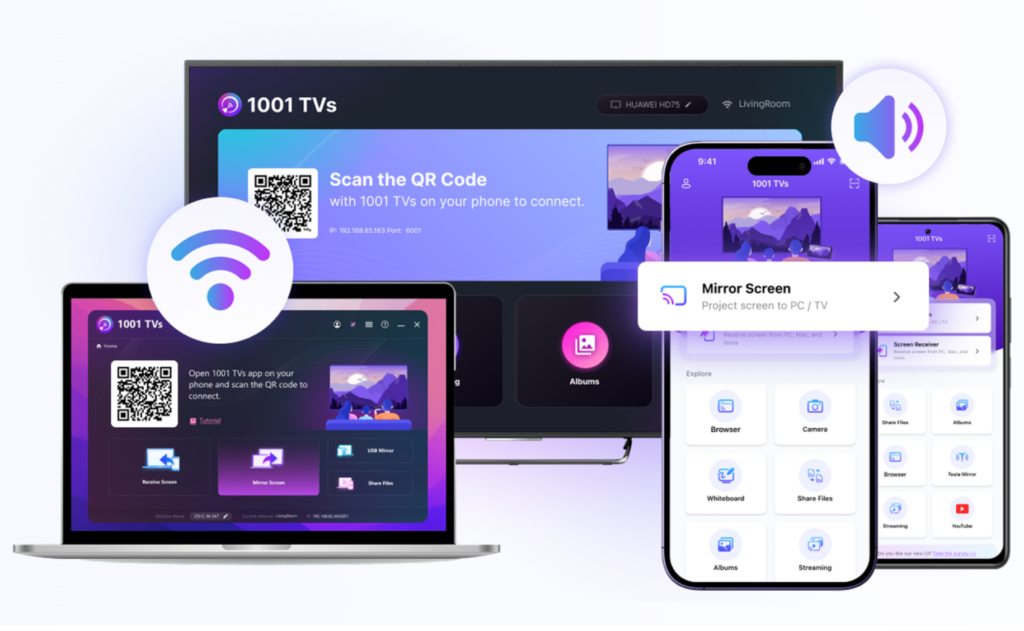
Download and open the 1001 TVs app on both devices:
- Your phone (where you open Twitch)
- Your target device (TV, PC, or another phone/iPad)
2. Connect Devices
Make sure both devices are on the same Wi-Fi.
- Devices appear automatically
- No setup or cables required
3. Start Watching
Select your device, then:
- Open Twitch on your phone
- Start a screen mirroring
Your Twitch content will instantly appear on your TV, PC, or another device.
Where You Can Watch Twitch
- TV – Best for big-screen viewing and group watching
- PC – Great for multitasking or work
- Phone / iPad – Easy sharing between devices
Tips for Best Experience
- Use a stable Wi-Fi connection
- Stay close to your router
- Choose higher video quality when available
Final Thoughts
Watching Twitch on a bigger screen is simple.
With just install → connect → start, you can stream Twitch on your TV, PC, or any device in seconds
Start Watching Twitch on Your TV Today
👉 Download 1001 TVs to stream Twitch to your TV, PC, or mobile devices in seconds.