检测到浏览器语言为中文,点此切换到中文页面 →
How to Extend Your Mac Screen in 3 Steps
1
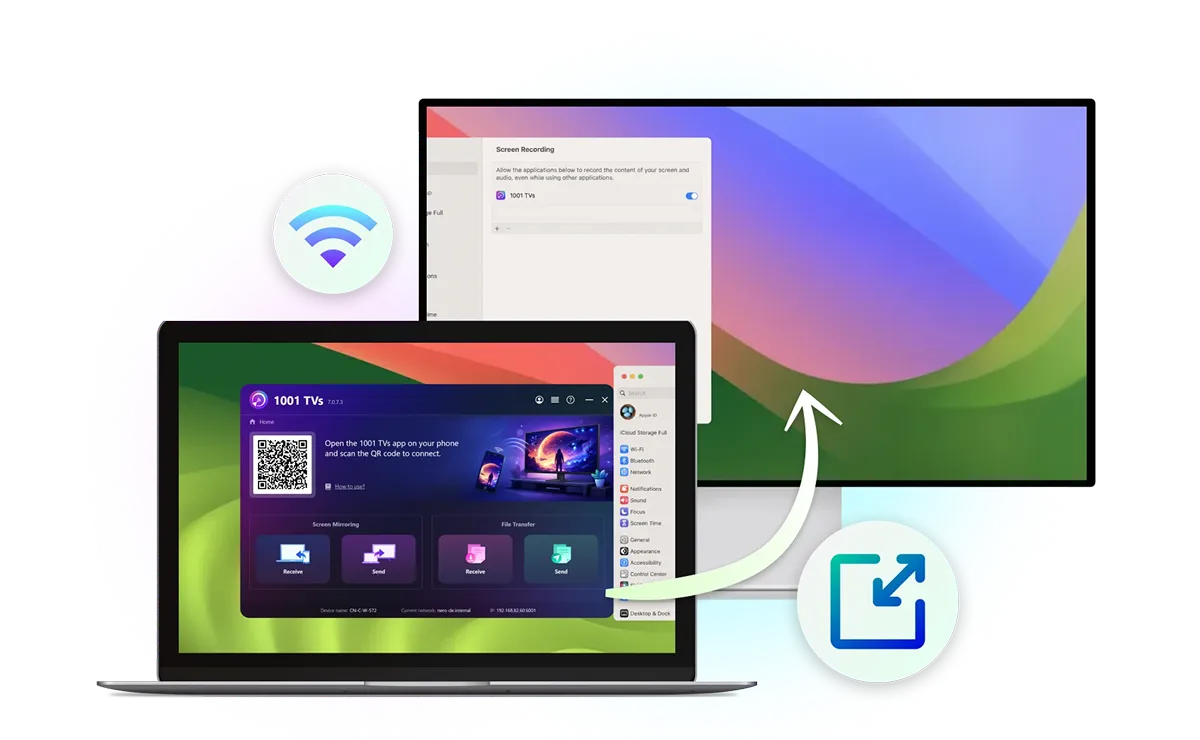
Install the special version on your Mac
Download and open the installer.
Already have 1001 TVs? Uninstall it first.
Receiving devices just need the standard 1001 TVs app.
2
Allow access
Follow the prompts to allow the installer and turn on Screen Recording for 1001 TVs in System Settings.
3
Extend your display
Connect both devices to the same Wi-Fi, select Send > Extend Display on your Mac, choose the receiver, and tap "Allow".
One Mac, More Screen Space
Connecting your phone to the TV is fast and straightforward—no cables, no setup hassle.
extend-display
Extend, Don't Just Mirror
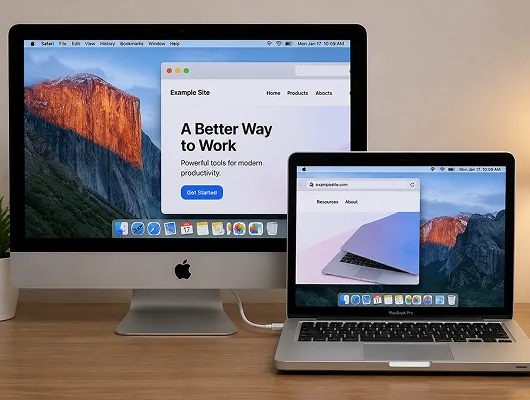
Mirroring shows the same content on both screens. Extend Display creates additional desktop space, allowing you to move windows between your Mac and a second display.
works-with-existing-devices
Works with the Devices You Already Have
Use a smart TV, Windows PC, another Mac, iPhone, iPad, or Android device as your Mac's second display. No HDMI cable is needed for wireless screen extension to a compatible device.
extend-to-multiple-devices
Extend to Multiple Devices
Connect a monitor through macOS Display settings, then use 1001 TVs to add more devices as virtual displays. Your Mac and the primary extended screen stay interactive, while other devices show the same extended content.
Make the Most of Your Second Screen
Multitasking
Reuse Old Devices
Portable Second Screen
Presentation
Multitask Without Constantly Switching Windows
Keep documents, references, or chats visible on your second screen while writing, designing, or coding on your Mac. See everything at once instead of constantly switching between windows.
مائارىپ
Give an Old iMac a Second Life
Give your older iMac or MacBook a new purpose by turning it into a wireless second display for your current Mac. Make the most of the devices you already own.
ئىش
Take Your Second Screen Anywhere
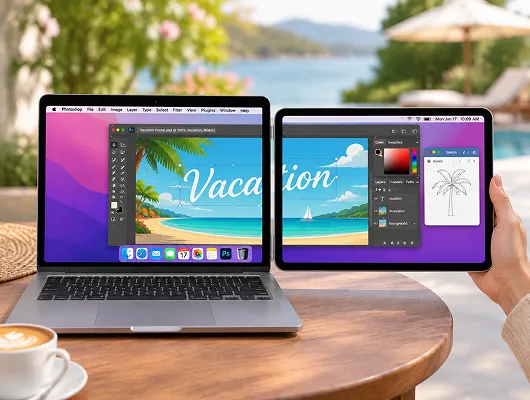
Working away from your usual desk? Use your iPad, Android tablet, or phone as a portable second display for your Mac, without carrying a separate external monitor.
كۆڭۈل ئېچىش
Present Without Revealing Your Desktop
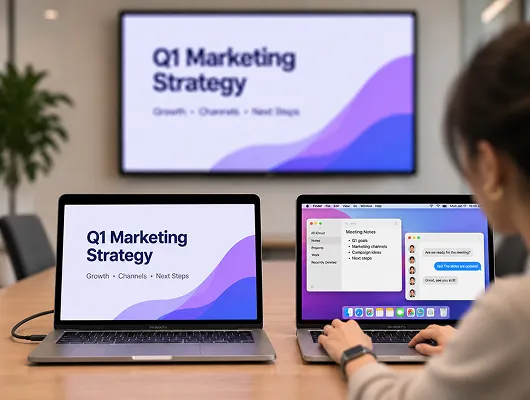
Share presentations on a meeting-room TV while keeping notes, chats, and other windows on your Mac. Show only the content you choose to move onto the extended display.
نەق مەيدان تارقىتىش
سوئال
Extend Display isn't available in the App Store version. To use it, uninstall the App Store version and install the special version for Mac from this page.
You can extend your Mac screen to compatible smart TVs, Windows PCs, other Macs, iPhones, iPads, and Android phones or tablets using 1001 TVs.
No. Only the sending Mac needs the special version. Receiving devices can use the standard 1001 TVs app.
If you already have an active 1001 TVs membership for Mac, you can use Extend Display at no extra cost. New users can also try the feature during a limited-time free trial. Only the sending Mac needs a paid membership after the trial.
Yes. Connect your Mac and receiving devices to the same Wi-Fi network. A 5 GHz connection is recommended for better performance. VPNs or network restrictions may interfere with connections.
1001 TVs

ئەينەك. ھەمبەھىرلەش. ئۇلىنىش - ھەممىسى بىر ئەپتە.

Download DMG Buy Now