Цифровые вывески для технологических и B2B-команд
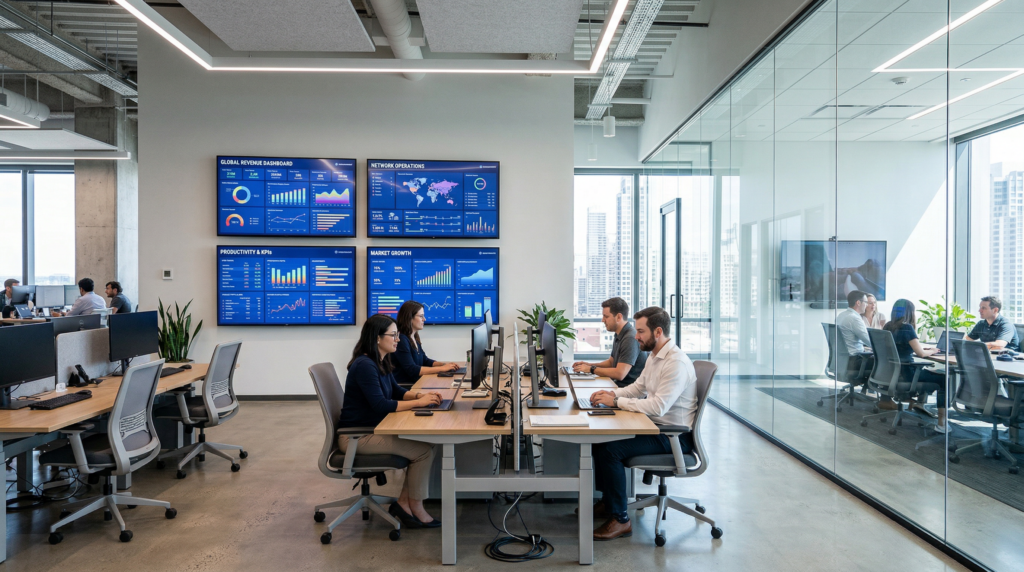
Screens are common in many technology companies.
In offices, demo rooms, and meeting spaces, displays are often used to show product demos, dashboards, presentations, or company updates.
For technology teams, these screens help communicate information clearly to colleagues, partners, and visiting clients.
But managing these displays across the office can sometimes be more complicated than expected.
1001 TVs provides a simple way to turn office screens into digital signage for technology teams and B2B environments.
Common Challenges in Tech Offices
Many tech companies already have TVs or displays installed in different areas of the office.
However, teams often run into a few practical challenges.
Sharing screens during product demos
During client meetings or product demos, teams often want the same presentation visible on multiple screens so everyone in the room can follow the discussion.
Setting this up quickly is not always easy.
Displaying dashboards around the office
Some companies like to show real-time dashboards on office screens, such as:
• product metrics
• system monitoring dashboards
• marketing performance
• engineering status boards
Keeping these displays updated across multiple screens can require extra effort.
Digital signage systems feel too complex
In many discussions among developers and startup teams, people mention that traditional digital signage platforms can be too complicated for everyday office use.
Servers, media players, and content management systems are not always necessary for simple office displays.
Many teams just want a quick way to show content on screens.
Turning Office Screens Into Digital Signage
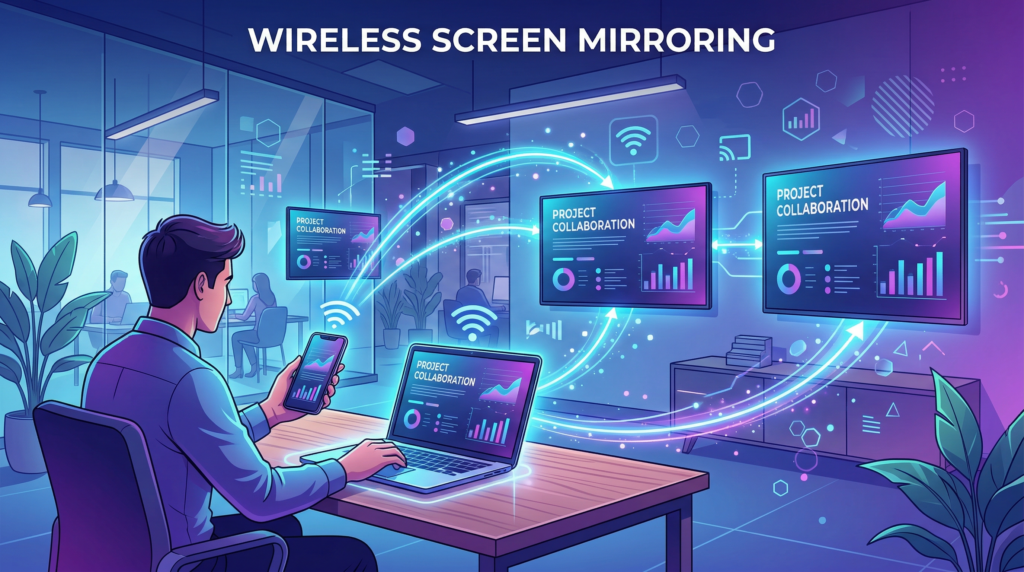
1001 TVs allows teams to mirror content from a computer or phone directly to screens in the office.
This makes it easy to display information such as:
• product demos
• SaaS dashboards
• internal announcements
• partner presentations
• marketing or training videos
Because the content is mirrored in real time, screens update immediately whenever the source content changes.
Useful for Demo Rooms and Meetings
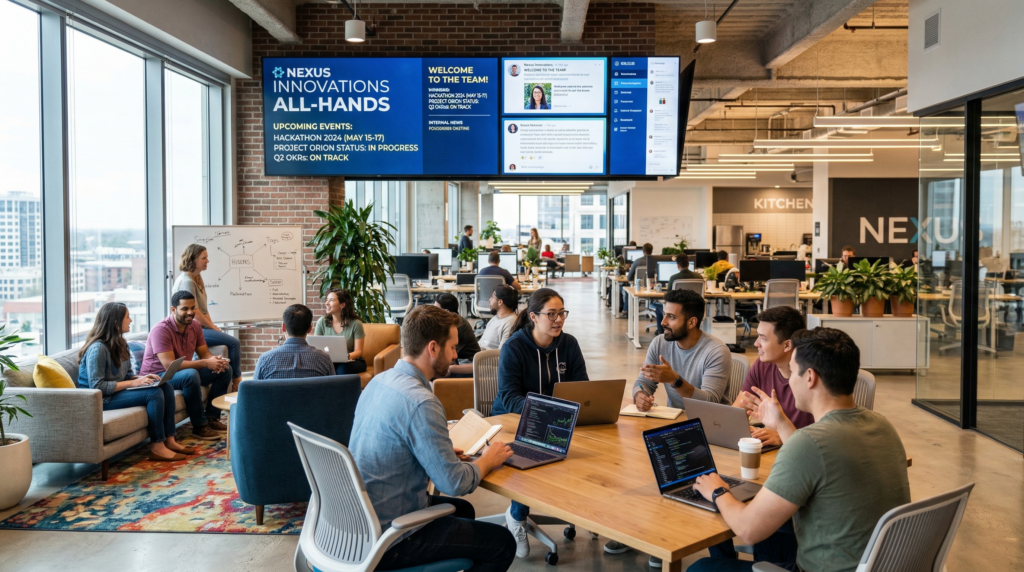
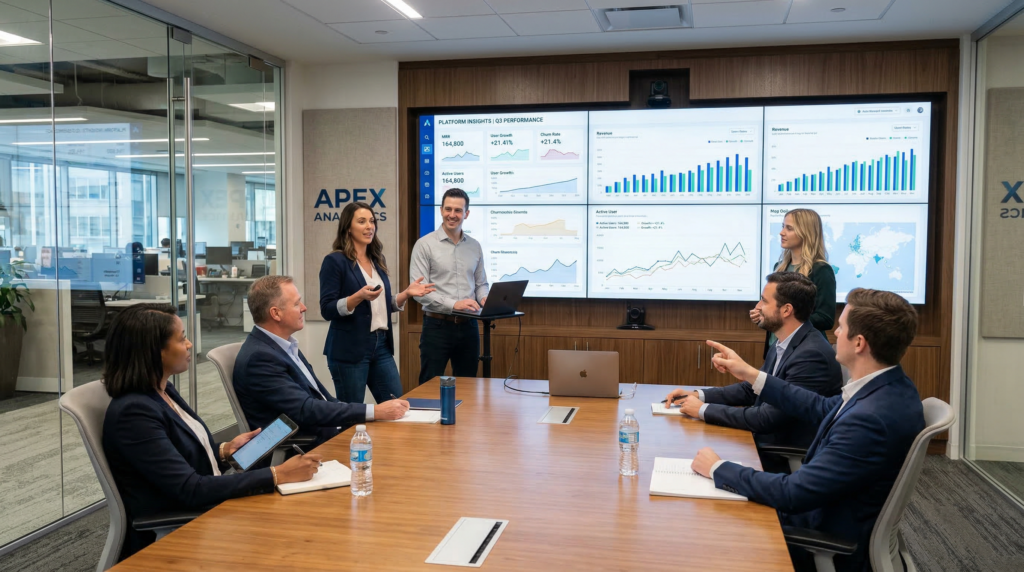
Technology companies often host product demos, partner meetings, or internal presentations.
Screens in demo rooms can show product interfaces, dashboards, or slides during discussions.
Instead of setting up complicated AV systems, teams can mirror content from one device to multiple displays when needed.
This makes presentations easier and ensures everyone in the room can see the information clearly.
A Simple Way to Use Office Screens
Many companies place displays in different areas of the office, including:
- конференц-залы
• demo spaces
• engineering work areas
• shared collaboration zones
With a simple screen mirroring setup, these displays can become useful tools for communication and presentations across the workplace.
For offices that already have screens installed, it’s an easy way to turn them into digital signage for everyday team communication.
Начать
1001 TVs helps technology teams make better use of their office screens.
Share demos, dashboards, and presentations across multiple displays — quickly and wirelessly.