
How to Mirror and Record Phone Screen on PC via 1001 TVs and Nero Screen Recorder?
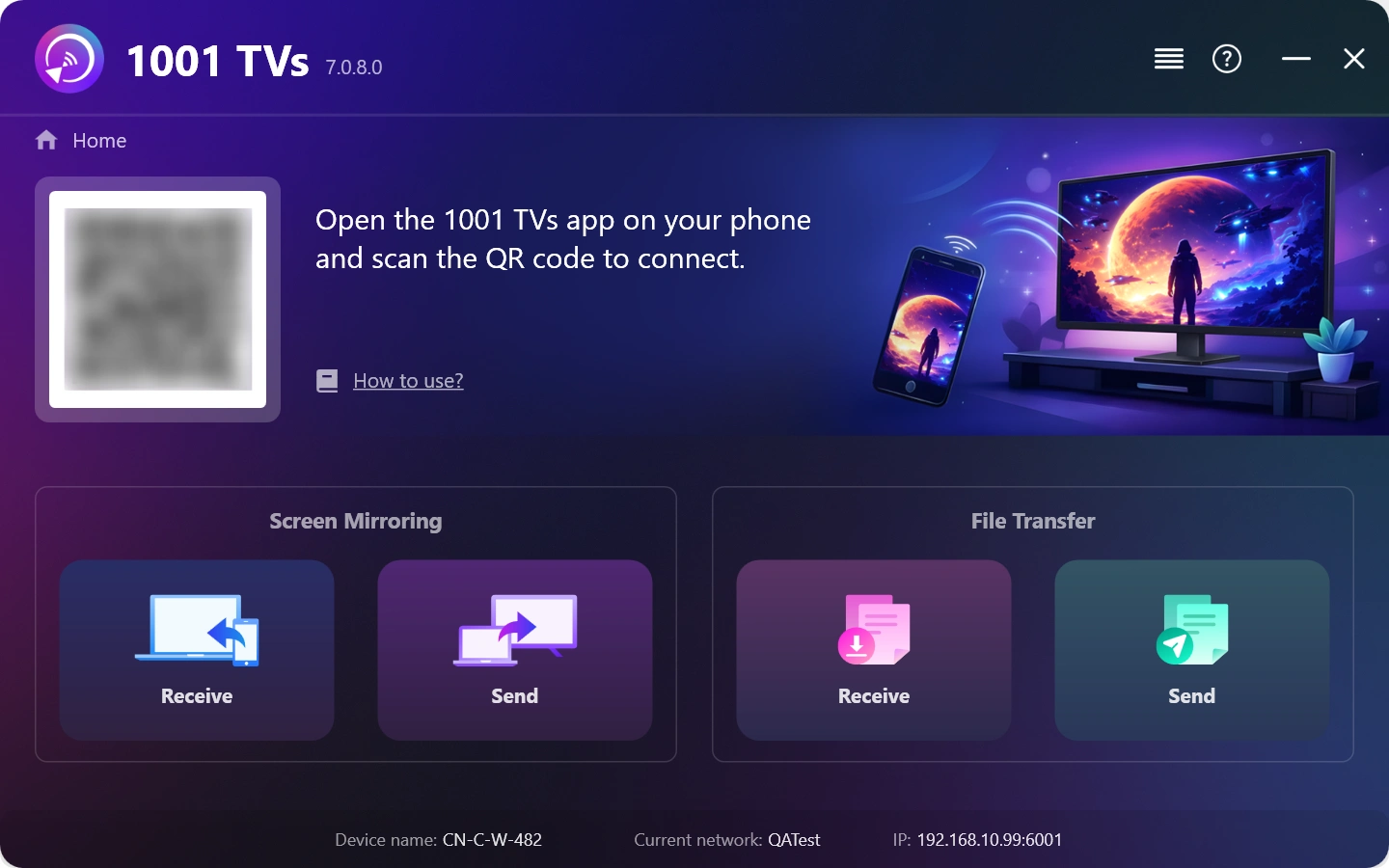
1. Install and Open 1001 TVs on your Windows PC.
PC 應用程式: 下載自 微軟商店
如需詳細步驟,請參閱 PC 安裝指南.
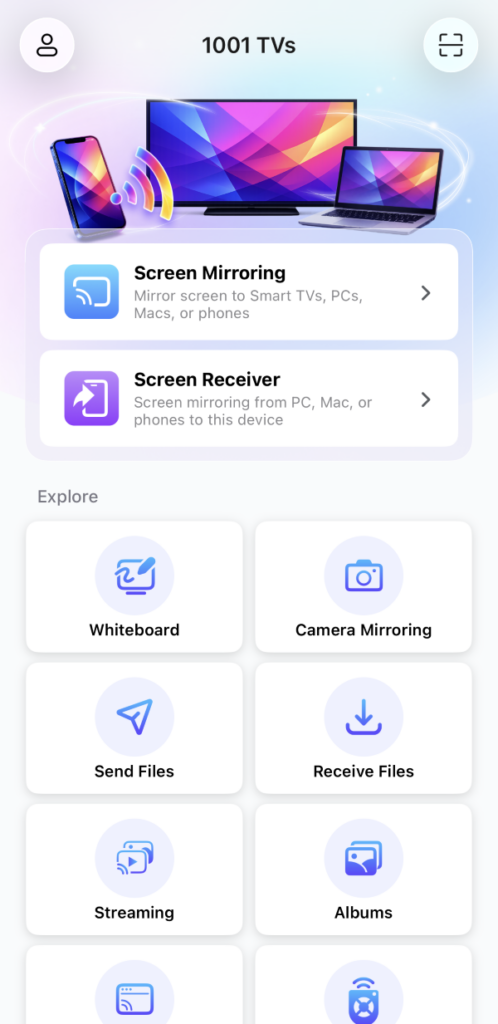
2. Install and open 1001 TVs on the Android / iOS Phone.
iOS 應用程式: 从 App Store 下载
Android 應用程式: 从 Google Play 下载
3. Connect to the Same Wi-Fi Network
確保兩部裝置都連線至相同的 Wi-Fi 網路。.
若要獲得最佳效能,請使用 5 GHz Wi-Fi 網路 以減少延遲並提高穩定性。.
4. Start screen mirroring
You can mirror your phone screen to Windows using one of these methods:
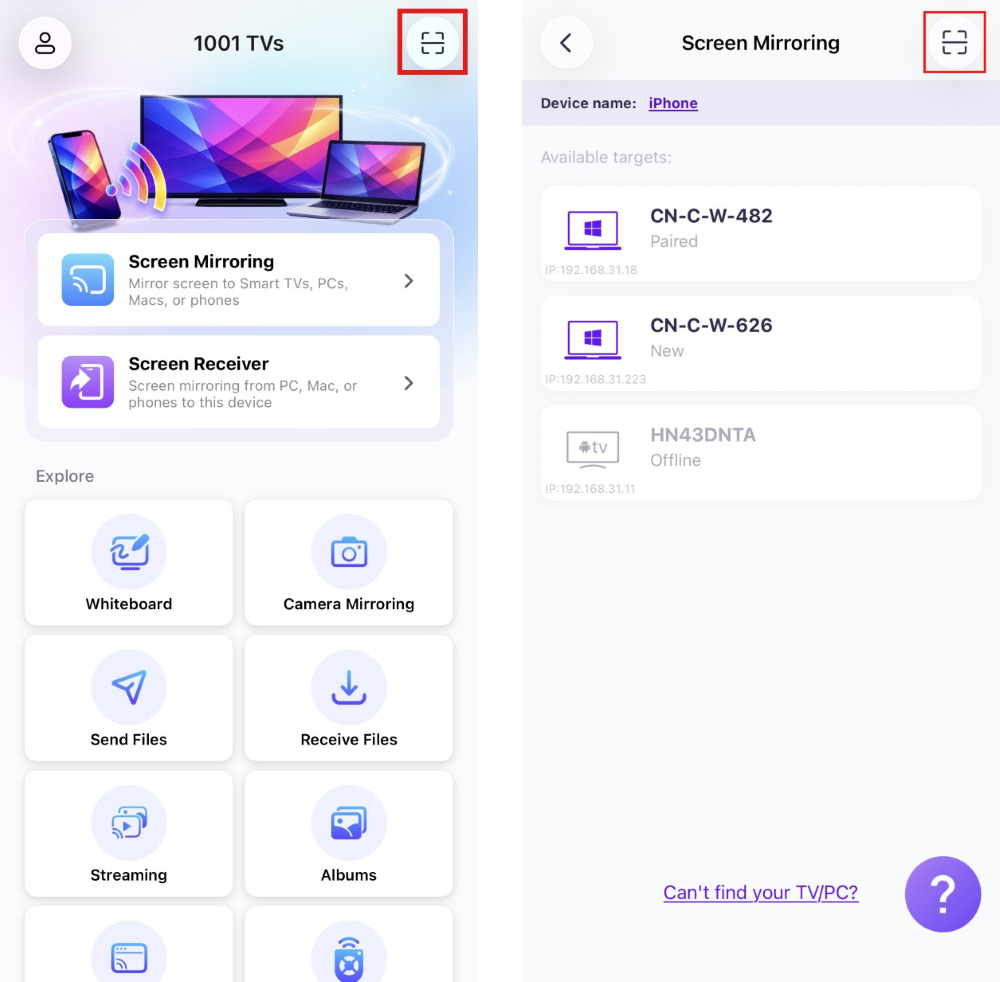
1) 掃描 QR 代碼
您可以直接從主畫面或 螢幕鏡像 页。
(备注:第一次掃描需要使用攝影機存取,可在以下選項中啟用 设置.)
When prompted on the PC, select “確定” 確認連接。.
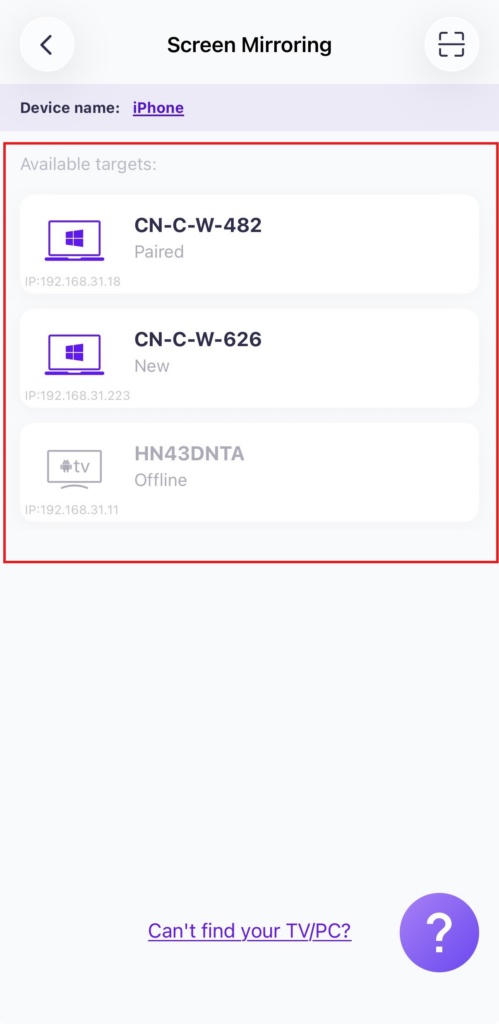
2) 选择附近的设备
点击"螢幕鏡像”在您手機上的 1001 TVs 應用程式中選擇""。.
應用程式會自動偵測同一 Wi-Fi 網路上的可用裝置。.
Select the PC you want to mirror to.
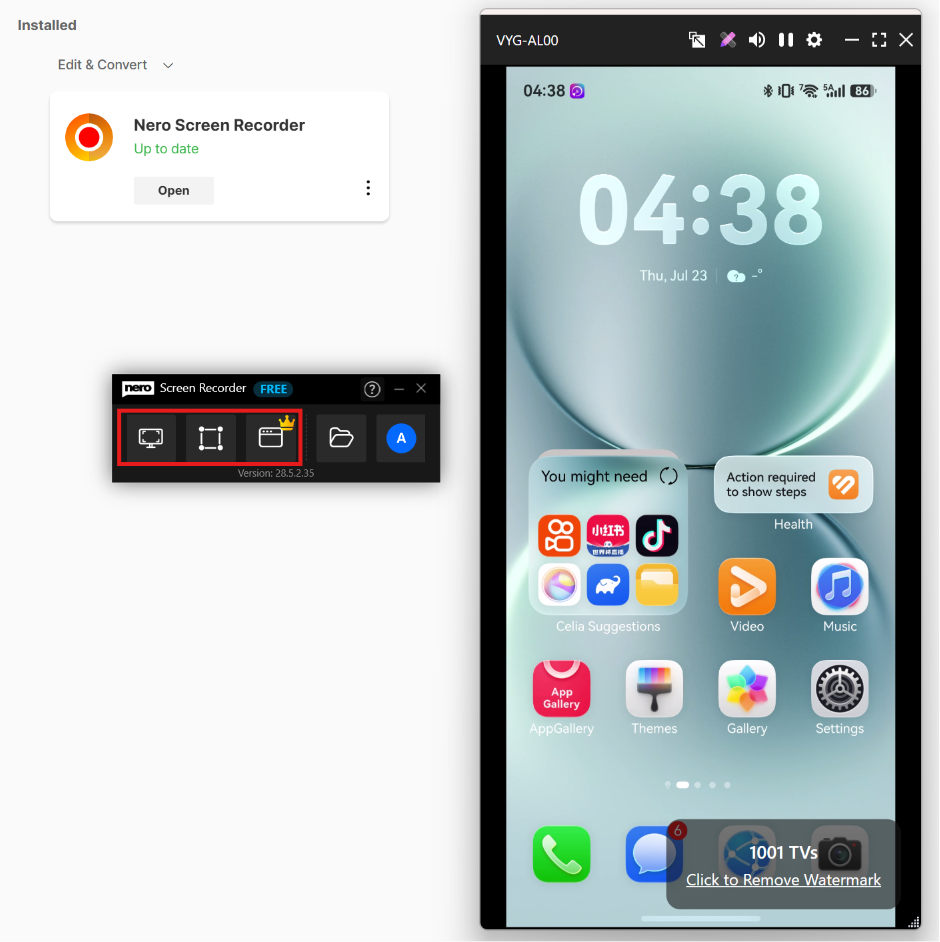
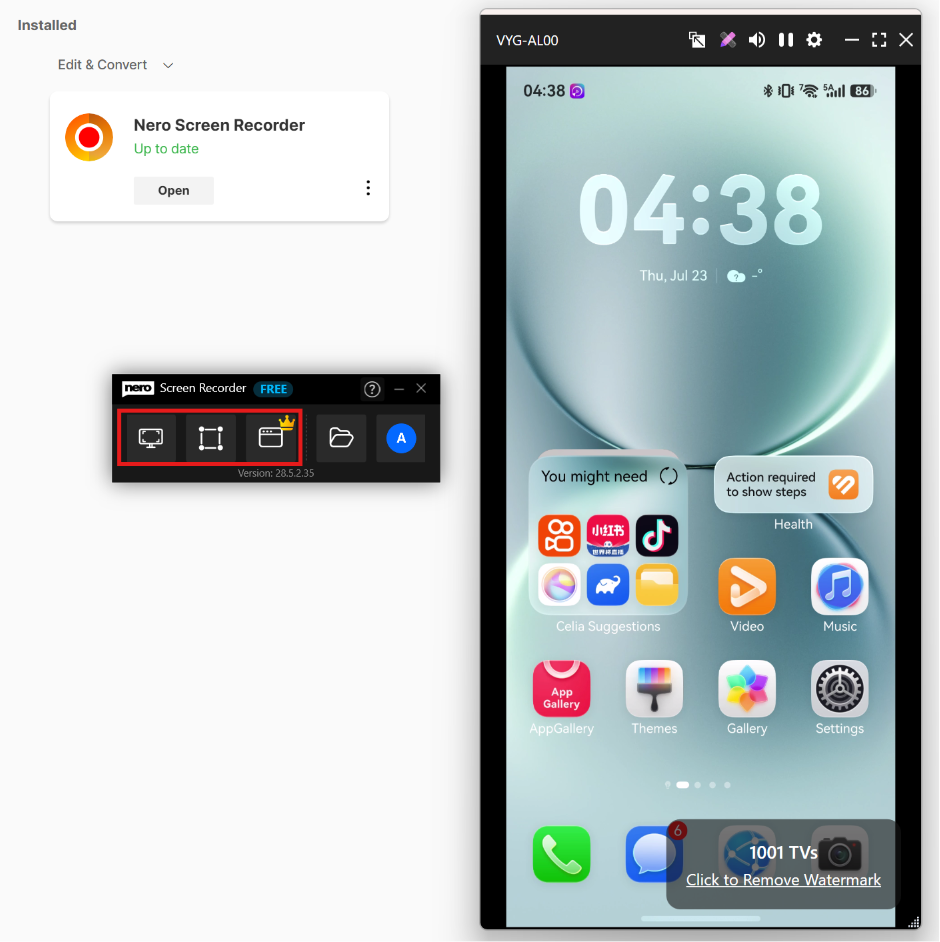
5. Launch Nero Screen Recorder to start recording.
Click here to download Nero Screen Recorder and get details.
选择 Free Form Recording 或 Window Recording to capture the mirrored phone screen on your PC.
立即取得 1001 TVs!
PC 應用程式: 下載自 微軟商店
如需詳細步驟,請參閱 PC 安裝指南.
iOS 應用程式: 从 App Store 下载
Android 應用程式: 从 Google Play 下载