How Fitness Studios Use 1001 TVs for Wireless Digital Signage on Apple TV
Fitness studios often install multiple screens for workout visuals, class schedules, and announcements. Many of these displays are powered by Apple TV, but managing content across several screens can quickly become complicated.
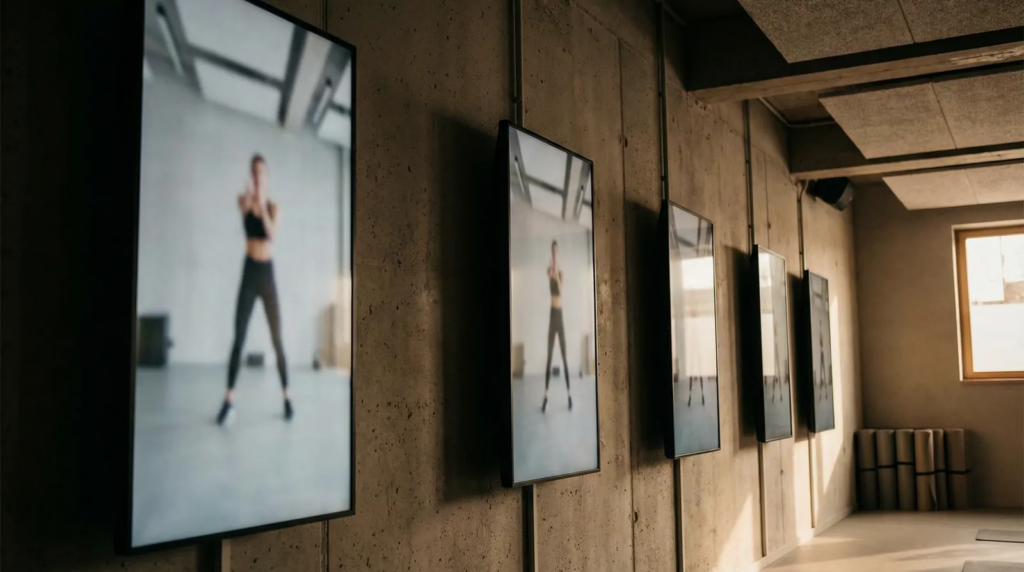
Standard AirPlay mirrors one device to one screen. For studios with displays in the classroom, lobby, and workout areas, that means reconnecting devices and managing screens individually.
1001 TVs turns Apple TV into a simple wireless digital signage solution for fitness studios.
Why Standard AirPlay Isn’t Enough for Fitness Studios
AirPlay works well for personal screen sharing, but it becomes limiting in a studio environment.
Standard AirPlay requires:
• One device per screen
• Separate setup for each display
• Reconnecting every time content changes
For studios running several displays across the space, this workflow becomes inefficient. Many Apple TVs end up being underused instead of functioning as dynamic studio screens.
Mirror One Device to Multiple Apple TVs
1001 TVs removes the one-screen limitation.
A Windows PC can mirror its screen to multiple Apple TVs simultaneously, allowing the same content to appear across several displays in the room.
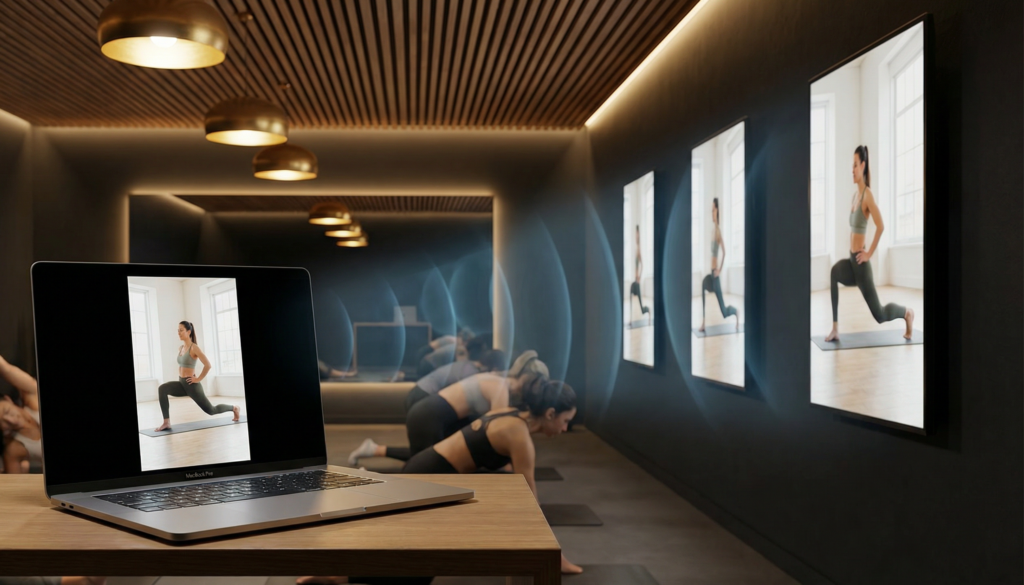
This makes it easy to broadcast:
• workout visuals
• timers and rep counters
• training videos
• presentation content
At the same time, iPhone and iPad can mirror content to Apple TV and stream live camera views, which is ideal for real-time workout demonstrations.
Together, these features turn your Apple TVs into a wireless multi-screen digital signage system for fitness studios — without extra hardware or cables.
How Fitness Studios Use It
During Class: Every Screen Shows the Workout
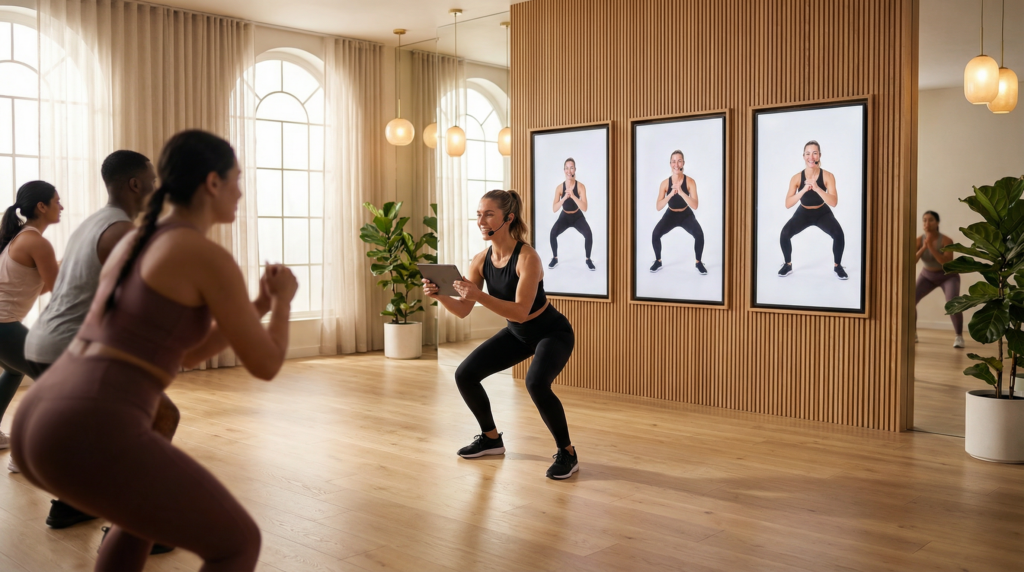
Instructors can mirror workout content to the screens in the room so every participant can clearly see the instructions.
Displays around the studio can show:
• workout timers
• rep counters
• exercise demonstrations
• live instructor camera feed
Members can follow the workout easily, no matter where they are standing.
“We used to have one screen at the front and people in the back couldn’t see anything. Now every wall is a screen.”
Multi-Zone Digital Signage
Fitness studios often need different screens to display different types of information.
For example:
• Lobby screens → class schedules
• Workout areas → workout visuals or timers
• Recovery areas → announcements or promotions
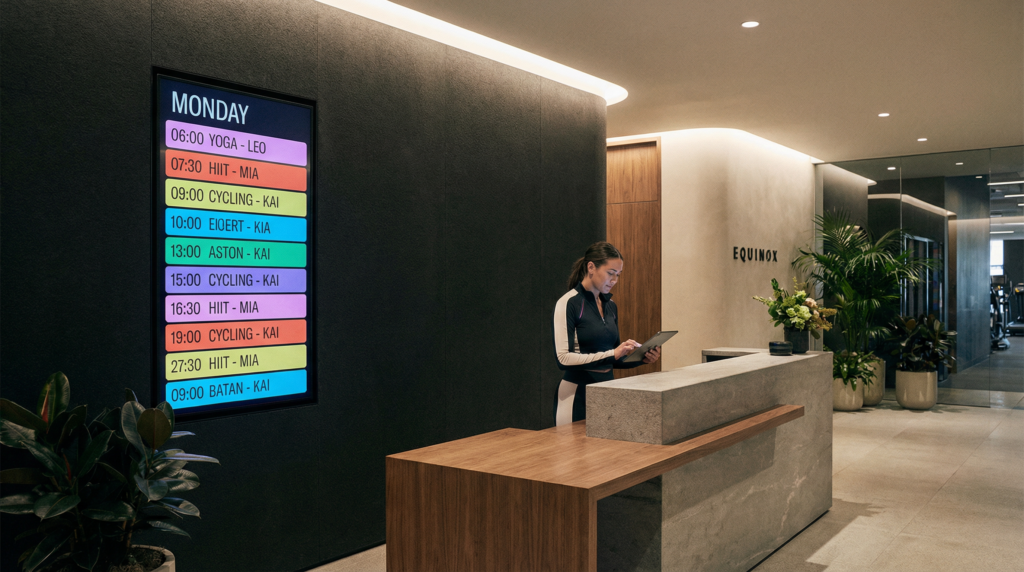
بىلەن 1001 TVs, devices such as an iPhone, iPad, or Windows PC can mirror content to Apple TV displays across different zones.
• Windows كومپيۇتېرى supports one-to-many mirroring, broadcasting content to multiple Apple TVs simultaneously.
• iPhone ياكى iPad can mirror content and stream live camera views for workout demonstrations.
This makes it easy to run flexible wireless digital signage across the entire studio without installing a CMS system or dedicated media players.
Portrait Mode for Vertical Screens
Many boutique fitness studios use portrait-mounted displays for modern interior layouts.
1001 TVs supports native portrait mirroring, so vertical screens display content correctly without:
• black bars
• cropping
Fitness Streaming: Camera + Apps Live on Screen
ئىچىدە Fitness Streaming mode, the camera and fitness apps remain active while mirroring.
Members can see the instructor view, workout timers, and training information on the screen during the session.
This makes the experience more interactive and easier to follow.
Setup Takes Less Than 10 Minutes
سىزگە كېرەكلىك نەرسىلەر
• iPhone, iPad, or Windows PC
• Apple TV for each screen
• Same Wi-Fi network
تەڭشەش
- ئورنىتىش 1001 TVs on your phone or PC
- ئورنىتىش 1001 TVs on each Apple TV
- Open the app and tap ئېكران ئەينىكى
To mirror to multiple Apple TVs, simply add more devices on the كومپيۇتېر and start broadcasting.
Your screen appears instantly on Apple TV.
No cables. No complex setup.
Who It’s For
1001 TVs works especially well for:
• boutique fitness studios (spin, HIIT, yoga, pilates, barre)
• personal training studios
• multi-zone wellness centers
• gyms with multiple display walls
Studios with multiple screens typically see the biggest improvement in workflow.
سوئال
Can one device mirror to multiple Apple TVs?
Yes.
A Windows PC can mirror to multiple Apple TVs simultaneously using 1001 TVs.
Can iPhone or iPad mirror to Apple TV?
Yes.
iPhone and iPad can mirror content and also stream live camera views during workouts.
How is this different from AirPlay?
AirPlay mirrors one device to one screen and is mainly designed for Apple devices.
1001 TVs allows Android phones, Windows PCs, iPhones, and iPads to mirror to Apple TV, and a Windows PC can mirror to multiple Apple TVs at once.
Do devices need to be on the same Wi-Fi network?
Yes.
All devices must be on the same local network. No internet connection is required.
باشلاڭ
Business subscription includes:
• multi-screen broadcasting from PC
• portrait mirroring
• file transfer