
Для корпоративных участников: как активировать корпоративную лицензию

This guide is for customers who wish to purchase and activate a volume license for 1001 TVs membership.
Please note that this feature is currently only available for ПК с Windows.
1. Install and Open 1001 TVs App
Install and Open the latest version of 1001 TVs on your Windows PC.
Приложение для ПК: Скачать с Microsoft Store
Подробные шаги см. в разделе Руководство по установке ПК.
2. Start Activation
Перейти к Настройки > Account, and click “Activate Volume License“.
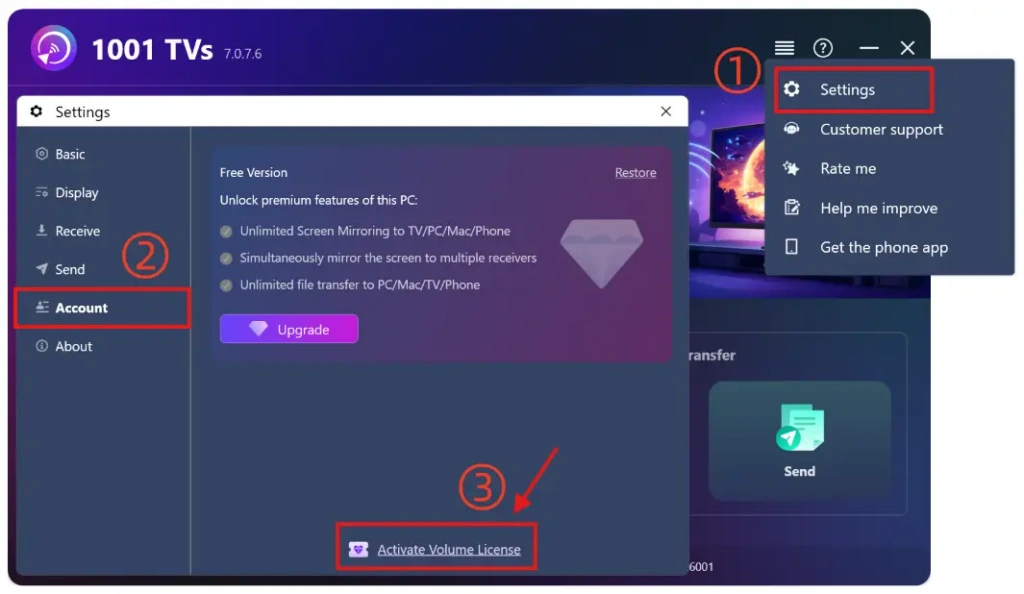
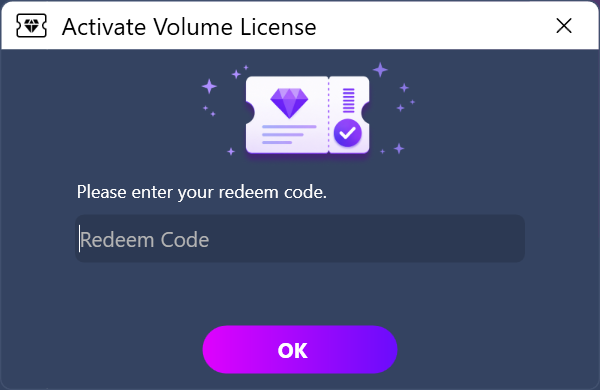
Then please enter your redeem code, click “OK”, and wait for the activation to complete.
If you see the following interface, please check whether your redeem code is incorrect or has already been used on another PC, and then try entering it again.
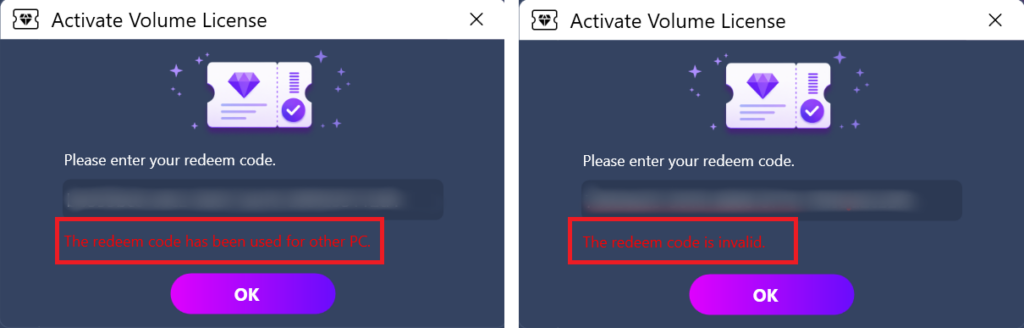
Примечание: One redeem code can only be used on One device.
3. Activation Completed
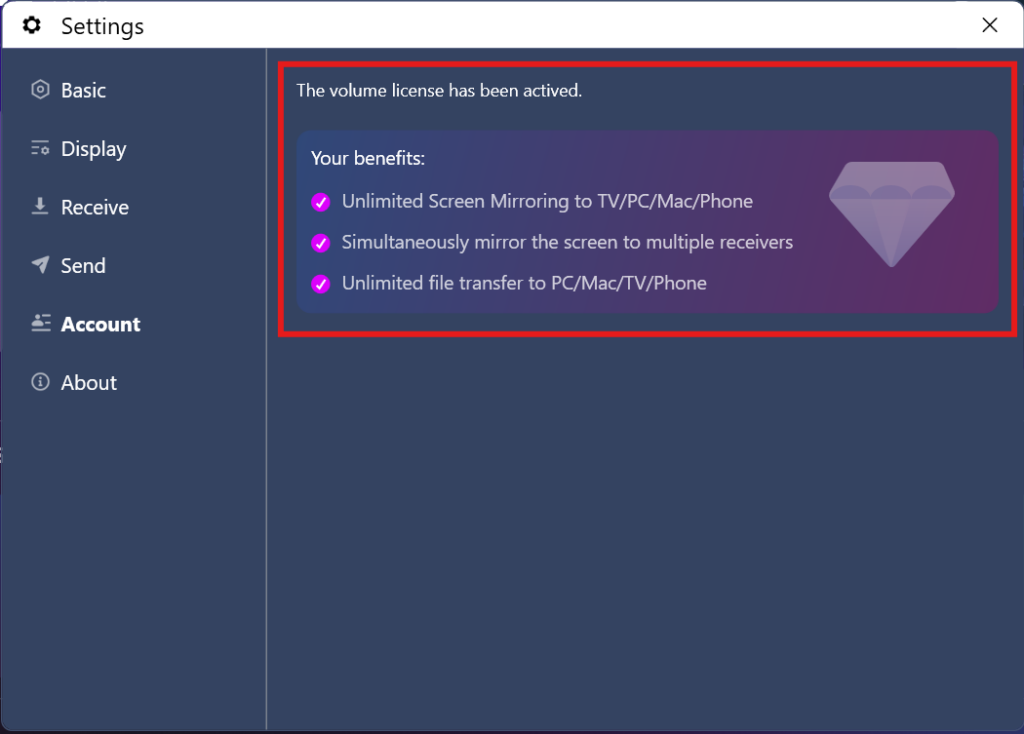
Once your membership account is successfully activated, you can enjoy full access to all the features.
⭐ Не стесняйтесь обращаться к нам по адресу: 1001tvs@nero.com