สำหรับสมาชิก Enterprise: วิธีเปิดใช้งานใบอนุญาตแบบปริมาณ
คู่มือนี้จัดทำขึ้นสำหรับลูกค้าที่ต้องการซื้อและเปิดใช้งานใบอนุญาตแบบปริมาณสำหรับสมาชิก 1001 TVs บน PC / Mac.
1. สำหรับการซื้อใบอนุญาตแบบปริมาณ
โปรดเยี่ยมชมเว็บไซต์ 2Checkout:
https://store.nero.com/order/checkout.php?PRODS=54178147&QTY=1&CART=1&CARD=2&ORDERSTYLE=nLW0oJTfpnQ=
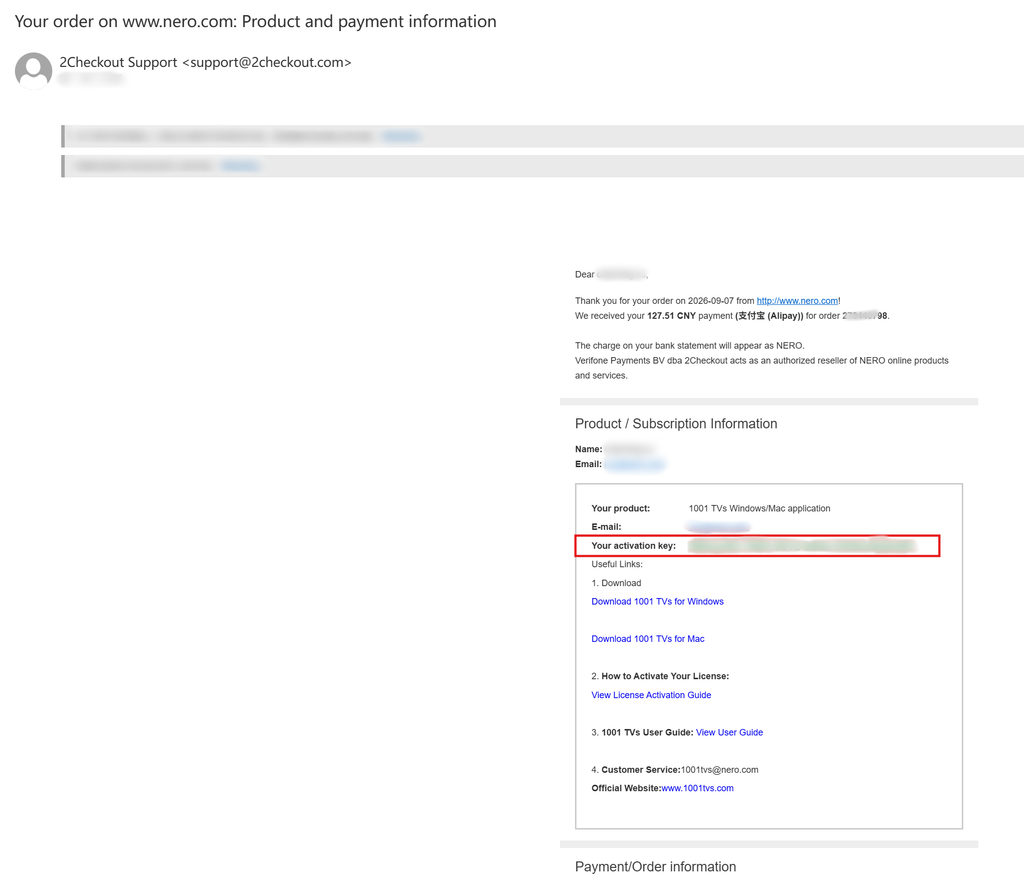
หลังจากเสร็จสิ้นการชำระเงิน คุณจะได้รับอีเมลเช่นตัวอย่างด้านล่างนี้ ซึ่งประกอบด้วยข้อมูลการสั่งซื้อและรหัสเปิดใช้งาน.
2. ติดตั้งและเปิดแอป 1001 TVs
ติดตั้งและเปิดเวอร์ชันล่าสุดของ 1001 TVs บนคอมพิวเตอร์ Windows / Mac ของคุณ.
แอปพลิเคชันสำหรับพีซี: ดาวน์โหลดจาก Microsoft Store
สำหรับขั้นตอนโดยละเอียด โปรดดูที่ คู่มือการติดตั้ง PC.
แอป Mac: ดาวน์โหลดจาก App Store
3. เริ่มการเปิดใช้งาน
ไปที่ การตั้งค่า > บัญชี, แล้วคลิก “เปิดใช้งานใบอนุญาตแบบปริมาณ“.
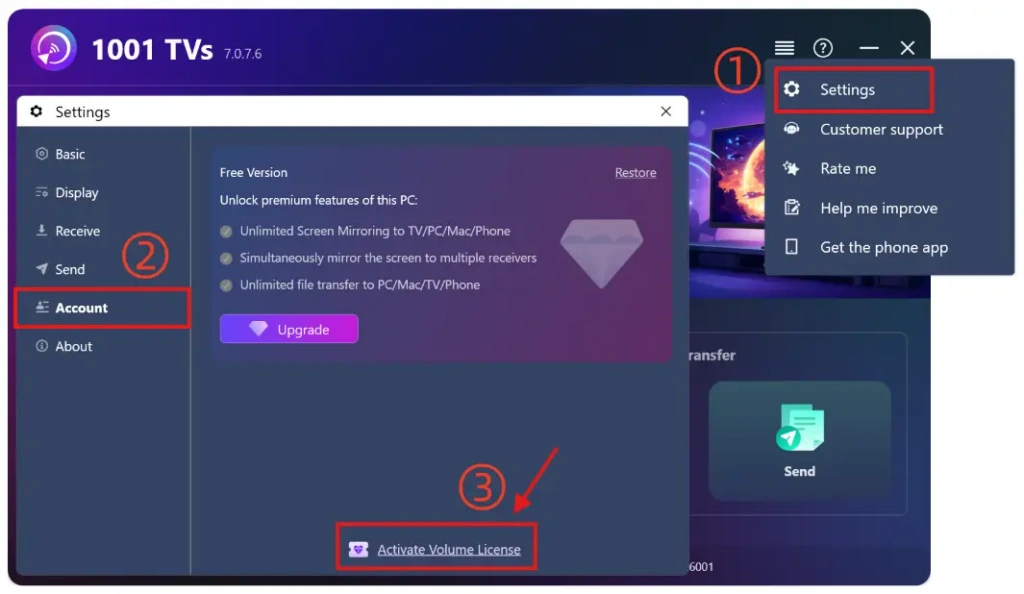
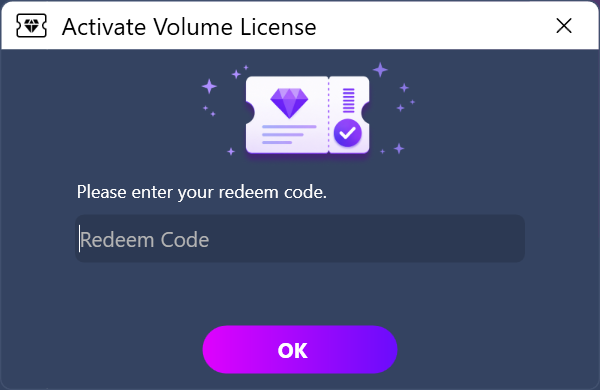
จากนั้นโปรดคัดลอกและวางรหัสการแลกรับจากอีเมล คลิก “OK” และรอจนกระบวนการเปิดใช้งานเสร็จสิ้น.
หากเห็นหน้าจอต่อไปนี้ โปรดตรวจสอบว่ารหัสแลกรางวัลของคุณผิดหรือไม่ หรือได้ใช้ไปแล้วบนคอมพิวเตอร์เครื่องอื่นแล้วหรือไม่ แล้วลองป้อนรหัสอีกครั้ง.
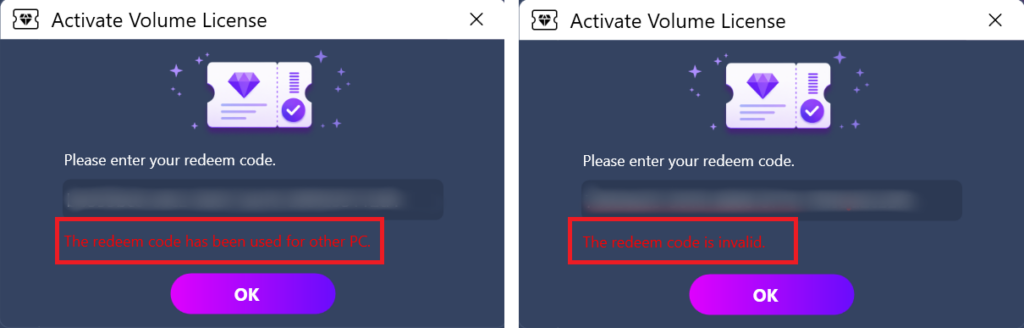
หมายเหตุ: แต่ละรหัสแลกรางวัลสามารถใช้ได้เพียงบนคอมพิวเตอร์เครื่องเดียวเท่านั้น (PC หรือ Mac).
ไม่สามารถแบ่งปัน โอน หรือใช้บนอุปกรณ์มือถือได้.
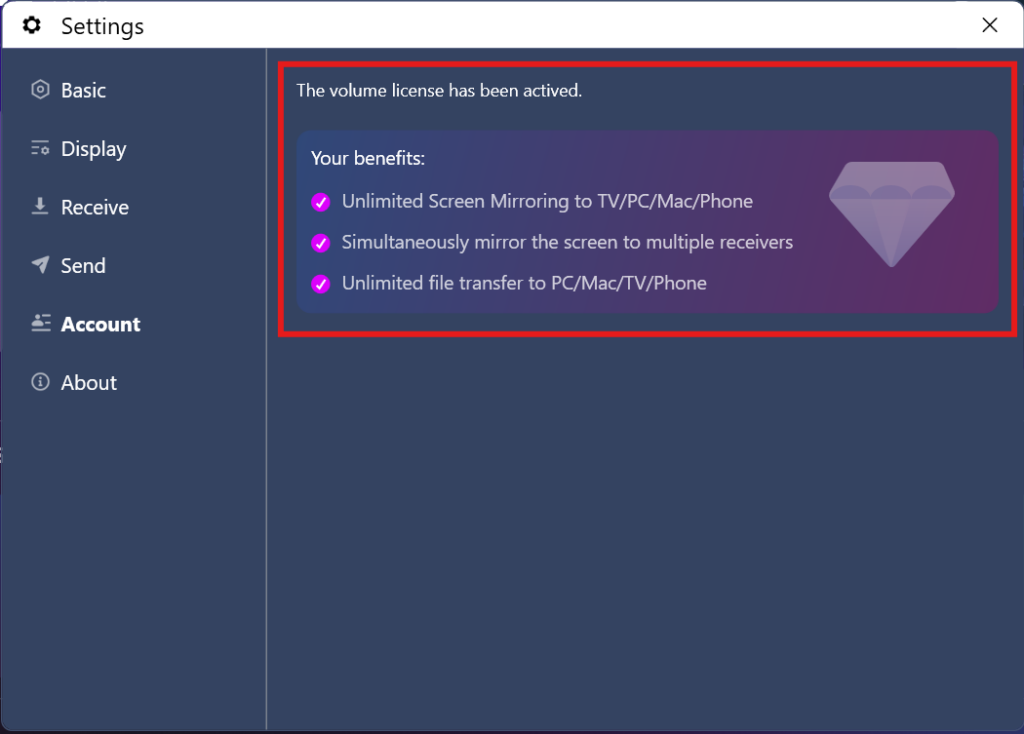
4. การเปิดใช้งานเสร็จสิ้นแล้ว
เมื่อบัญชีสมาชิกของคุณได้รับการเปิดใช้งานเรียบร้อยแล้ว คุณจะสามารถใช้งานทุกคุณสมบัติได้อย่างเต็มที่.
⭐ ติดต่อเราได้ที่: 1001tvs@nero.com

อ่านเพิ่มเติม
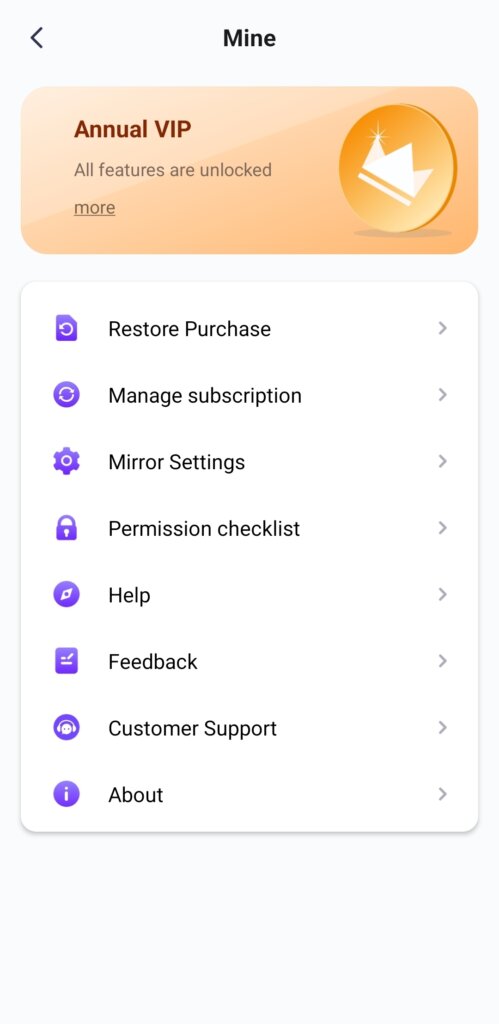 ปลดล็อกคุณสมบัติพรีเมียมทั้งหมด: วิธีสมัครสมาชิก
🎁 ทดลองใช้ก่อนซื้อ ไม่มีโฆษณาเลย เราไม่มีโฆษณาใดๆ ทั้งสิ้น เวอร์ชันอย่างเป็นทางการของ 1001 TVs คือ 100% ที่ไม่มีโฆษณา คุณจะ...
ปลดล็อกคุณสมบัติพรีเมียมทั้งหมด: วิธีสมัครสมาชิก
🎁 ทดลองใช้ก่อนซื้อ ไม่มีโฆษณาเลย เราไม่มีโฆษณาใดๆ ทั้งสิ้น เวอร์ชันอย่างเป็นทางการของ 1001 TVs คือ 100% ที่ไม่มีโฆษณา คุณจะ...
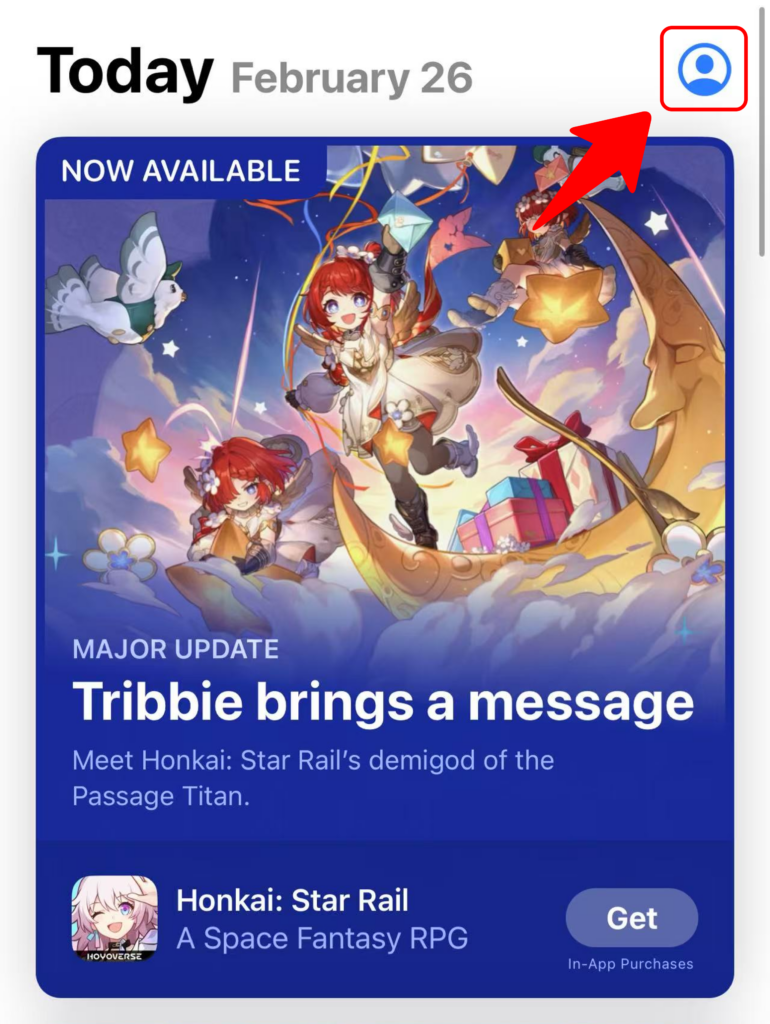 วิธีแลกรับรหัสสำหรับ 1001 TVs
ใช้สิทธิ์ใน App Store (iPhone/iPad) 1️⃣ เปิดแอป App Store บน iPhone หรือ iPad ของคุณ 2️⃣ แตะปุ่มเข้าสู่ระบบ หรือโปรไฟล์ของคุณ...
วิธีแลกรับรหัสสำหรับ 1001 TVs
ใช้สิทธิ์ใน App Store (iPhone/iPad) 1️⃣ เปิดแอป App Store บน iPhone หรือ iPad ของคุณ 2️⃣ แตะปุ่มเข้าสู่ระบบ หรือโปรไฟล์ของคุณ...

