For Enterprise Members: How to Activate a Volume License
This guide is for customers who wish to purchase and activate a volume license for 1001 TVs membership on PC / Mac.
1. For Volume License Purchasing
Please visit the 2Checkout website:
https://store.nero.com/order/checkout.php?PRODS=54178147&QTY=1&CART=1&CARD=2&ORDERSTYLE=nLW0oJTfpnQ=
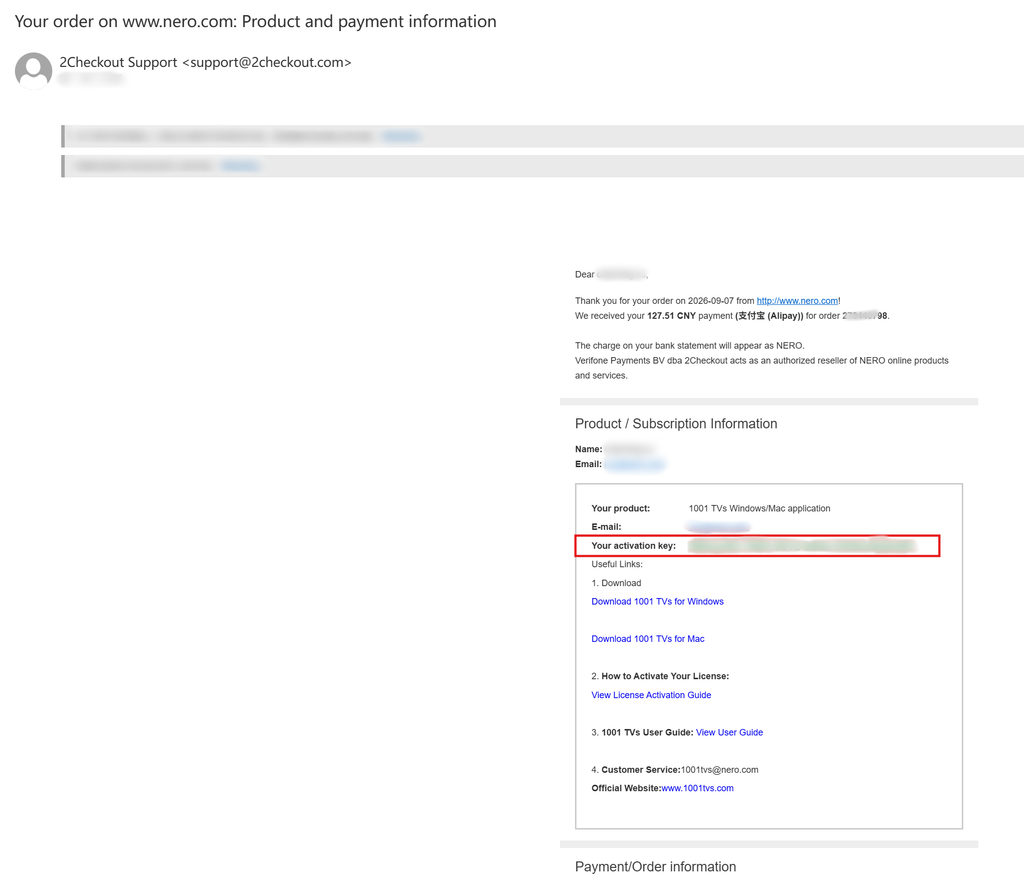
After completing the payment, you will receive an email like the one below, which contains your order information and activation key.
2. 1001 TVs ئەپنى قاچىلاڭ ۋە ئېچىڭ
Install and Open the latest version of 1001 TVs on your Windows PC / Mac.
كومپيۇتېر ئەپلىرى: چۈشۈرۈش Microsoft دۇكىنى
تەپسىلىي قەدەملەر ئۈچۈن، تۆۋەندىكىگە قاراڭ كومپيۇتېر ئورنىتىش قوللانمىسى.
Mac ئەپ: App Store دىن چۈشۈرۈڭ
3. Start Activation
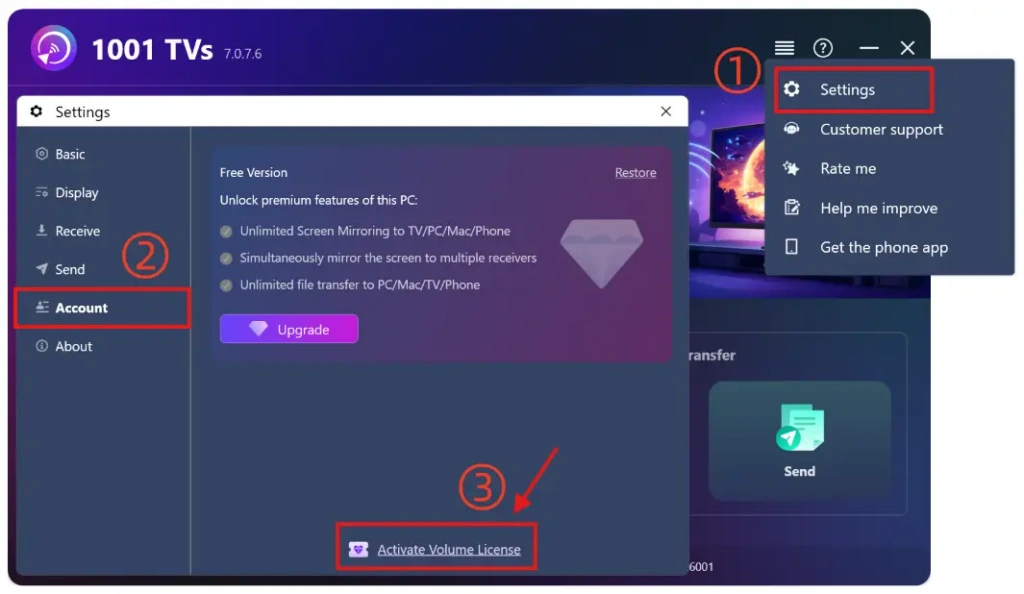
بارىڭ تەڭشەكلەر > Account, and click “Activate Volume License“.
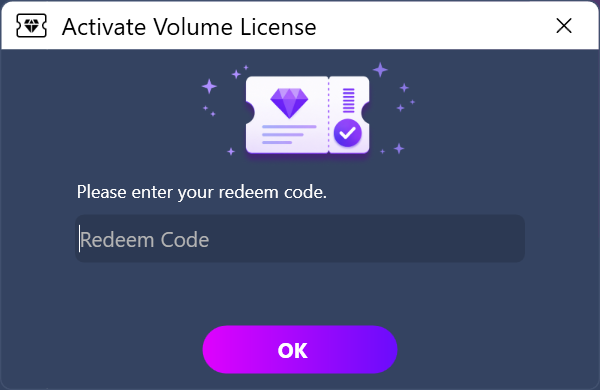
Then please paste your redeem code from the e-mail, click “OK”, and wait for the activation to complete.
If you see the following interface, please check whether your redeem code is incorrect or has already been used on another PC, and then try entering it again.
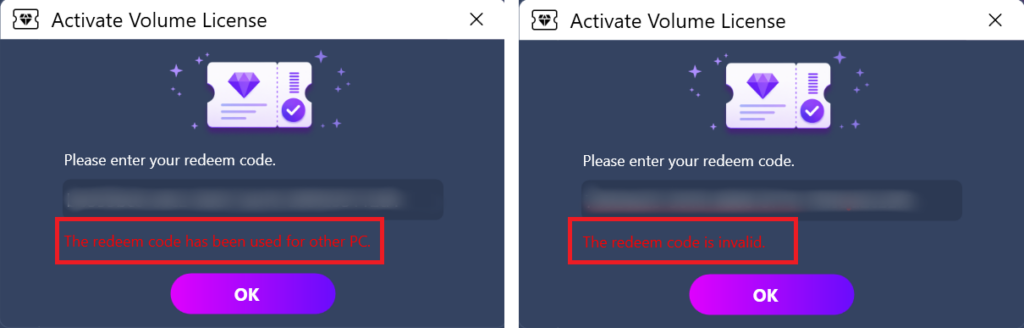
Note: Each redeem code is valid for use on a single computer only (PC or Mac).
It cannot be shared, transferred, or used on mobile devices.
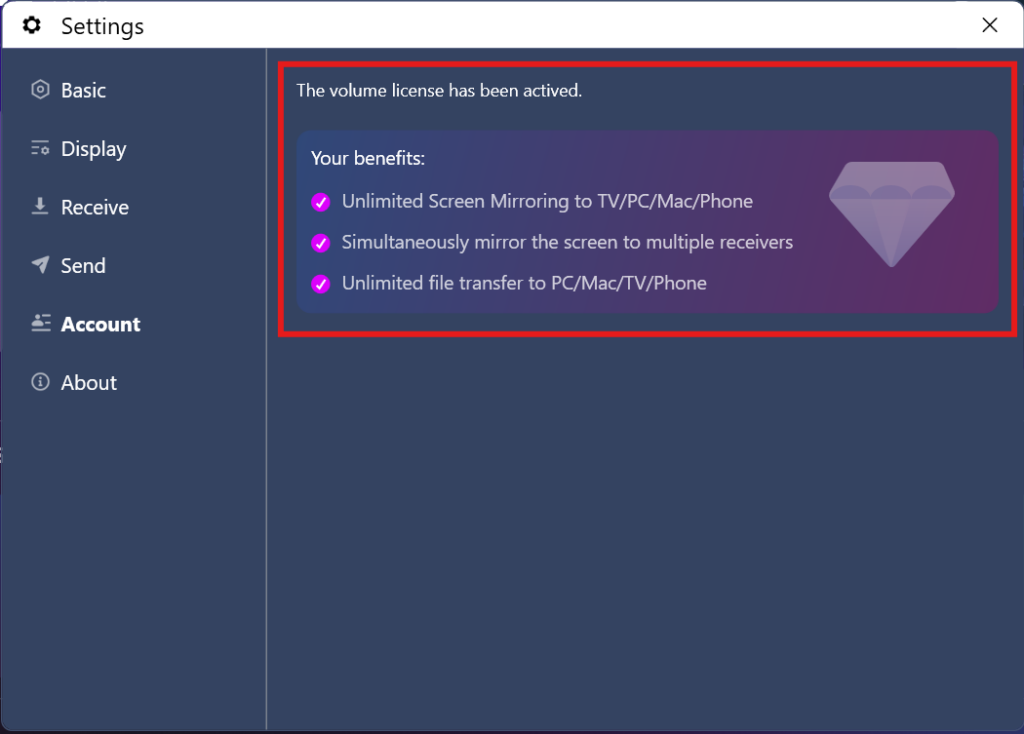
4. Activation Completed
Once your membership account is successfully activated, you can enjoy full access to all the features.
⭐ Feel free to contact us at: 1001tvs@nero.com

Read More
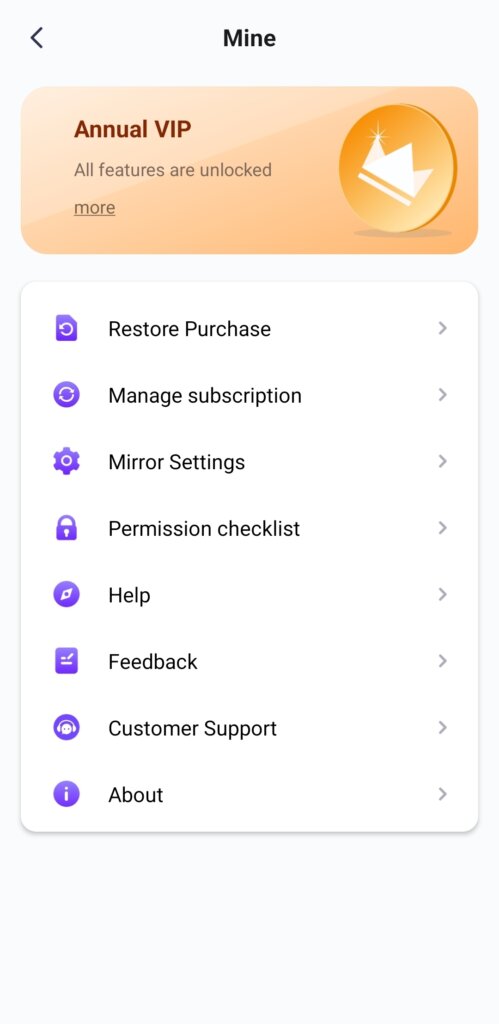 Unlock All Premium Features: How to Get a Membership
🎁 Try Before You Buy No Ads, Ever We do not have any ads. The official version of 1001 TVs is 100% ad-free. You will…
Unlock All Premium Features: How to Get a Membership
🎁 Try Before You Buy No Ads, Ever We do not have any ads. The official version of 1001 TVs is 100% ad-free. You will…
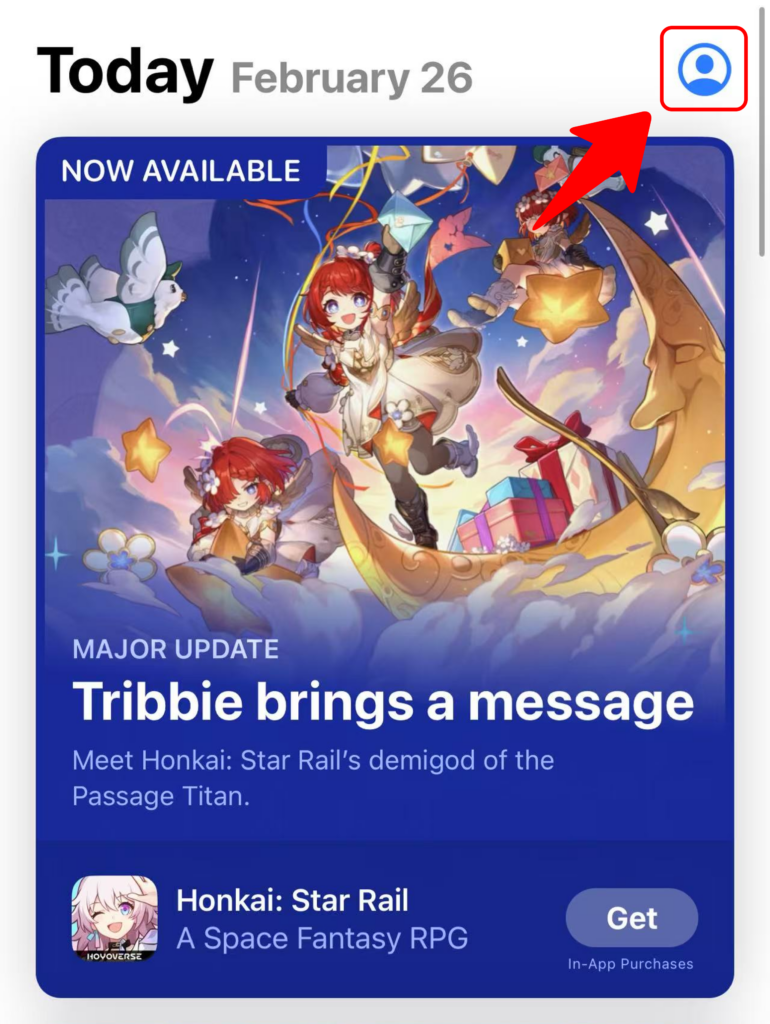 1001 TVs ئۈچۈن كودنى قانداق ئىشلىتىش كېرەك
Redeem on App Store (iPhone/iPad) 1️⃣ Open the App Store app on your iPhone or iPad. 2️⃣ Tap the login button or your profile…
1001 TVs ئۈچۈن كودنى قانداق ئىشلىتىش كېرەك
Redeem on App Store (iPhone/iPad) 1️⃣ Open the App Store app on your iPhone or iPad. 2️⃣ Tap the login button or your profile…

