Digital Signage for K-12 Education: How 1001 TVs Transforms the Modern Classroom
Digital signage has evolved into a vital tool for modern K-12 education. It creates a dynamic platform to inform students, support teachers, and ensure campus safety—all while moving away from the clutter of traditional bulletin boards.
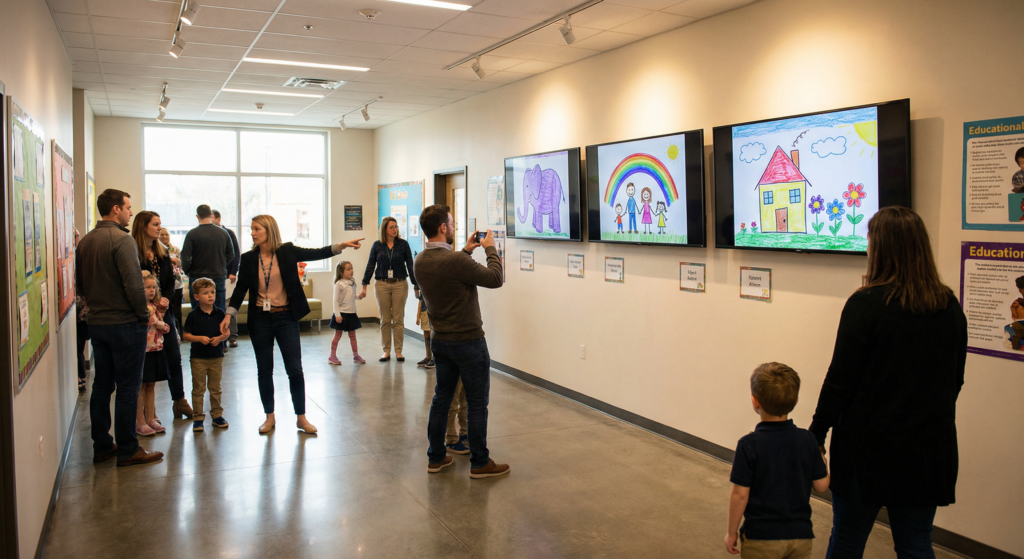
Why Digital Signage for K-12?
• Instant Safety & Communication: Simultaneously broadcast emergency alerts, lockdown instructions, or weather warnings across every screen on campus to ensure critical information reaches everyone with visual clarity.
• Cost-Efficient & Sustainable: Eliminate the recurring costs of paper and ink, making updates instant and environmentally friendly.
• Enhanced Learning: Showcasing student projects and educational multimedia on-screen builds a sense of community and boosts student engagement for digital-native learners.
Strategic Use Cases: Maximizing Campus Impact
To reach more educators and improve search visibility, consider these high-impact deployment strategies for the K-12 environment:
In the Classroom: Interactive Learning & Student Agency
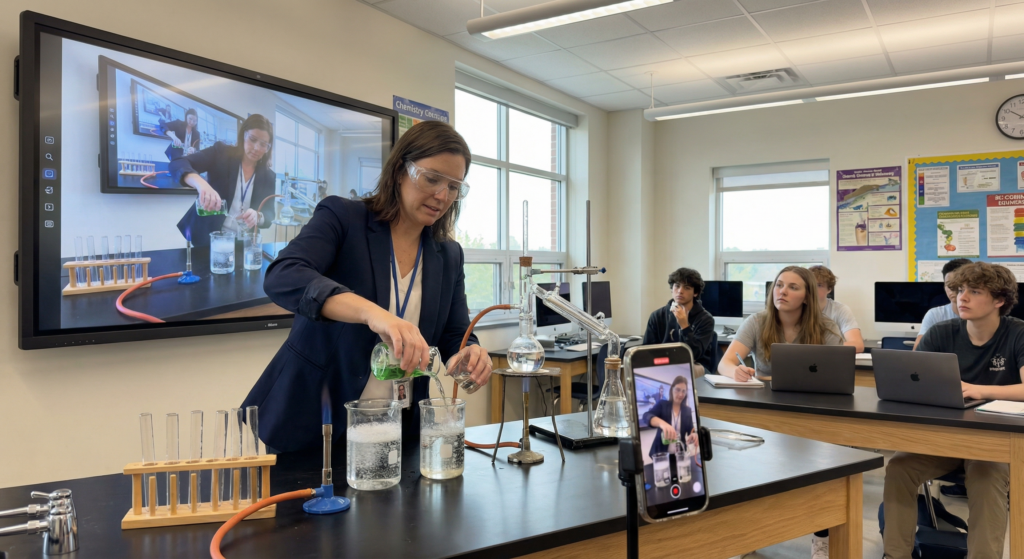
The modern classroom is no longer tethered to a desk. Using 1001TVs, teachers can move freely while mirroring content.
• Student Showcases: Boost confidence by allowing students to wirelessly mirror their tablets to show creative work or coding projects to the entire class.
• Live Demonstrations: Teachers can use a mobile device as a document camera to mirror live science experiments or art techniques directly to the main screen.
• Digital Literacy: Model real-time research and fact-checking by mirroring a browser session during history or social studies debates.
Lobbies & Entrances: Building School Pride
The entrance sets the tone for parents, donors, and the community.
• Virtual Trophy Case: Replace static displays with a rotating digital gallery of sports wins, academic honors, and teacher-of-the-month highlights.
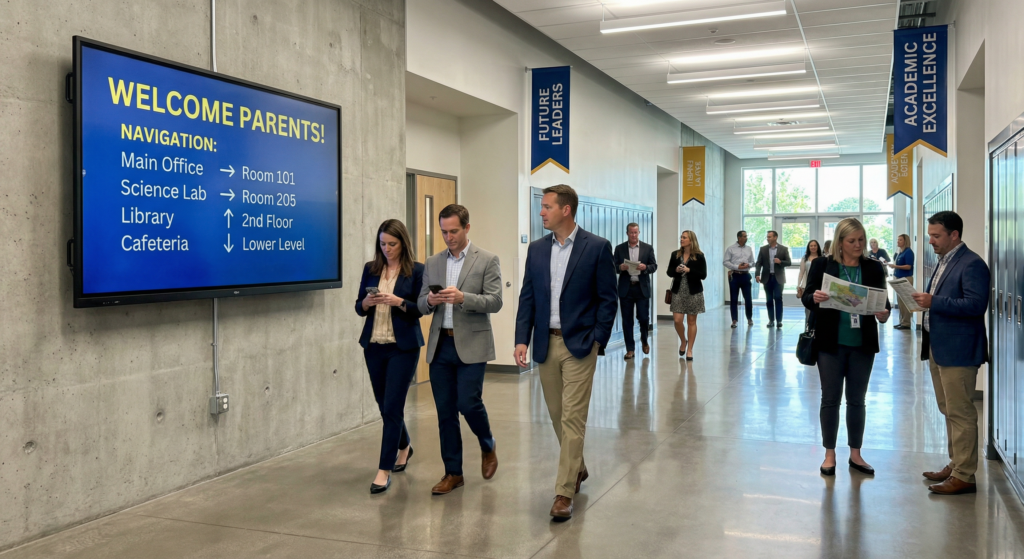
• Wayfinding: Help visitors navigate the campus during parent-teacher conferences or community events with maps and schedules.
Common Areas & Cafeterias: Wellness and Culture
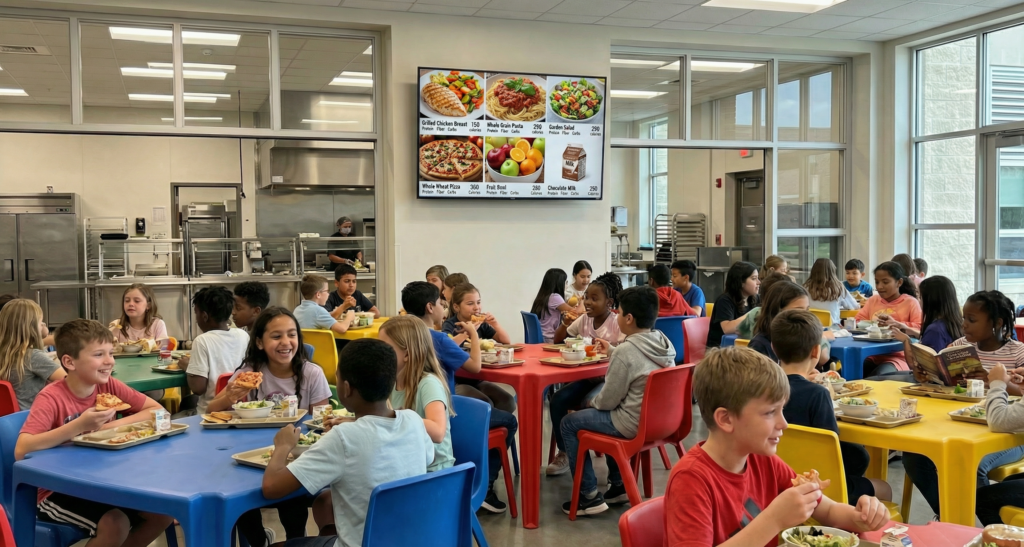
• Digital Menu Boards: Promote healthy eating habits by displaying daily meals alongside nutritional facts and allergy warnings.
• The Digital Bulletin Board: Replace paper posters for clubs, bake sales, and sports tryouts with high-energy video announcements to increase event attendance.
Administrative & Staff Areas: Operational Efficiency
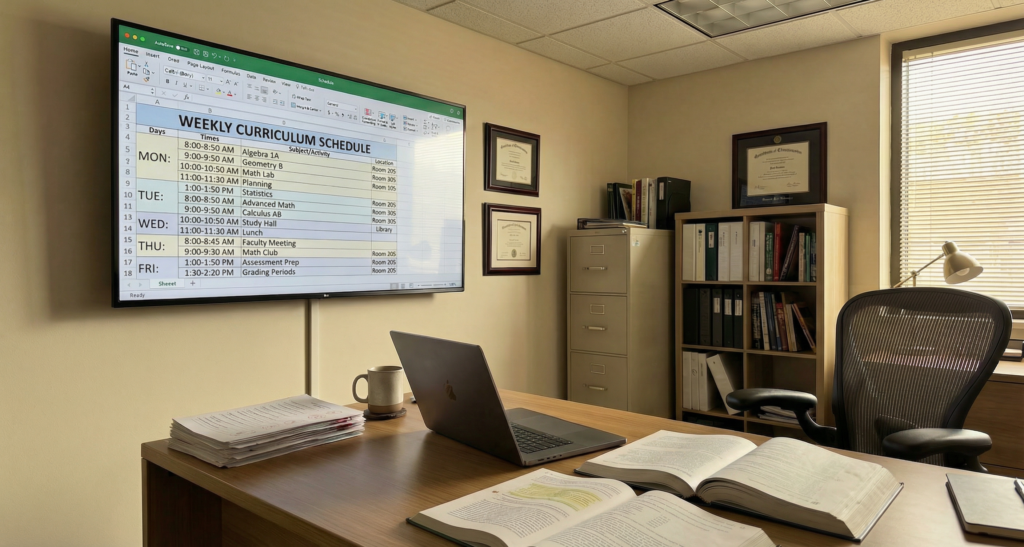
• Faculty Room Updates: Keep staff informed of schedule changes, professional development deadlines, and emergency protocols without adding to their email inbox.
The 1001TVs Advantage: Solving Traditional Hardware Hurdles
Traditional digital signage systems often create more work for IT departments and teachers due to infrastructure and software limitations.
The Downside of Traditional Systems
• Messy Cables & Hardware: Traditional setups often require complex wiring, HDMI splitters, and bulky hardware that is difficult to maintain and aesthetically cluttered.
• Steep Learning Curves: Most signage apps require specialized training. Teachers and staff frequently struggle with complex content management systems, leading to underutilized equipment.
Why Educators Choose 1001TVs
1001TVs transforms any screen into a high-performance hub using wireless screen mirroring and file transferring, eliminating the need for cables and proprietary hardware.
• Easy, No-Cable Setup: Connect laptops, tablets, or smartphones to a display wirelessly. This keeps classrooms tidy and allows teachers to move freely while presenting.
• Connect-and-Play Simplicity: No technical expertise is required. Staff can mirror content in seconds, reducing the stress of tech-heavy lesson plans.
• Ultimate Flexibility: Transition instantly from a static announcement to a live demonstration or a student’s presentation with one tap.
• Real-Time Response: During emergencies, administrators can immediately broadcast critical info from one computer to all connected screens for instant campus-wide communication.

1001 TVs Digital Signage Capabilities
1. General Screen Mirroring
• What it does: Wirelessly cast your high-definition screen from any phone, tablet, or PC to a TV.
• Educational Use: Perfect for general showcases of educational videos, product walk-throughs, or homework demonstrations for the whole class.
2. Broadcast Mode (1 PC to Multiple Devices)
• What it does: Mirror one primary computer screen to several displays or devices at the same time.
• Educational Use: Essential for campus-wide emergency announcements, live safety instructions, or broadcasting a principal’s message to every classroom simultaneously.
3. Collaborative Showcase (Multiple Devices to 1 PC)
• What it does: Connect and display multiple student devices onto a single primary screen at once.
• Educational Use: Facilitates interactive “Student Showcases” where multiple projects can be compared side-by-side to encourage peer learning.
4. Real-Time Camera Mirroring
• What it does: Stream a mobile device’s live camera feed directly to a larger classroom display.
• Educational Use: Transforms a smartphone into a mobile document camera to showcase real-time science experiments, fine-motor art techniques, or live demonstrations.
5. Wireless File Transfer
• What it does: Securely move videos, photos, and documents from your device to the display for local storage.
• Educational Use: Pre-upload and display high-resolution lunch menus, daily schedules, or school event flyers without relying on a constant live connection.
6. Curated Digital Albums
• What it does: Organize and loop single or multiple photos into a professional slideshow.
• Educational Use: Create a dynamic “Digital Trophy Case” in the lobby to showcase student achievements, sports highlights, and campus life photos.
🔍Need more help with 1001 TVs?
▶️ How to screen mirror from phone to TV?
▶️ How to screen mirror from 1 PC to multiple devices?
Conclusion
While traditional signage provides a foundation, 1001TVs provides the flexibility and simplicity that modern educators need. By removing the barriers of messy cables and complex software, 1001TVs empowers schools to communicate effectively and create a truly interactive, responsive learning environment.

Read More
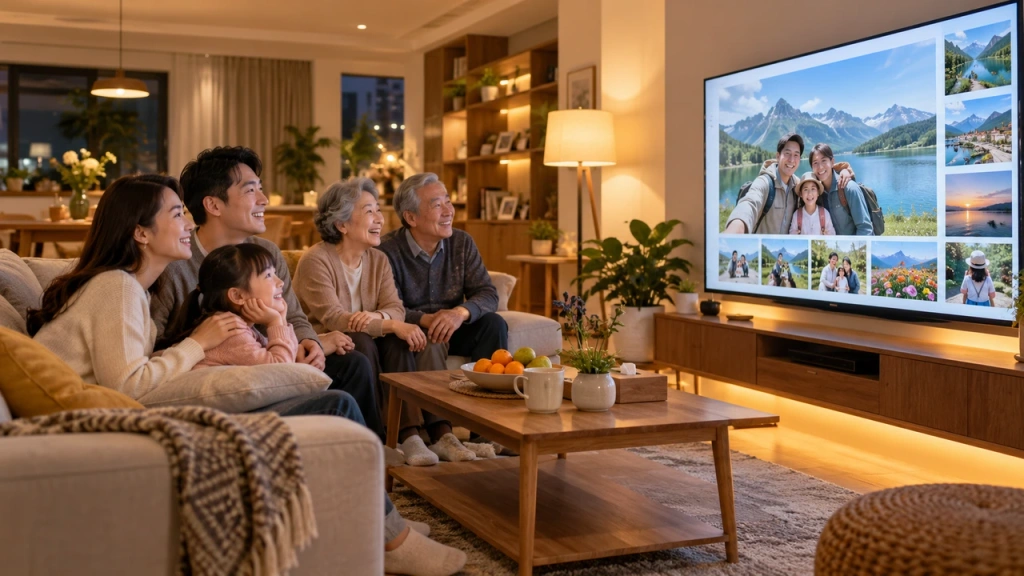 How to Cast Photos from Your Phone to a TV
You can cast phone photos to a compatible TV using AirPlay on iPhone, Google Photos with Chromecast, or 1001 TVs Streaming and Albums. The…
How to Cast Photos from Your Phone to a TV
You can cast phone photos to a compatible TV using AirPlay on iPhone, Google Photos with Chromecast, or 1001 TVs Streaming and Albums. The…
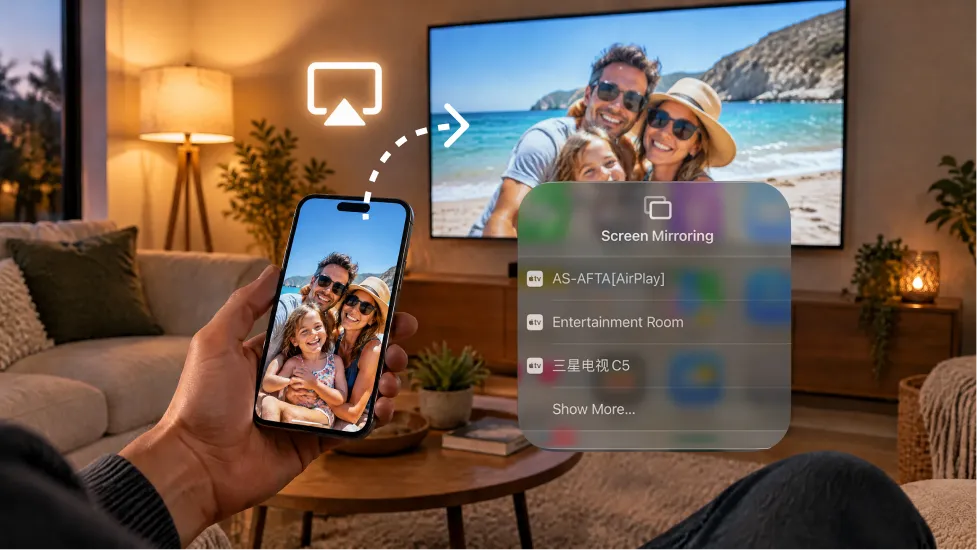 How to Turn On AirPlay on iPhone in iOS 26 (Screen Mirroring Guide)
To turn on AirPlay screen mirroring in iOS 26, open Control Center, tap the Screen Mirroring button (two overlapping rectangles), and choose your TV…
How to Turn On AirPlay on iPhone in iOS 26 (Screen Mirroring Guide)
To turn on AirPlay screen mirroring in iOS 26, open Control Center, tap the Screen Mirroring button (two overlapping rectangles), and choose your TV…

