[Success Story 16] AI Avatar Vertical Mirroring
If you’ve invested in an AI digital employee or virtual greeter, you may have noticed something strange:
Even with high-quality graphics, your AI avatar looks off when shown on a regular horizontal TV or monitor.
It feels like watching a news broadcast or a video game.
The avatar shrinks into the center of the screen, with huge empty spaces on both sides — completely losing the sense of “a real person standing in front of you.”
The reason is simple: people are vertical, but your display is horizontal.
Of course the presence feels wrong.
If you want your AI avatar to truly “come alive,” like a real greeter with proper presence,
you need to show it vertically.
Try the Vertical Screen Mirroring feature in 1001 TVs.
Just look at the difference — vertical simply feels right. 👇
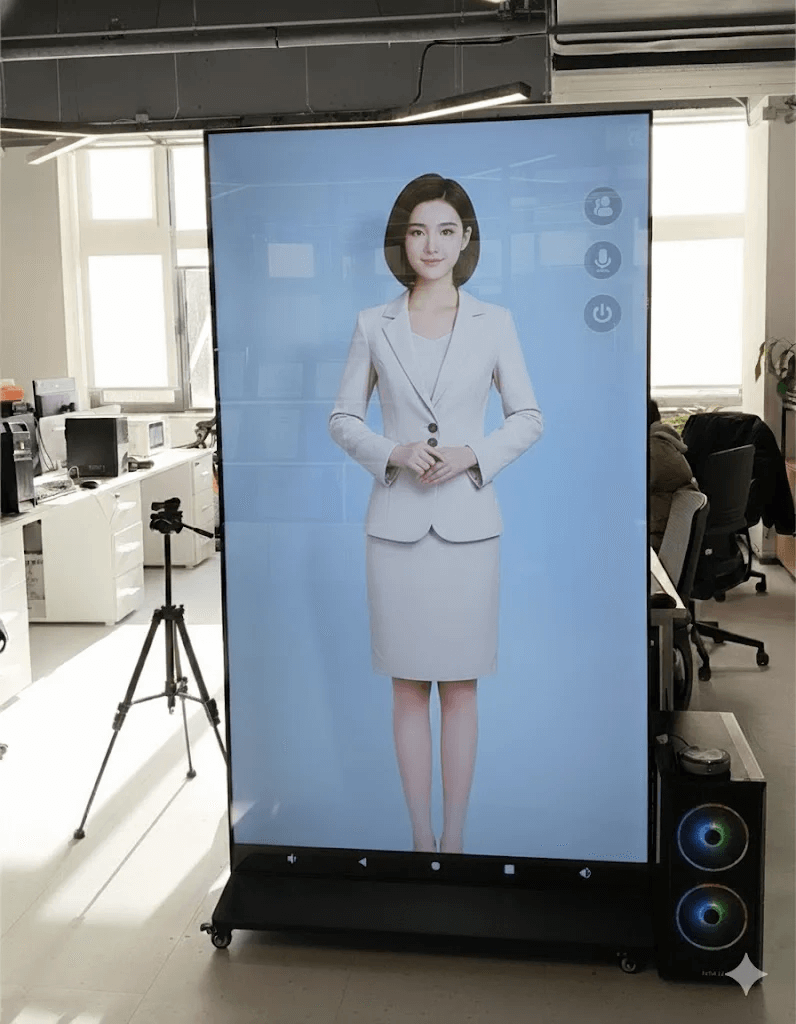
Use any TV or commercial display that can stand upright, pair it with 1001 TVs, and the transformation is instant:
- No more “I’m watching a video” feeling:
The avatar fills the entire vertical screen instead of floating in a tiny window. - Real human proportions:
It feels like a full-height 170–180 cm person standing there, with much stronger visual impact. - Immersive interaction:
When customers walk up, it feels like talking to a standing staff member — not staring at a TV.
How do you achieve this vertical display effect?
Perfect vertical mirroring guide:
https://www.1001tvs.com/vertical-mirror/
Need help? Contact support on weekdays (9:00–17:00):
- Download and open the 1001 TVs app.
- Tap the menu icon in the top-left corner.
- Select Contact Support.
- Type “Manual Service” to reach a support agent.

Read More
 How to Cast Photos from Your Phone to a TV
You can cast phone photos to a compatible TV using AirPlay on iPhone, Google Photos with Chromecast, or 1001 TVs Streaming and Albums. The…
How to Cast Photos from Your Phone to a TV
You can cast phone photos to a compatible TV using AirPlay on iPhone, Google Photos with Chromecast, or 1001 TVs Streaming and Albums. The…
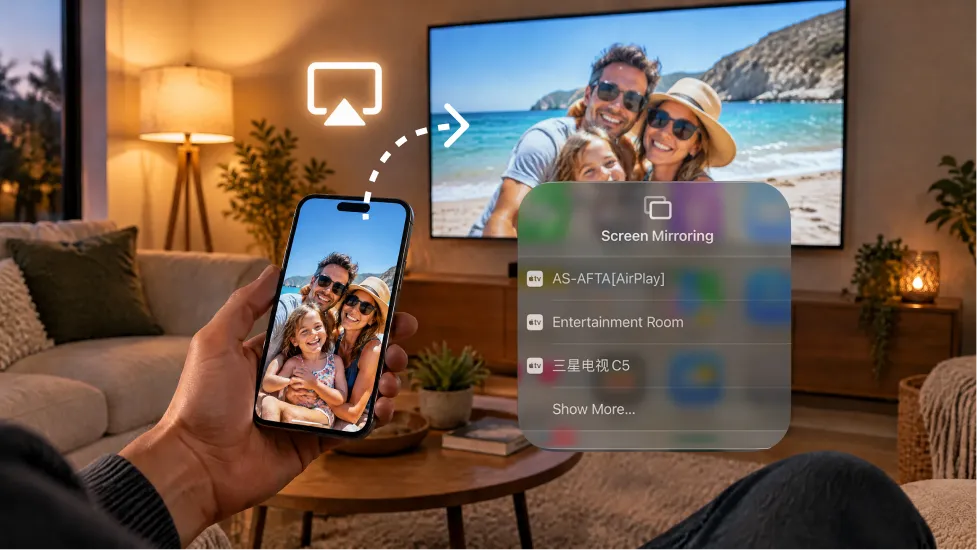 How to Turn On AirPlay on iPhone in iOS 26 (Screen Mirroring Guide)
To turn on AirPlay screen mirroring in iOS 26, open Control Center, tap the Screen Mirroring button (two overlapping rectangles), and choose your TV…
How to Turn On AirPlay on iPhone in iOS 26 (Screen Mirroring Guide)
To turn on AirPlay screen mirroring in iOS 26, open Control Center, tap the Screen Mirroring button (two overlapping rectangles), and choose your TV…

