New Setting: No More Pop-ups When Mirroring Ends
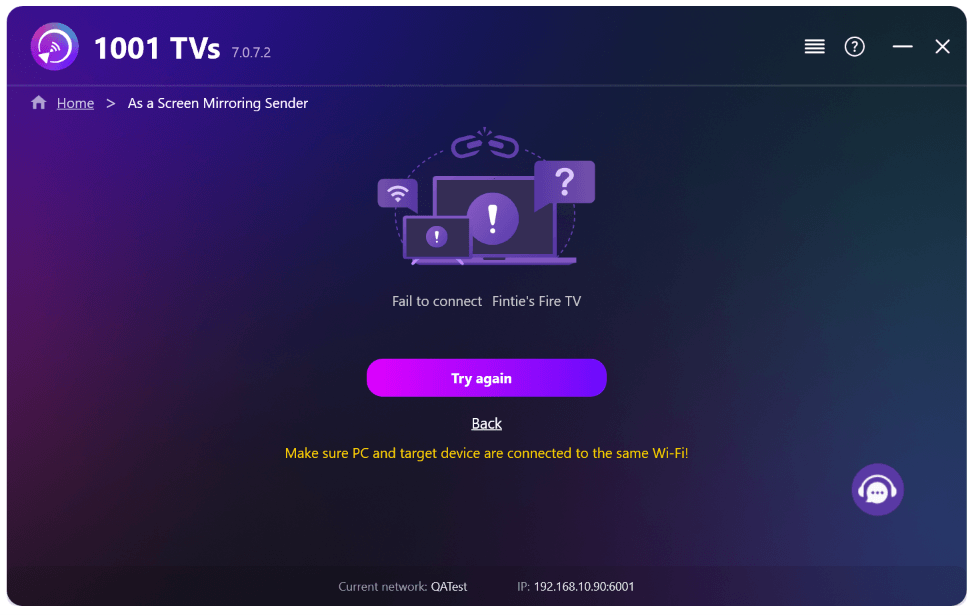
When you’re mirroring your PC screen to a TV and stop the session using the TV remote, the 1001 TVs window pops back up on your computer with a “Fail to connect” error message—even though you intentionally ended the session. This interrupts whatever you’re doing on your PC, for no good reason.
With the latest 1001 TVs update, that’s no longer an issue. Just flip on the new setting and you’re good to go.
1. Install the latest version of 1001 TVs on your Windows PC.
📥 كومپيۇتېر ئەپلىرى: چۈشۈرۈش Microsoft دۇكىنى
تەپسىلىي قەدەملەر ئۈچۈن، تۆۋەندىكىگە قاراڭ كومپيۇتېر ئورنىتىش قوللانمىسى.
2. بېرىڭ تەڭشەكلەر > Basic > and turn on “Don’t restore the window from the tray when the connection is lost.”
(This option is OFF by default, and is available on Windows PC only.)
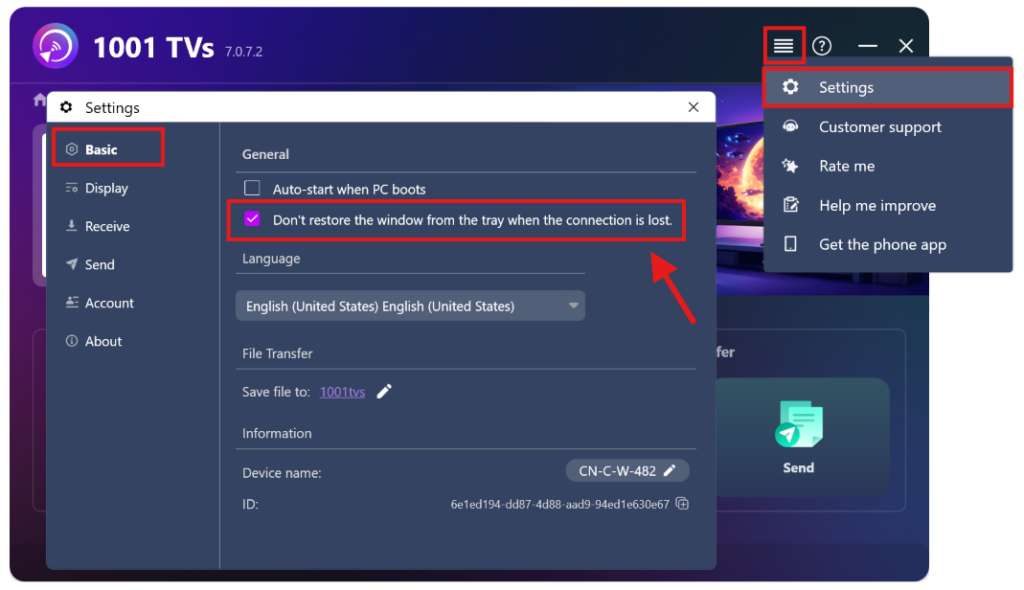
That’s it—now you can mirror without the pop-up hassle.
تېخىمۇ كۆپ دەرسلىكلەر:
https://www.1001tvs.com/features/

Read More
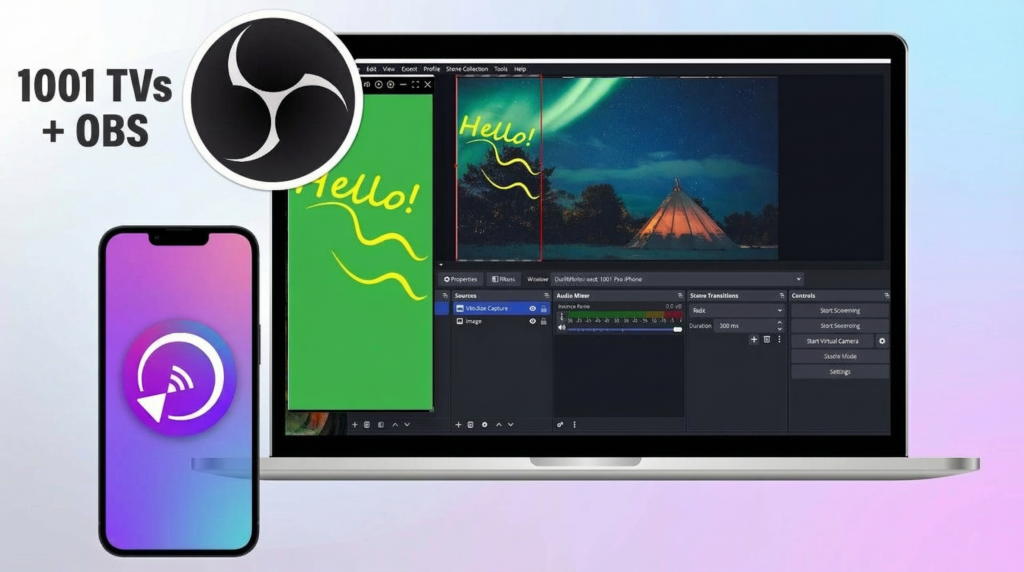 How to Capture Screen Mirroring in OBS (Android & iPhone)
Want to capture screen mirroring in OBS for mobile gameplay, tutorials, or live content? With 1001 TVs, you can easily mirror your phone screen…
How to Capture Screen Mirroring in OBS (Android & iPhone)
Want to capture screen mirroring in OBS for mobile gameplay, tutorials, or live content? With 1001 TVs, you can easily mirror your phone screen…
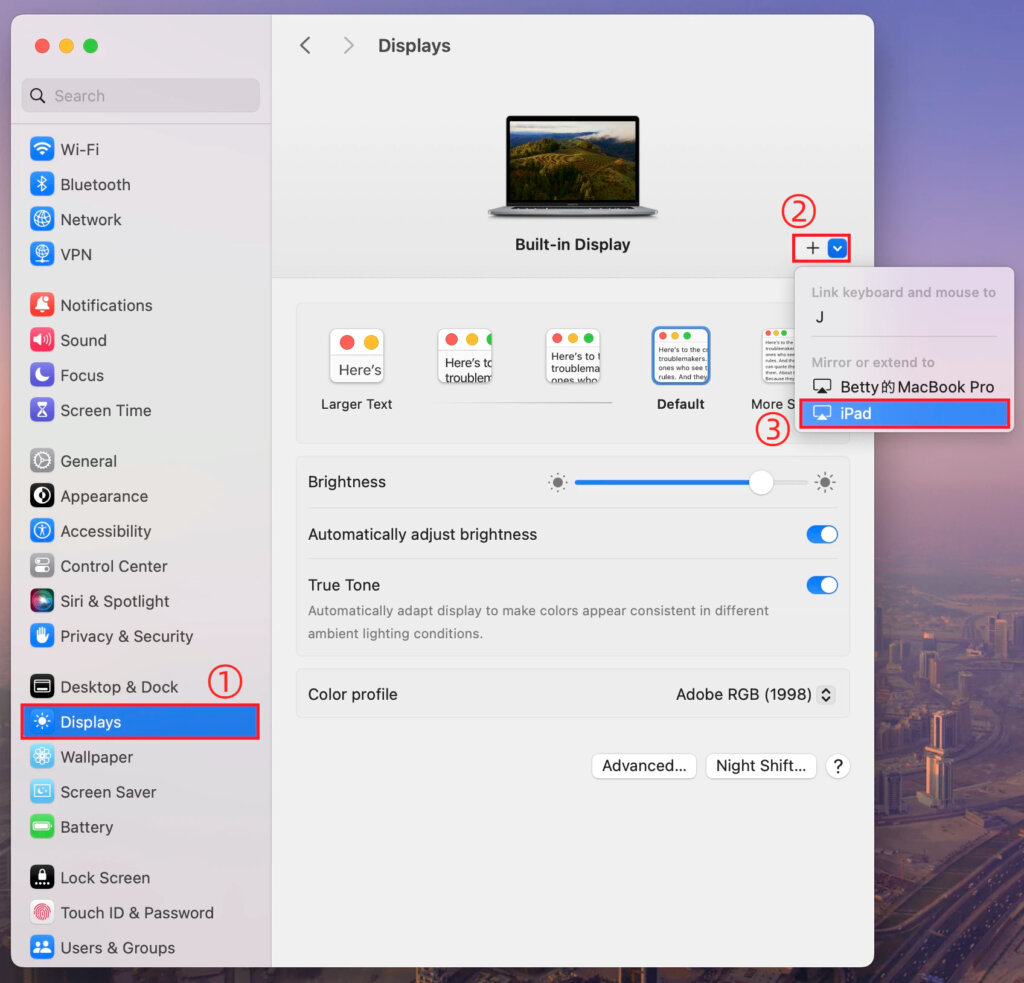 1001 TVs بىلەن macOS تەڭشەكلىرىنى ئىشلىتىپ Mac ئېكرانىڭىزنى قانداق كېڭەيتىش كېرەك
macOS allows you to extend your desktop to an external display using system display settings. With the help of 1001 TVs, this capability can…
1001 TVs بىلەن macOS تەڭشەكلىرىنى ئىشلىتىپ Mac ئېكرانىڭىزنى قانداق كېڭەيتىش كېرەك
macOS allows you to extend your desktop to an external display using system display settings. With the help of 1001 TVs, this capability can…

