Uusi asetus: Ei enää ponnahdusikkunoita peilauksen päättyessä
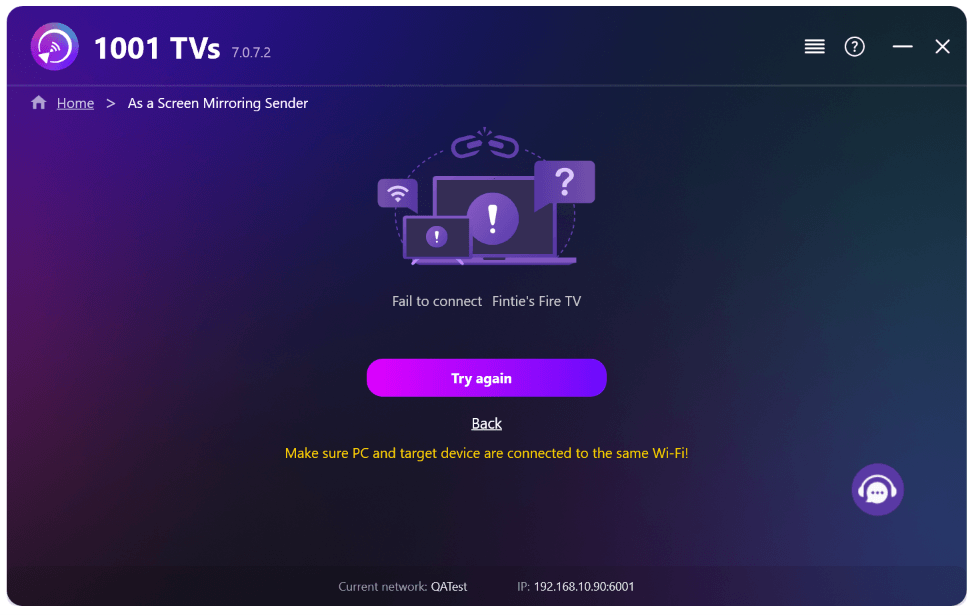
Kun peilaat tietokoneen näytön televisioon ja lopetat istunnon television kaukosäätimellä, 1001 TVs-ikkuna avautuu uudelleen tietokoneellasi ja siinä näkyy virheilmoitus “Yhteyden muodostaminen epäonnistui” – vaikka lopetit istunnon tarkoituksella. Tämä keskeyttää ilman mitään syytä sen, mitä olet tekemässä tietokoneellasi.
Uusimman 1001 TVs-päivityksen myötä tämä ei ole enää ongelma. Riittää, kun otat uuden asetuksen käyttöön, ja olet valmis aloittamaan.
1. Asenna 1001 TVs:n uusin versio Windows-tietokoneellesi.
📥 PC-sovellus: Lataa osoitteesta Microsoft Store
Yksityiskohtaiset vaiheet löytyvät PC-asennusopas.
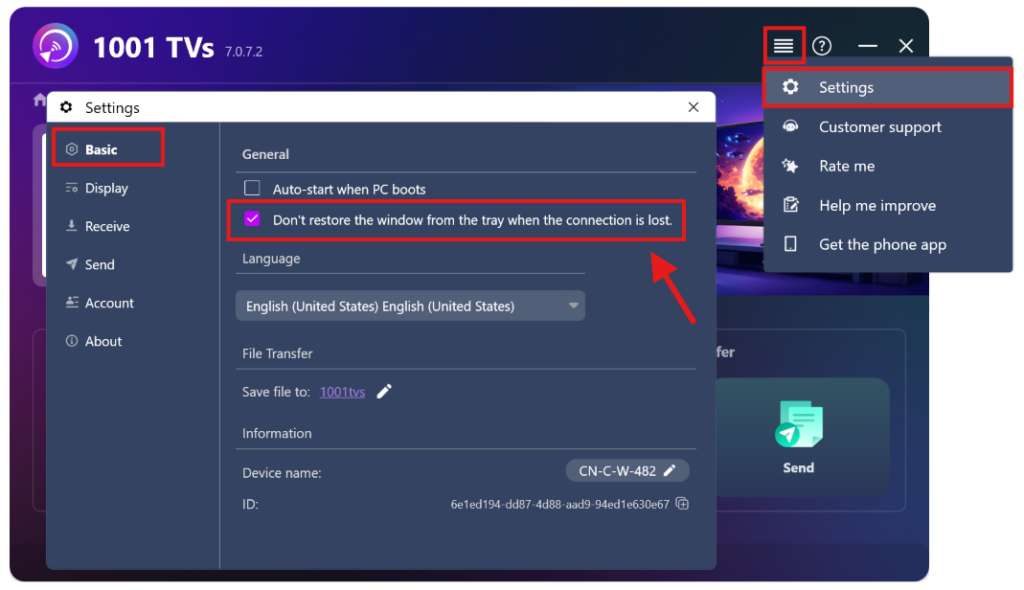
2. Siirry osoitteeseen Asetukset > Basic > ja kytke päälle “Älä palauta ikkunaa tehtäväpalkista, kun yhteys katkeaa.”
(Tämä asetus on oletusarvoisesti pois päältä, ja se on käytettävissä Vain Windows-tietokoneille.)
Siinä se – nyt voit peilata näyttöä ilman ärsyttäviä ponnahdusikkunoita.
Lisää opetusohjelmia:
https://www.1001tvs.com/features/

Lue lisää
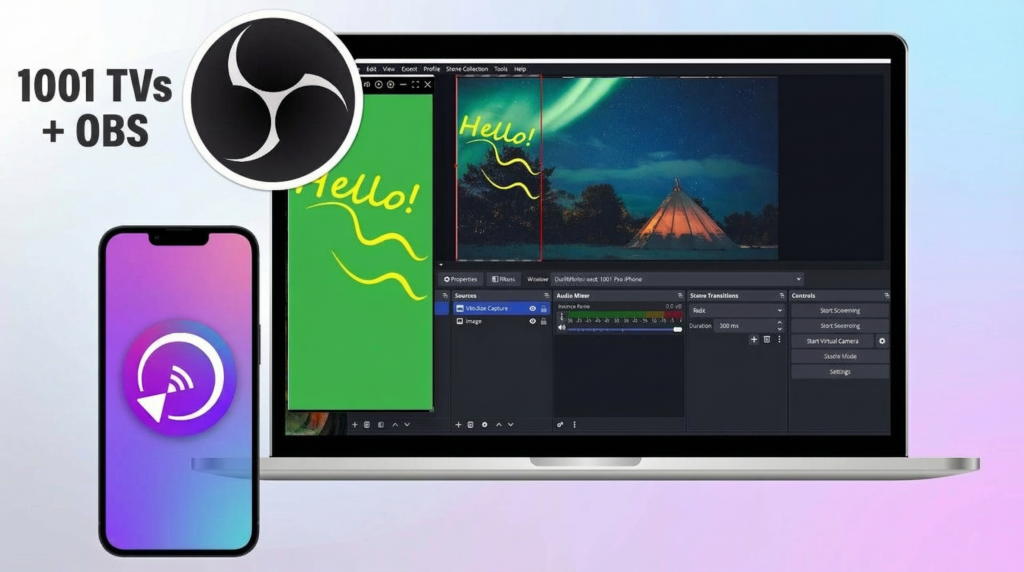 Näytön peilauksen tallentaminen OBS:ssä (Android & iPhone)
Haluatko tallentaa näytön peilauskuvaa OBS:llä mobiilipelejä, opetusvideoita tai suoratoistosisältöä varten? 1001 TVs:n avulla voit helposti peilata puhelimesi näytön...
Näytön peilauksen tallentaminen OBS:ssä (Android & iPhone)
Haluatko tallentaa näytön peilauskuvaa OBS:llä mobiilipelejä, opetusvideoita tai suoratoistosisältöä varten? 1001 TVs:n avulla voit helposti peilata puhelimesi näytön...
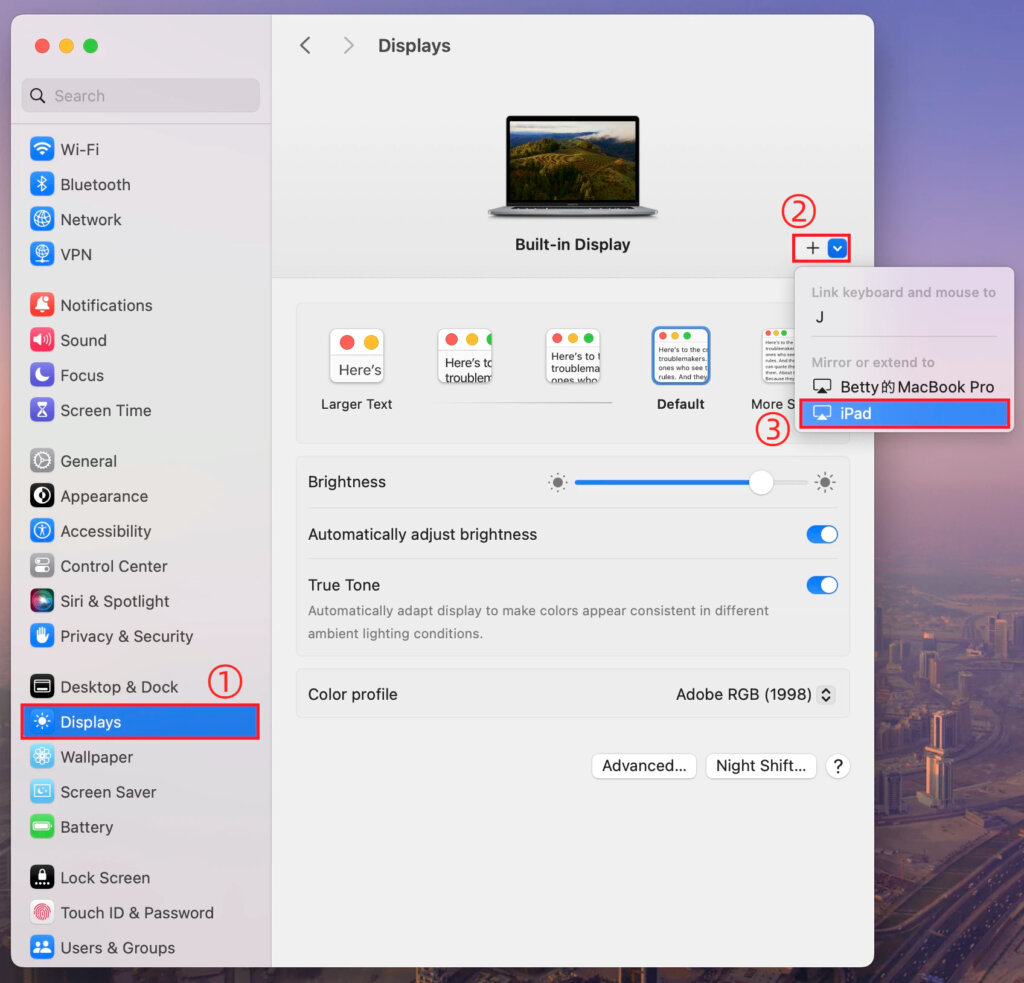 Mac-näytön laajentaminen macOS-asetusten avulla 1001 TVs:n avulla
macOS:n avulla voit laajentaa työpöytääsi ulkoiselle näytölle järjestelmän näyttöasetusten avulla. 1001 TVs:n avulla tämä ominaisuus voidaan...
Mac-näytön laajentaminen macOS-asetusten avulla 1001 TVs:n avulla
macOS:n avulla voit laajentaa työpöytääsi ulkoiselle näytölle järjestelmän näyttöasetusten avulla. 1001 TVs:n avulla tämä ominaisuus voidaan...

