How to Use Internet Video Feature in the Android App?
1. ئېچىڭ 1001 TVs ئىككىڭىزدىكى ئەپ تېلېفون ۋە TV.
📥 تېلېۋىزىيە ئەپ دېتالى: تېلېۋىزورىڭىزغا 1001 TVs نى قانداق ئورنىتىش كېرەك
📱 ئاندروئىد ئەپ: Google Play دىن چۈشۈرۈڭ
2. ئىككى ئۈسكۈنىنى ئۇلاپ، ئېكراننى ئەكس ئەتتۈرۈشنى باشلاڭ.
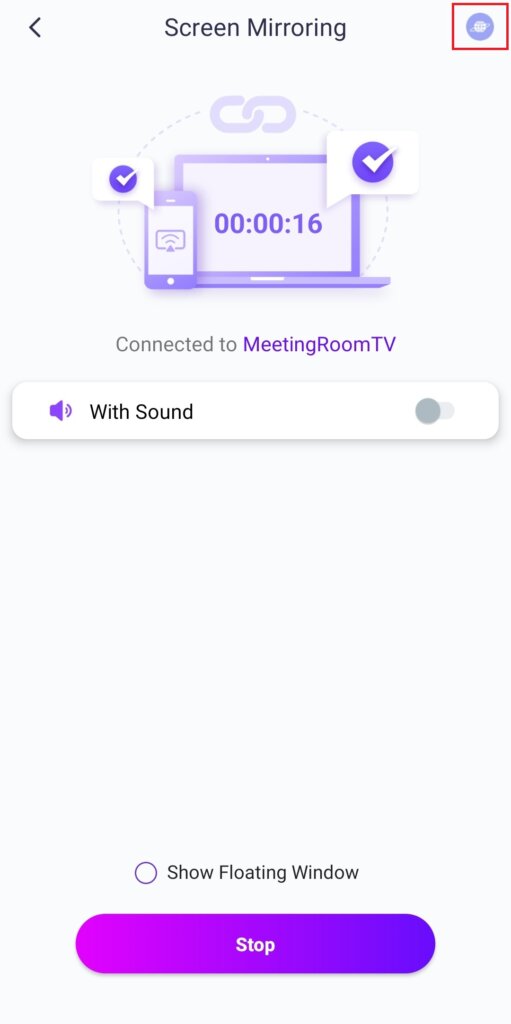
3. چېكىڭ “ئىنتېرنېت ۋىدېئوسى” in the top-right corner to stream videos with audio to your TV.
Note: This feature requires an Android 10 or later version on your phone and Android 6 or later version on your TV.
ئاساسلىق ئالاھىدىلىكلەر:
· ھەر خىل تور بەتلەرگە كىرىپ، ئۇلارنى كۆزگە چېلىقتۇرۇڭ مۇزىكا ۋە سىنلار ئاۋاز بىلەن.
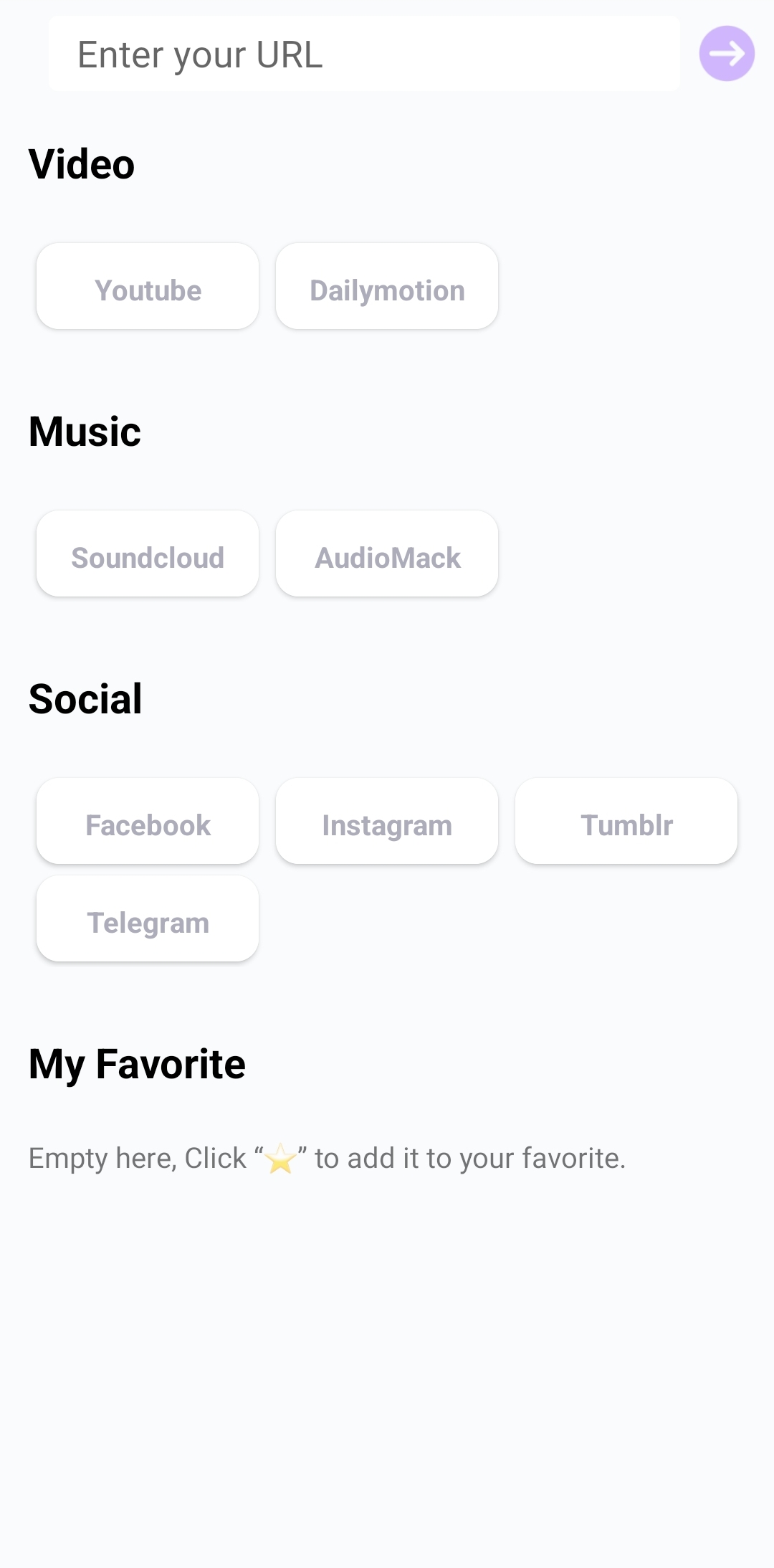
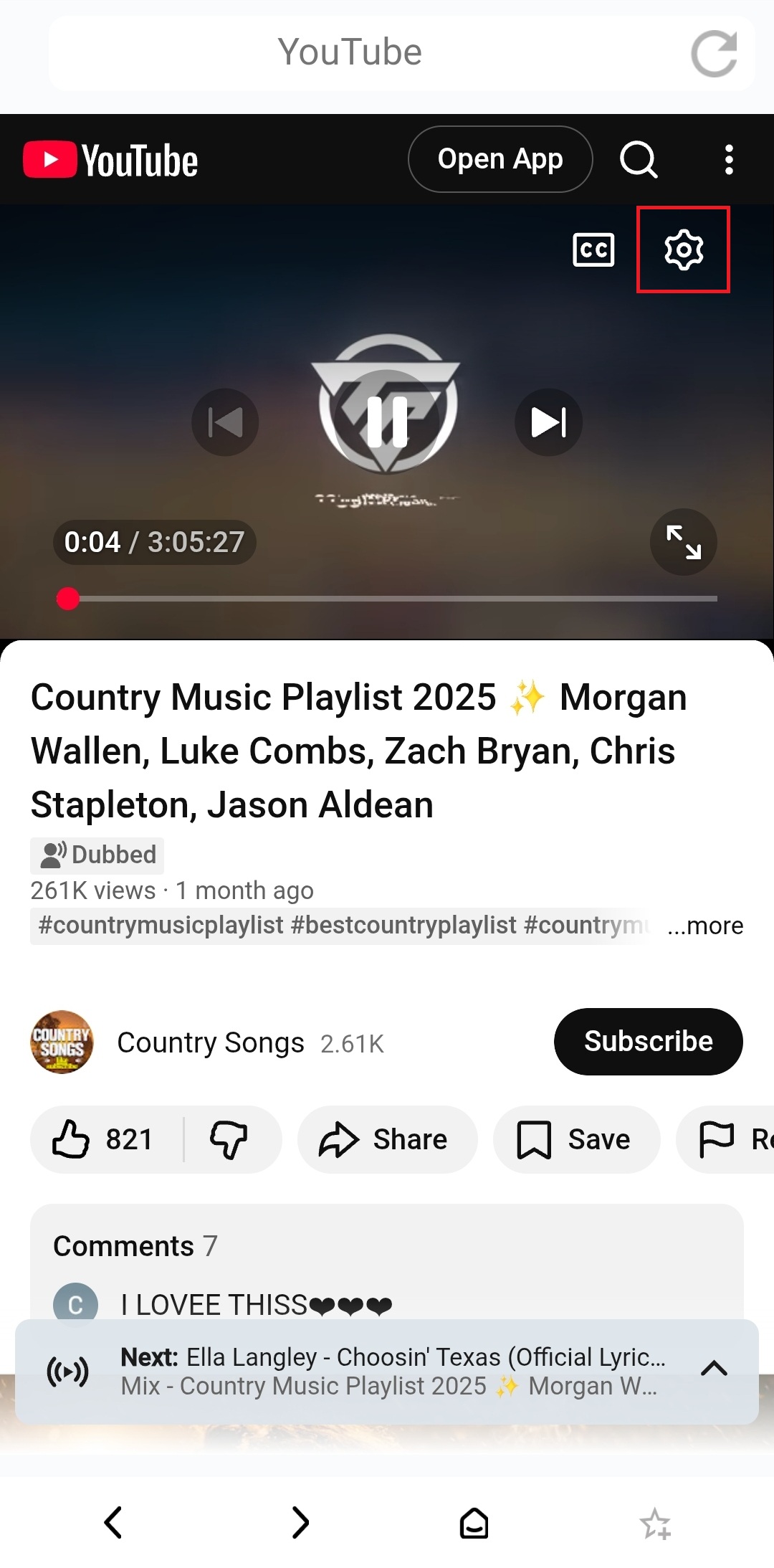
· مەسىلەن، YouTube نى كۆرسىتىش ئۈچۈن:
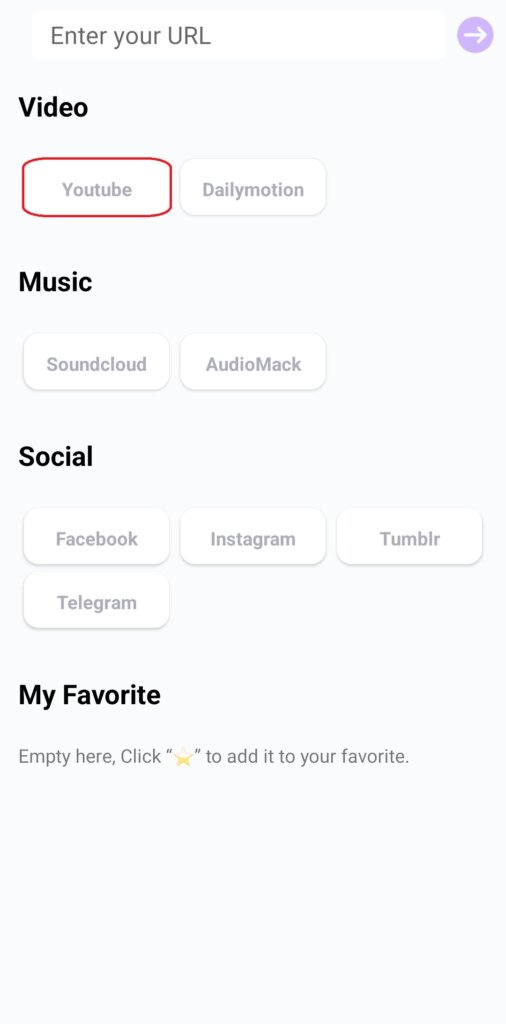
1) Tap “YouTube”.
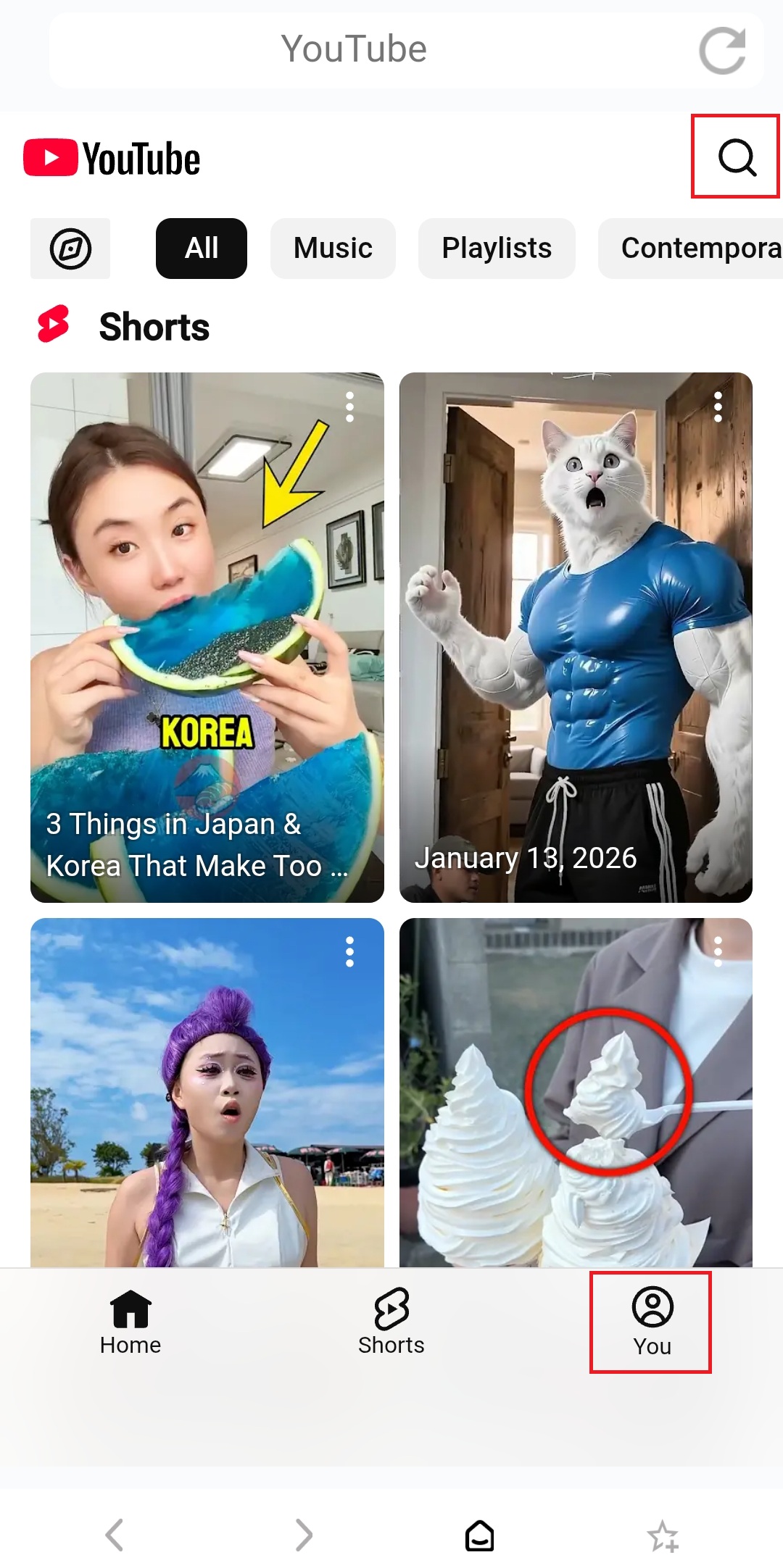
2) Browse or search for videos, or log in to your account to access your saved content.
3) Customize captions, video quality, and playback speed in قويۇش تەڭشەكلىرى ئەينەك قىلىۋاتقاندا.
ئالدىنقى شەرت:
تېلېفون: Android 10+، ئەپ نەشرى 3.9.20.1+
TV: Android 6 +, App version 2.11.2.7+
ھازىر 1001 TVs نى ئېلىڭ!
📥 تېلېۋىزىيە ئەپ دېتالى: تېلېۋىزورىڭىزغا 1001 TVs نى قانداق ئورنىتىش كېرەك
📱 ئاندروئىد ئەپ: Google Play دىن چۈشۈرۈڭ

Read More
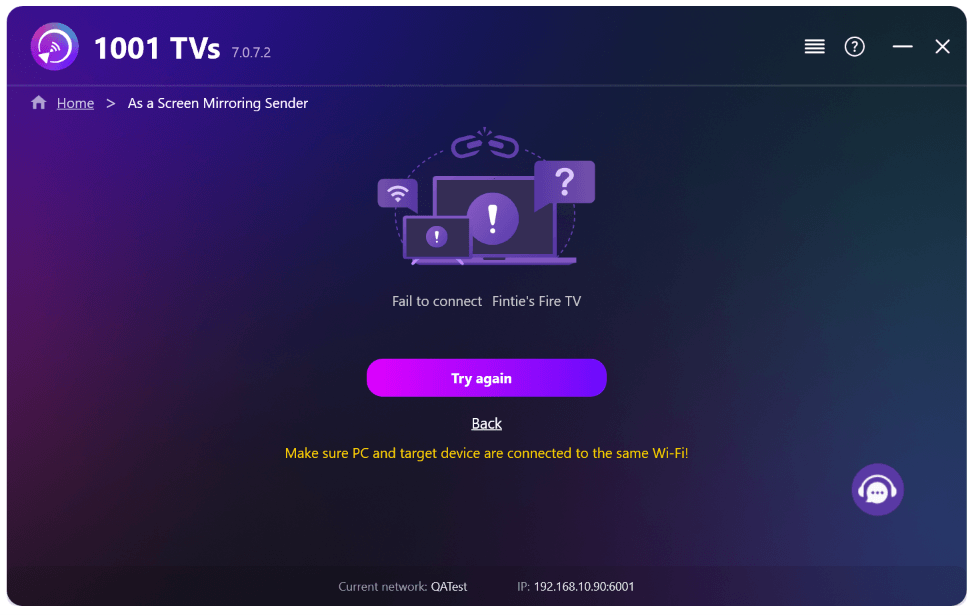 New Setting: No More Pop-ups When Mirroring Ends
When you're mirroring your PC screen to a TV and stop the session using the TV remote, the 1001 TVs window pops back up…
New Setting: No More Pop-ups When Mirroring Ends
When you're mirroring your PC screen to a TV and stop the session using the TV remote, the 1001 TVs window pops back up…
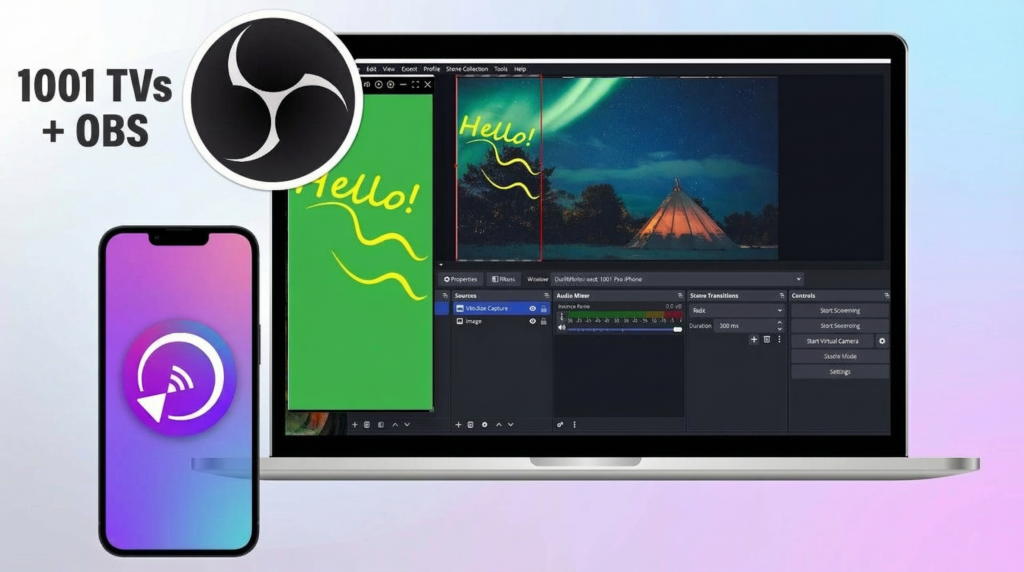 How to Capture Screen Mirroring in OBS (Android & iPhone)
Want to capture screen mirroring in OBS for mobile gameplay, tutorials, or live content? With 1001 TVs, you can easily mirror your phone screen…
How to Capture Screen Mirroring in OBS (Android & iPhone)
Want to capture screen mirroring in OBS for mobile gameplay, tutorials, or live content? With 1001 TVs, you can easily mirror your phone screen…

