




Use Screens You Already Have
Turn compatible TVs you already own into in-store displays, without buying dedicated signage hardware.
Showcase products, promotions, and brand videos on your store TVs. Use Digital Signage to keep content updated, or screen mirroring for live product demonstrations.
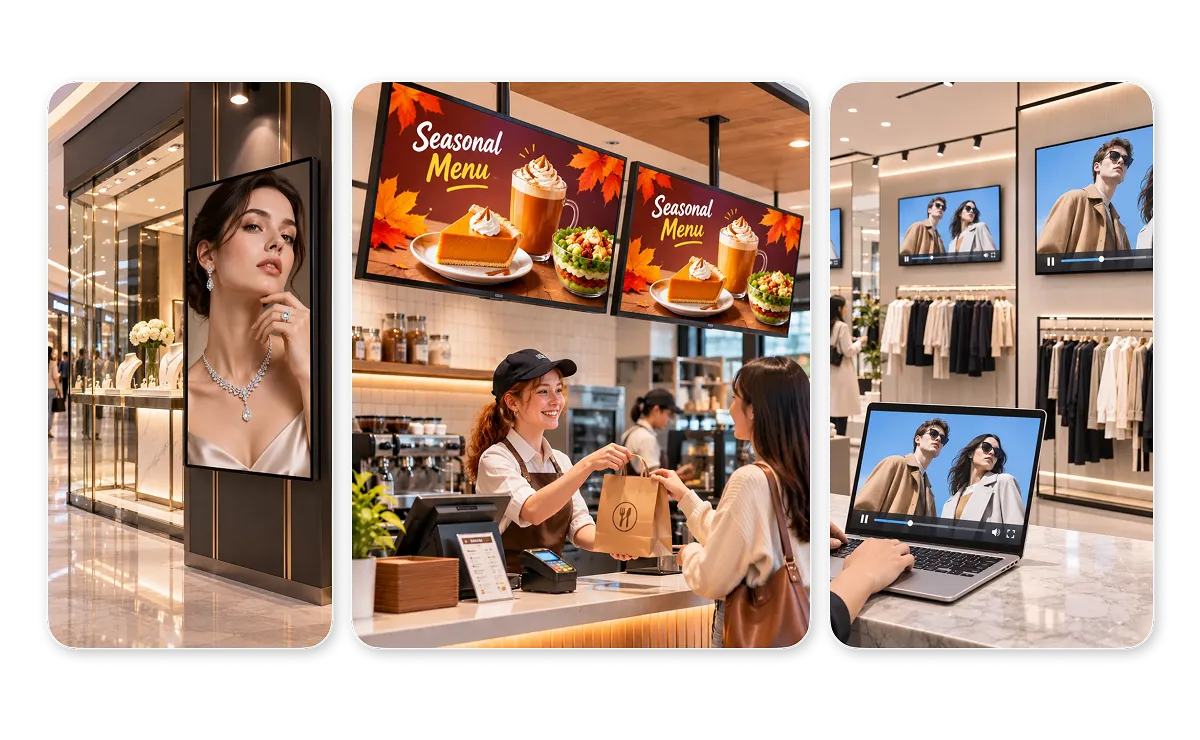



Turn compatible TVs you already own into in-store displays, without buying dedicated signage hardware.
Use 1001 TVs’ free Digital Signage feature to keep promotional photos and videos updated across multiple TVs through OneDrive.
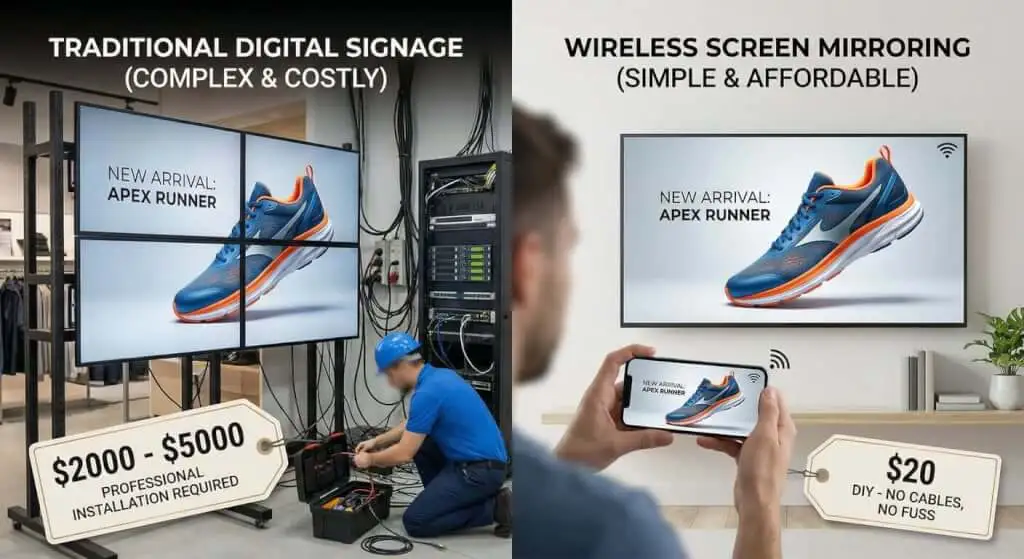
Connect compatible devices over local Wi-Fi and start displaying content without complicated wiring or HDMI cables.

Showcase new arrivals, featured products, and brand videos on TVs throughout your store with Digital Signage. Give shoppers a closer look at your products through engaging visuals while they browse.
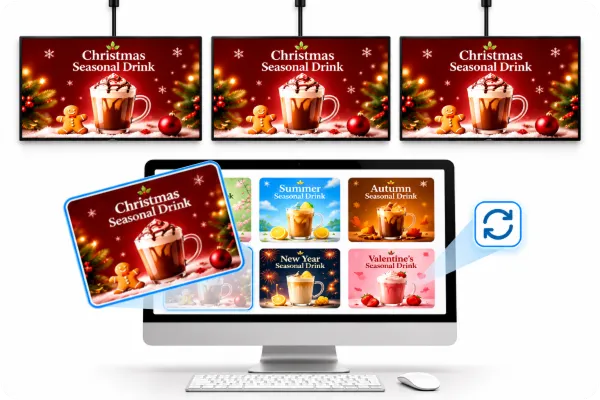
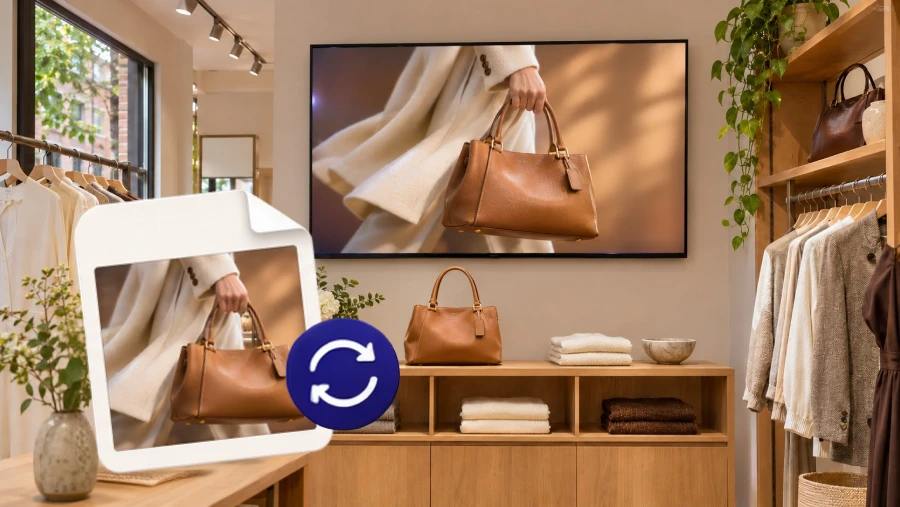
Add new promotional photos and videos to OneDrive. 1001 TVs Digital Signage automatically downloads them to connected TVs at your chosen interval, keeping campaigns consistent across your store.
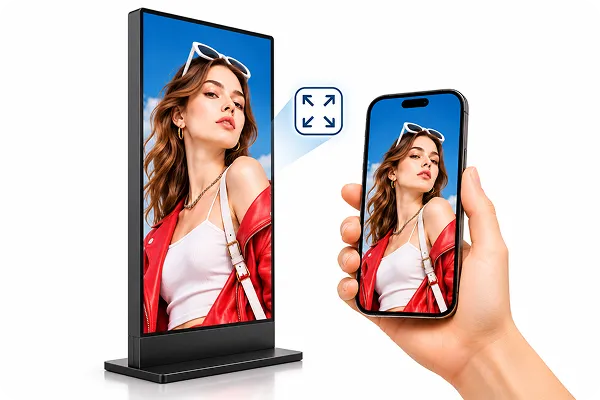
Use portrait-mounted screens in malls or storefronts to feature promotional videos and posters in portrait format, so they stand out to passing shoppers. See our vertical display guide.
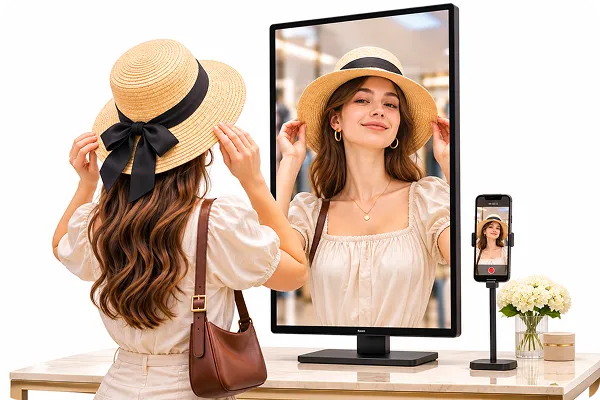
ئىشلىتىش iPhone Camera Mirroring to show customers trying on jewelry or accessories during an in-store showcase. A larger display helps nearby shoppers see small design details more clearly.
Keep promotions fresh with Digital Signage and share live product demonstrations with 1001 TVs.
 Lauren Mitchell
We use 1001 TVs Digital Signage to display product photos and short videos across our store. It makes it easier to introduce new collections while customers browse.
 Ethan Parker
We update our promotions regularly, especially during seasonal sales. Adding new content to OneDrive is much easier than sending the same files to every TV.
 Clothing boutique owner
Our storefront has a vertical screen facing the street. We play new-arrival videos in portrait format, and it catches people’s attention as they walk past.
 Adrian
We sometimes do live makeup demonstrations during in-store events. Using iPhone Camera Mirroring to show the process on a bigger screen makes it easier for customers to follow along, even from the back.
A Saturday promotion is ready to go. The artwork has the featured products, prices, and offer dates. Now the store team needs to get it onto the entrance and checkout TVs and confirm both displays are showing the right offer…
If your TV has a USB media player with a Repeat option, that’s usually the simplest way to keep a menu or promo video playing. Plug in a flash drive, start the file, and turn on repeat. For a mix…
 1001 TVs
Ready to Upgrade Your Store Displays?


