1001 TVs: Mirror Your PC/Mac Screen to Multiple Devices at the Same Time (TV, Tablet, Phone, PC)
Introduction
1001 TVs نىڭ ئەڭ يېڭى Windows نەشرىدە (v7.0.0.7) بىز كۈچلۈك يېڭى ئىقتىدار قوشتۇق — كومپيۇتېرىڭىز ئەمدى ئېكراننى ئەكس ئەتتۈرەلەيدۇ بىرلا ۋاقىتتا بىر قانچە قوبۇللىغۇچ (TVs, tablets, phones, or even another PC). And Mac also has this feature.
ئەمەلىيەتتە قانداق كۆرۈنىدۇ — گويا كومپيۇتېرىڭىز “پۈتۈن دۇنياغا تارقىتىلىۋاتقاندەك”. 😄
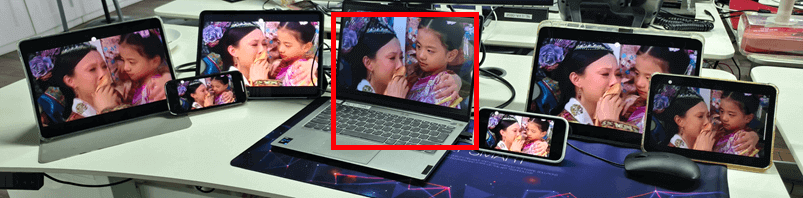
ئوتتۇرىدىكى كومپيۇتېر (قىزىل رەڭ بىلەن بەلگىلەنگەن) ئېكرانىنى ئەكس ئەتتۈرۈۋاتىدۇ بىرلا ۋاقىتتا ئالتە خىل ئۈسكۈنە.
Of course, this feature is especially useful in meetingrooms where a single computer needs to display content across multiple TVs.
First-device mirroring tutorial
For Windows:
[Windows] ئېكراننى كومپيۇتېردىن تېلېۋىزورغا قانداق ئەينەك قىلىش كېرەك؟
[Windows] How to Mirror Windows PC Screen to Mac/Windows PC
[Windows] How to Mirror Your PC Screen to an Android Phone or iPhone
For Mac:
[Mac] Mac ئېكرانىنى تېلېۋىزورغا قانداق ئايلاندۇرۇش كېرەك
[Mac] Mac ئېكرانىنى PC/Mac غا قانداق ئەينەك قىلىش كېرەك
[Mac] How to Mirror Your Screen to an Android Phone or iPhone
How to Add Devices
1. Mirror your PC/Mac to the first device.
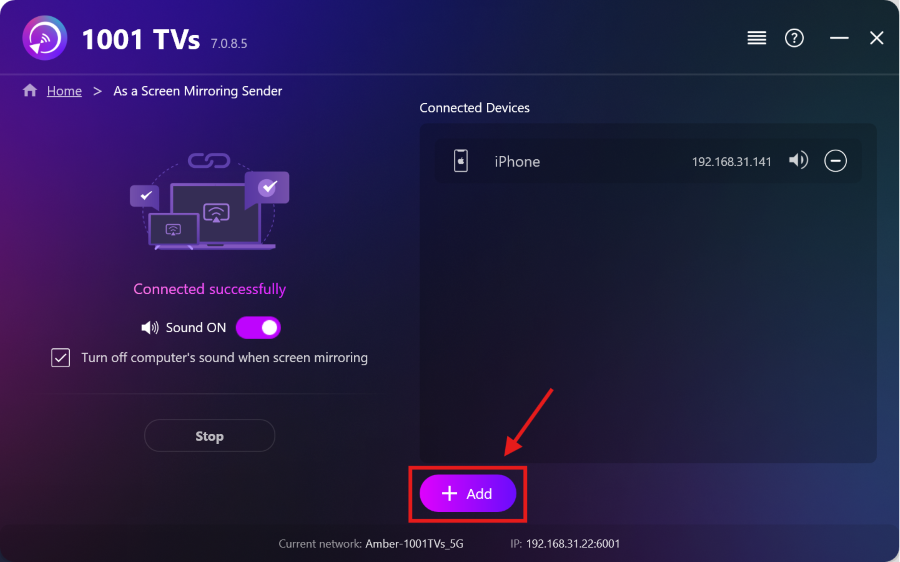
2. بىرىنچى ئۈسكۈنە مۇۋەپپەقىيەتلىك ئۇلانغاندىن كېيىن، چېكىڭ “قوشۇمچە” تېخىمۇ كۆپ ئۈسكۈنىلەرنى قوشۇش ئۈچۈن ئەينەك كۆرسىتىش كۆرۈنمە يۈزىگە كىرىڭ.
ئەسكەرتىش: كۆپ ئۈسكۈنىدە ئەينەك كۆرسىتىش ئىقتىدارى پۇل تۆلەيدىغان پىلاننى تەلەپ قىلىدۇ.
Explore More from 1001 TVs

Read More
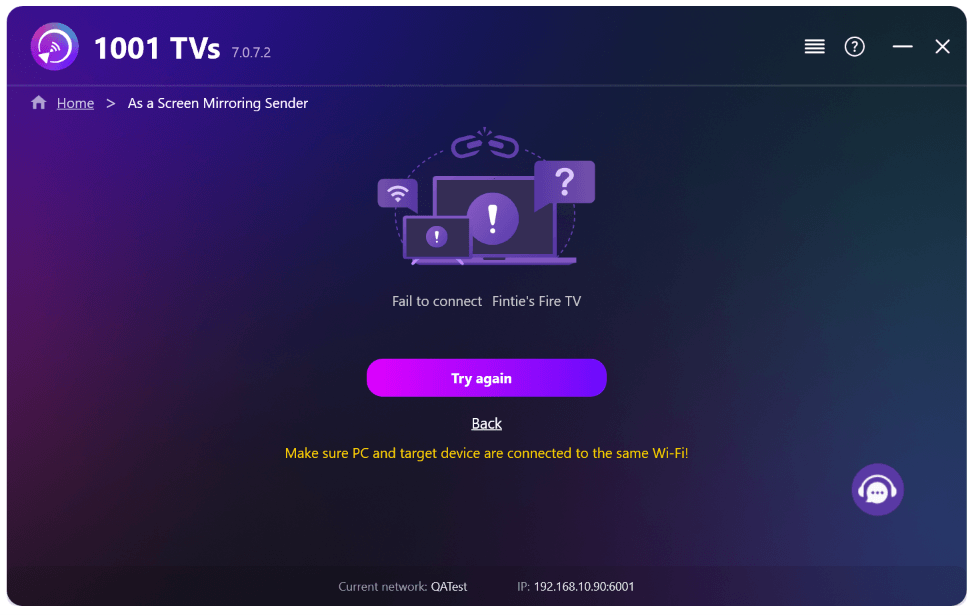 New Setting: No More Pop-ups When Mirroring Ends
When you're mirroring your PC screen to a TV and stop the session using the TV remote, the 1001 TVs window pops back up…
New Setting: No More Pop-ups When Mirroring Ends
When you're mirroring your PC screen to a TV and stop the session using the TV remote, the 1001 TVs window pops back up…
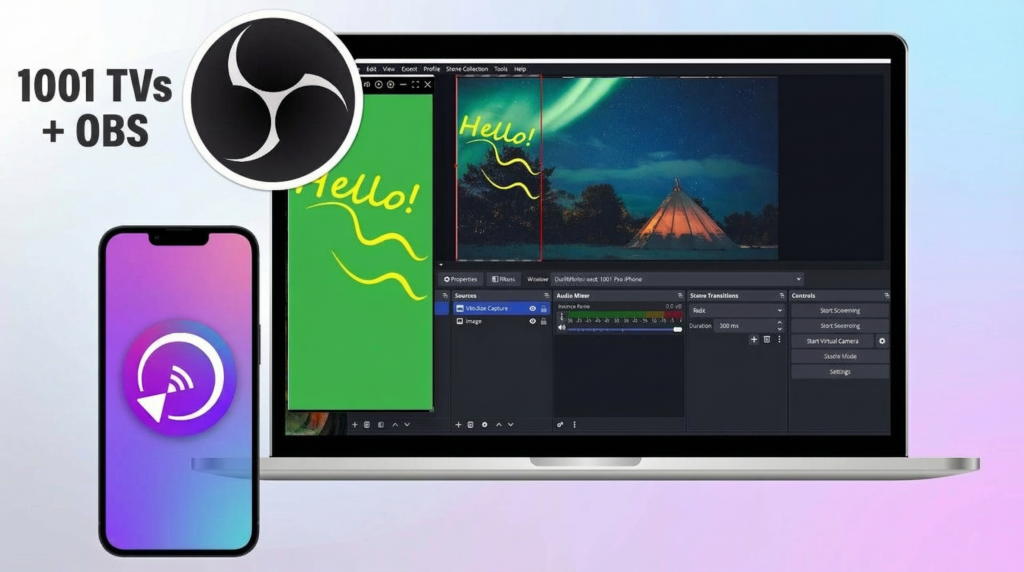 How to Capture Screen Mirroring in OBS (Android & iPhone)
Want to capture screen mirroring in OBS for mobile gameplay, tutorials, or live content? With 1001 TVs, you can easily mirror your phone screen…
How to Capture Screen Mirroring in OBS (Android & iPhone)
Want to capture screen mirroring in OBS for mobile gameplay, tutorials, or live content? With 1001 TVs, you can easily mirror your phone screen…

