針對企業會員:如何啟用批量授權
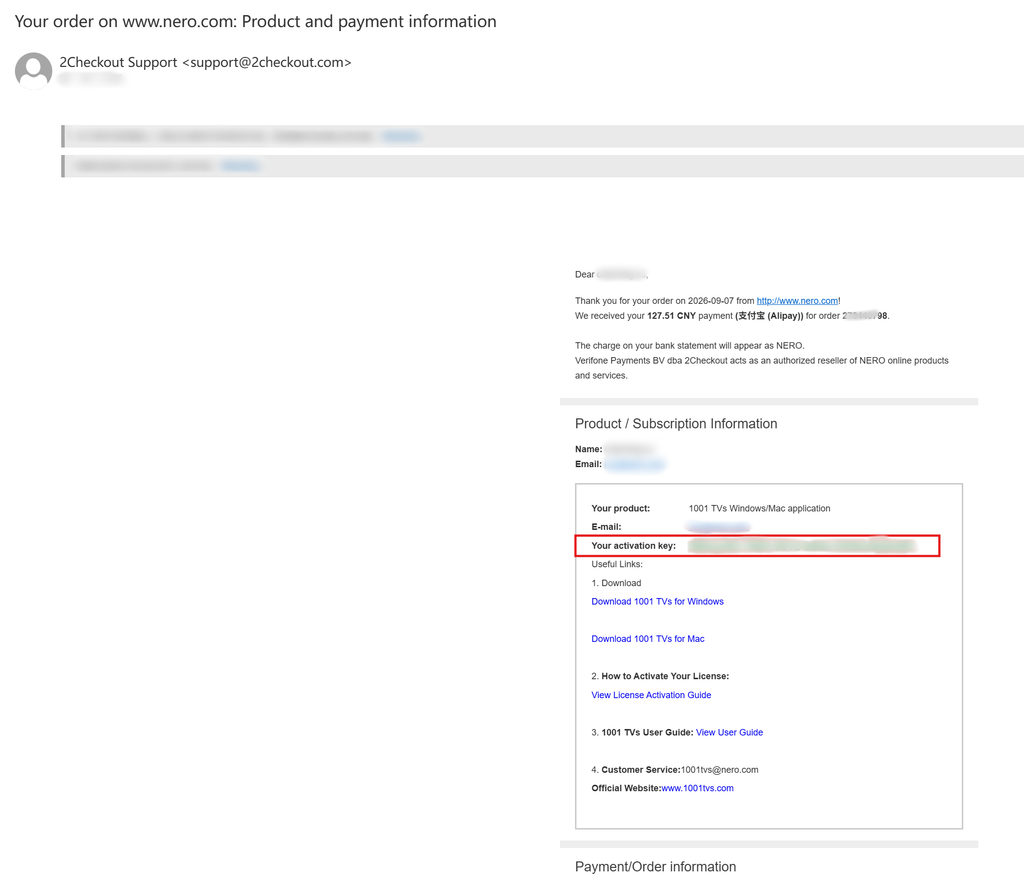
This guide is for customers who wish to purchase and activate a volume license for 1001 TVs membership.
Please note that this feature is currently only available for Windows 電腦.
1. Install and Open 1001 TVs App
Install and Open the latest version of 1001 TVs on your Windows PC.
PC 應用程式: 下載自 微軟商店
如需詳細步驟,請參閱 PC 安裝指南.
2. Start Activation
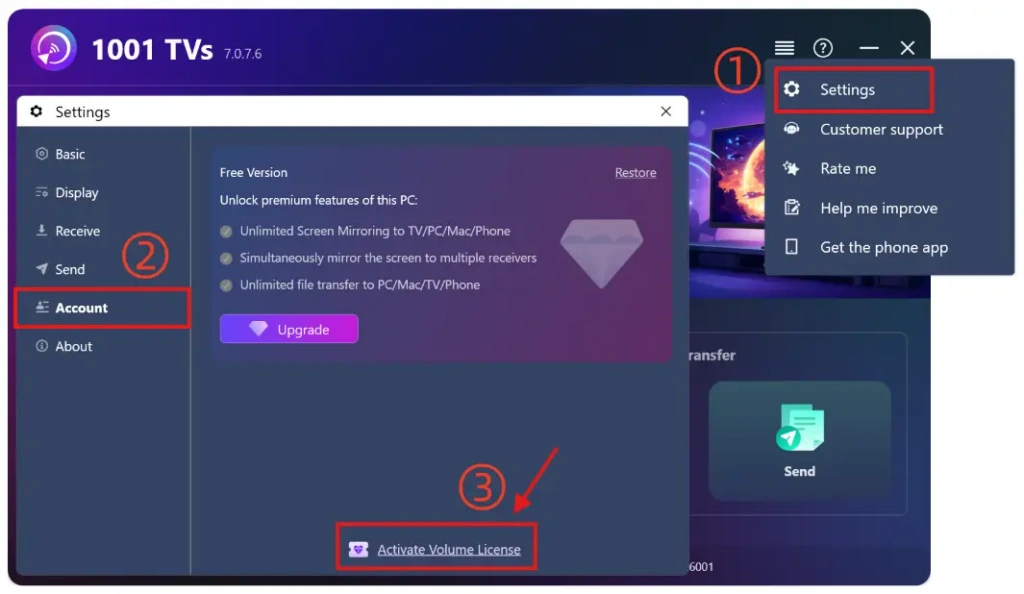
转到 设置 > Account, and click “Activate Volume License“.

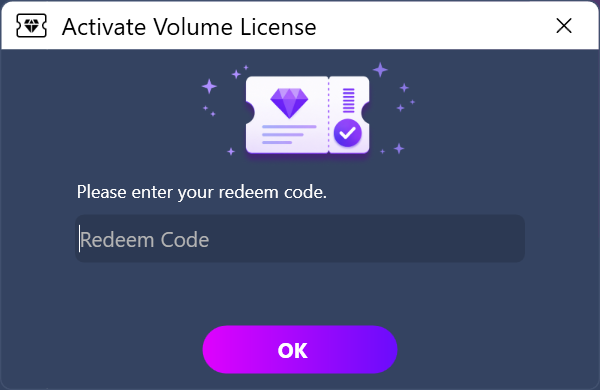
Then please enter your redeem code, click “OK”, and wait for the activation to complete.

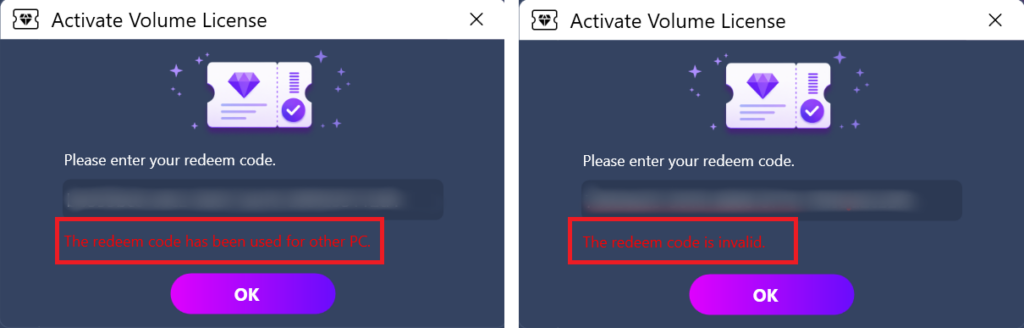
If you see the following interface, please check whether your redeem code is incorrect or has already been used on another PC, and then try entering it again.

备注: One redeem code can only be used on One device.
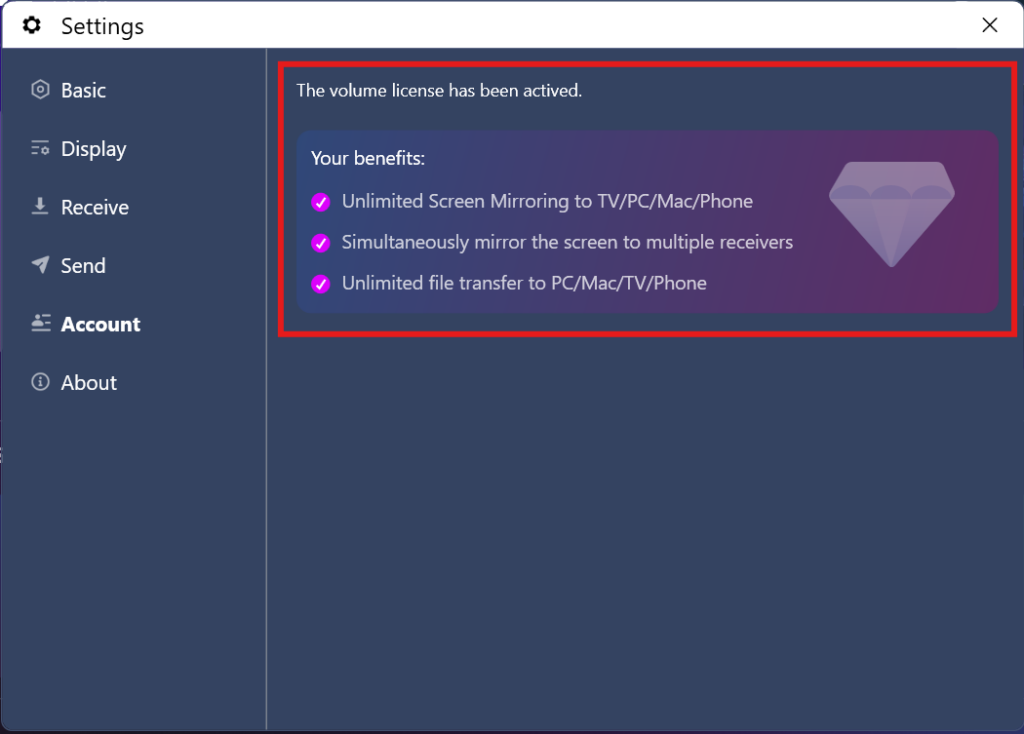
3. Activation Completed
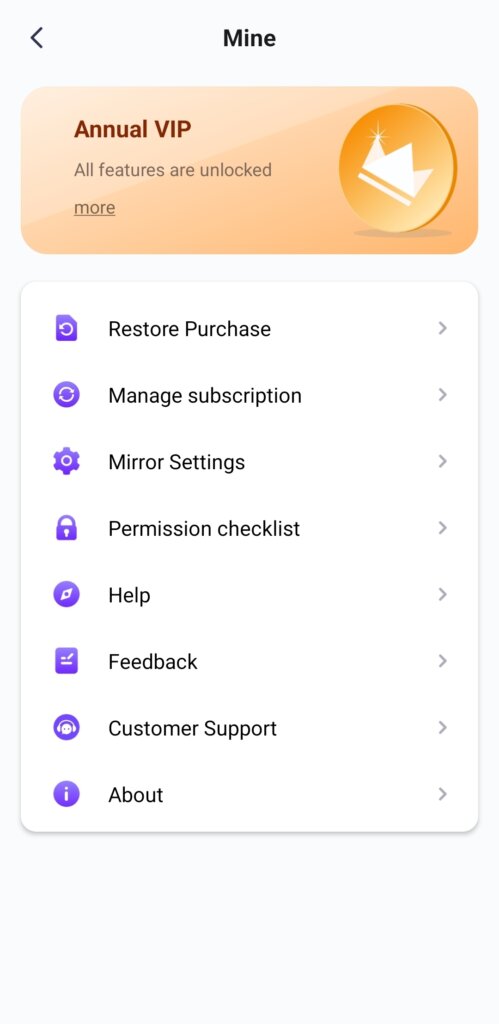
Once your membership account is successfully activated, you can enjoy full access to all the features.

⭐ 請隨時通過以下方式與我們聯繫:1001tvs@nero.com
閱讀更多
解鎖所有高級功能:如何取得會員資格
Mirror your screen for hours, not minutes. Cast multiple devices to one PC/Mac — phones, computers, tablets, all at the same time. Or mirror your...
如何兑换 1001 TVs 代码
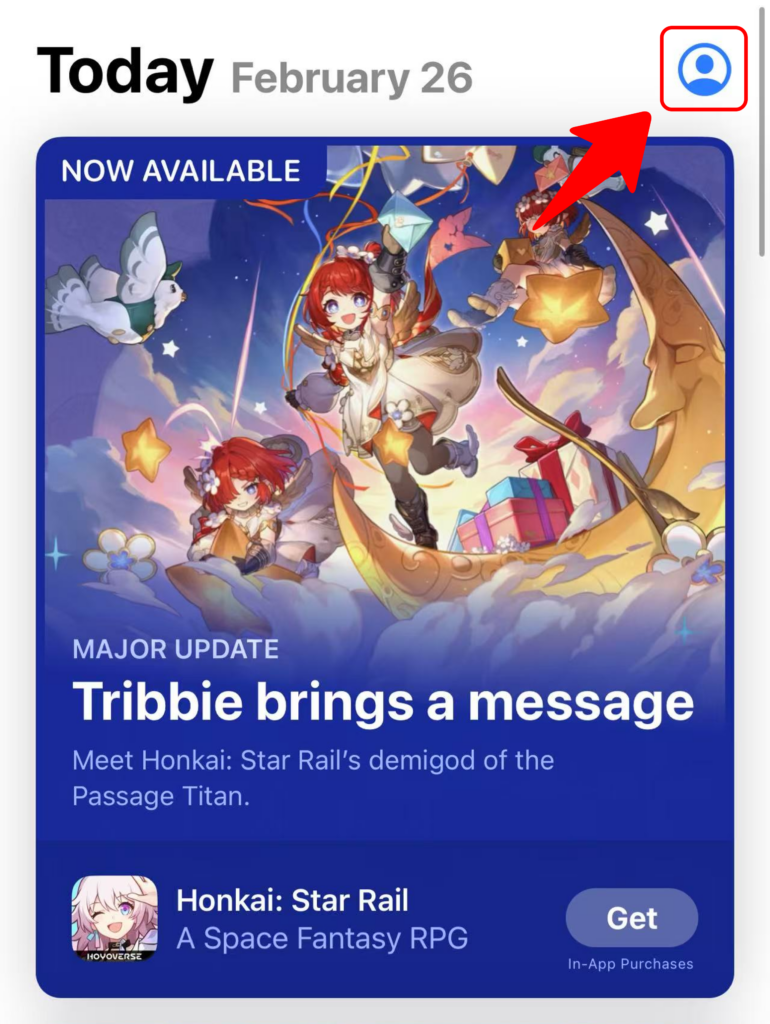
Redeem on App Store (iPhone/iPad) 1️⃣ Open the App Store app on your iPhone or iPad. 2️⃣ Tap the login button or your profile...