How to Watch Twitch on TV– 2026 Guide
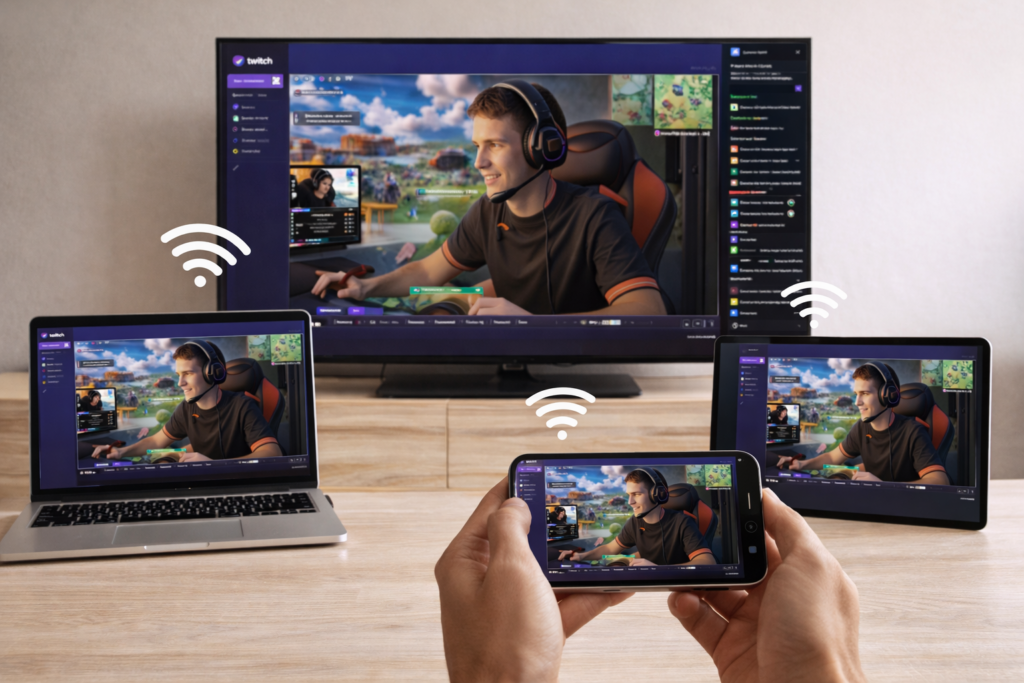
Why Watch Twitch on TV?
Watching Twitch on a bigger screen makes a clear difference:
- Better viewing experience – Larger screen, sharper details
- Perfect for group watching – Enjoy streams with friends
- More comfortable – Relax instead of holding your phone
- Great for esports – See every moment clearly
You can also mirror Twitch to a PC, another phone, or an iPad, making it easy to watch on any screen.
How to Watch Twitch on TV
Want to watch Twitch on your TV instead of a small screen?
Many users are looking for a simple way to watch Twitch on a bigger display, especially with limited support on some devices.
The good news: you can watch Twitch on your TV, PC, or mobile device in just 3 simple steps—no cables needed.
Watch Twitch in 3 Simple Steps
1. ئەپنى ئورنىتىڭ
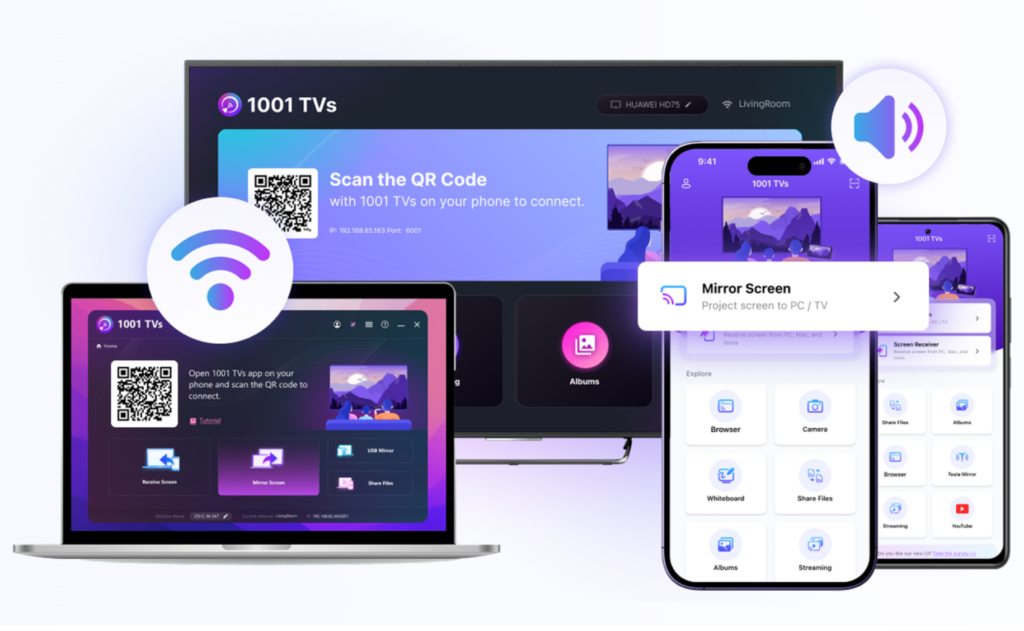
چۈشۈرۈش ۋە ئېچىش 1001 TVs ئەپ on both devices:
- Your تېلېفون (where you open Twitch)
- Your target device (TV, PC, or another phone/iPad)
2. Connect Devices
Make sure both devices are on the same Wi-Fi.
- Devices appear automatically
- No setup or cables required
3. Start Watching
Select your device, then:
- Open Twitch on your phone
- Start a screen mirroring
Your Twitch content will instantly appear on your TV, PC, or another device.
Where You Can Watch Twitch
- TV – Best for big-screen viewing and group watching
- كومپيۇتېر – Great for multitasking or work
- Phone / iPad – Easy sharing between devices
Tips for Best Experience
- Use a stable Wi-Fi connection
- Stay close to your router
- Choose higher video quality when available
ئاخىرقى ئوي-پىكىرلەر
Watching Twitch on a bigger screen is simple.
With just install → connect → start, you can stream Twitch on your TV, PC, or any device in seconds
Start Watching Twitch on Your TV Today
👉 چۈشۈرۈش 1001 TVs to stream Twitch to your TV, PC, or mobile devices in seconds.

Read More
 How to Watch NBA on TV in the US
Watching NBA games on your TV in the US is easiest when you make two decisions in order: first, confirm which authorized service carries…
How to Watch NBA on TV in the US
Watching NBA games on your TV in the US is easiest when you make two decisions in order: first, confirm which authorized service carries…
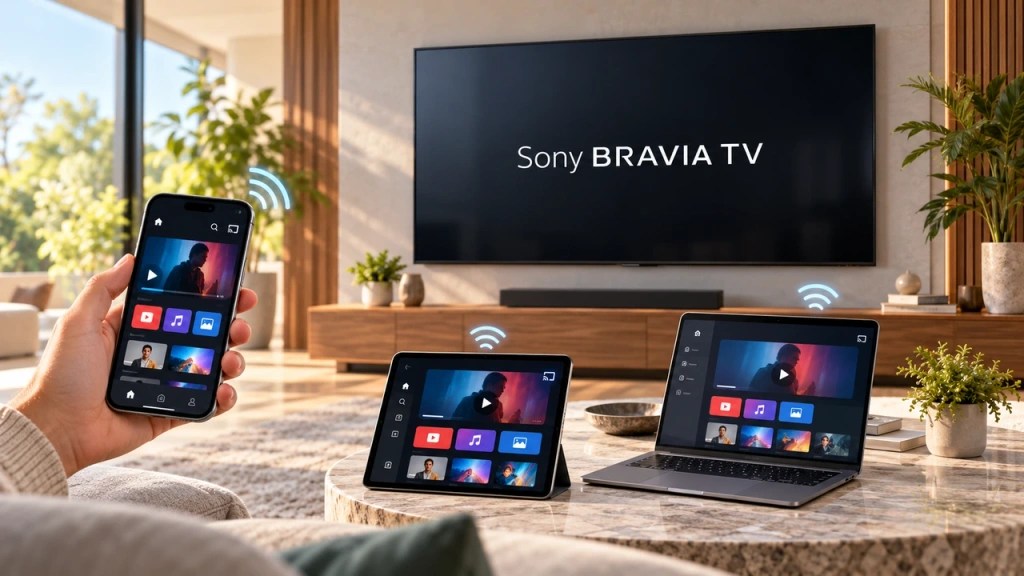 How to Screen Mirror to Sony Bravia TV (Google TV)
A Sony Bravia Google TV does not use one universal “Screen Mirroring” method for every phone and computer. The right choice depends on both…
How to Screen Mirror to Sony Bravia TV (Google TV)
A Sony Bravia Google TV does not use one universal “Screen Mirroring” method for every phone and computer. The right choice depends on both…

