
Digital Signage for Retail: How 1001 TVs Transforms Small Business Displays
The Retail Reality: Why Your Store Needs Digital Signage Today
You’ve probably walked past dozens of retail stores this week. Some caught your eye immediately—vibrant displays, dynamic content, products showcased in motion. Others? Static posters gathering dust, handwritten sale signs curling at the edges, and promotional materials that look like they’ve been there since last season.
Here’s what the numbers tell us: 70% of American consumers are more likely to visit stores that use digital signage. Even more compelling? Retailers implementing digital displays see an average sales lift of 29.5% according to 2025 research. That’s not a small bump—that’s a game-changer for your bottom line.
But here’s the problem most small retail businesses face: traditional digital signage systems cost thousands to install, require technical expertise to manage, and lock you into expensive monthly contracts. Until now.
The Traditional Digital Signage Problem
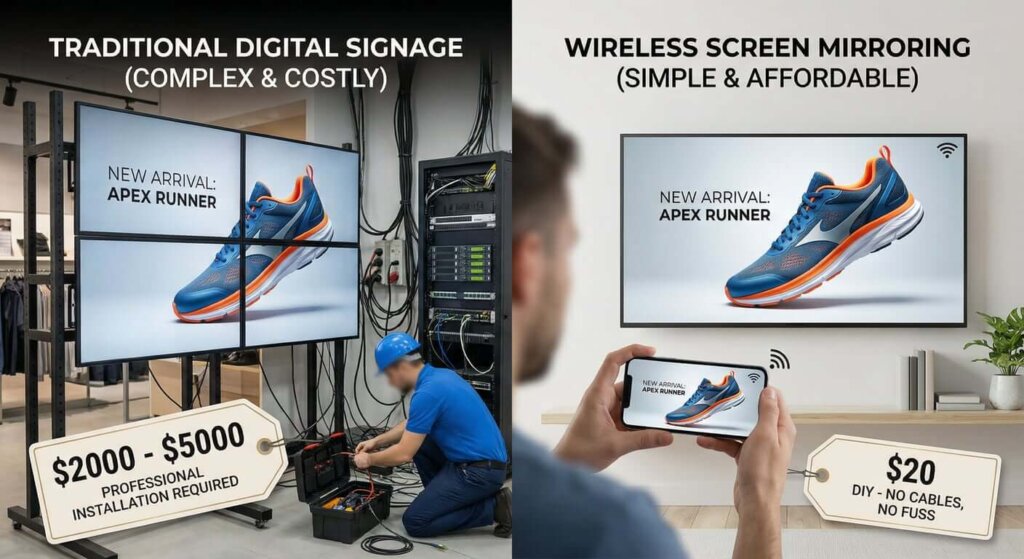
Let’s be honest about what’s been holding retail stores back from going digital:
Cost Barriers: Professional digital signage systems typically start at $2,000-$5,000 per screen, plus installation fees, content management software subscriptions ($50-$200/month), and ongoing maintenance contracts.
Technical Complexity: Most systems require IT professionals to set up and manage. Want to update your weekend sale promotion? You might need to call your vendor or navigate complicated software interfaces.
Inflexibility: Traditional systems often lock you into specific hardware, proprietary software, and rigid content formats. Changing your display strategy means starting from scratch.
Time Investment: Creating and updating content through traditional platforms can take hours. By the time you’ve designed, approved, and deployed new promotional materials, the sale might be over.
For small retail businesses operating on tight margins, these barriers have made digital signage feel like a luxury reserved for big-box retailers with deep pockets and dedicated IT teams.
Enter 1001 TVs: Digital Signage Reimagined for Retail
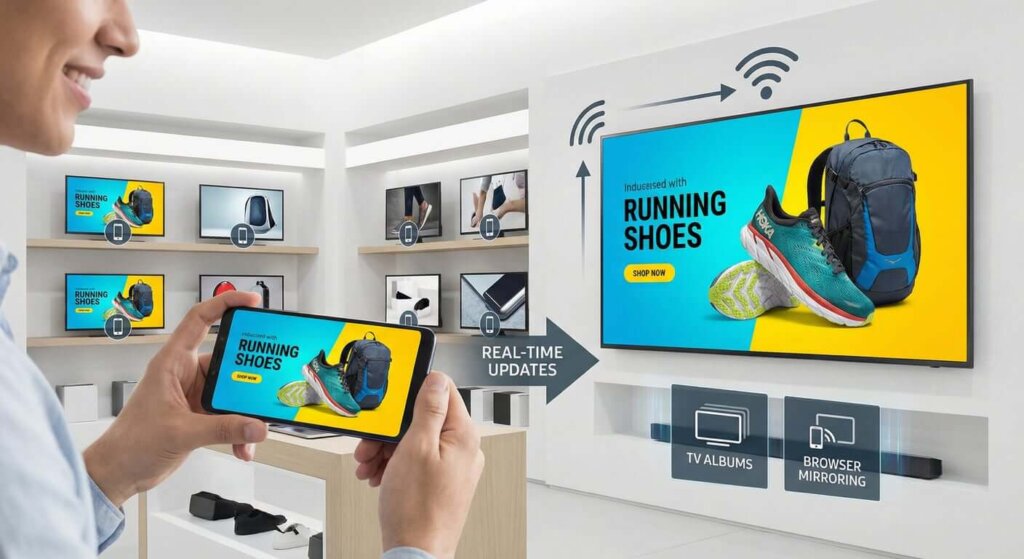
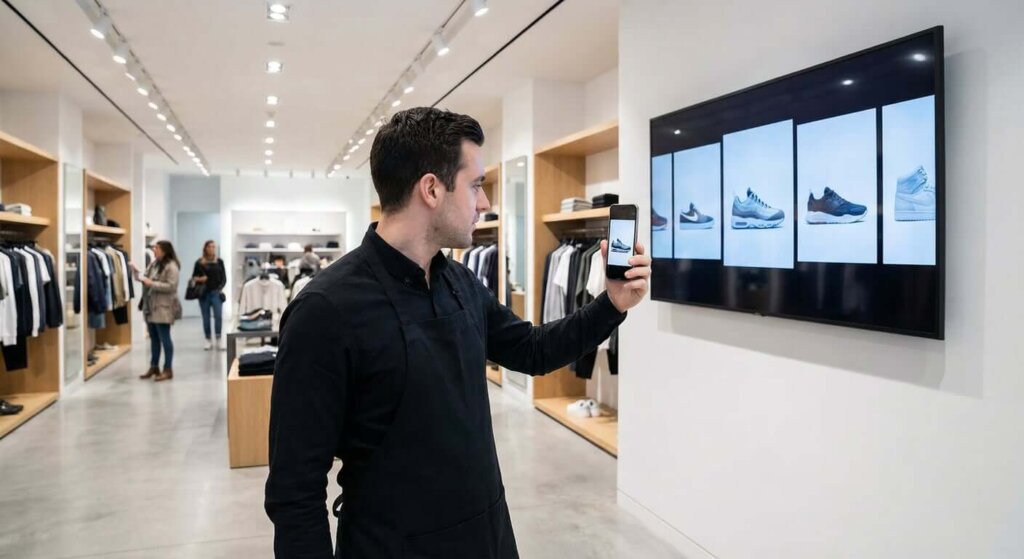
What if you could transform any TV in your store into a professional digital display using just your smartphone? That’s exactly what 1001 TVs delivers—a screen mirroring solution that turns the concept of digital signage on its head.
Instead of investing in expensive proprietary systems, 1001 TVs leverages the smart TVs you likely already own (or can purchase affordably) and transforms them into dynamic retail displays through intuitive screen mirroring technology.
Here’s how it works: Install the 1001 TVs app on your smartphone and your Google TV, Android TV, Apple TV, or Smart TV. Connect both devices to the same Wi-Fi network. Within seconds, you can mirror your phone’s screen to your TV—or better yet, upload content directly to your TV’s built-in album feature for continuous display without keeping your phone connected.
Key Features That Matter for Retail:
- Real-Time Screen Mirroring: Display content from your Android, iPhone, Windows, or Mac device with minimal latency at up to 60FPS for smooth, professional-quality visuals
- TV Albums: Upload photos and videos directly to your TV for continuous playback—no need to keep your phone connected or running
- Multi-Screen Synchronization: Control multiple displays across your store from a single device
- Auto-Rotation Support: Content automatically adjusts between landscape and portrait modes to match your display orientation
- Themed Slideshows: Create engaging photo slideshows with background music, including seasonal themes like Christmas
- Whiteboard Feature: Perfect for staff training sessions or in-store presentations
- File Transfer: Quickly share promotional materials between devices without cables
Real-World Retail Applications
Let’s explore how retail businesses are actually using 1001 TVs to transform their customer experience:
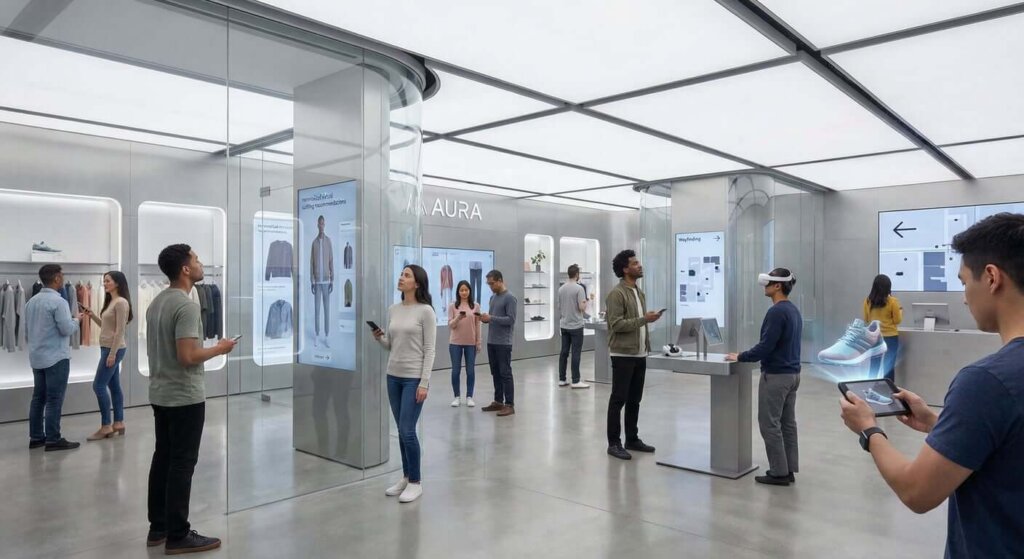
1. Dynamic Product Showcases
The Scenario: A boutique clothing store wants to highlight new arrivals and seasonal collections.
The Solution: Using 1001 TVs, the store manager uploads high-quality product photos and short video clips to the TV Album feature. Throughout the day, the display cycles through the new collection, showing different styling options and outfit combinations. When a customer shows interest in a particular piece, staff can instantly pull up additional photos or videos on their phone and mirror them to the display for a personalized shopping experience.
The Result: Customers spend more time engaging with products, ask more informed questions, and make purchase decisions with greater confidence.
2. Real-Time Promotional Updates
The Scenario: A specialty food store runs flash sales on products nearing their best-by dates to minimize waste.
The Solution: When the manager identifies items for quick sale, they simply create a promotional graphic on their smartphone (using any design app they prefer) and mirror it to the store’s displays within seconds. No waiting for print shops, no outdated posters—just instant, relevant promotions.
The Result: Faster inventory turnover, reduced waste, and increased customer excitement around time-sensitive deals.
3. Enhanced Wayfinding and Navigation
The Scenario: A multi-section retail store struggles with customers asking “Where can I find…?” questions.
The Solution: The store creates a simple store map and department directory on their tablet, then mirrors it to a display near the entrance. As store layouts change seasonally, updates take seconds rather than requiring new printed signage.
The Result: Improved customer experience, reduced staff interruptions, and better traffic flow throughout the store.
4. Brand Storytelling and Customer Engagement
The Scenario: A local artisan shop wants to share the stories behind their handcrafted products.
The Solution: The owner creates short video interviews with artisans, showcasing their craft and passion. These videos are uploaded to the TV Album and play continuously in the store, creating an emotional connection between customers and products.
The Result: Higher perceived product value, stronger customer loyalty, and increased willingness to pay premium prices for artisan goods.
5. Staff Training and Communication
The Scenario: A retail chain needs to train staff on new product features and sales techniques.
The Solution: Management creates training videos and informational slides, then uses 1001 TVs to display them on back-of-house screens during staff breaks. The whiteboard feature enables interactive training sessions where managers can annotate and explain concepts in real-time.
The Result: More consistent staff knowledge, improved customer service quality, and reduced training time.
Step-by-Step Implementation Guide
Ready to transform your retail space with digital signage? Here’s your practical roadmap:
Step 1: Assess Your Display Needs
Walk through your store and identify high-impact locations for digital displays:
- Entrance areas (first impression matters)
- Point-of-sale zones (where purchase decisions happen)
- Product showcase areas (where customers browse)
- Fitting room or waiting areas (captive audience opportunities)
- Back-of-house spaces (for staff communication)
Step 2: Evaluate Your Existing Technology
Check what you already have:
- Do you have smart TVs with Google TV, Android TV, or Apple TV?
- What’s your Wi-Fi network coverage like in display areas?
- Do you have devices (smartphones, tablets, computers) that can serve as content sources?
If you need to purchase TVs, look for affordable smart TV options that support the 1001 TVs app. You don’t need premium displays—mid-range smart TVs work perfectly for most retail applications.
Step 3: 👉Download 1001 TVs 👈
For Your Content Source Device (phone, tablet, or computer):
- Android: Download from Google Play Store
- iOS: Download from App Store
- Windows/Mac: Visit 1001tvs.com for desktop applications
- Mac App: Download from App Store
- PC App: Download fromMicrosoft Store
- For detailed steps, refer to thePC Installation Guide
For Your Display Device (TV):
- Install the 1001 TVs receiver app from your TV’s app store
- For TVs without app stores, you can use the browser mirroring feature—simply open a web browser on your TV and navigate to the URL provided by the 1001 TVs app
Step 4: Connect and Configure
- Ensure both your content source device and display are connected to the same Wi-Fi network
- Launch the 1001 TVs app on both devices
- Select your target display from the list of available devices
- Accept the connection request on your TV
- You’re ready to start mirroring!
Step 5: Create and Upload Content
For Continuous Display (recommended for most retail applications):
- Use the TV Albums feature to upload photos and videos directly to your TV
- Create themed slideshows with background music for seasonal promotions
- Set your content to loop continuously without keeping your phone connected
For Real-Time Updates:
- Use screen mirroring when you need to display content instantly
- Perfect for flash sales, special announcements, or responding to customer questions
- Switch between different content sources on the fly
Step 6: Optimize and Iterate
Monitor customer engagement and adjust your strategy:
- Which displays attract the most attention?
- What types of content generate the most questions or purchases?
- How often should you refresh content to maintain interest?
- Are there peak times when certain content performs better?
Measuring Your Digital Signage ROI
How do you know if your investment in digital signage is paying off? Track these key metrics:
Sales Performance:
- Compare sales of featured products before and after digital display implementation
- Track conversion rates in areas with digital signage versus areas without
- Monitor average transaction values—digital signage often encourages add-on purchases
Customer Engagement:
- Observe dwell time—how long customers spend in areas with digital displays
- Count customer interactions—how many people stop to look at your displays
- Track questions asked—engaged customers ask more informed questions about displayed products
Operational Efficiency:
- Calculate time saved on signage updates (compare to previous print/design/installation time)
- Measure reduction in “Where is…?” questions after implementing wayfinding displays
- Track staff training time and knowledge retention with digital training materials
Cost Savings:
- Add up eliminated printing costs for promotional materials
- Calculate reduced design fees (when you can create content in-house)
- Factor in the value of real-time flexibility—no wasted materials when promotions change
Expected Results: Based on industry benchmarks and 1001 TVs user experiences, retailers typically see:
- 15-30% increase in sales of featured products
- 40-60% reduction in signage production costs
- 50-70% faster content deployment (minutes instead of days)
- 20-35% improvement in customer engagement metrics
Getting Started Today
The retail landscape is evolving rapidly. Customers expect engaging, dynamic experiences when they shop in physical stores. Digital signage is no longer a luxury—it’s becoming a necessity for retailers who want to compete effectively.
The good news? You don’t need a massive budget or technical expertise to get started. With 1001 TVs, you can transform your retail space into a dynamic, engaging environment using technology you already understand.
Your Next Steps: 👉Download 1001 TVs 👈
- Download 1001 TVs for your device:
- Start with one display: Choose your highest-traffic area and set up your first digital display. Learn what works for your specific store and customers.
- Create simple content: Don’t overthink it. Start with product photos, simple promotional graphics, or even just mirroring your product catalog. You can get more sophisticated as you learn what resonates.
- Measure and iterate: Pay attention to customer reactions, track your sales data, and refine your approach based on real results.
- Expand strategically: As you see positive results, add displays in other strategic locations throughout your store.