How to Install 1001 TVs on PC
1.Download the Installer
Go to the official 1001 TVs website at https://www.1001tvs.cn/downloads/ to download the PC version of 1001 TVs.
2.Run the Installer
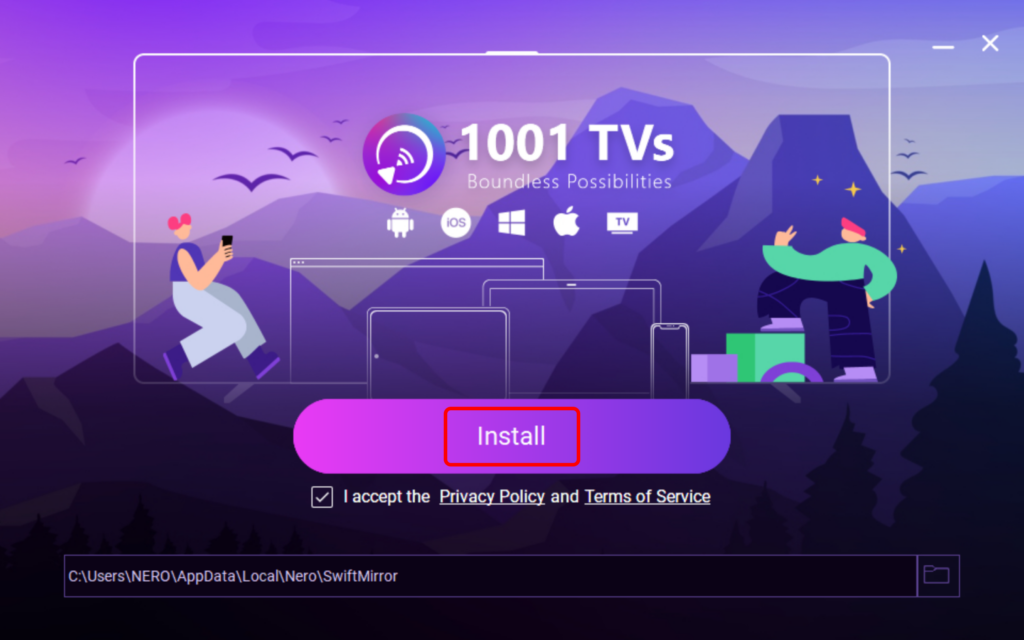
Double-click the downloaded file. Check the box to accept the privacy policy and terms of service.
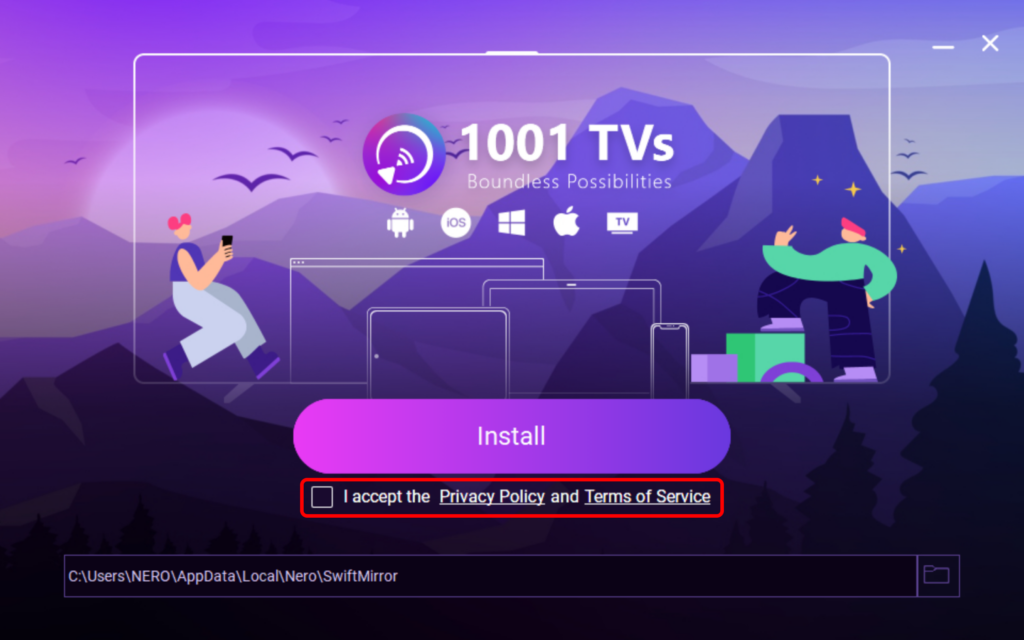
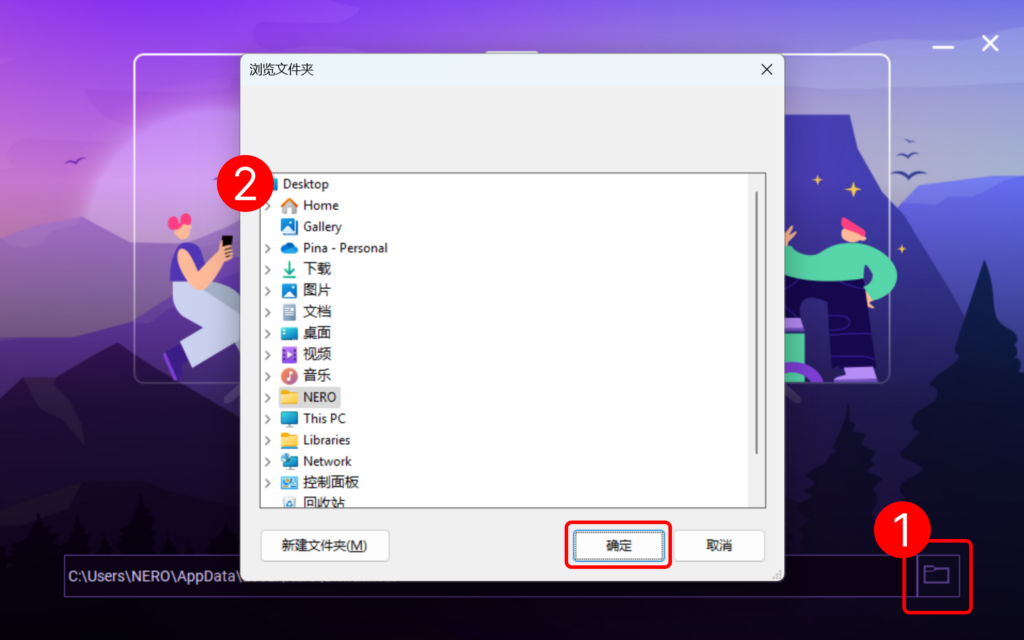
You can customize the installation path by clicking the folder icon.
Click “Install” and wait a few moments for the process to finish.
3.Installation Complete!
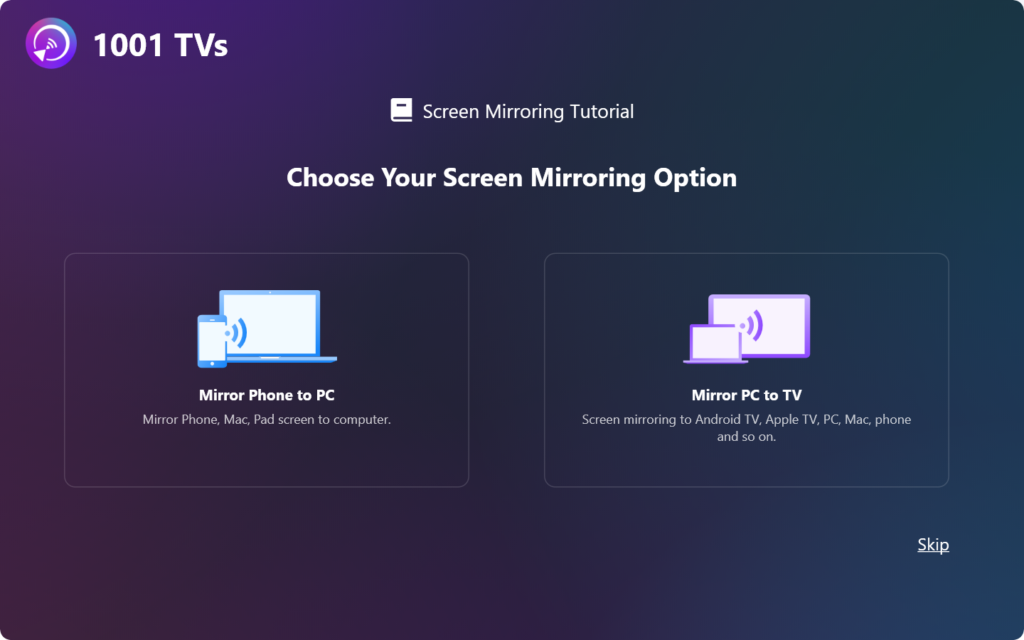
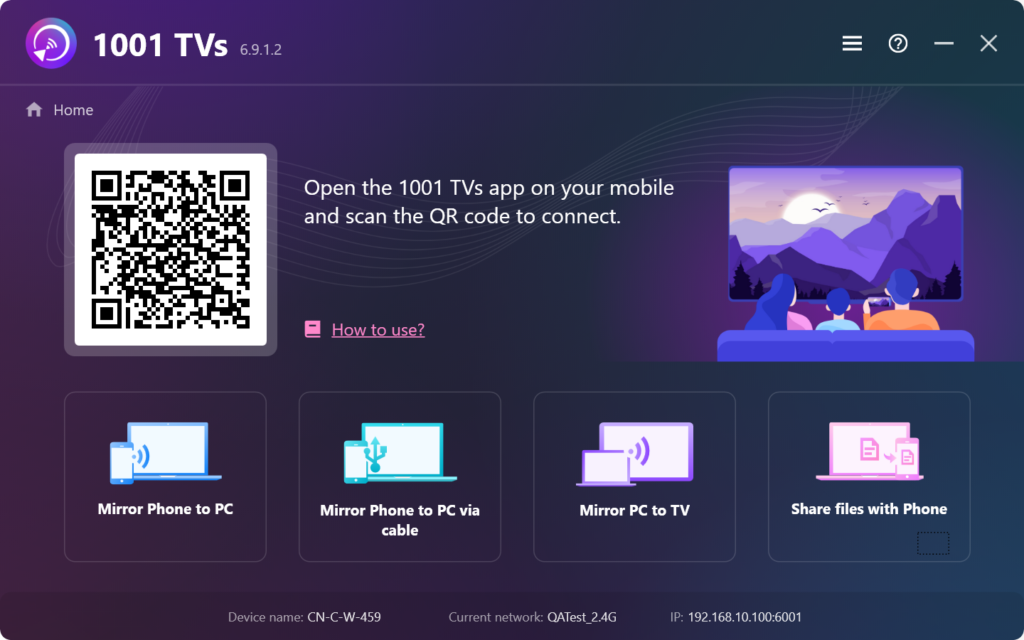
Once it’s done, you’re all set to start using 1001 TVs!