检测到浏览器语言为中文,点此切换到中文页面
3 Steps to Control Your TV from Your Phone
1
Install the App
Install 1001 TVs on your phone.
2
Connect
Ensure your phone and TV are on the same Wi-Fi network.
Open the Remote Control feature in the 1001 TVs app and select your TV.
3
Control
Enter the verification code shown on your TV to complete the connection.
You’re ready to control your TV from your phone.
All your TV controls in one place.
tap-control-watch-without-ads
Tap. Control. Watch — Without Ads.
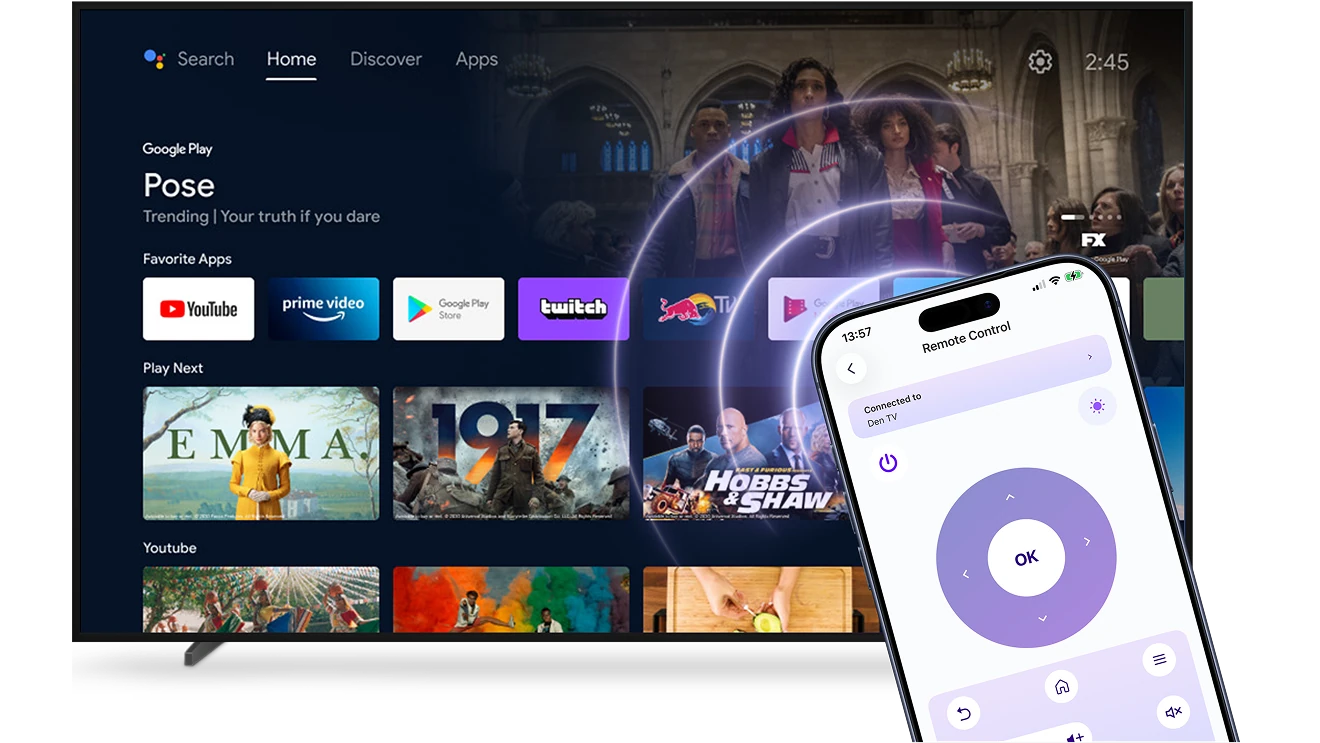
Use your phone as a universal Smart TV remote.
Connect over Wi-Fi in seconds and control your TV without cables, setup hassle, or interruptions.
checkedNo ads or pop-ups — just a clean, focused interface
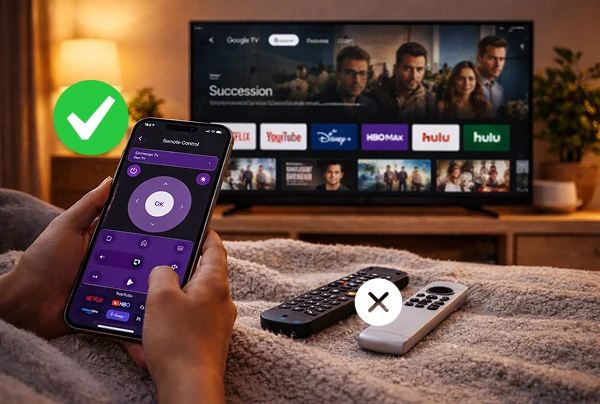
checkedVolume, apps, input switching, and navigation in one simple place
always-ready-just-like-a-real-remote
Always Ready. Just Like a Real Remote.
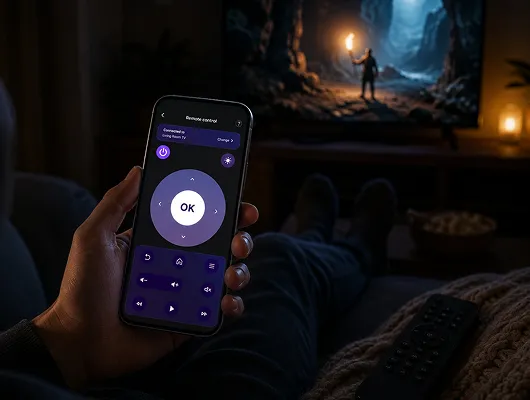
Reliable, responsive, and ready whenever you pick up your phone — just open the app and control your TV instantly.
checkedSmooth wireless control without lag or dropped commands
checkedWorks across major Smart TV systems — no extra hardware needed
Use Cases
Instant Backup Control
One Remote for Everything
Enjoy TV Without Interruptions
When the TV remote is missing, out of battery, or simply not within reach, your viewing experience shouldn’t be interrupted.

With 1001 TVs, your phone works as a reliable Smart TV remote. Open the app and control your TV instantly over Wi-Fi — no searching for batteries, no waiting for a replacement.

Stay in control of your Smart TV whenever you need it. Simple, responsive, and always ready in your hand.
instant-backup-control
Simplify Your Living Room
Too many remotes on the table? Switching between devices shouldn’t feel complicated.

With 1001 TVs, your phone becomes a single, easy way to control your Smart TV. Adjust volume, change inputs, browse apps, and manage playback — all from one simple interface.

Less clutter. Fewer remotes. Smoother everyday control.
one-remote-for-everything
Download
FAQs
1001 TVs can turn an iPhone or Android phone into a remote for compatible Android TV devices and supported smart TVs. Compatibility and available controls depend on the TV model, operating system, and app version.
The remote includes controls for volume, channels, app navigation, and media playback on supported TVs. Available buttons and functions depend on the TV model and operating system.
Yes. Your phone and TV need to be connected to the same local network so 1001 TVs can find and pair them.
Yes. 1001 TVs Remote Control is free to use and does not require a paid subscription. Although Remote Control may appear alongside paid 1001 TVs benefits, the feature is not currently subject to mandatory charges.
Please contact us at 1001tvs@nero.com.