检测到浏览器语言为中文,点此切换到中文页面
Stream Media in 3 Easy Steps
1
Install the App
Download and open the app on your phone. (No installation is required on your TV.)
2
Connect Devices
Make sure your phone and TV are on the same Wi-Fi network. The app will automatically detect devices nearby.
3
Start Streaming
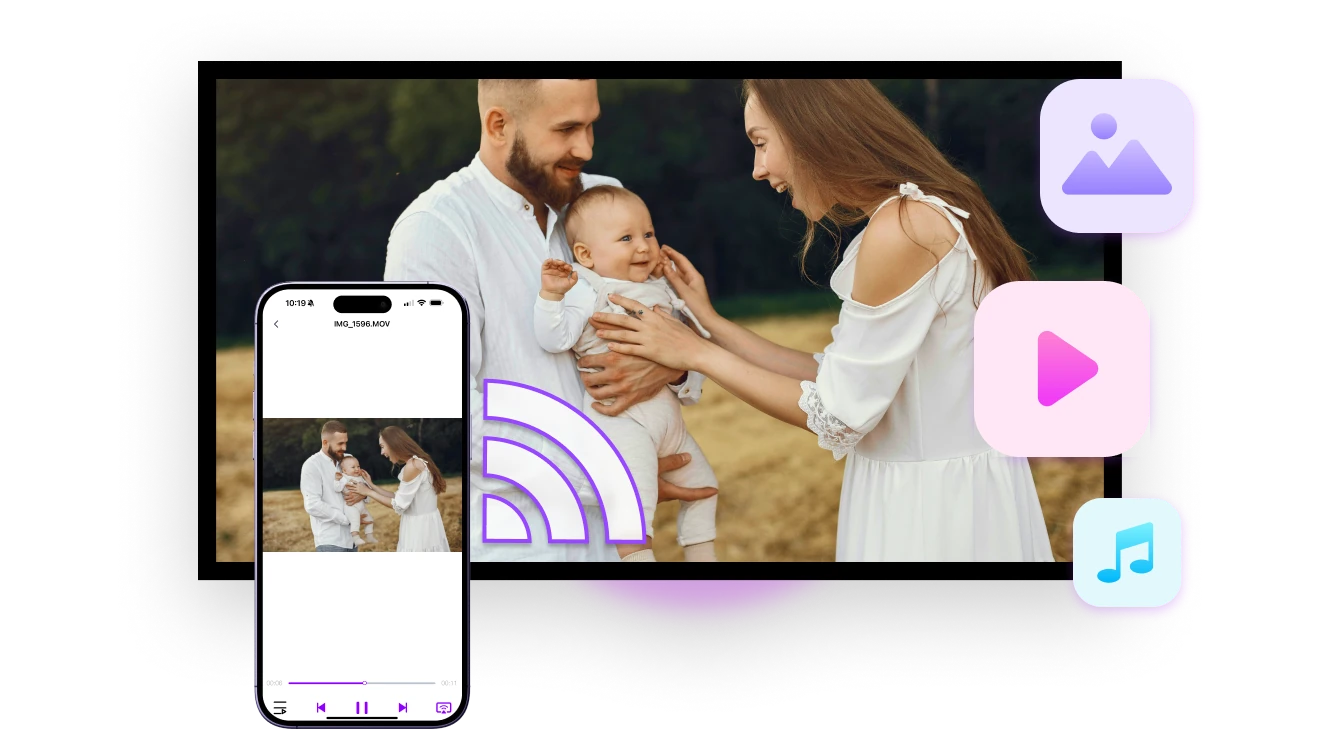
Choose any photo, video, or music file and cast it instantly to your TV.
No TV App Needed — Just Tap and Stream
Stream to Any Device
Automatically connects to any — including smart TVs, PlayStation, Roku, NAS, and even older models — for high-resolution streaming.
Stream All Media Formats in Original Quality
Stream MP4, MOV, M4A, MP3, JPG, and more — with full compatibility. Cast your media in original quality to your TV — no compression, no loss, just crystal-clear playback.
all Media Formats
Use Cases
Photo Sharing
High-Fidelity Music Playback
Live Show Streaming
Turn Photos Into Shared Moments
Easily share travel photos, family albums, and cherished memories on the big screen — it’s more fun when everyone enjoys the moment together.

Photos are smartly organized by album for quick selection. Pick as many as you like — there’s no limit.

Perfect for trips, celebrations, or cozy family nights. Once streaming starts, you can swipe through photos freely, one by one.
photo-sharing
Music That Fills the Room — and Beyond
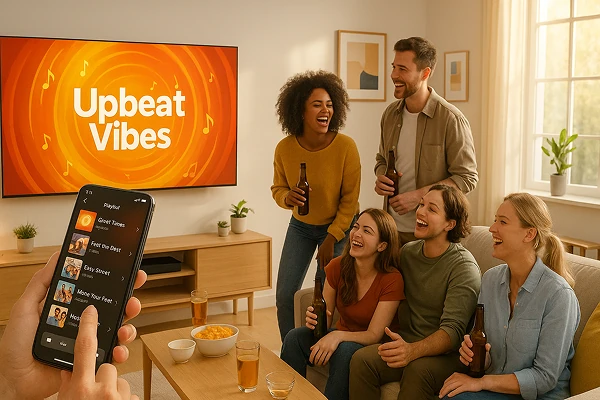
Cast your favorite playlists from your phone to TV, PC, or high-fidelity speakers — in just seconds.

Enjoy louder sound, richer detail, and lossless audio quality that brings out every layer of your music.

Whether it’s a party, a chill night, or a serious listening session, switch tracks effortlessly and let the sound shine.
music-that-fills-the-room
Replay Highlights — From Stage to Stadium
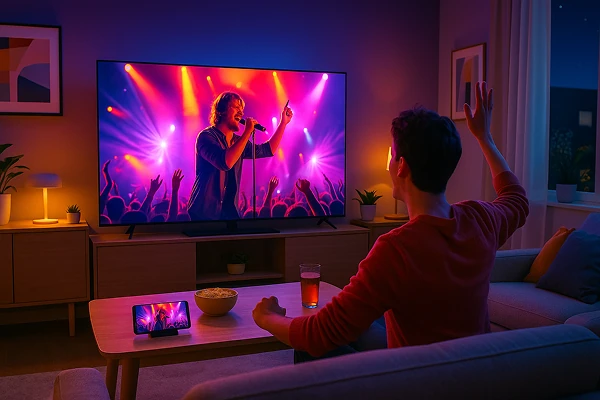
Relive your favorite moments — from concerts and football matches to fan events and gaming highlights — all on the big screen.

Simply cast your personal recordings from your phone to your TV with no uploads, no delays, and no privacy concerns.

Whether it’s a night of music, a last-minute goal, or an epic gaming clip, stream it instantly and feel like you’re right back in the moment.
concert-experience-at-home
Download
FAQs
Streaming sends selected local photos, videos, or music files from your phone to a compatible TV or media device for playback. Unlike full-screen mirroring, it sends the chosen media instead of continuously duplicating everything on the phone screen.
Compatible smart TVs, PlayStation, Roku, NAS devices, and supported older TV models can receive streamed media. Actual compatibility depends on the receiving device's supported media-sharing protocol, model, operating system, and file-format support.
1001 TVs supports MP4, MOV, M4A, MP3, JPG, and other common media formats. Actual playback depends on whether the receiving device supports the file container, video codec, audio codec, resolution, and bitrate.
Yes. Because Streaming sends the selected media instead of mirroring the full phone screen, you can generally use the phone independently after playback begins.
Yes. 1001 TVs Streaming is completely free to use and does not require a paid subscription.
No. Your selected media is sent directly to the receiving device over the local network and is not uploaded to the cloud by 1001 TVs.
Please contact us at 1001tvs@nero.com.