قانداق قىلىپ كېچىكىشسىز ئېكران ئەينىكىدىن ھۇزۇرلىنىش كېرەك؟
ئېكران ئەينىكى مۇقىم ۋە كۈچلۈك تور ئۇلىنىشىغا تايىنىدۇ. ئەگەر ئەينەك قىلىش جەريانىدا كېچىكىش كۆرۈلسە، راۋان ئىشلەشنى كاپالەتلەندۈرۈش ئۈچۈن تۆۋەندىكى قەدەملەرنى ئىجرا قىلىڭ:
1. Restart your TV
Power off your TV, wait 3 minutes, then power it back on.
2. Use 5G Wi-Fi
– ئەگەر يوللىغۇچىڭىز 5G تورىنى قوللىسا، تېخىمۇ ياخشى ئىقتىدار ئۈچۈن ئۇنىڭغا ئۇلاڭ.
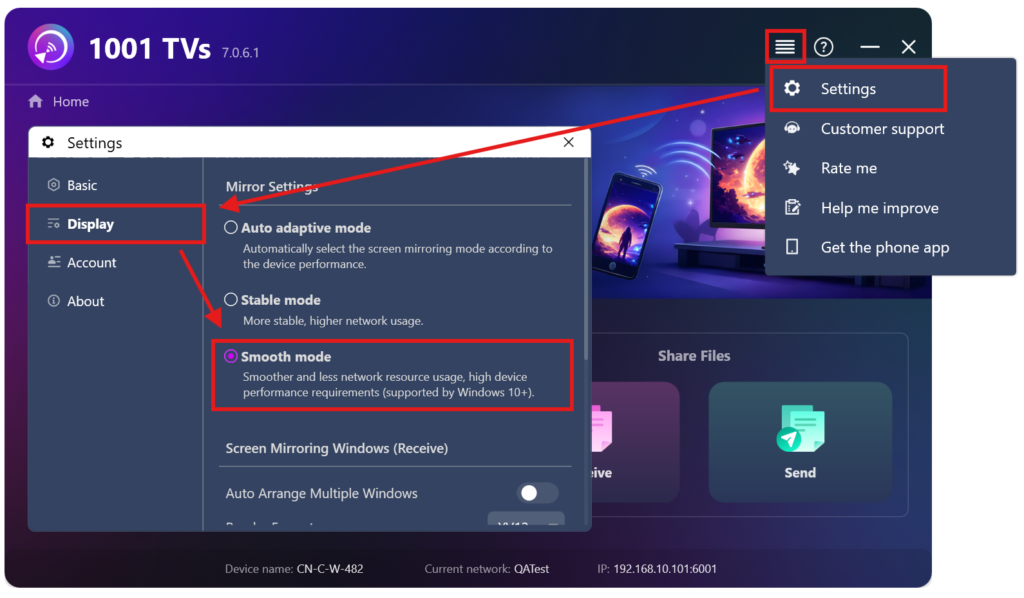
3. Check Windows mirror settings
If you mirror screen from Windows, or to Windows, make sure stable mode is not selected; smooth mode is preferred. You may need to install a plugin on some PCs to activate smooth mode.
بۇ قەدەملەرگە ئەگىشىش ئارقىلىق، سىز تېخىمۇ راۋان ۋە كېچىكىشسىز ئېكران ئەينىكى تەجرىبىسىدىن بەھرىمەن بولالايسىز.

Read More
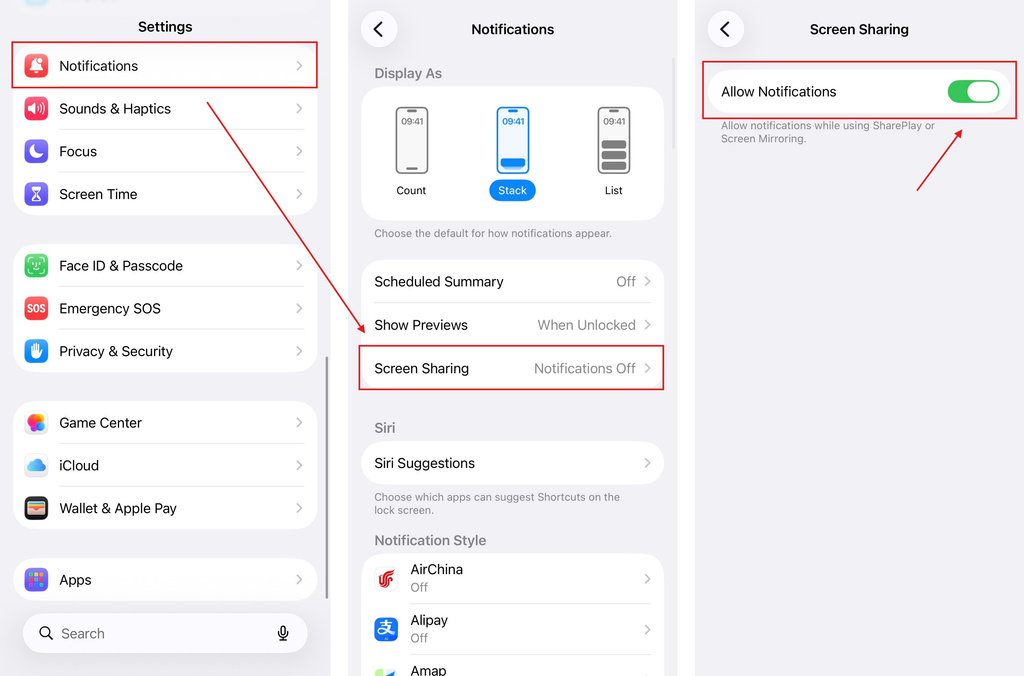 iOS: How to Fix Missing App Notifications During Screen Mirroring
Why Notifications Are Missing When you mirror your iPhone screen, notifications from other apps may not appear on the mirrored screen. This can happen…
iOS: How to Fix Missing App Notifications During Screen Mirroring
Why Notifications Are Missing When you mirror your iPhone screen, notifications from other apps may not appear on the mirrored screen. This can happen…
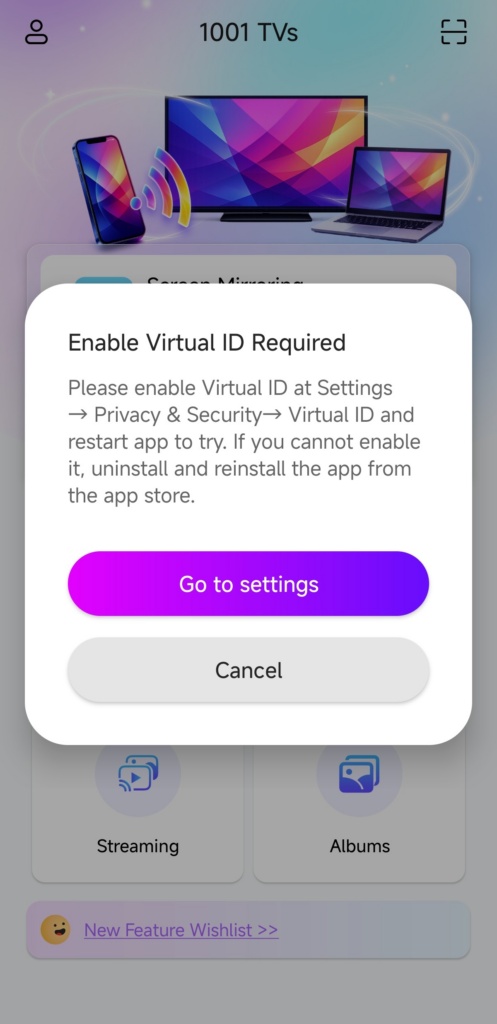 How to Fix the Enable Virtual ID Required Pop-Up
If you're using a Xiaomi or Redmi phone or tablet, you might see a pop-up that says "Enable Virtual ID Required" when you launch…
How to Fix the Enable Virtual ID Required Pop-Up
If you're using a Xiaomi or Redmi phone or tablet, you might see a pop-up that says "Enable Virtual ID Required" when you launch…

