iOS: How to Fix Missing App Notifications During Screen Mirroring
Why Notifications Are Missing
When you mirror your iPhone screen, notifications from other apps may not appear on the mirrored screen.
This can happen when notification sharing is disabled in your iPhone settings. Follow the steps below to allow notifications during screen mirroring.
دەرسلىك
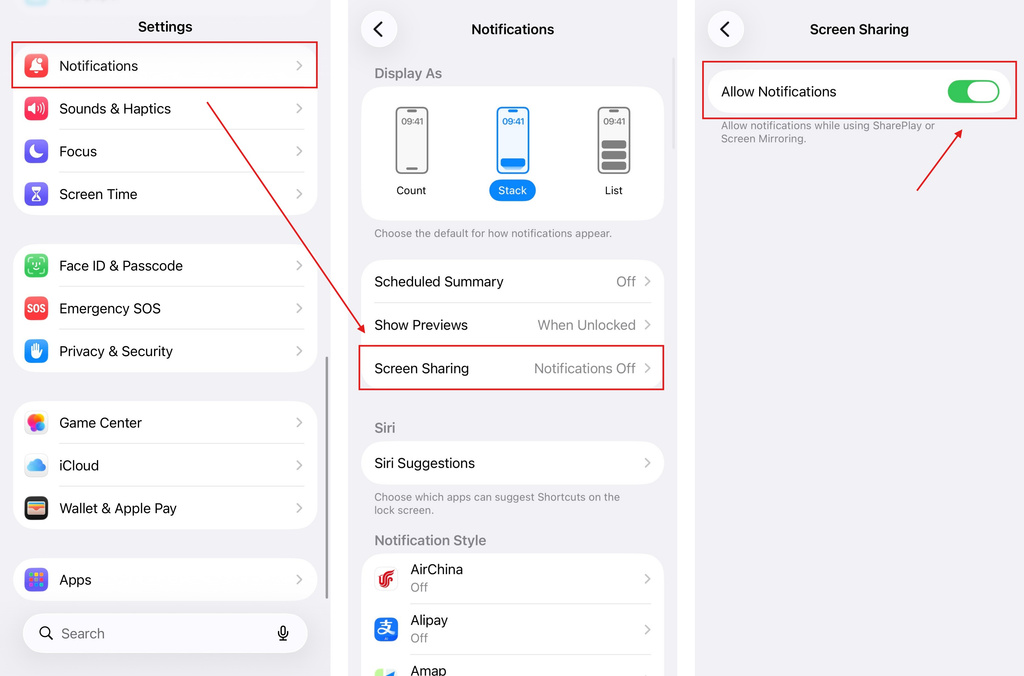
بارىڭ Settings > Notifications > Screen Sharing, then turn on Allow Notifications.
Done
Once enabled, notifications from other apps can appear while you are mirroring your iPhone screen.
If notifications are still missing, make sure notifications are enabled for the apps you want to receive alerts from.
Read More
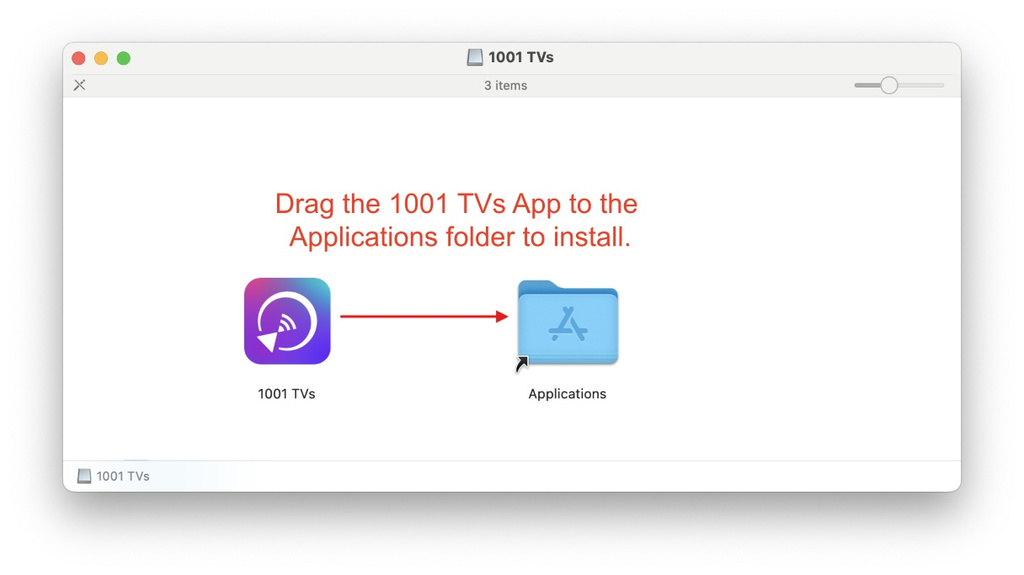 How to Grant Screen Recording Permission for the 1001 TVs App (Mac DMG Version)
"Why does 1001 TVs keep asking for Screen Recording permission, even when it's already turned on—or when the app doesn't even appear in the…
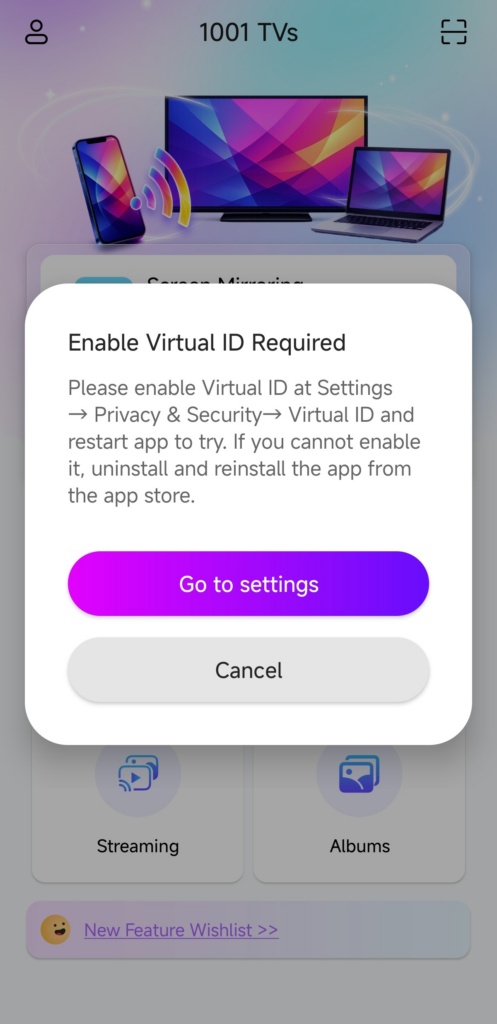 How to Fix the Enable Virtual ID Required Pop-Up
If you're using a Xiaomi or Redmi phone or tablet, you might see a pop-up that says "Enable Virtual ID Required" when you launch…

