How to Fix the Enable Virtual ID Required Pop-Up
If you’re using a Xiaomi or Redmi phone or tablet, you might see a pop-up that says “Enable Virtual ID Required” when you launch the app or try logging in to WeChat.
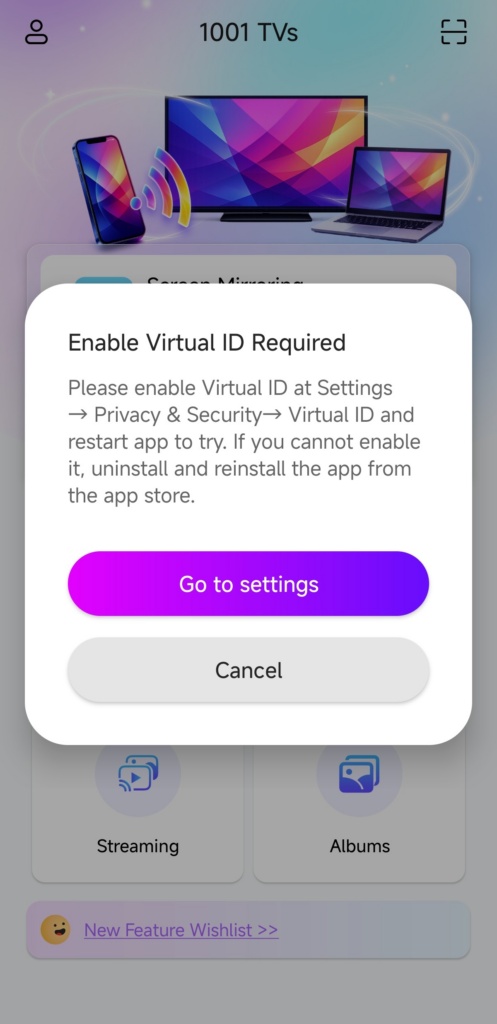
This happens because you installed the 1001 TVs app from the 1001 TVs official website or other third-party sources instead of Google Play. On these devices, third-party installations automatically turn off the Virtual ID permission.
If it’s not enabled, you can’t log in to WeChat — and without that, your membership benefits won’t be available.
Here’s how to fix it:
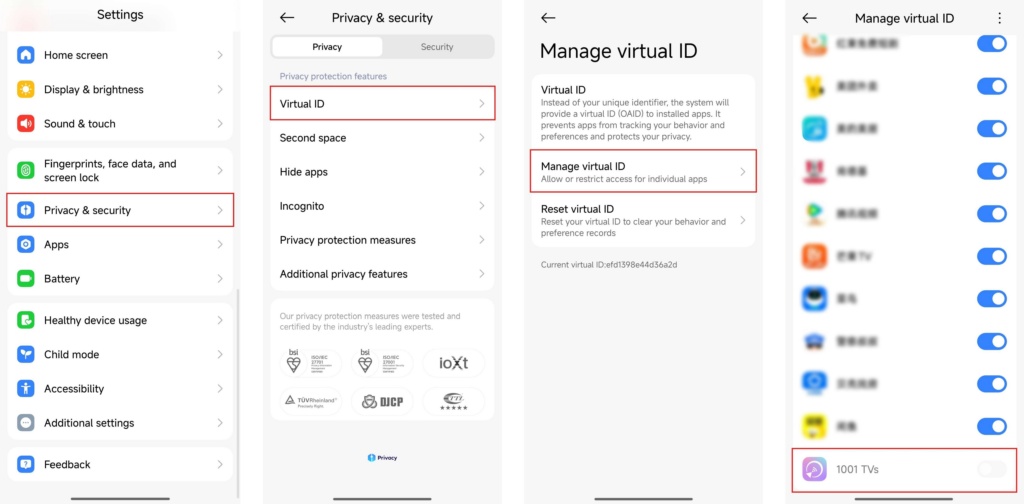
Step 1. Turn on the Virtual ID
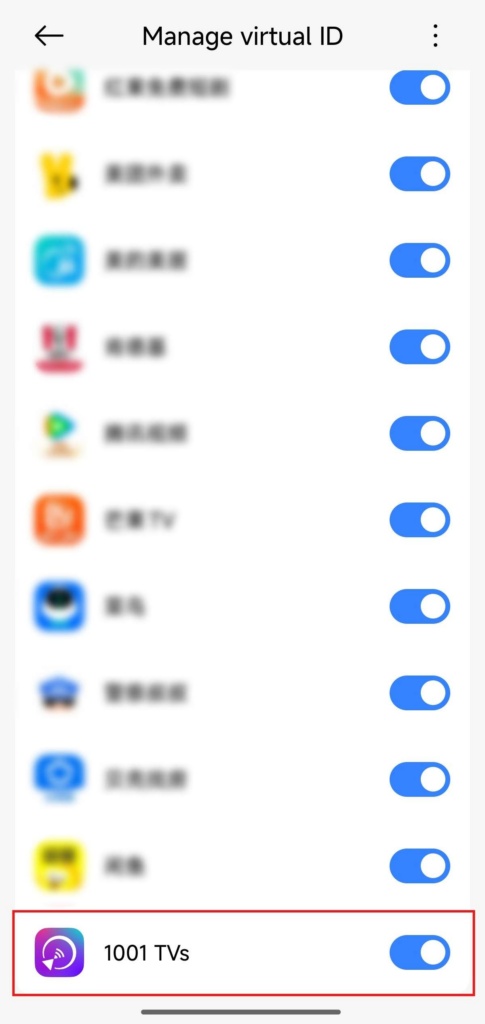
بارىڭ تەڭشەكلەر → Privacy & Security → Virtual ID → Manage Virtual ID, and turn on the Virtual ID permission for 1001 TVs.
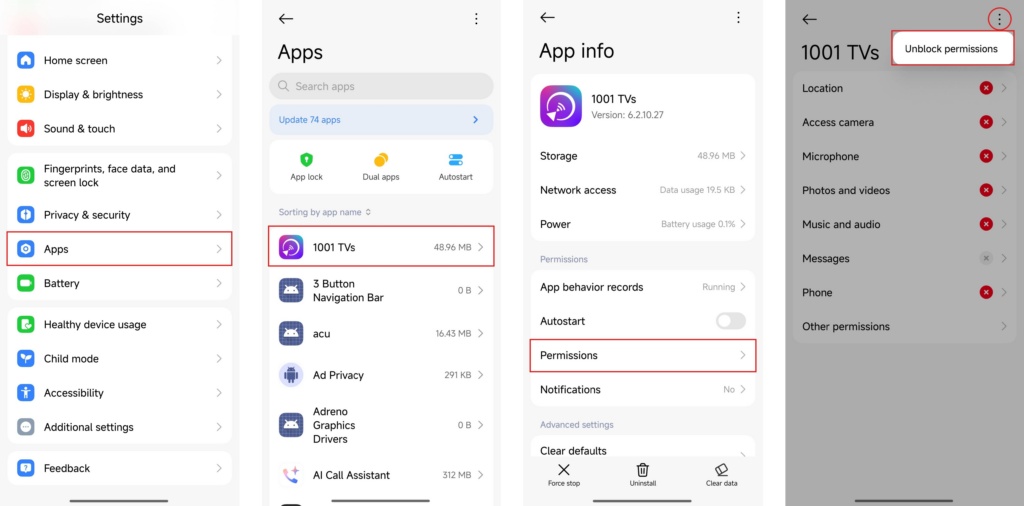
Step 2. Unlock permissions
If the option is grayed out, go to تەڭشەكلەر → Apps → 1001 TVs → Permissions, tap the three dots at the top-right corner, and select Unblock permissions.
Then repeat step 1.
Step 3. Restart the app
Fully close the app and restart it, then you’ll be able to log in successfully.
Note: Tapping the Refresh button on the Mine page won’t work — you must restart the app.
If you still can’t enable Virtual ID, uninstall the app and reinstall it from the Google Play store.


Read More
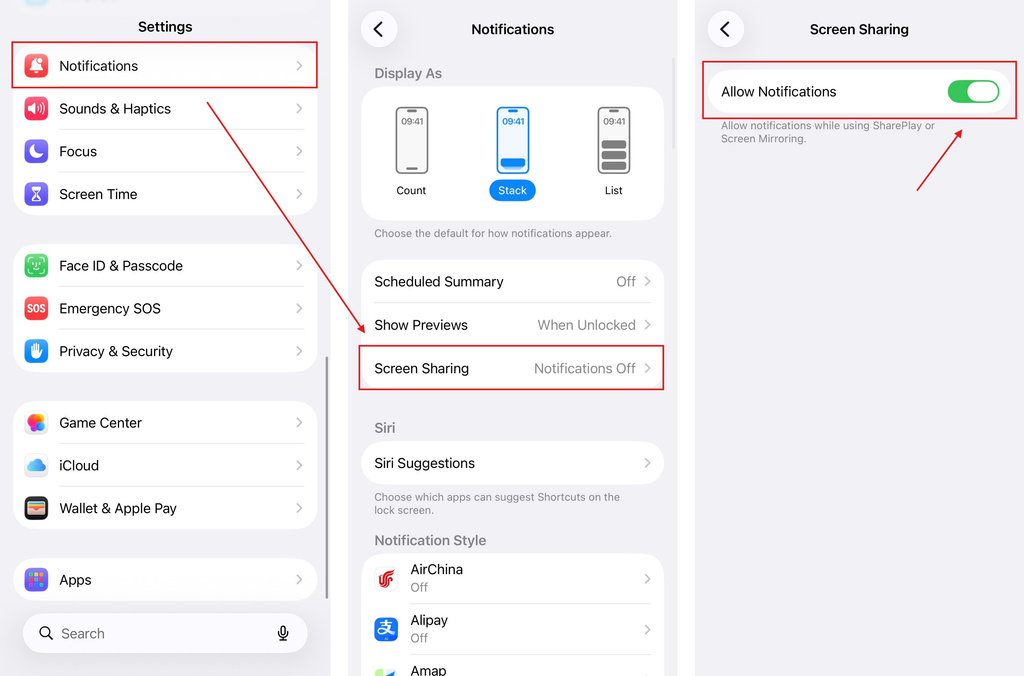 iOS: How to Fix Missing App Notifications During Screen Mirroring
Why Notifications Are Missing When you mirror your iPhone screen, notifications from other apps may not appear on the mirrored screen. This can happen…
iOS: How to Fix Missing App Notifications During Screen Mirroring
Why Notifications Are Missing When you mirror your iPhone screen, notifications from other apps may not appear on the mirrored screen. This can happen…
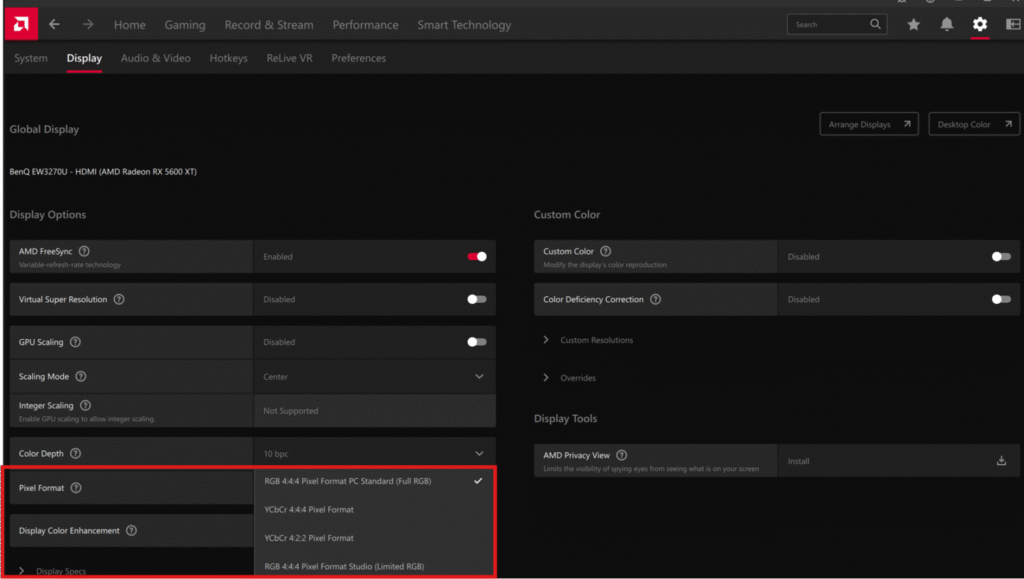 How to Fix Washed-Out Colors When Mirroring Phone to PC
Recently, some users have reported that after mirroring their phone screen to a PC, the image appears noticeably grey and washed out. Our investigation…
How to Fix Washed-Out Colors When Mirroring Phone to PC
Recently, some users have reported that after mirroring their phone screen to a PC, the image appears noticeably grey and washed out. Our investigation…

